FAQs: Changes to the Client Profile
Several changes have been introduced to the Client Profile to improve overall user experience. Below are answers to common questions about what’s changed and where to learn more.
Question: Which sections have been updated?
Answer: Several sections within the Client Profile have been updated as part of ongoing improvements to user experience.
The sections updated so far include:
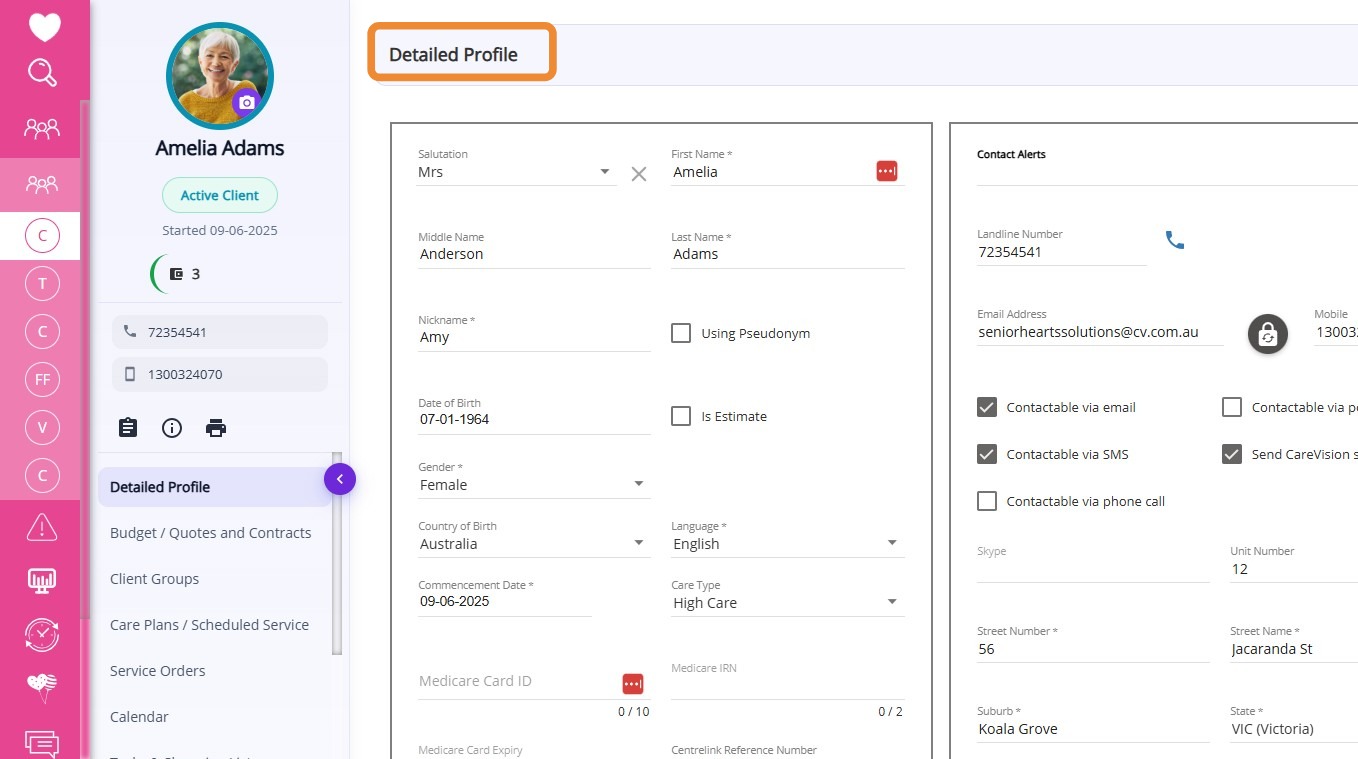
Question: What has changed in the Detailed Profile section?
Answer: The Detailed Profile section has been improved to provide a more user-friendly overview of client information, including new visual elements such as profile ring color coding to quickly identify client status. Key details like funding sources, contact information, and quick action buttons are now more accessible, allowing you to manage client records and perform common actions directly from the profile.

See related article: Detailed Profile Section in Client Profile
Question: What has changed in Budget / Quotes and Contracts?
Answer: This section has been improved to make quote creation easier. The quote icon has been repositioned and you can now click the plus (+) icon in the upper-right corner to quickly create a new quote. This section also allows you to generate quotes, track their status, and download agreements.
Also, the quote modal has been updated with improvements to both its design and workflow, making the quote creation process smoother.
See related articles: How to Create a Quote for Support at Home Clients and Budget/Quotes and Contracts Section in Client Profile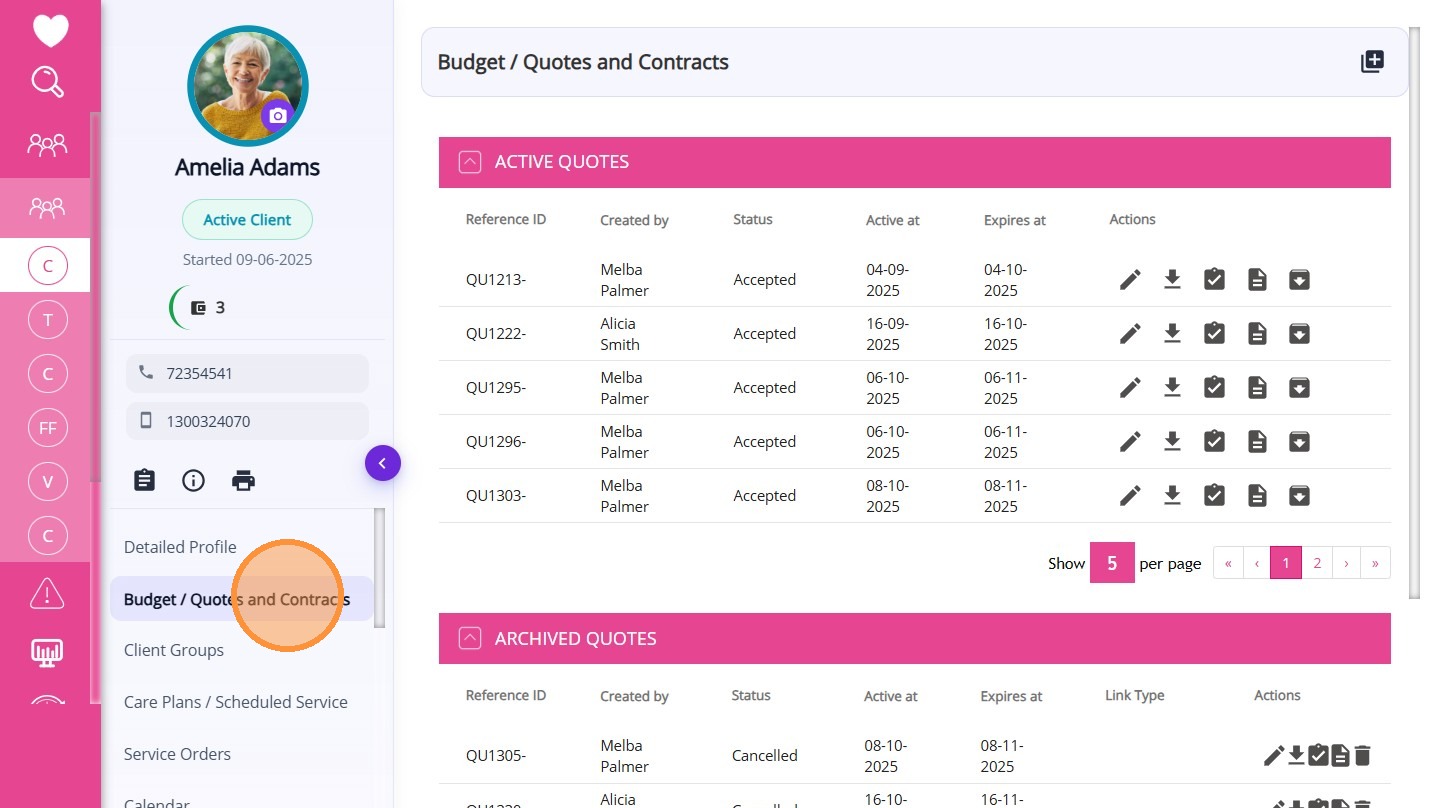
Question: What has changed in Goals, Treatment Plans, and Assessments?
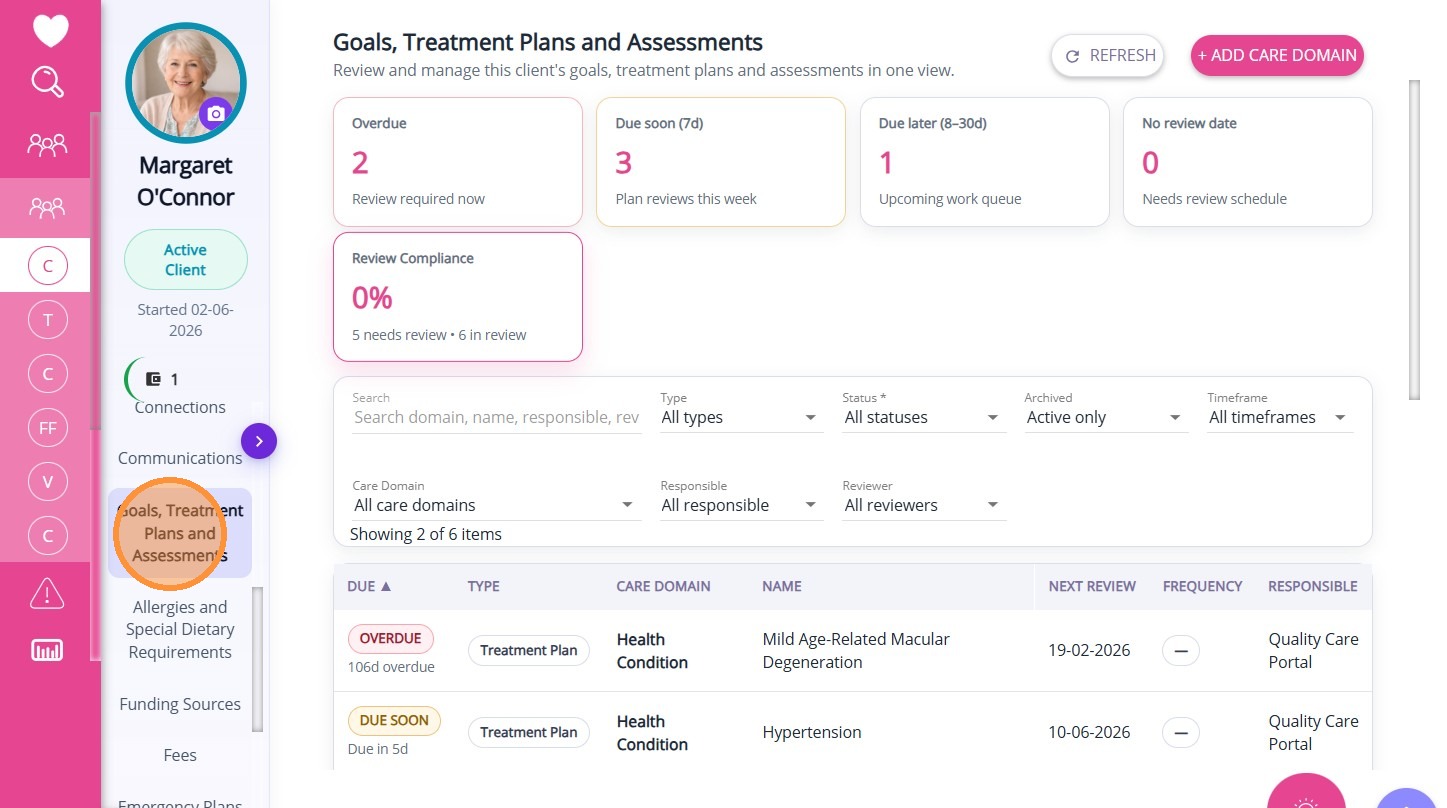
Answer: The Goals, Treatment Plans, and Assessments section has been improved to make it easier to organise client care, track progress with trackables, and quickly view key review metrics through a clearer dashboard.
See related article: Goals, Treatment Plans and Assessments Section in Client Profile
Question: What has changed in Funding Sources?
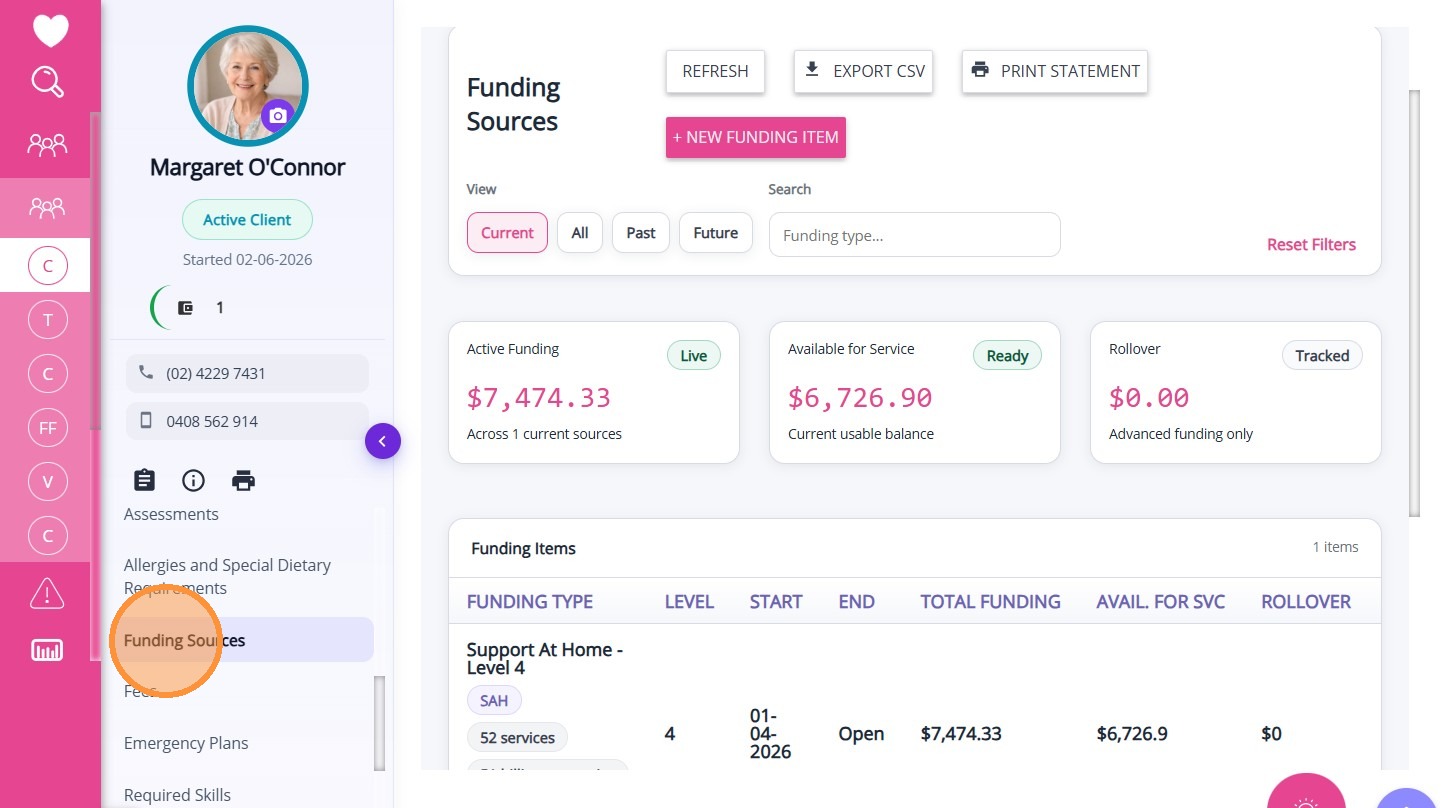
Answer: The Funding Sources section has been updated to provide a clearer and more detailed view of a client’s funding, including balances, history, future allocations, and rollover. It also introduces improved filtering, summary cards, and management tools to make tracking and managing funding more efficient.
See related article: Funding Sources Section in Client Profile
Question: What has changed in Client Groups?
Answer: The Client Groups section has been updated to make it easier to view, filter, and manage how clients are classified. It now includes clearer views of group memberships and required data to better support reporting and day-to-day workflows.
See related article: Client Groups Section in Client Profile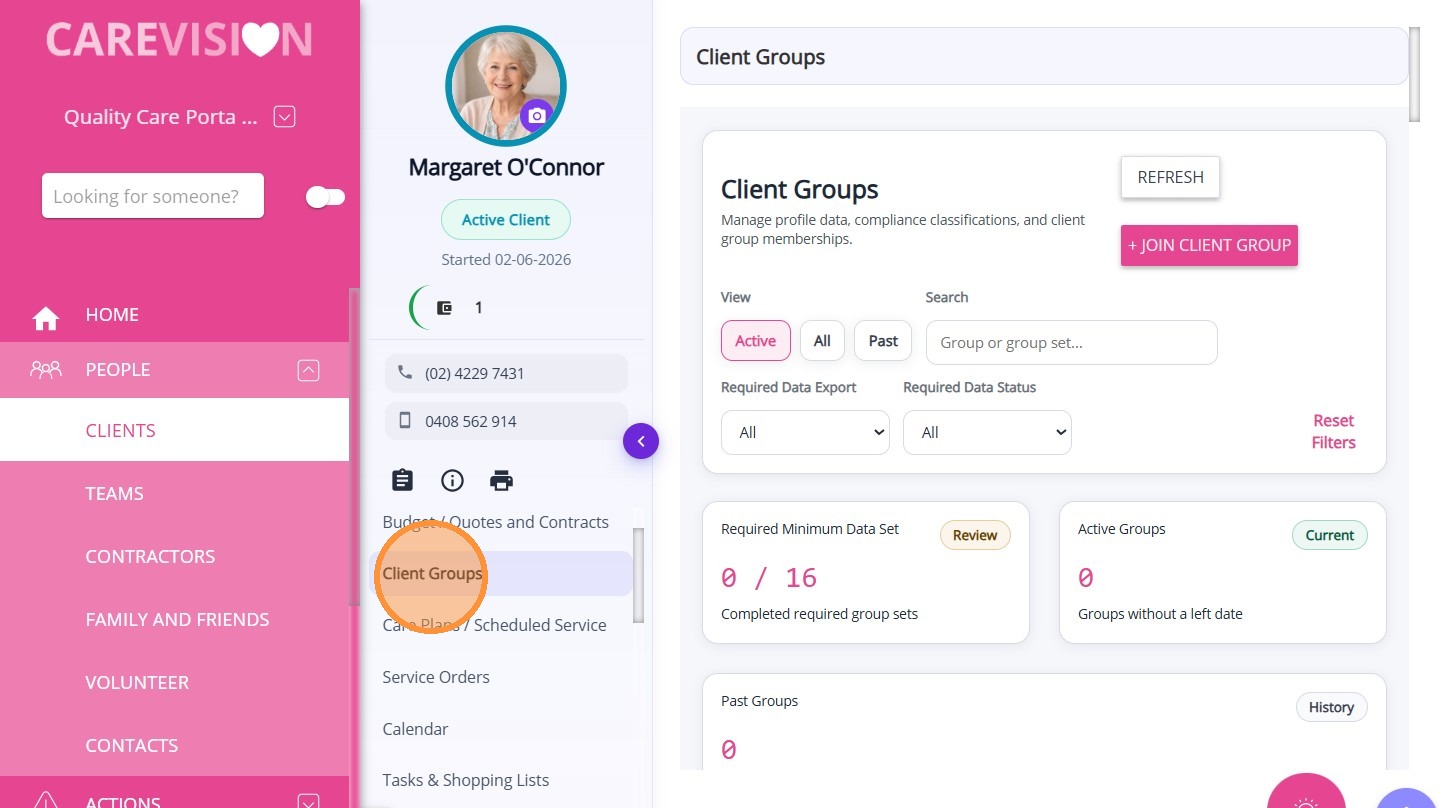
Question: What has changed in Social Groups? Answer: The Social Groups section has been updated to give a clearer view of all groups a client is part of and simplify how group participation is managed. It is now easier to add clients to groups and manage attendance, including using Bulk MPAS to assign multiple event schedules in one process.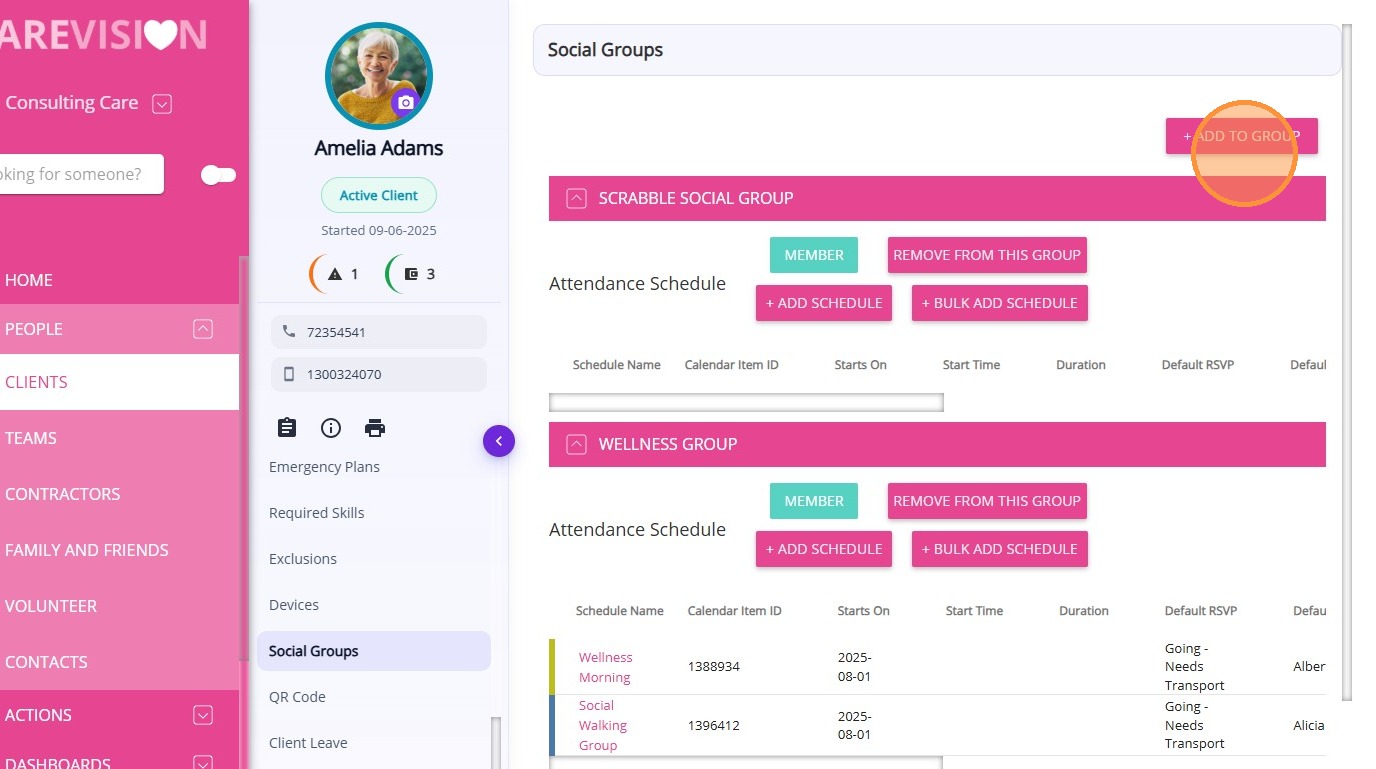
Question: Will other sections of the Client Profile be updated?Answer: Yes, further improvements to other sections of the Client Profile are planned as part of ongoing enhancements. Updates will continue to be rolled out progressively, so stay tuned for more updates.
Question: Will other sections of the Client Profile be updated?
Answer: Yes, further improvements to other sections of the Client Profile are planned as part of ongoing enhancements. Updates will continue to be rolled out progressively, so stay tuned for more updates.