Goals, Treatment Plans and Assessments Section in Client Profile
This section in the Client Profile displays all care goals, treatment plans, and assessment records associated with the client.
Keywords: client goals management, treatment plans carevision, client assessments tracking, health goal tracking, care plan service alignment, aged care documentation, disability support planning, client care planning system, clinical assessment records, client outcome tracking
The Goals, Treatment Plans and Assessments section helps care teams document client objectives, monitor health conditions, and evaluate care outcomes. By linking goals, treatment plans, and assessments to care plan services, organisations can ensure services align with the client’s needs and progress can be monitored over time.
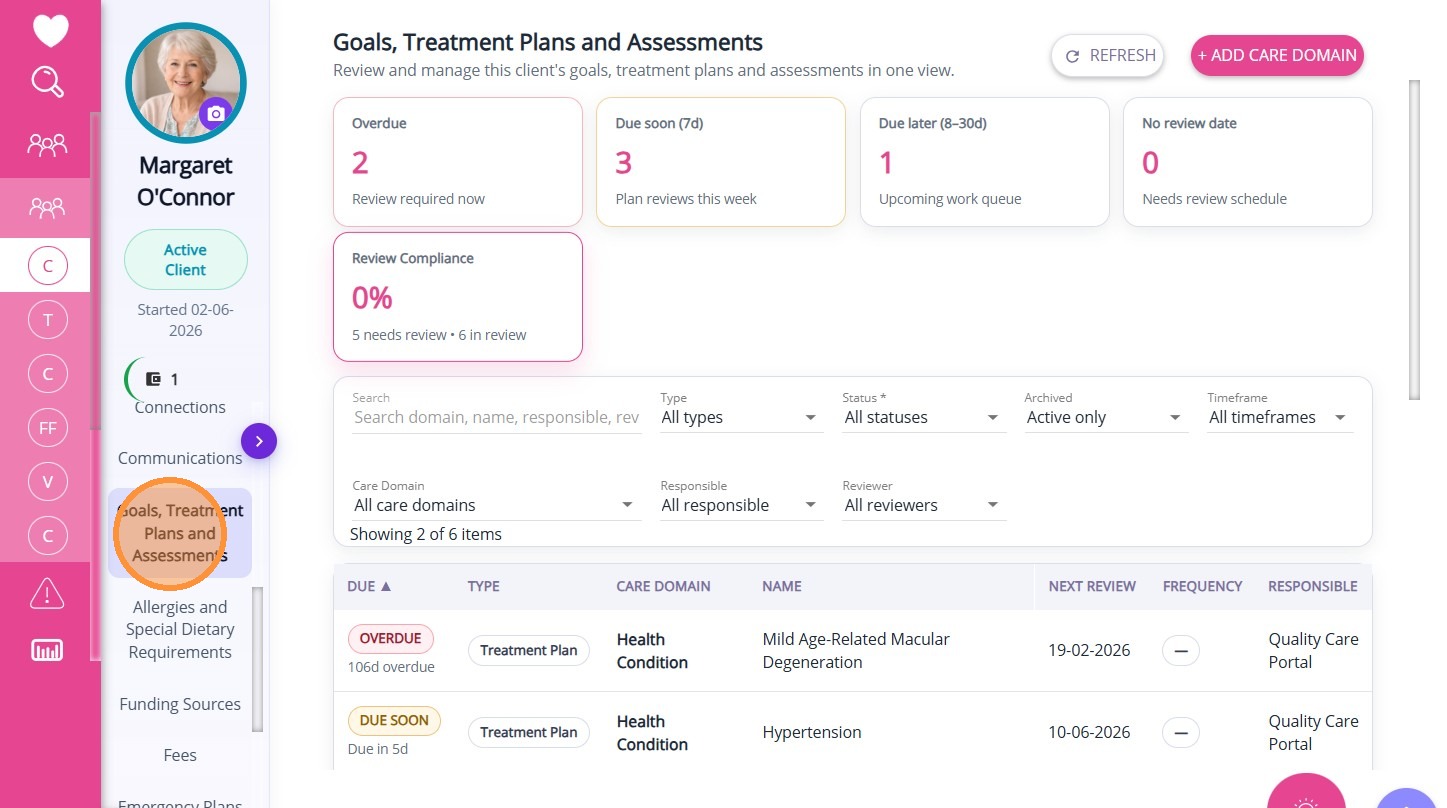
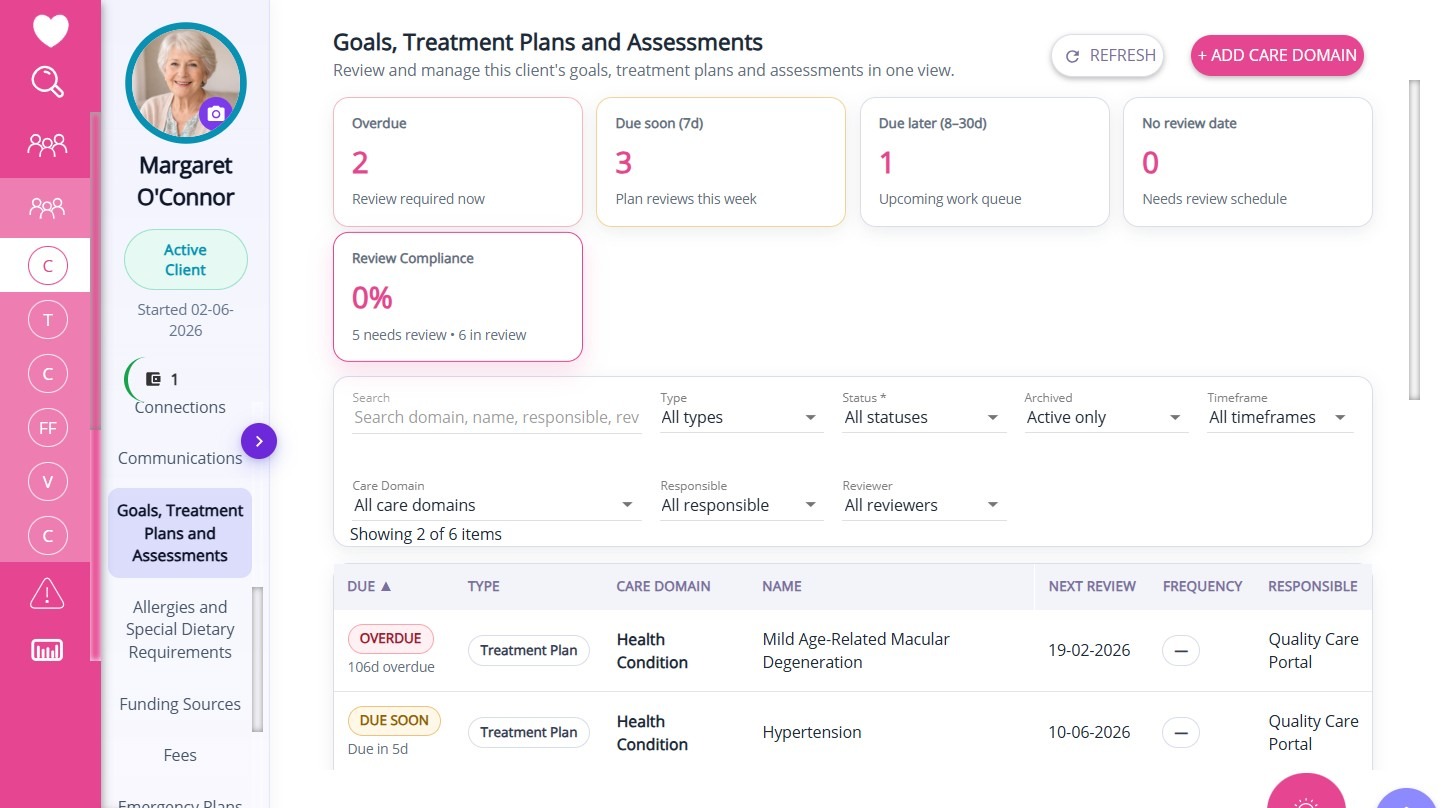
The upper section of the dashboard displays summary cards that highlight key review metrics. Each card shows a count or summary value related to care domain reviews that are overdue, due soon, due later, and the percentage of review compliance.
Care Domain
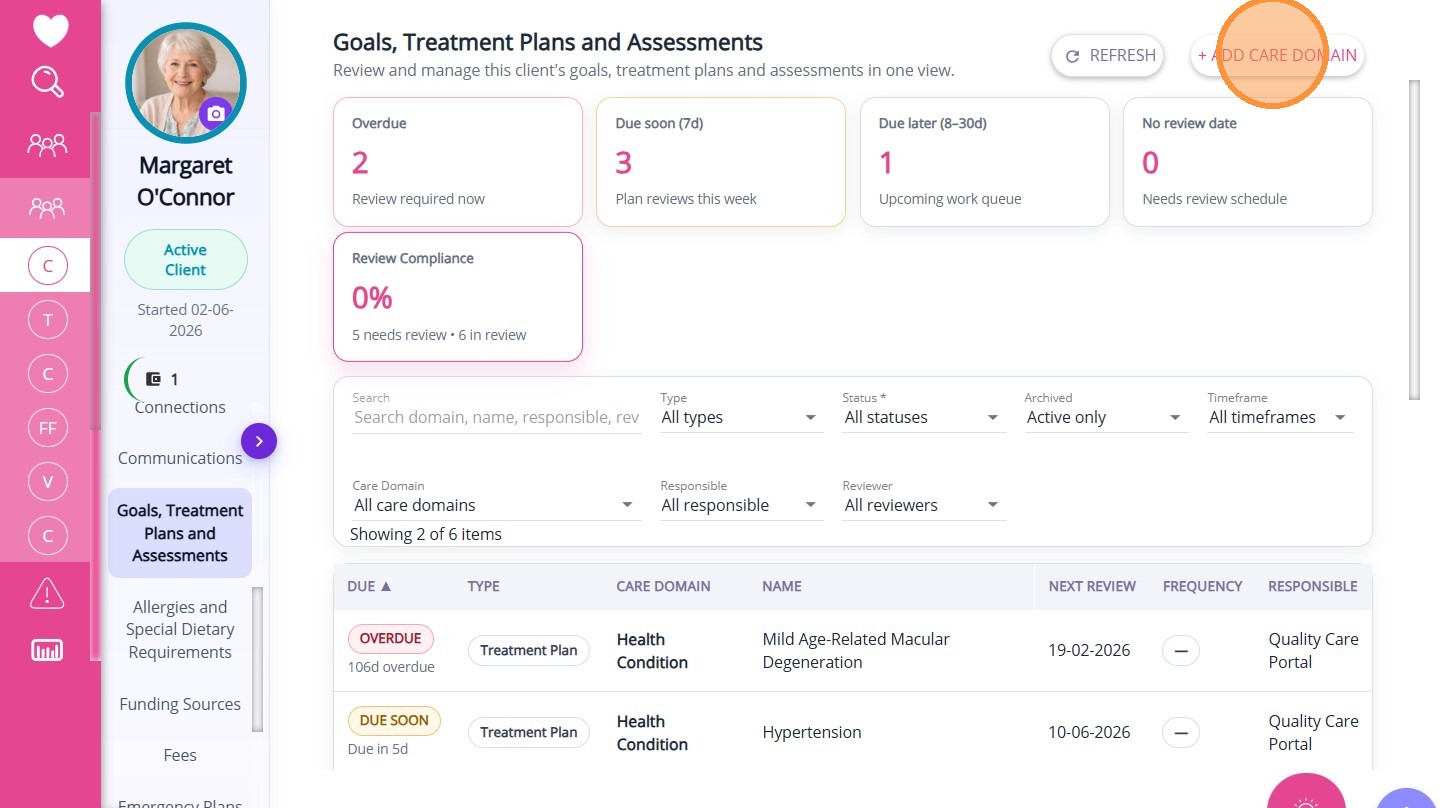
Click + Add Care Domain.
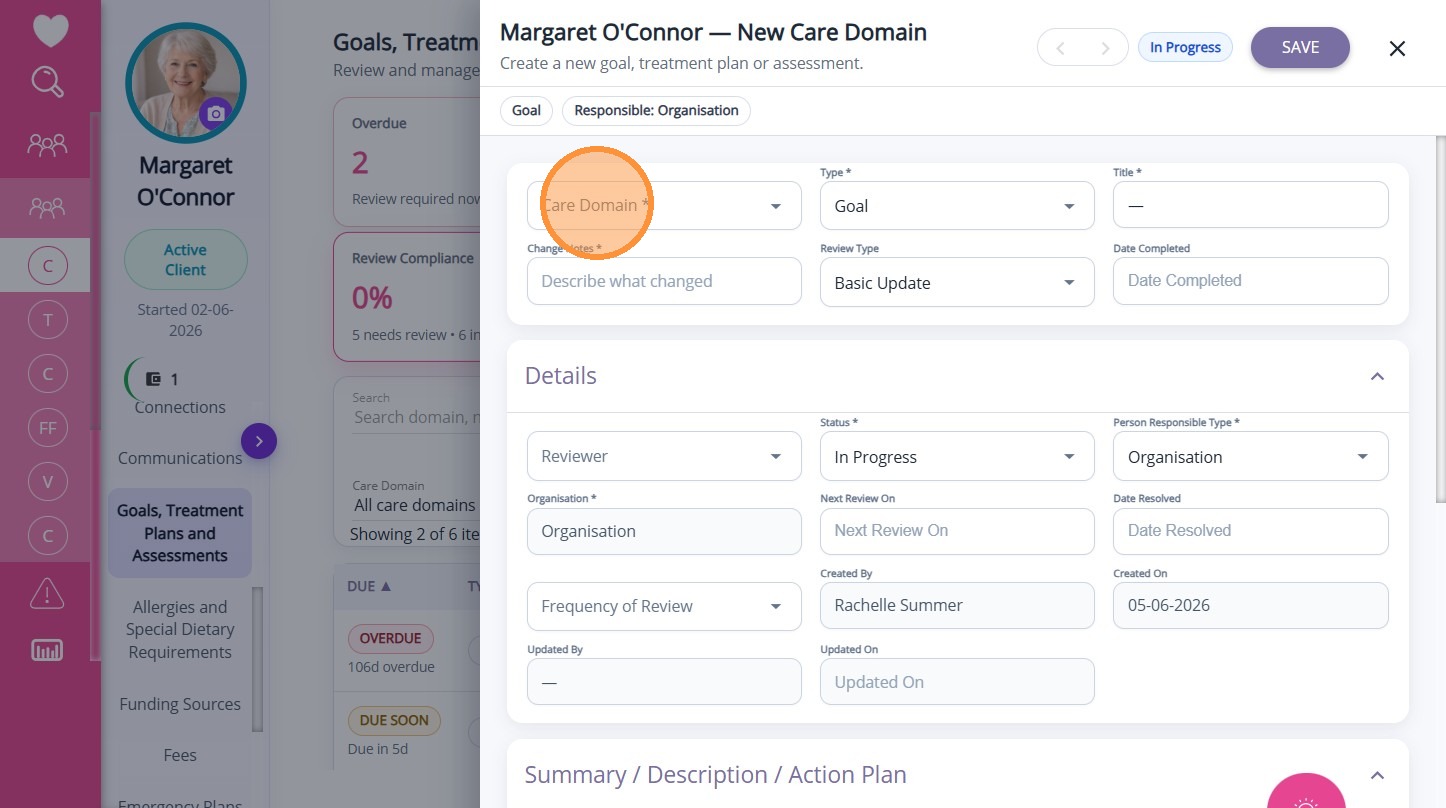
A care domain is a specific area of care, such as mobility, nutrition, oral hygiene, or other aspects relevant to the client’s needs. The available care domains may vary based on your organisation’s service focus, such as aged care, disability support, or home care.
Goals, treatment plans, and assessments are structured client care records used to plan, monitor, and evaluate a client’s health and wellbeing.
Goals define the desired outcomes for a client.
Conditions and Treatment Plans describe interventions or actions required to support a client’s condition.
Assessments evaluate the client’s current status and help determine appropriate care strategies.
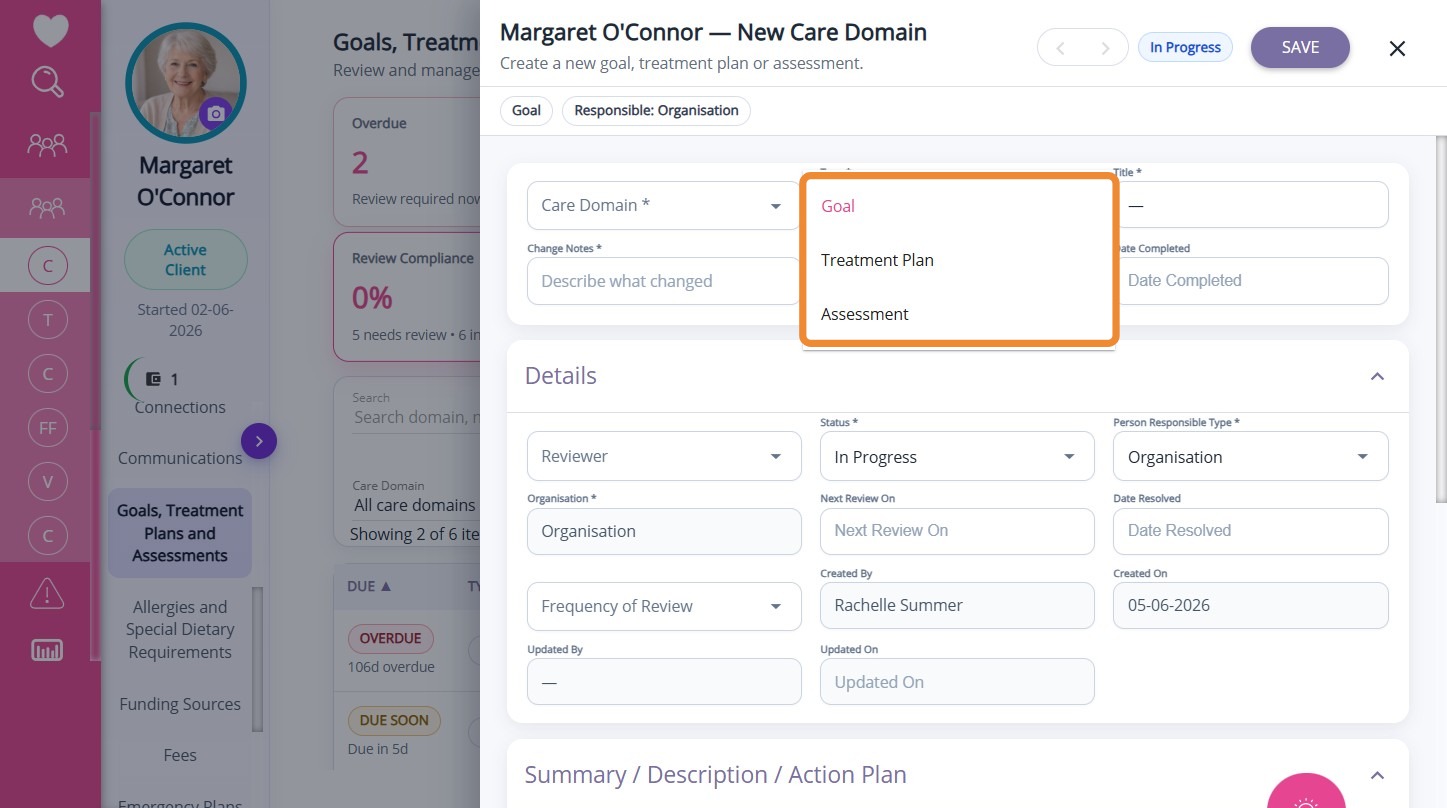
For each goal, treatment plan, or assessment, there are several sections in the care domain form that you can complete.
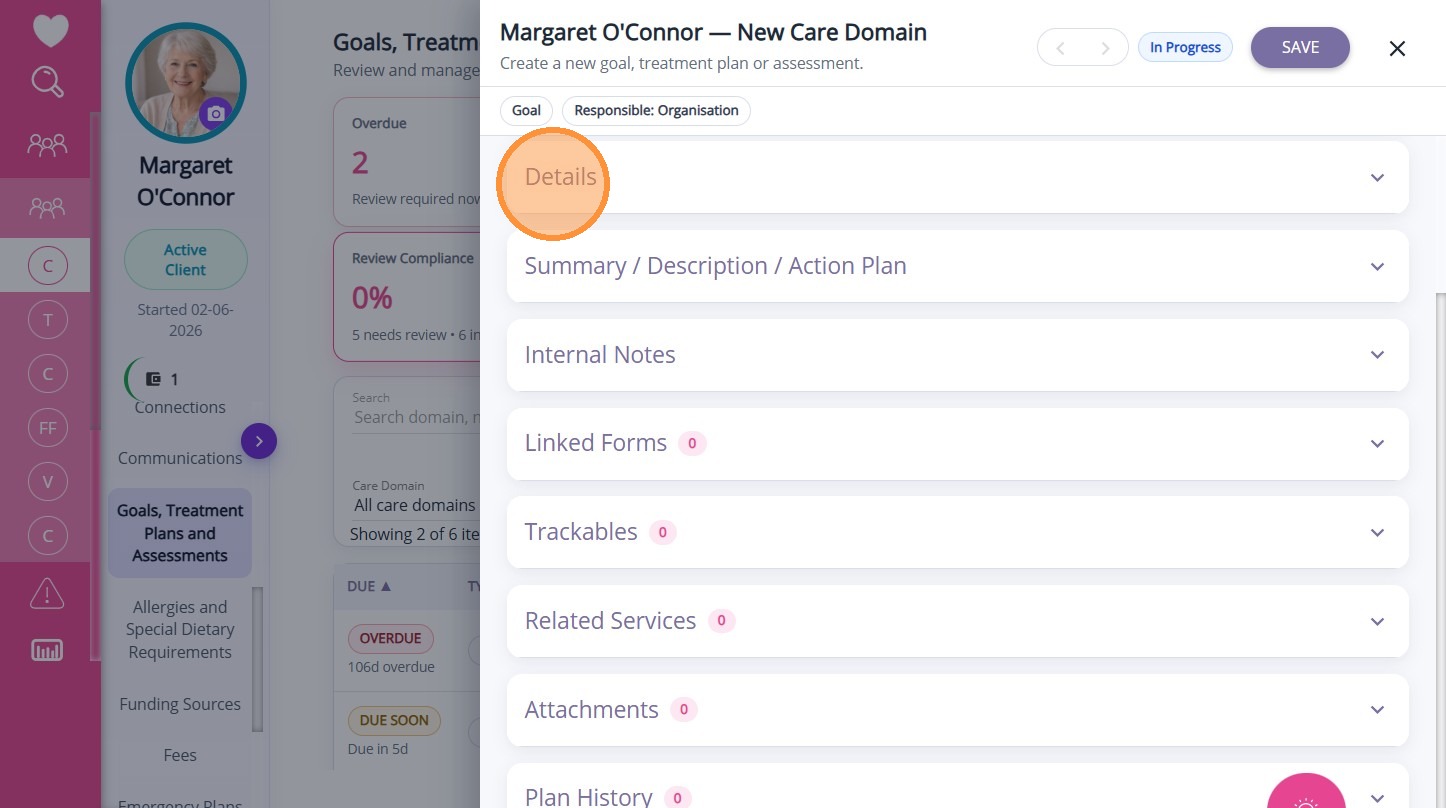
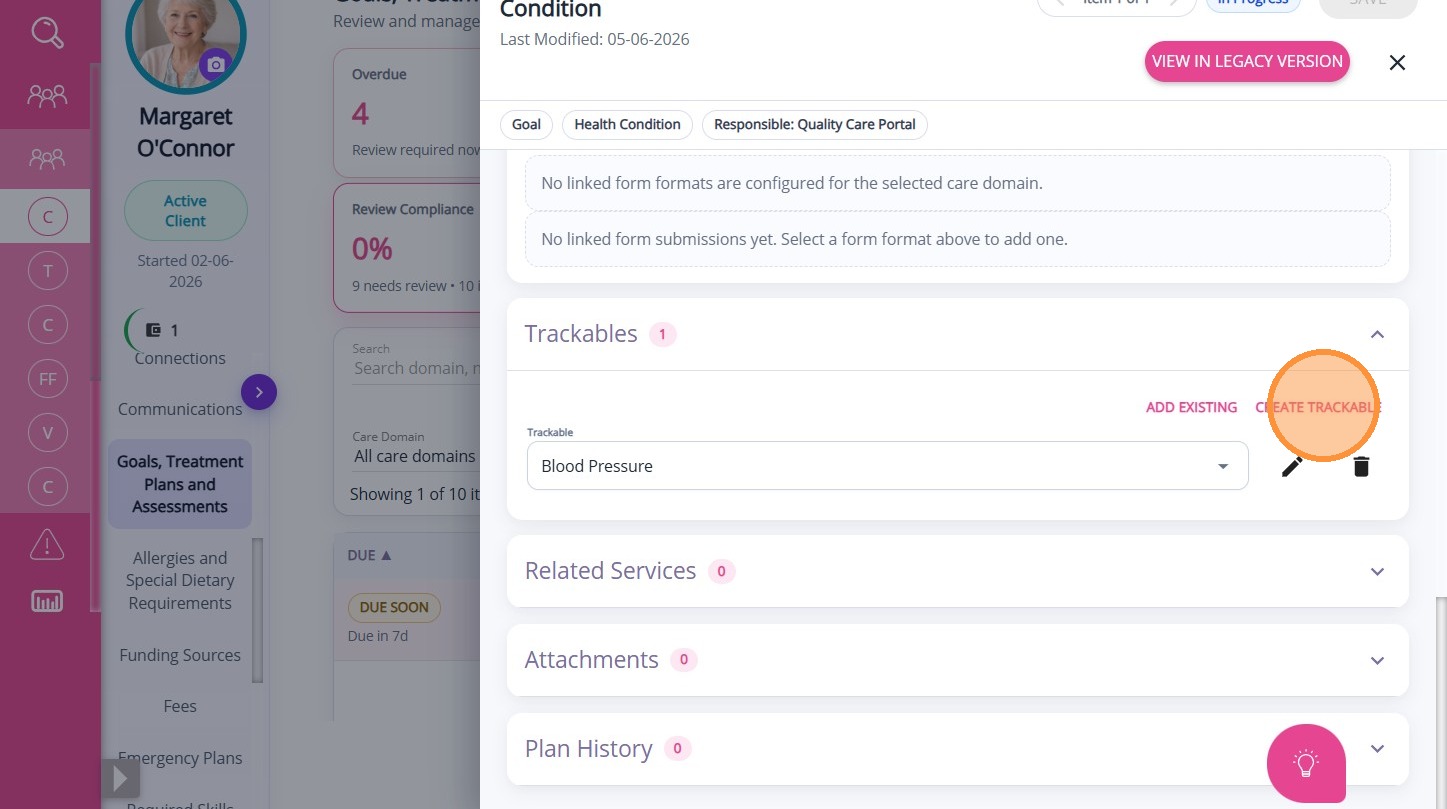
Create Trackables
Trackables are measurable values set within a goal, treatment plan, or assessment to monitor a client’s progress over time. By using trackables, Care Coordinators can evaluate the effectiveness of care plans, identify improvements or concerns, and make informed decisions to support the client in achieving their goals.
For more information, see Setting Up Trackables.
Examples of records in this section include:- A mobility improvement goal with measurable targets
- A medication management treatment plan
- A health monitoring plan tracking blood pressure or weight
 See related articles: How to Create Client Goals, Treatment Plans, and Assessments
Examples of records in this section include:
- A mobility improvement goal with measurable targets
- A medication management treatment plan
- A health monitoring plan tracking blood pressure or weight
See related articles: How to Create Client Goals, Treatment Plans, and Assessments