Funding Sources Section in Client Profile

Funding Sources Section in Client Profile

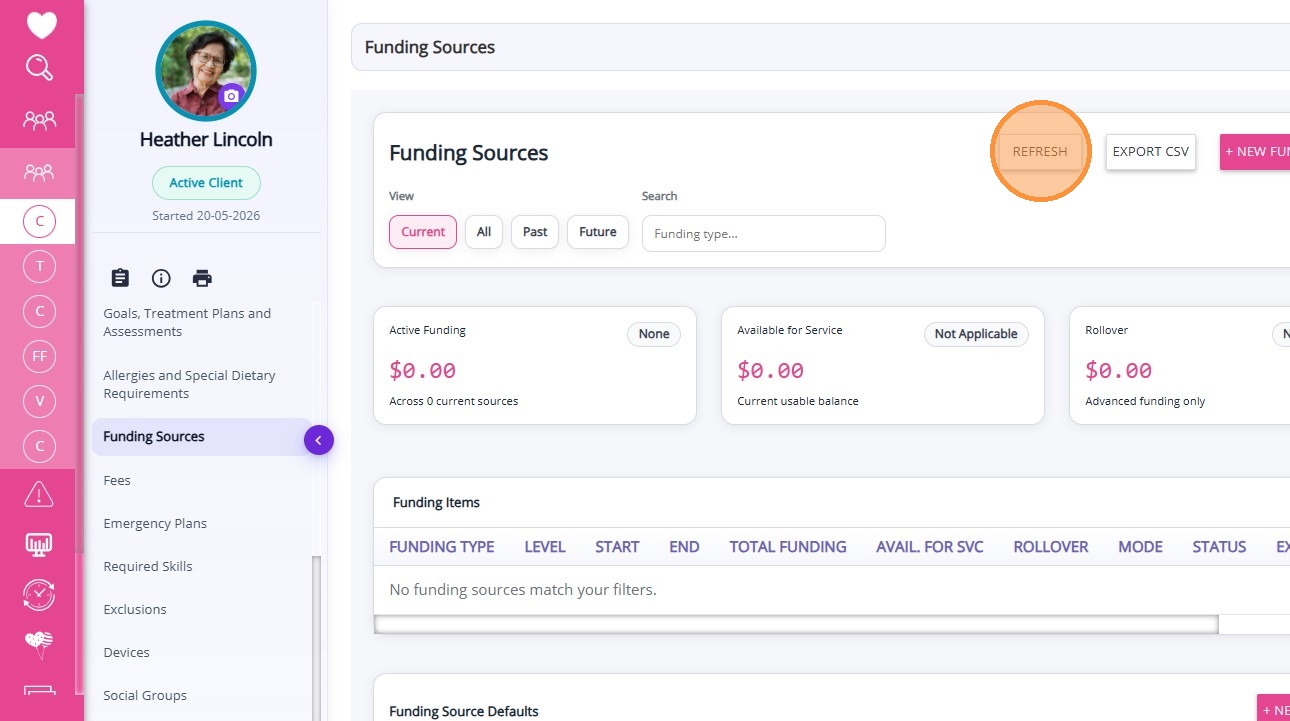
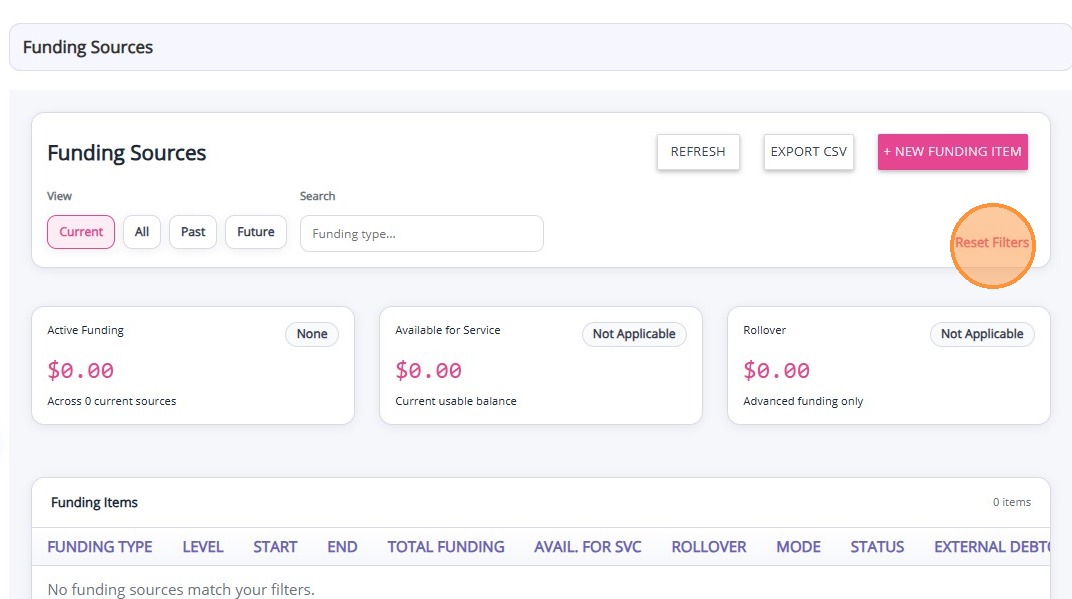
The Funding Sources section in the Client Profile displays all funding records associated with the client.

Keywords: client funding sources, ndis funding, support at home funding, care funding management, client funding records, healthcare funding sources, disability funding support, aged care funding programs, funding source
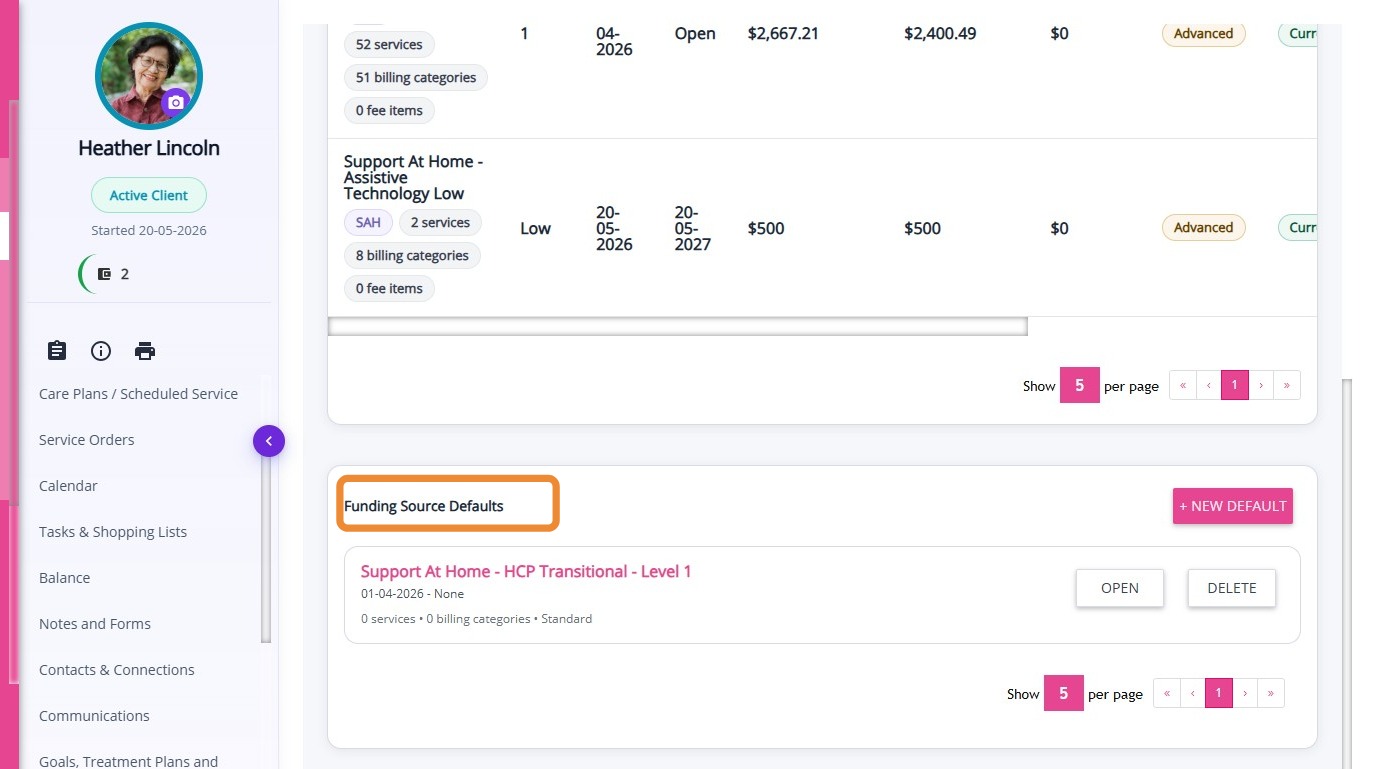
This section displays a client’s funding sources. A funding source refers to the program, scheme, or payment arrangement that finances the services provided to the client.

To view funding sources from the Client Profile:
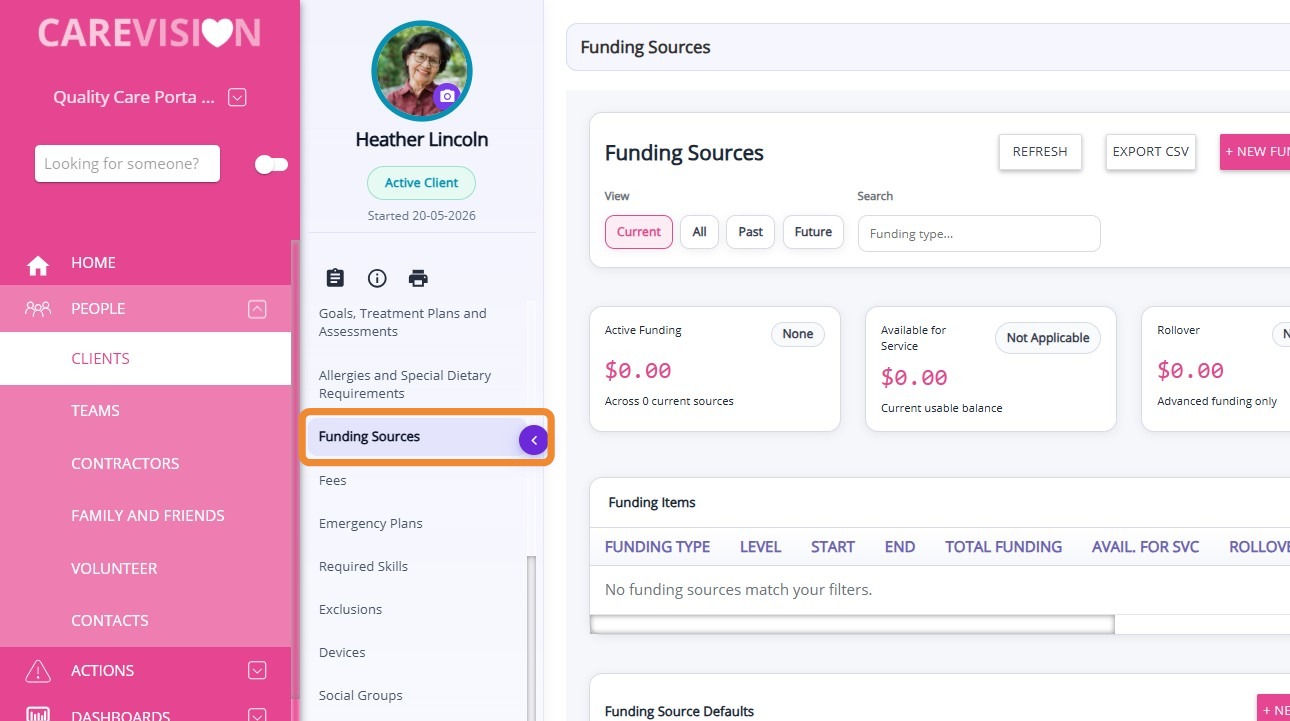
  1. Open the Client Profile.
  2. Select Funding Sources.

From this section, you can:
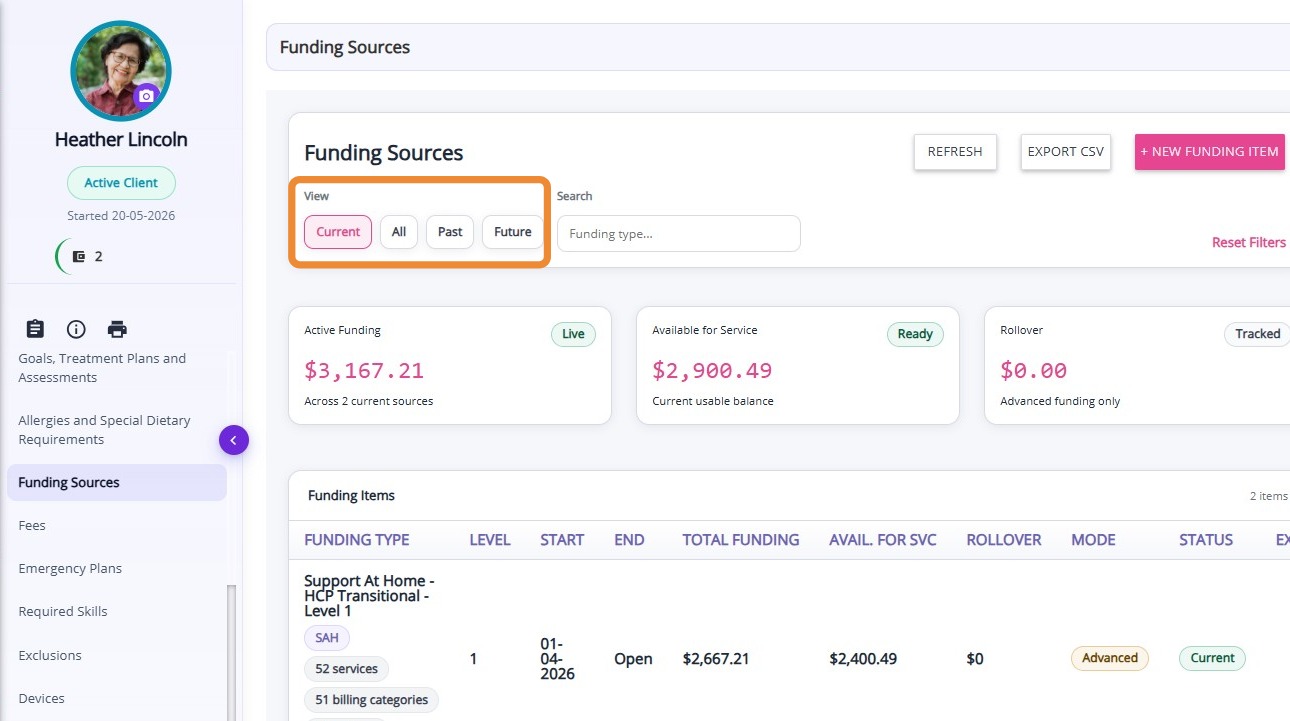
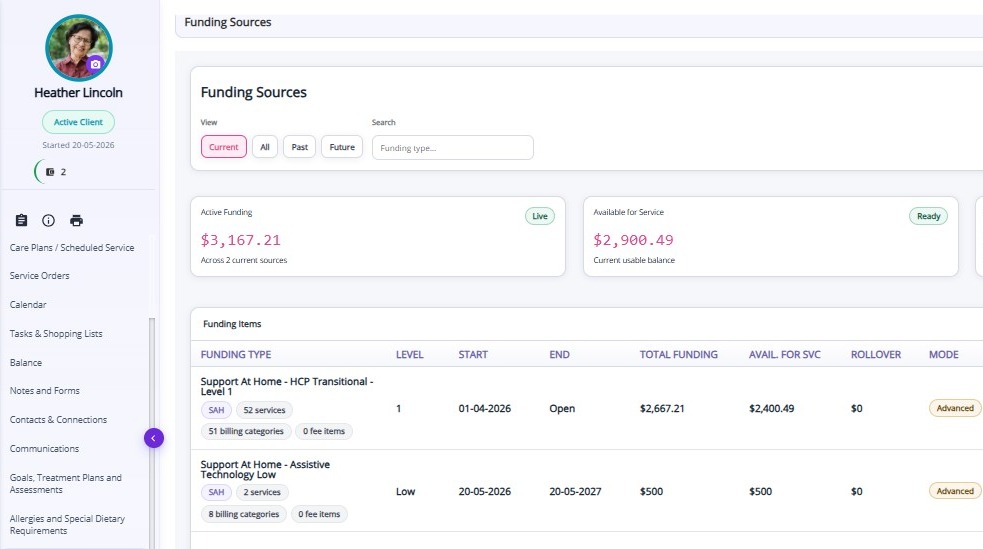
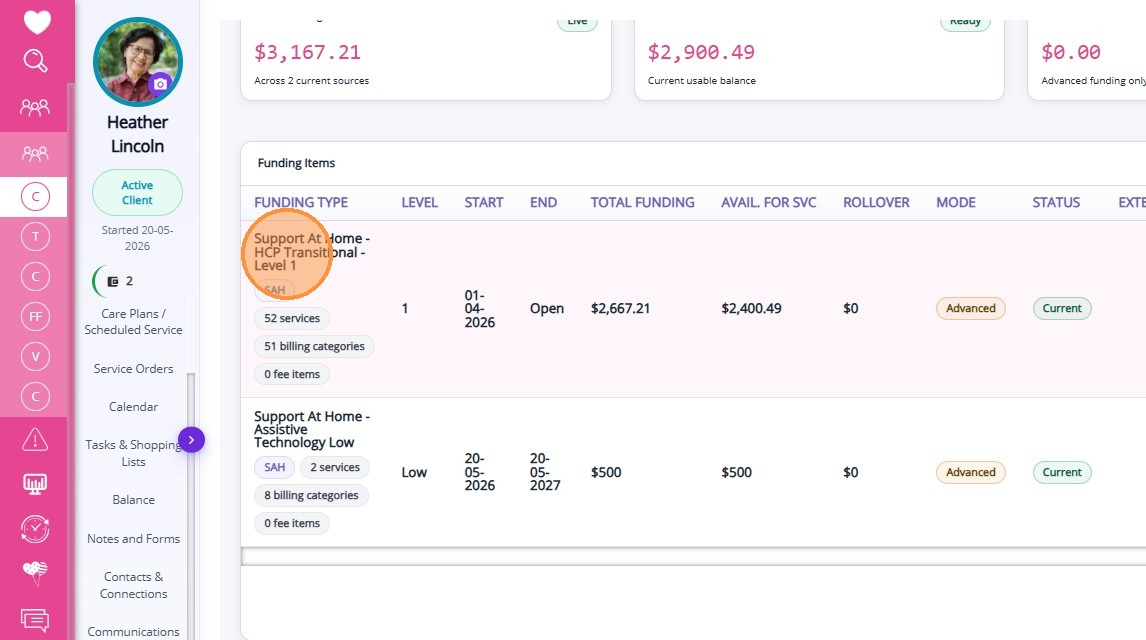
  • View all existing funding sources assigned to the client
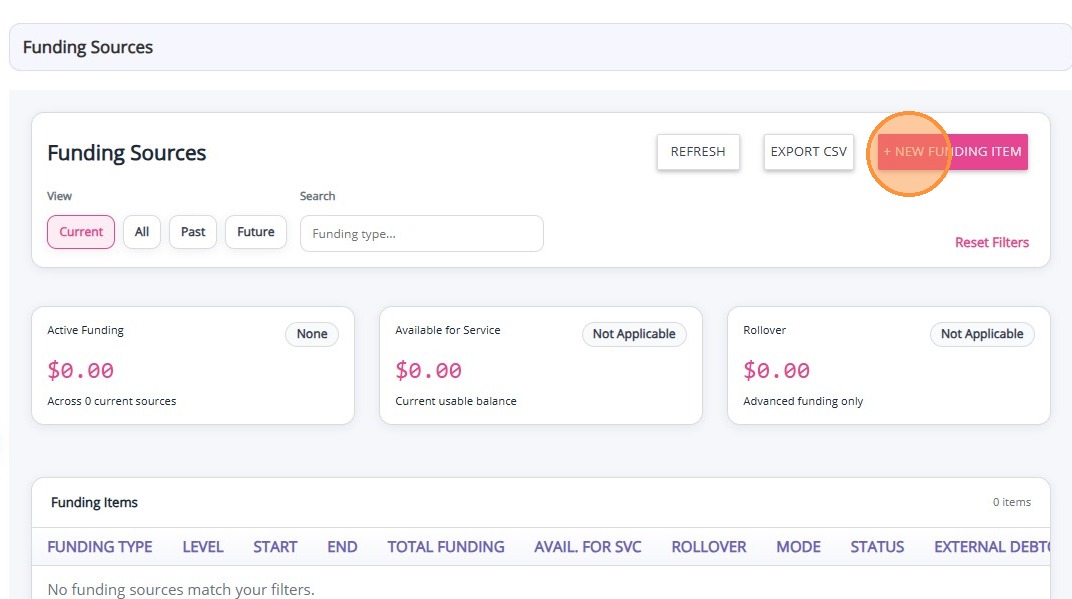
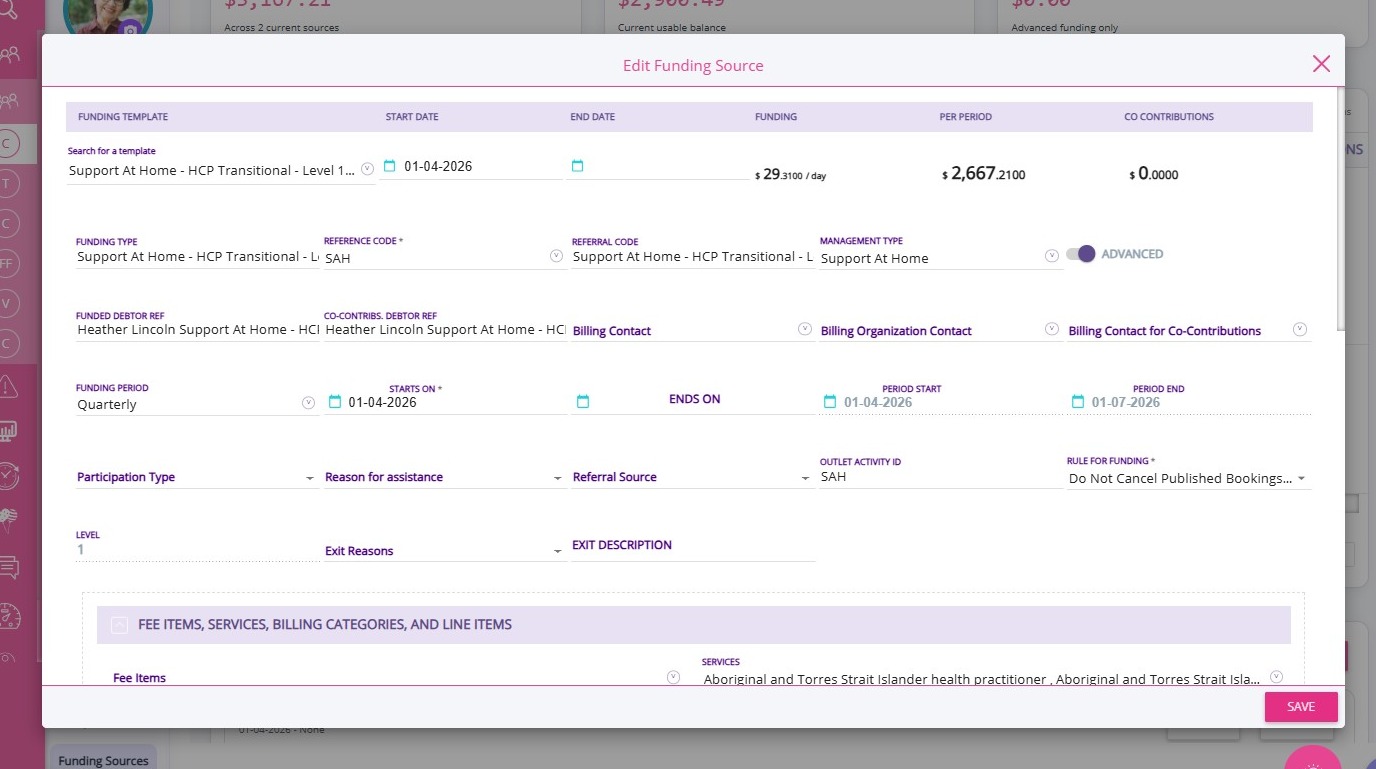
  1. Create a new funding source.
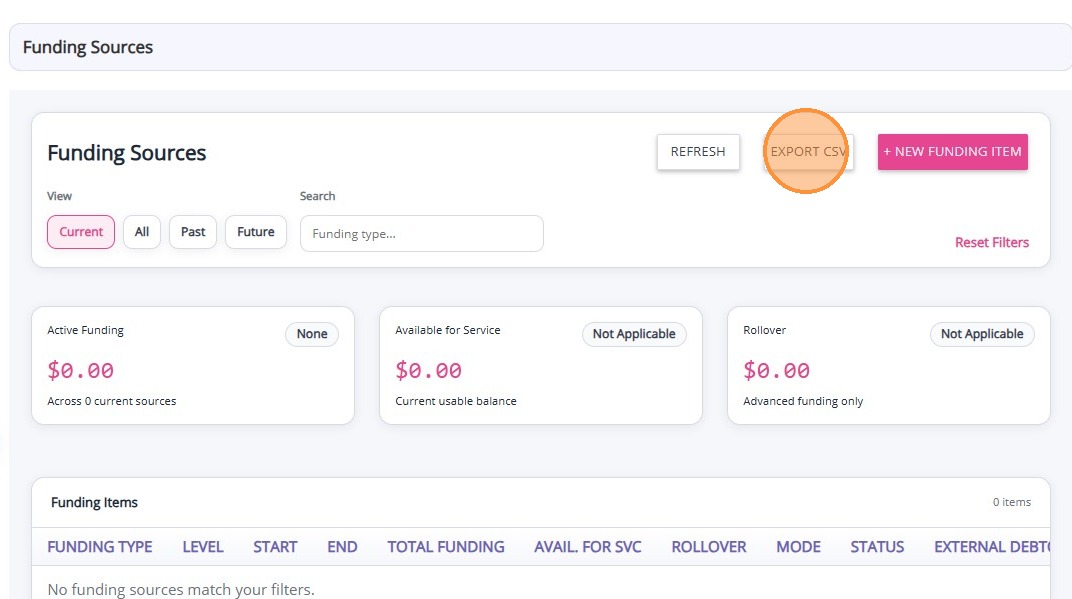
  1. Print statements

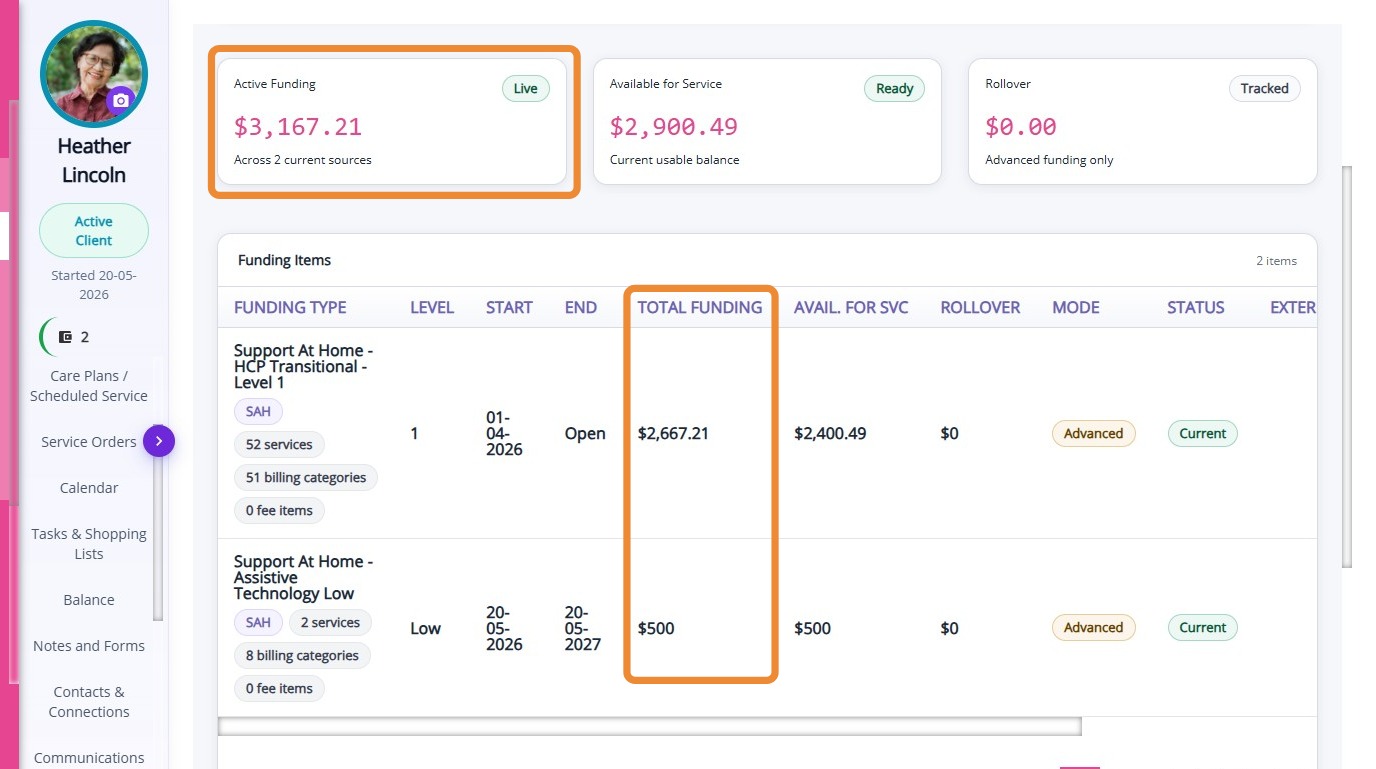
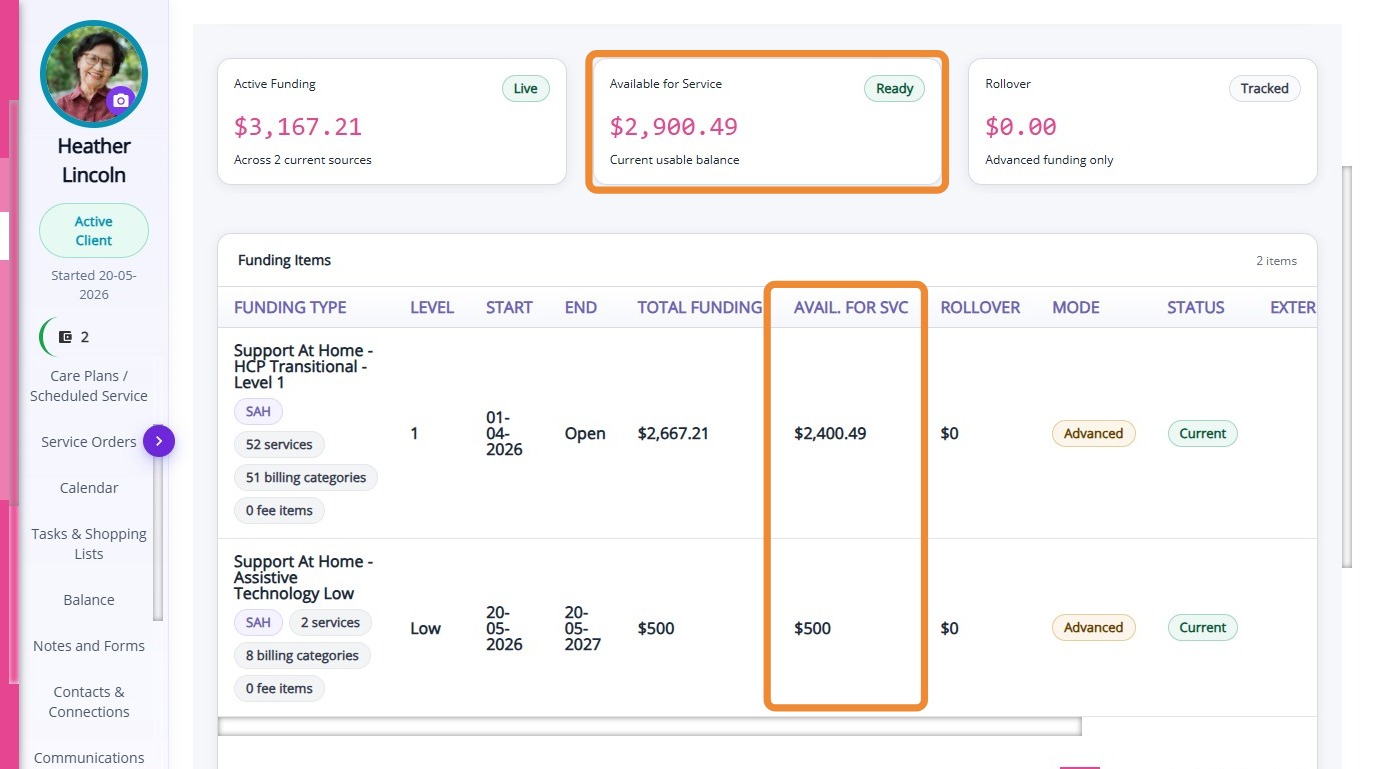
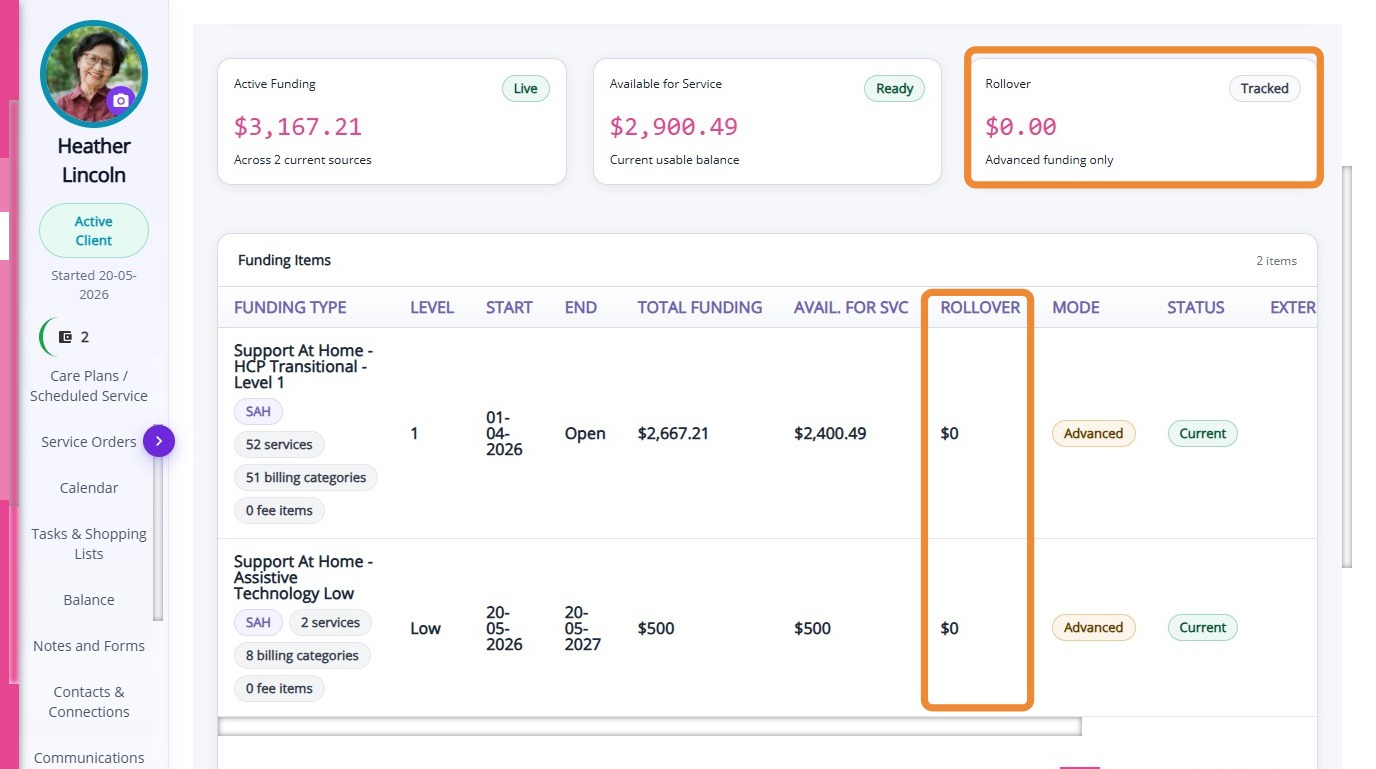
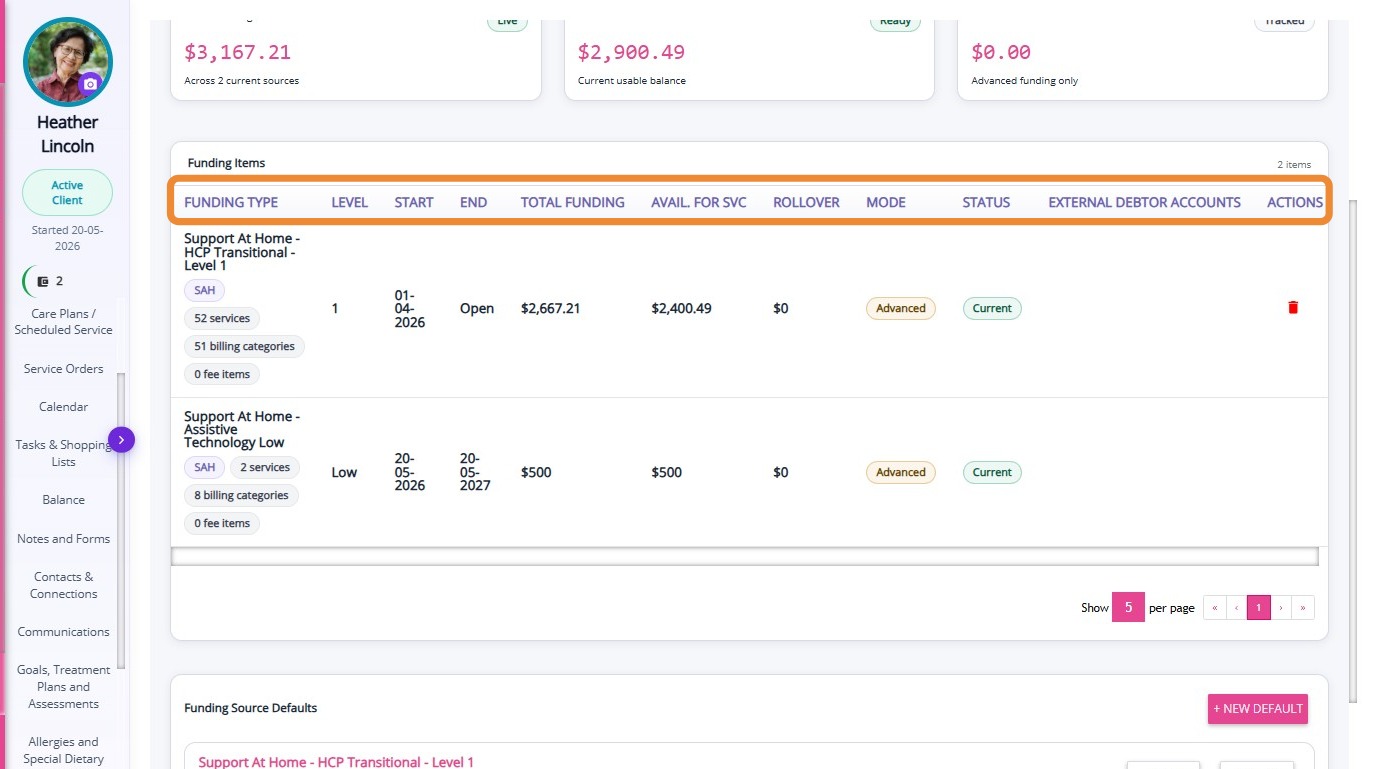
A table is displayed showing the details of each funding source assigned to the client.

The table includes the following information:
Column
Description
Type
The type of funding or budget associated with the client record.
Budget or Funding Type Reference
The reference name or identifier for the client’s funding source or budget category.
Start Date
The date when the funding begins.
End Date
The date when the funding ends.
Renewal Period
The period in which the funding or budget is renewed or reviewed.
Funding Amount
The total amount of funding allocated for the specified period.
Debtor Account ID
The identifier linked to the client’s billing or debtor account used for financial tracking.


    • Related Articles

    • Fees Section in Client Profile

      The Fees section in the Client Profile displays all fee records associated with the client. Fee items typically represent outgoing funds or charges to clients. Keywords: client fees, aged care billing, care service fees, client contributions, funding ...
    • Balance Section in Client Profile

      The Balance section in the Client Profile displays all balance records associated with the client’s account. Keywords: client balance management, client funding balance, care management balance tracking, client account balance, funding balance ...
    • Detailed Profile Section in Client Profile

      The Detailed Profile section in the client profile provides an overview of each client, supporting personalized care and efficient communication. This topic describes the Detailed Profile section and explains how to complete client profile details. ...
    • Notes and Forms Section in Client Profile

      The Notes and Forms section in the Client Profile displays all notes and submitted forms associated with the client. Keywords: client notes management, client forms tracking, care management forms, client case notes, healthcare documentation forms, ...
    • Goals, Treatment Plans and Assessments Section in Client Profile

      The Goals, Treatment Plans and Assessments section in the Client Profile displays all care goals, treatment plans, and assessment records associated with the client. Keywords: client goals management, treatment plans carevision, client assessments ...

    Request an Article or Guide

    We are keen to know what you want to know more about? Let us know on chat or raise a ticket for an article or topic you would like covered in more detail. We have a team of technical writers and learning content creators keen for your suggestions.