Budget/Quotes and Contracts Section in Client Profile
The Budget/Quotes and Contracts section in the Client Profile displays all quotes created for the client and is used to manage client quotes and service agreements in CareVision.
This section is one of the areas where users can create quotes for the client.
Keywords: budget quotes and contracts, client profile quotes, carevision quotes management, client service agreements carevision, create client quote carevision, manage client contracts carevision, quote tracking carevision, client quote reference id carevision, carevision client agreements download, carevision client quotes archive
The Budget/Quotes and Contracts section allows you to easily generate quotes, track their status, download agreements, reuse existing quotes, and maintain a clear record of both active and archived client contracts.
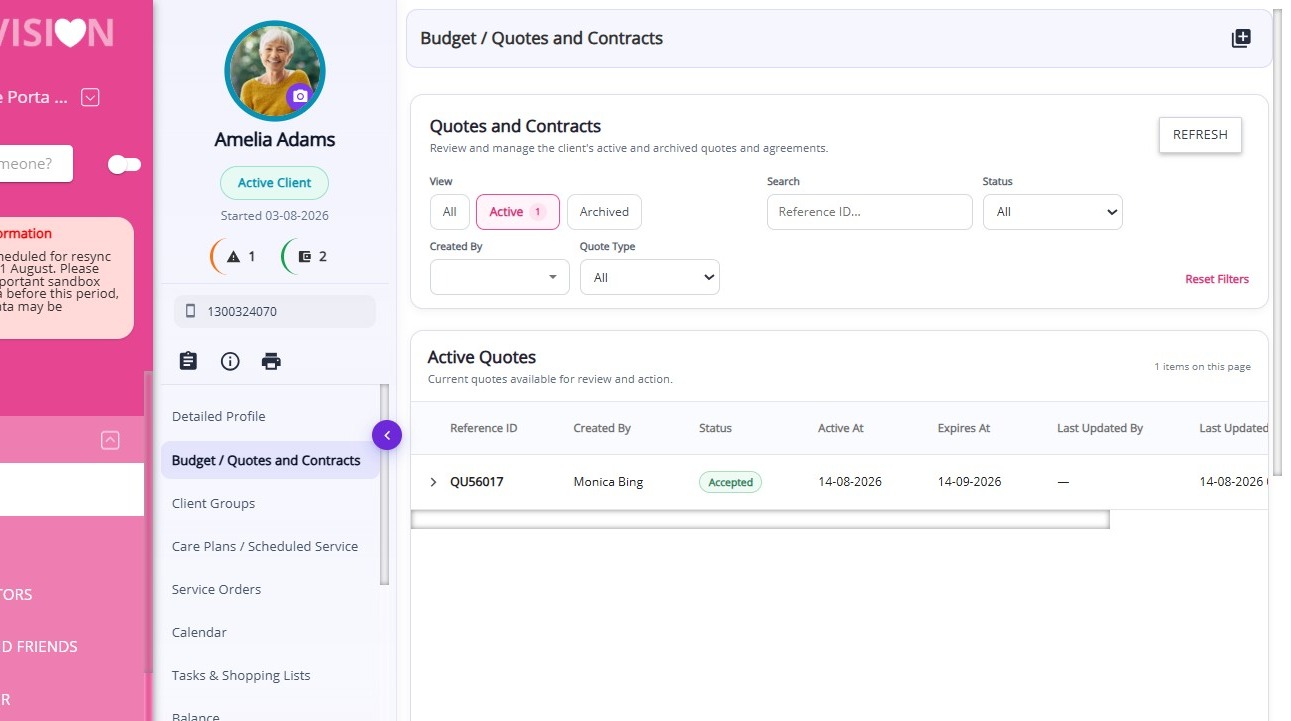
Accessing Budget/Quotes and Contracts
To access this section:
- Open the Client Profile.
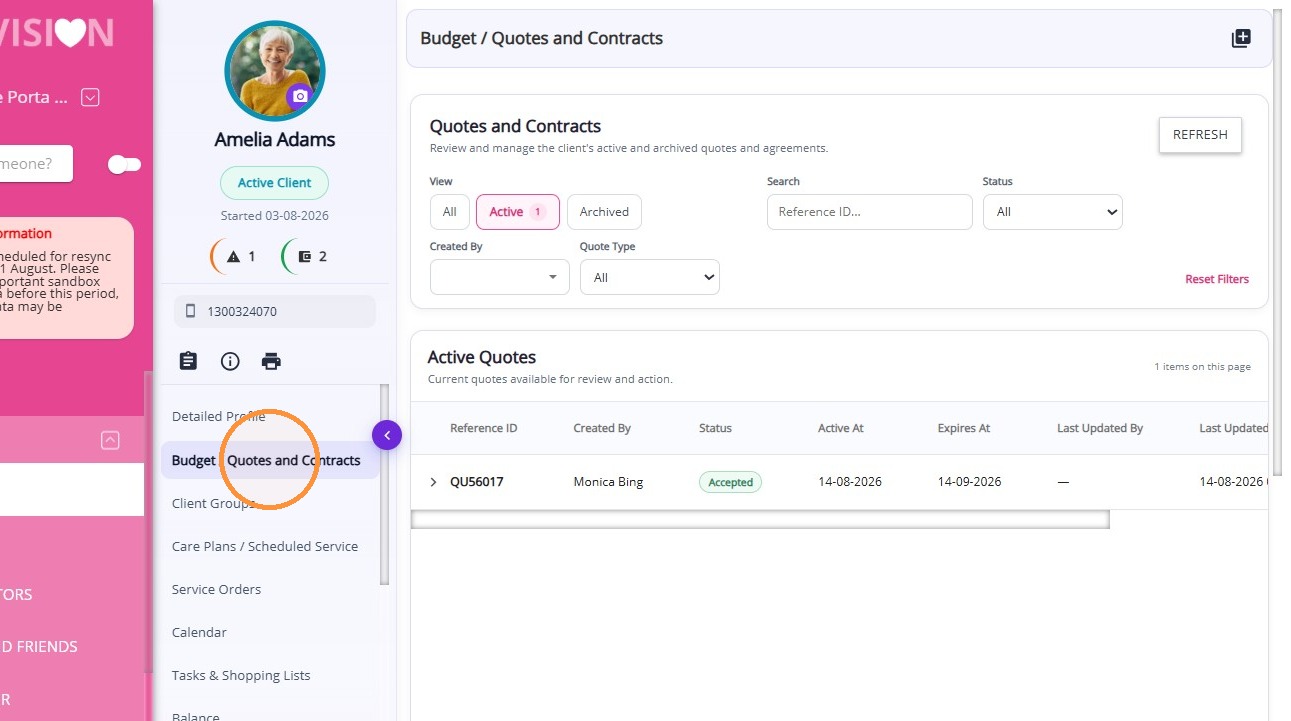
- Select Budget/Quotes and Contracts
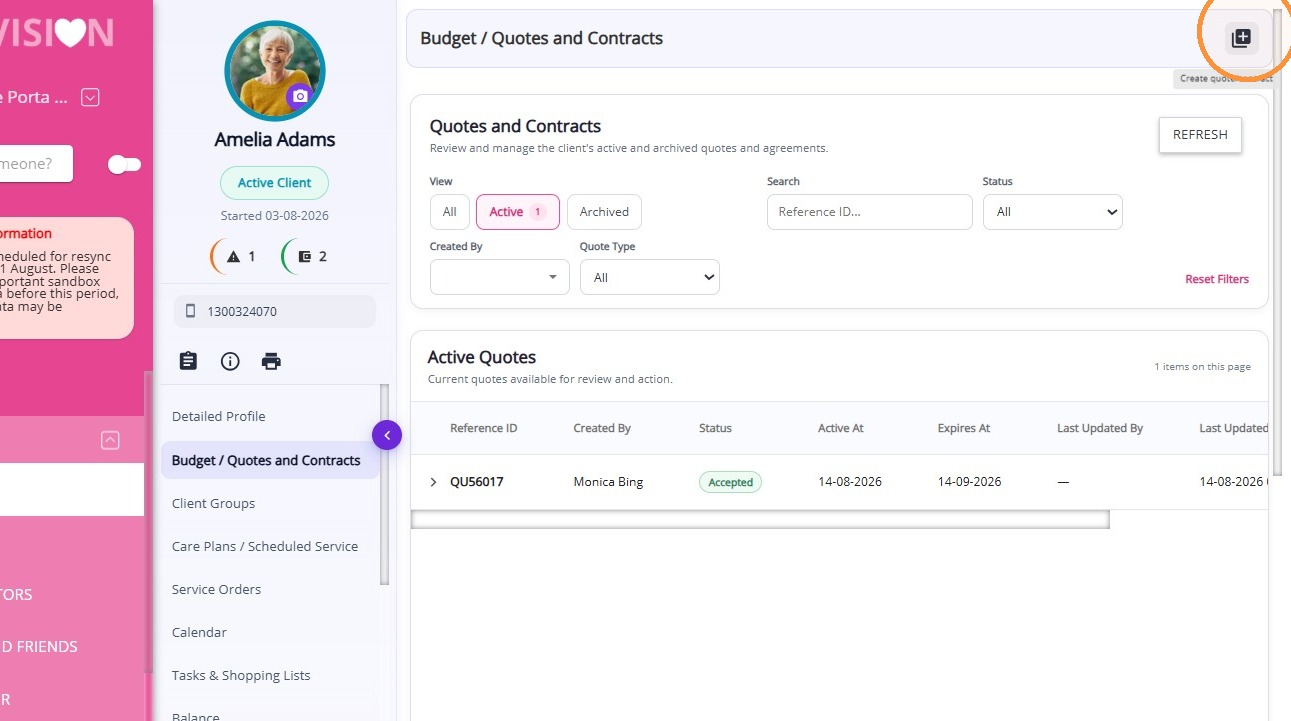
To create a new quote, click the plus (+) icon located in the upper-right corner of the page.
Viewing Quotes
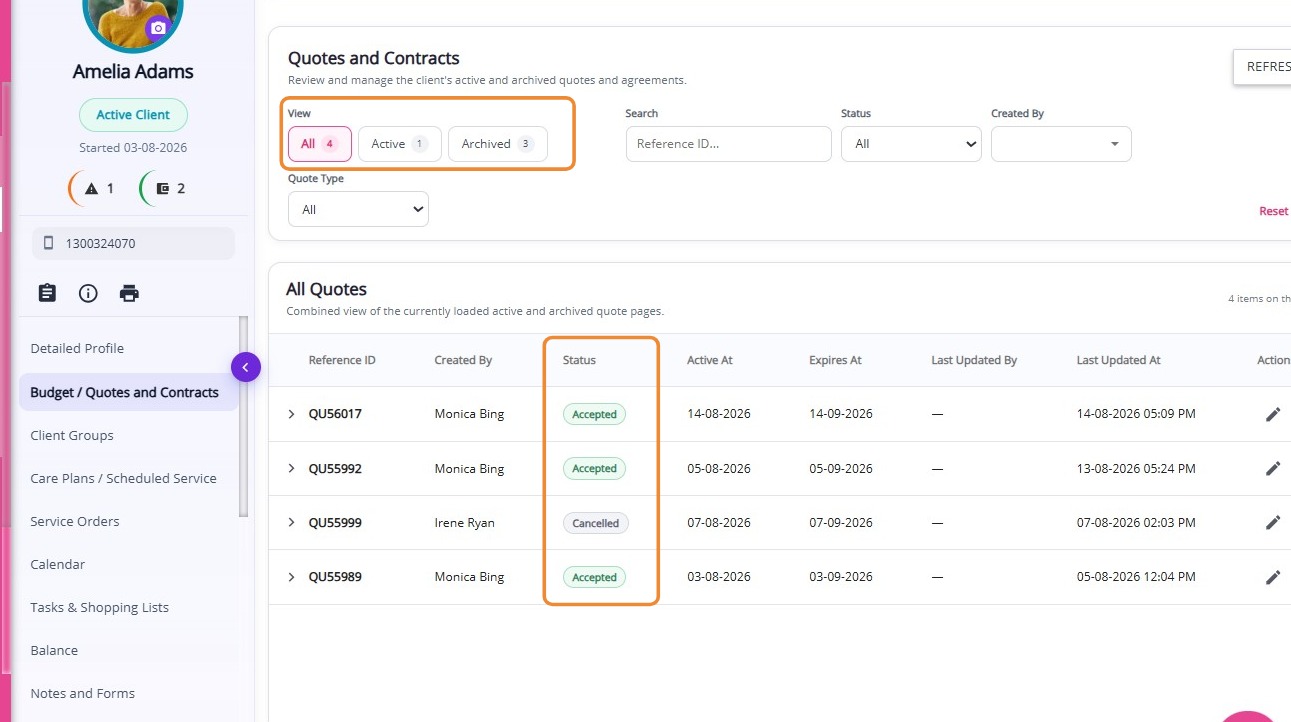
Filter quotes by status to quickly find and access the records you need:
- All:Shows all quotes.
- Active:Shows current quotes available for review or action.
- Archived:Shows past or expired quotes for reference.
Quote Statuses
There are six main quote statuses:

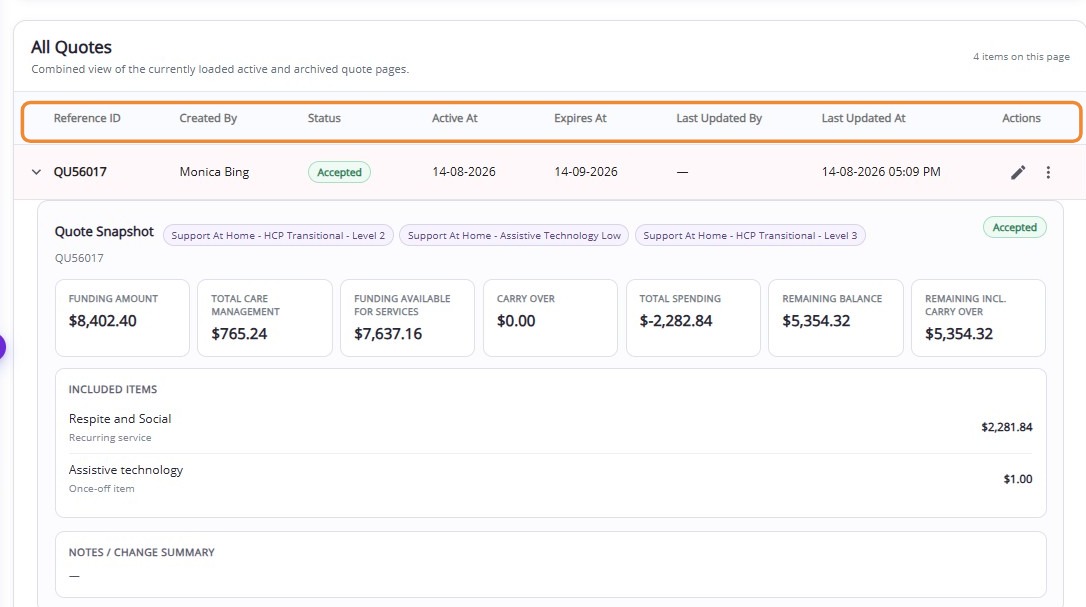
The Quotes table provides key information about each quote, helping you identify:
Quote Snapshot
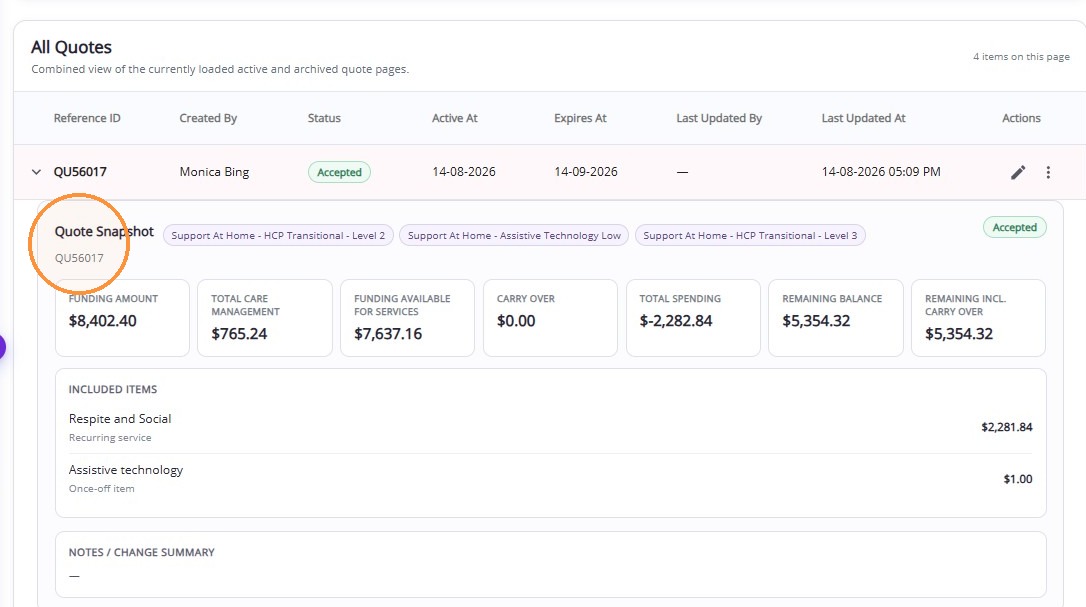
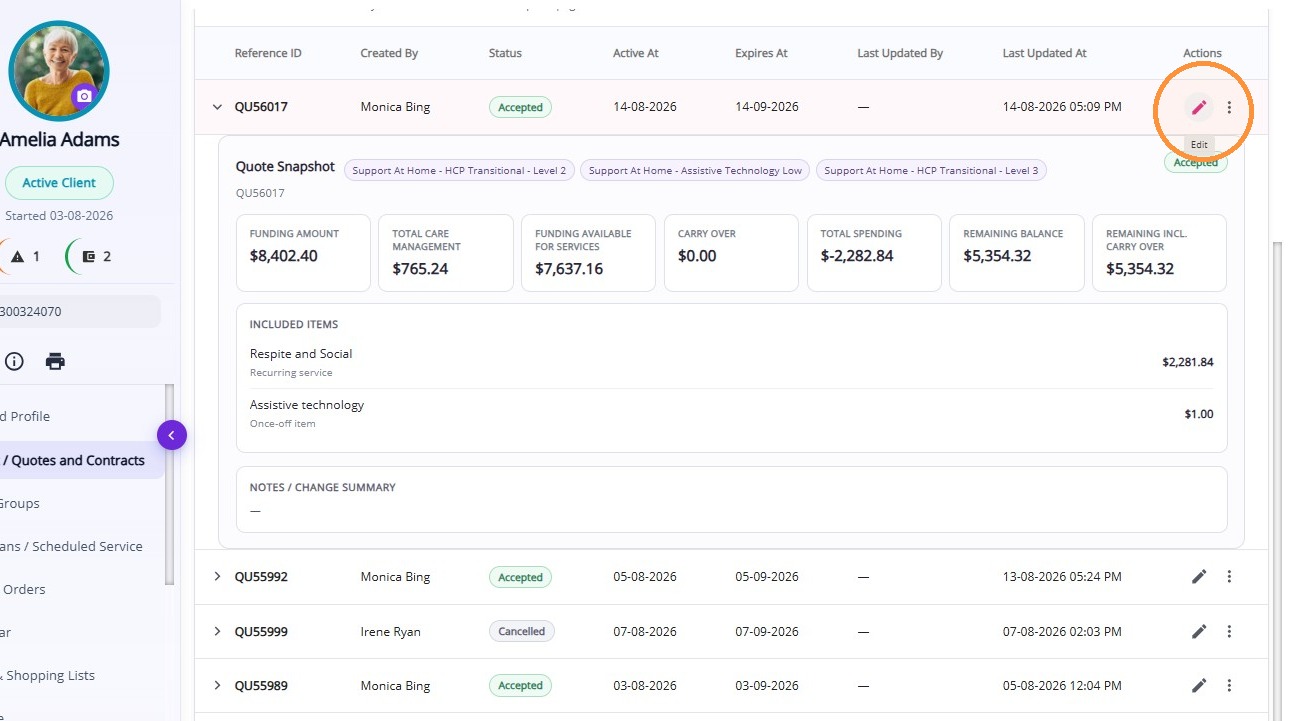
The Quote Snapshot provides a summary of a quote without requiring you to open it. It includes:
Managing a Quote
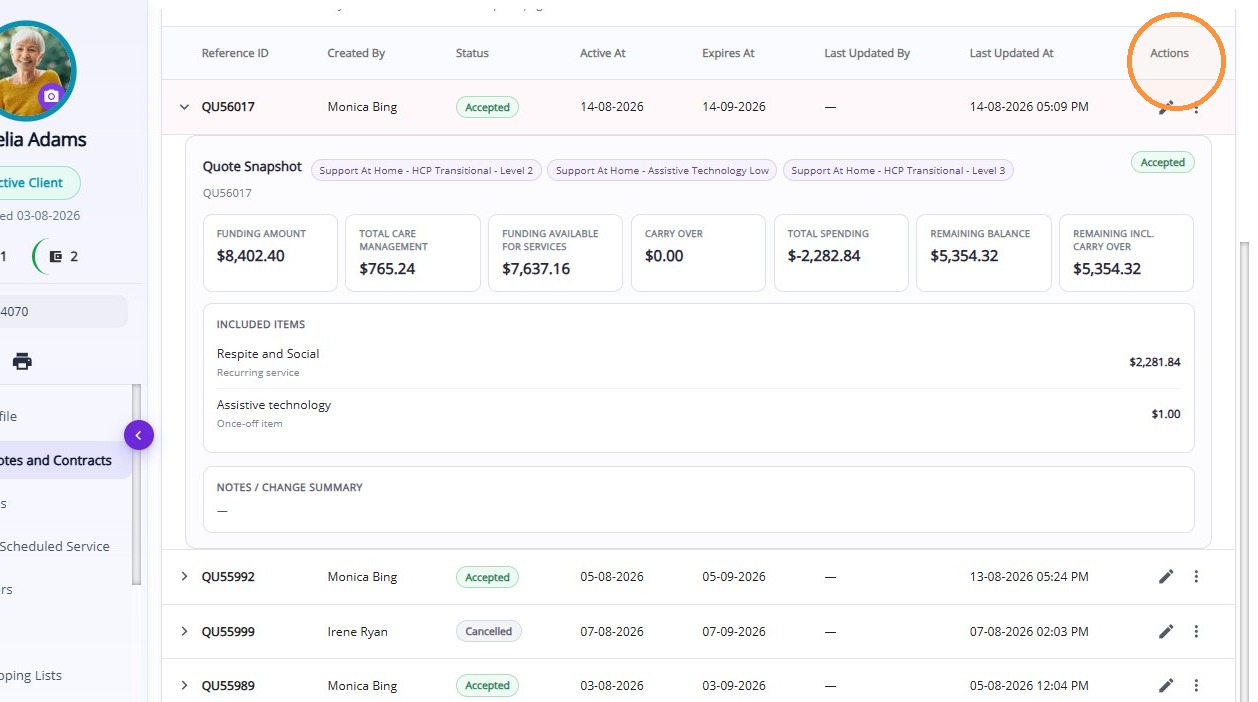
Use the More Actions icon (three dots) to access additional options for managing a quote:
Edit Quote:Update the quote’s details to keep the information accurate.
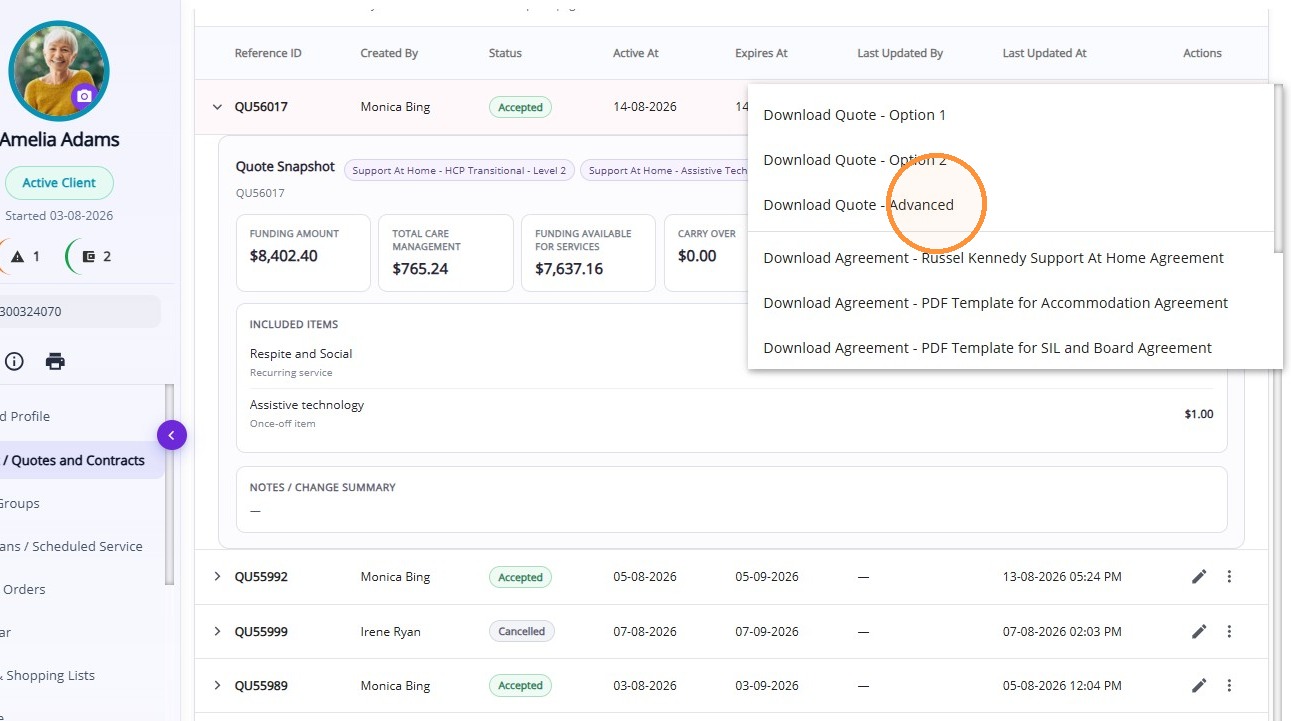
Download Quote:Download the quote in an available format, such as Advanced mode, so you can share it with the client or retain it for your records.
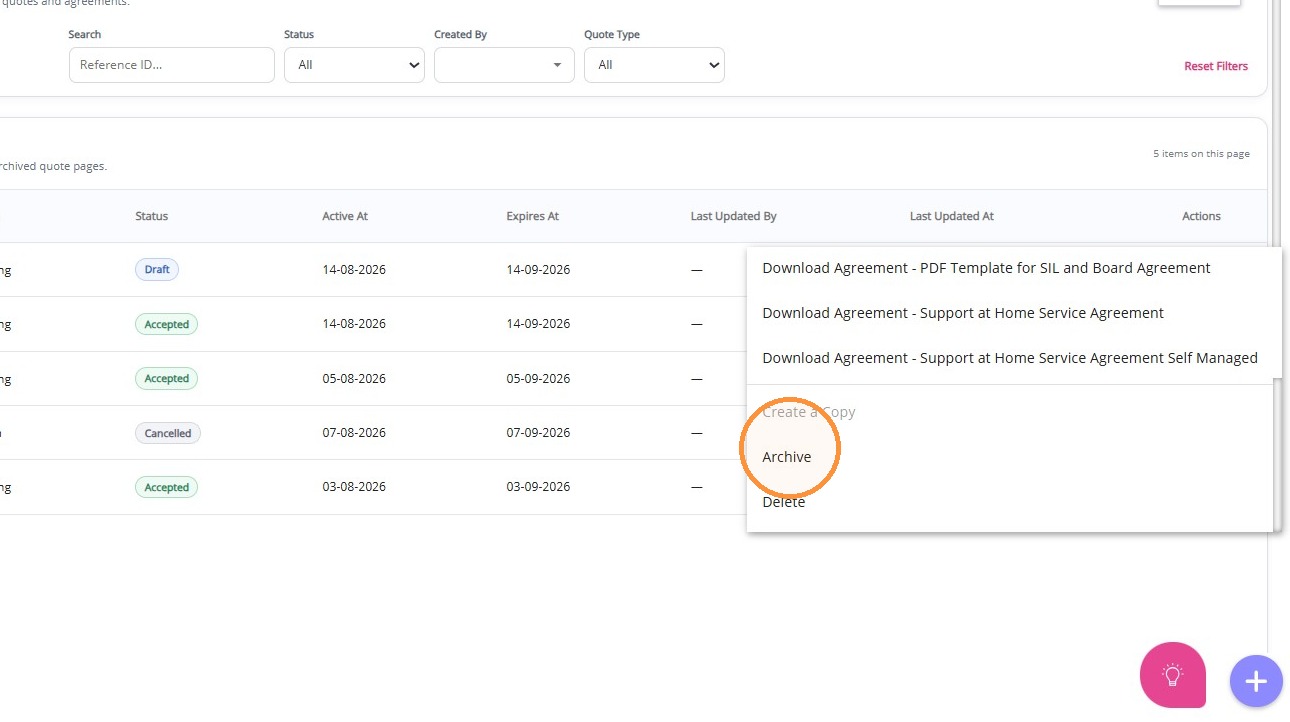
Archive Quote:Move the quote to the Archived list while retaining it for future reference.
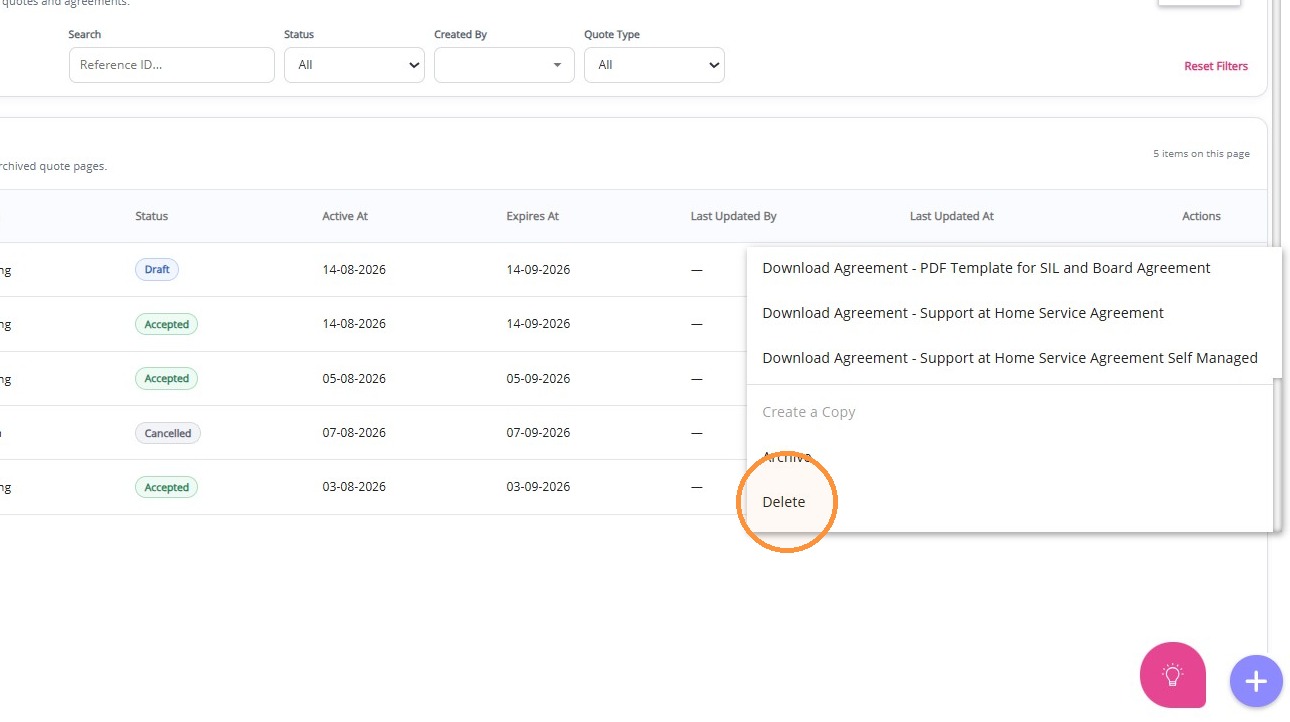
Delete Quote:Permanently remove the quote when it is no longer required.
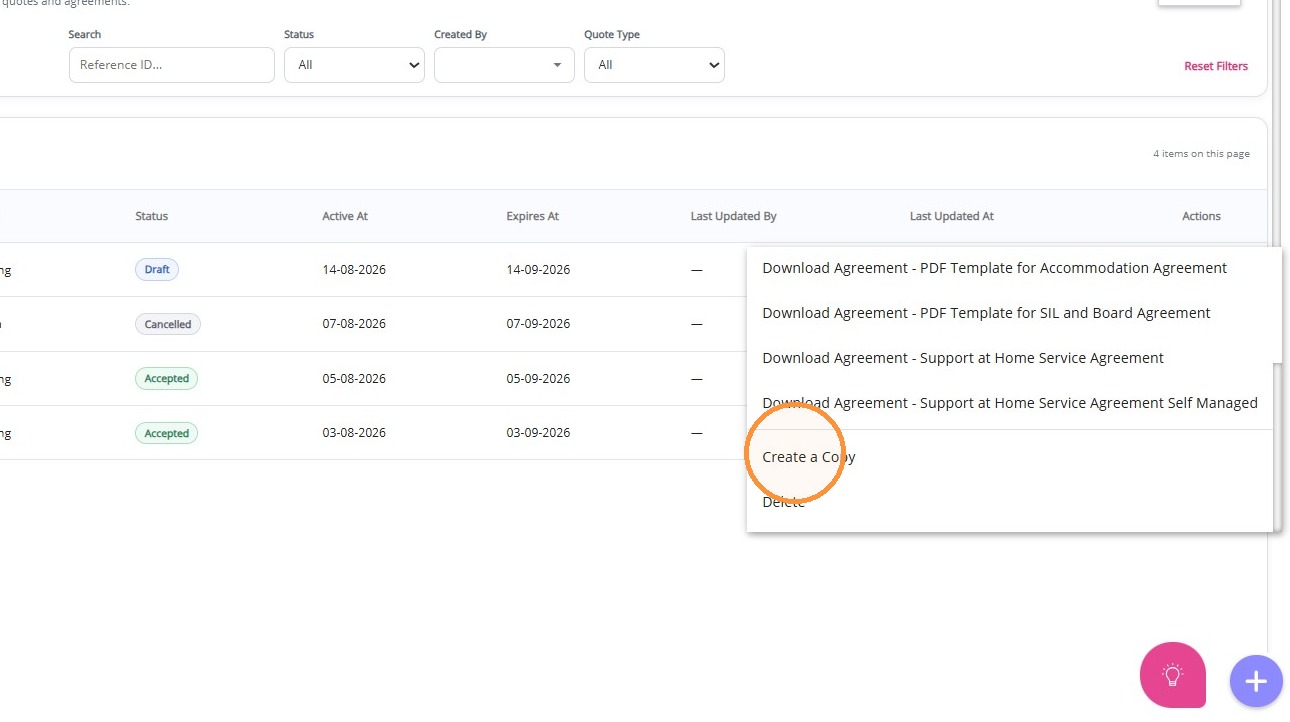
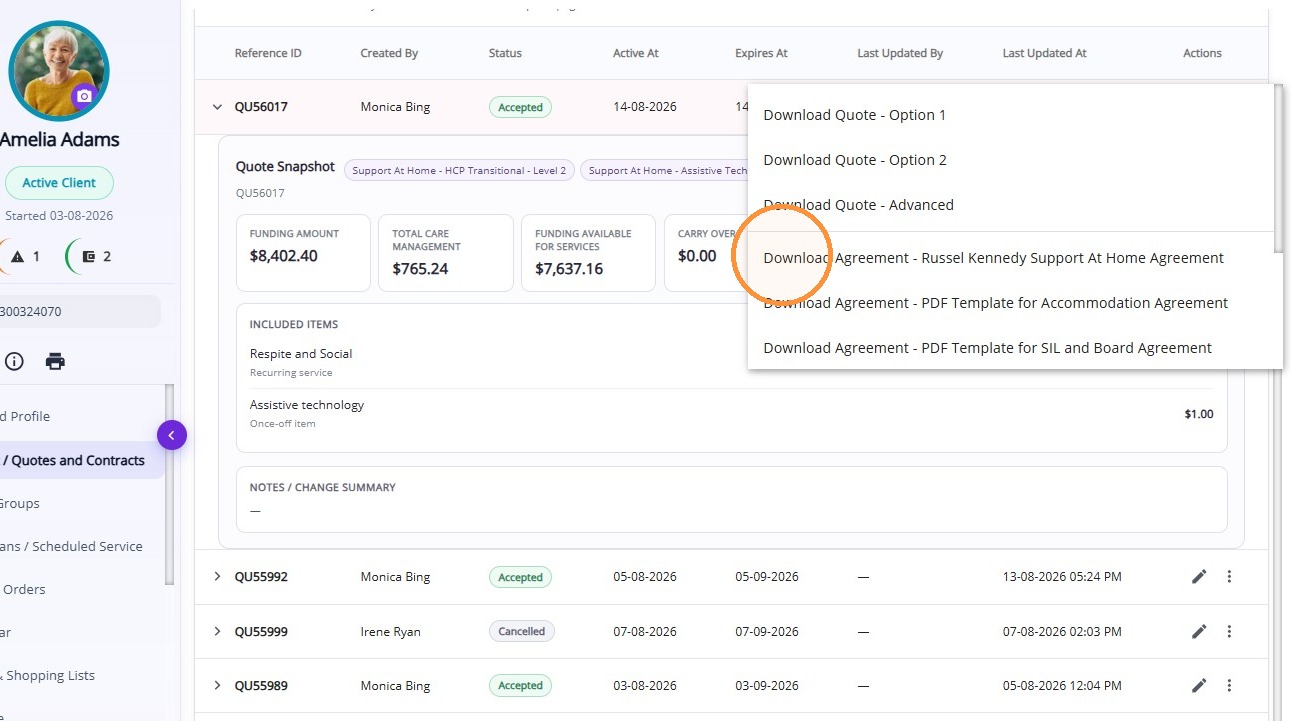
Download Agreement:Download the agreement associated with the quote to support your organisation in meeting legal and regulatory requirements across a range of care programs.
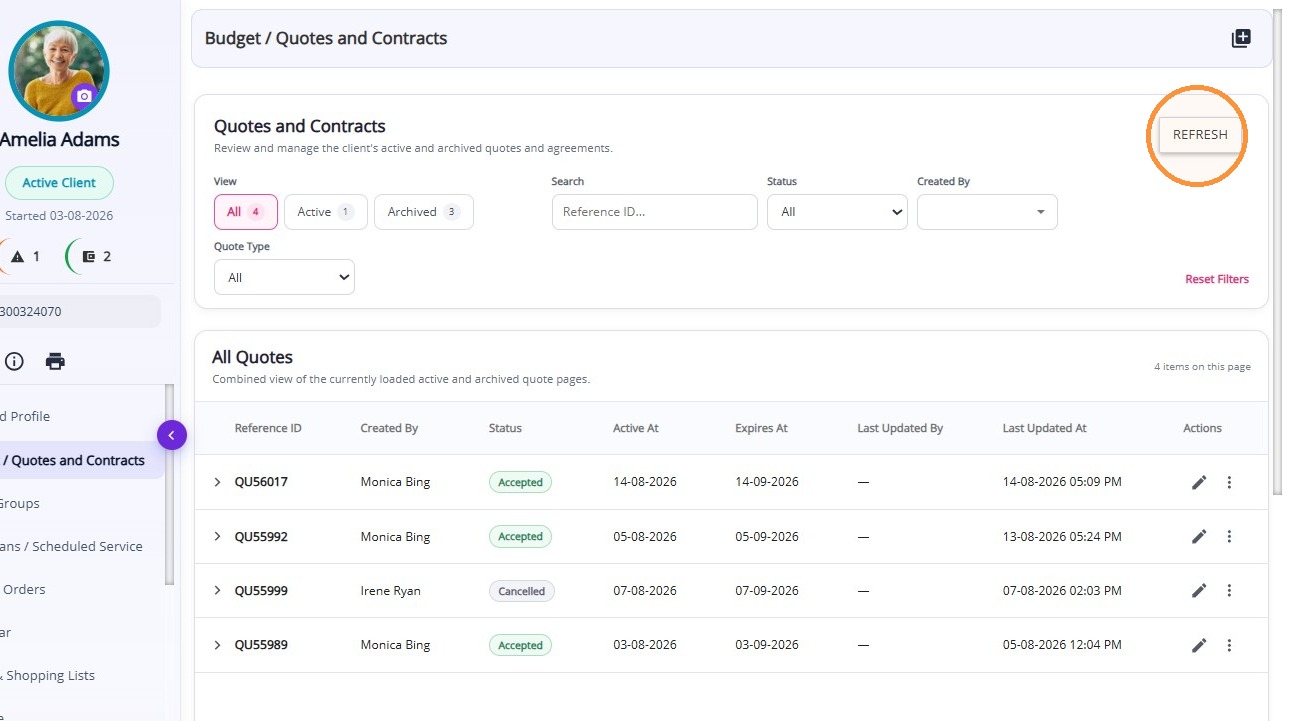
Refresh:Reload the Quotes list to display the latest quote details, statuses, and updates.
Searching and Filtering Quotes
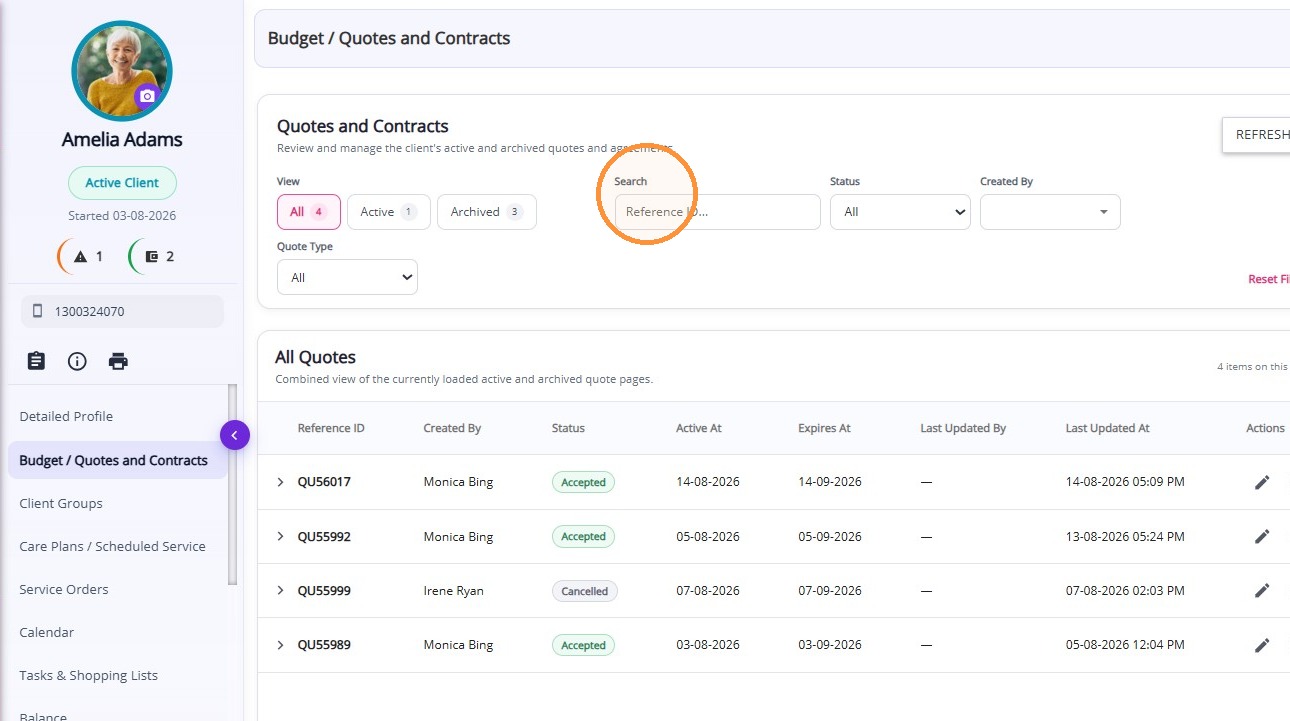
Search by Reference ID:Enter a quote’s unique Reference ID in the search field to quickly locate and view the matching quote.
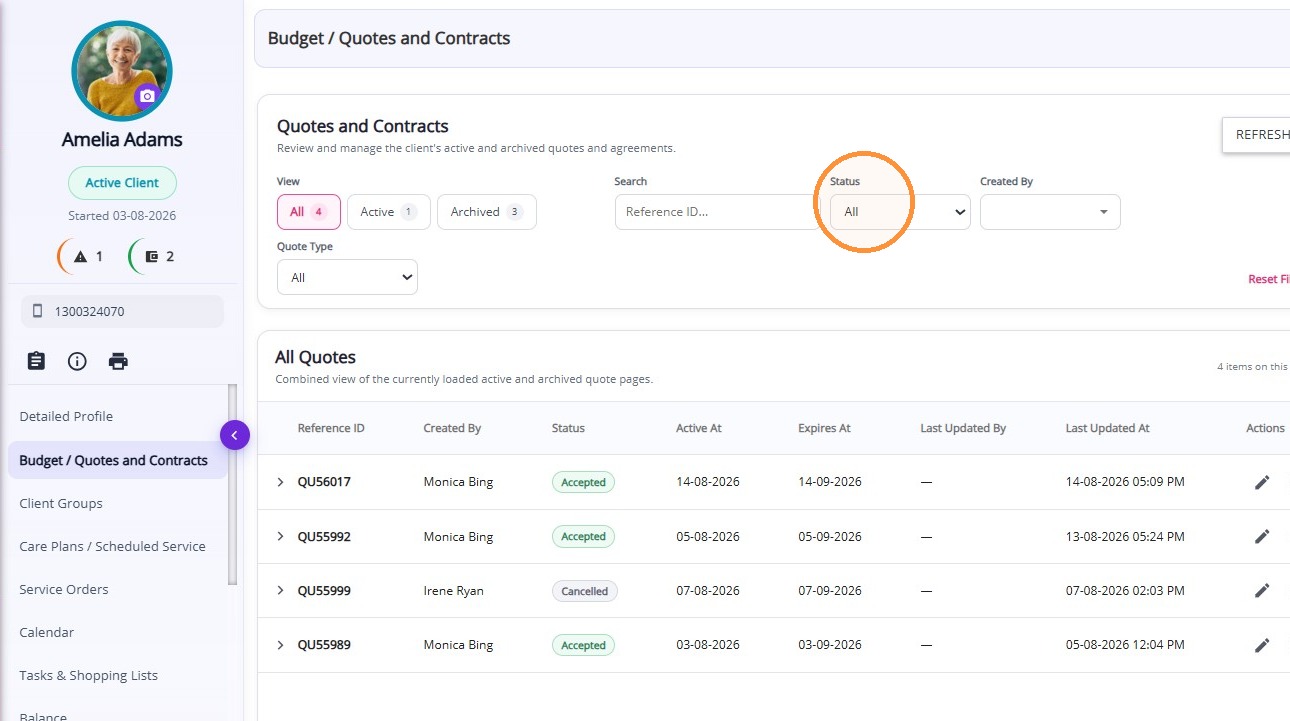
Filter by Status: Select a status to narrow the Quotes list and display only matching quotes, such as Active or Archived. Select All to display every quote.
Filter by Created By: Select a person to display only the quotes they created, making it easier to find and review their work.
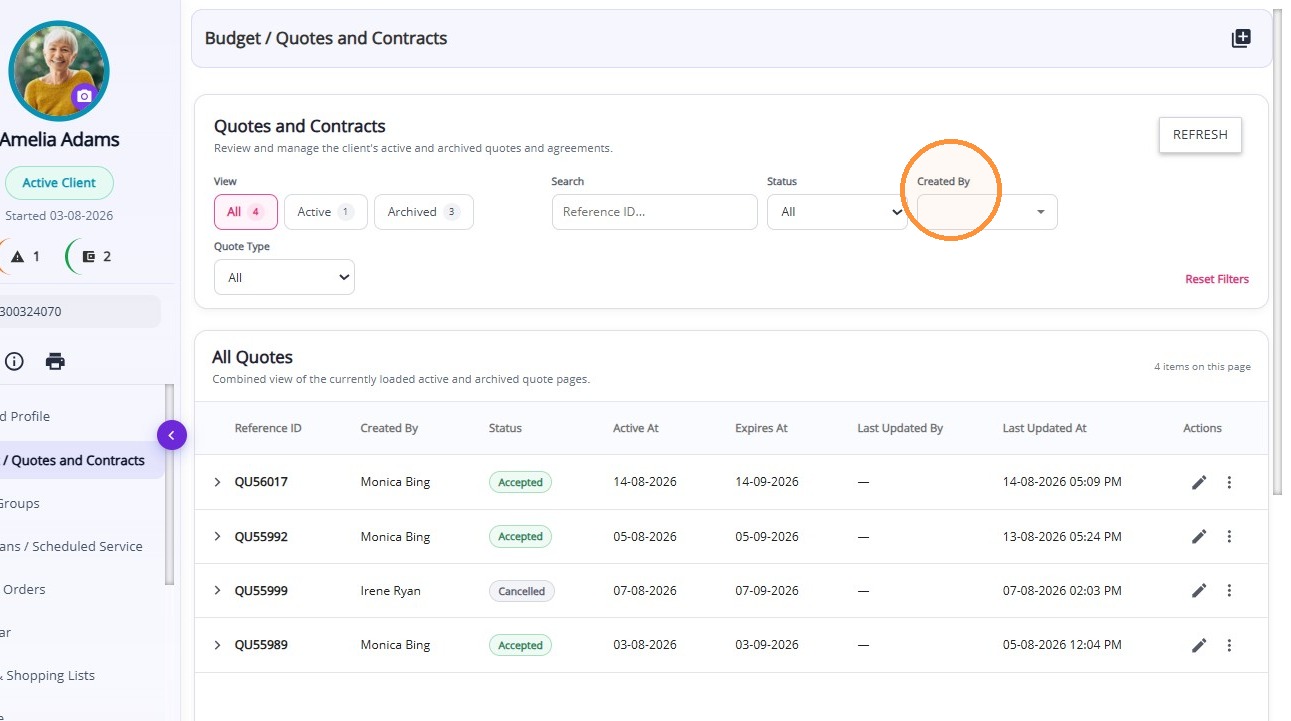
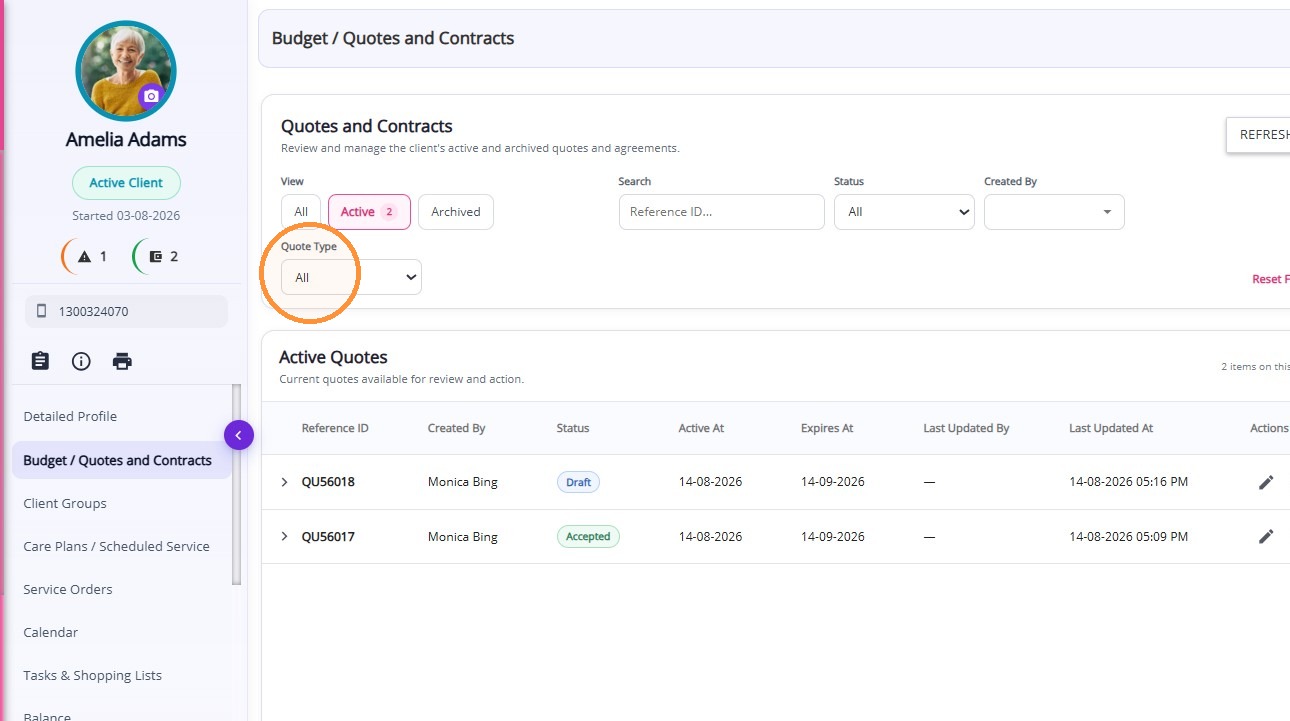
Filter by Quote Type: Select a quote type to display only matching quotes, making it easier to find and review the records you need.
Reusing an Archived Quote
Create a Copy:Create a new draft using the details from an archived quote. This allows you to update and reuse the quote while keeping the original archived quote unchanged for reference.