Social Groups Section in Client Profile
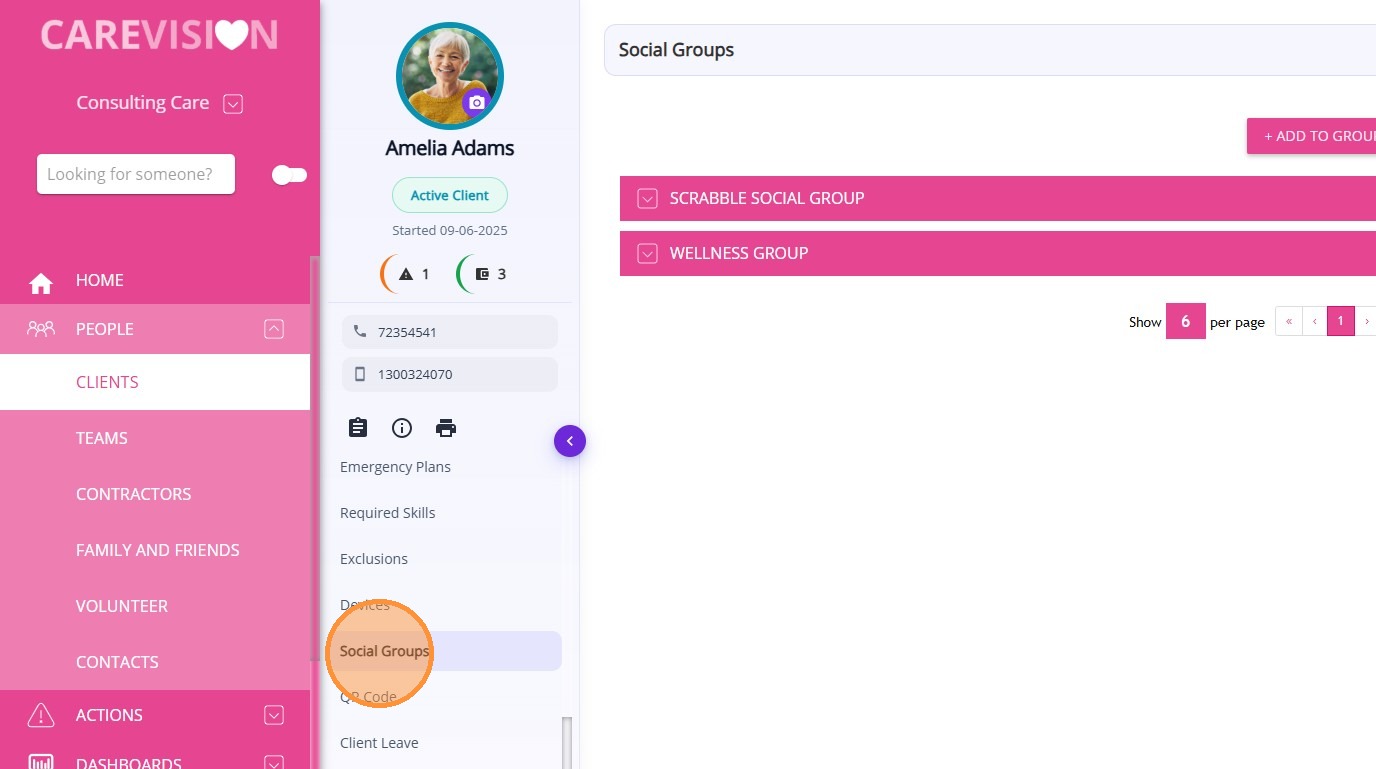
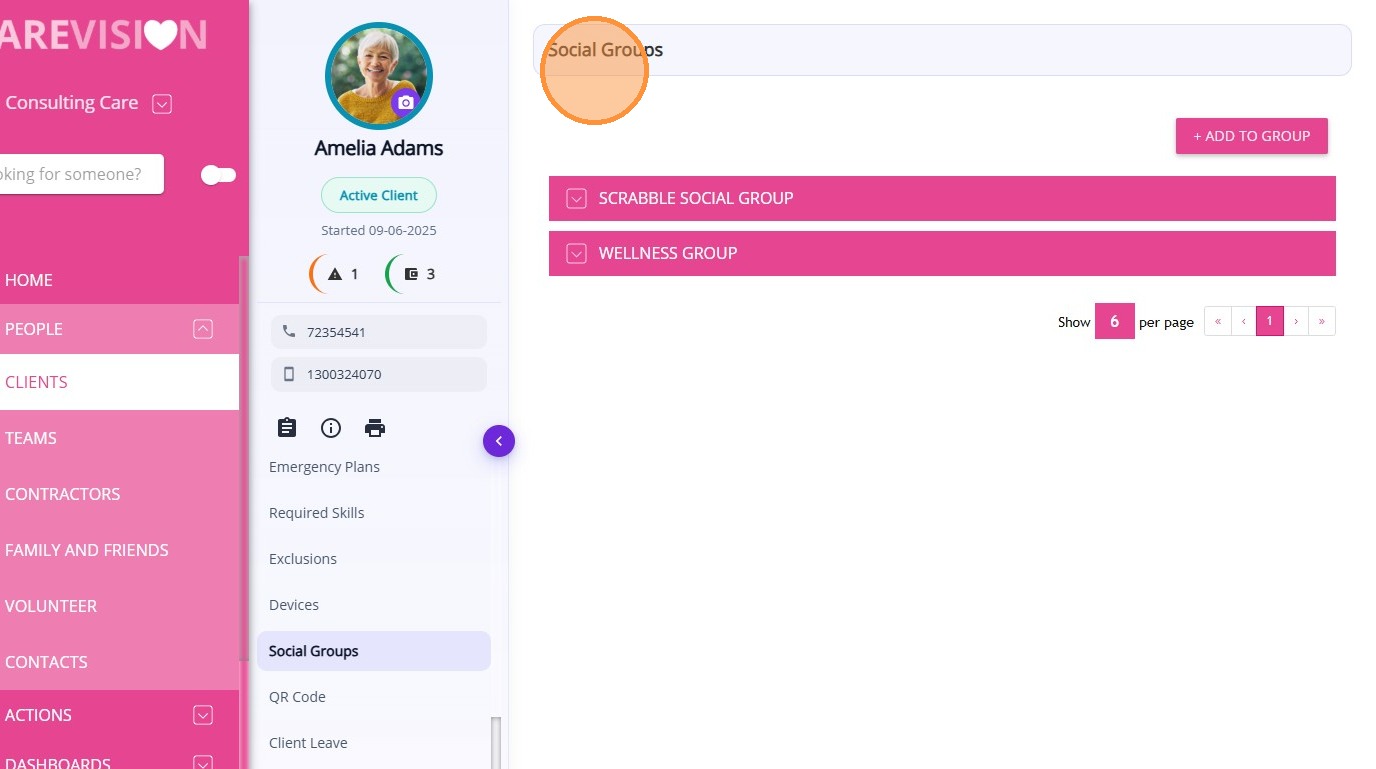
The Social Groups section in the Client Profile displays all social groups associated with the client. This allows coordinators and staff to view and manage the social groups a client belongs to.
Keywords: social groups, client social groups, manage client groups, carevision social groups, community groups carevision, client group membership, add client to group, social group participation, client activities groups, carevision community features
A Social Group can be created within CareVision to connect clients who participate in shared activities, programs, or services.
To view the social groups a client belongs to:
Open the Client Profile.
Select Social Groups.
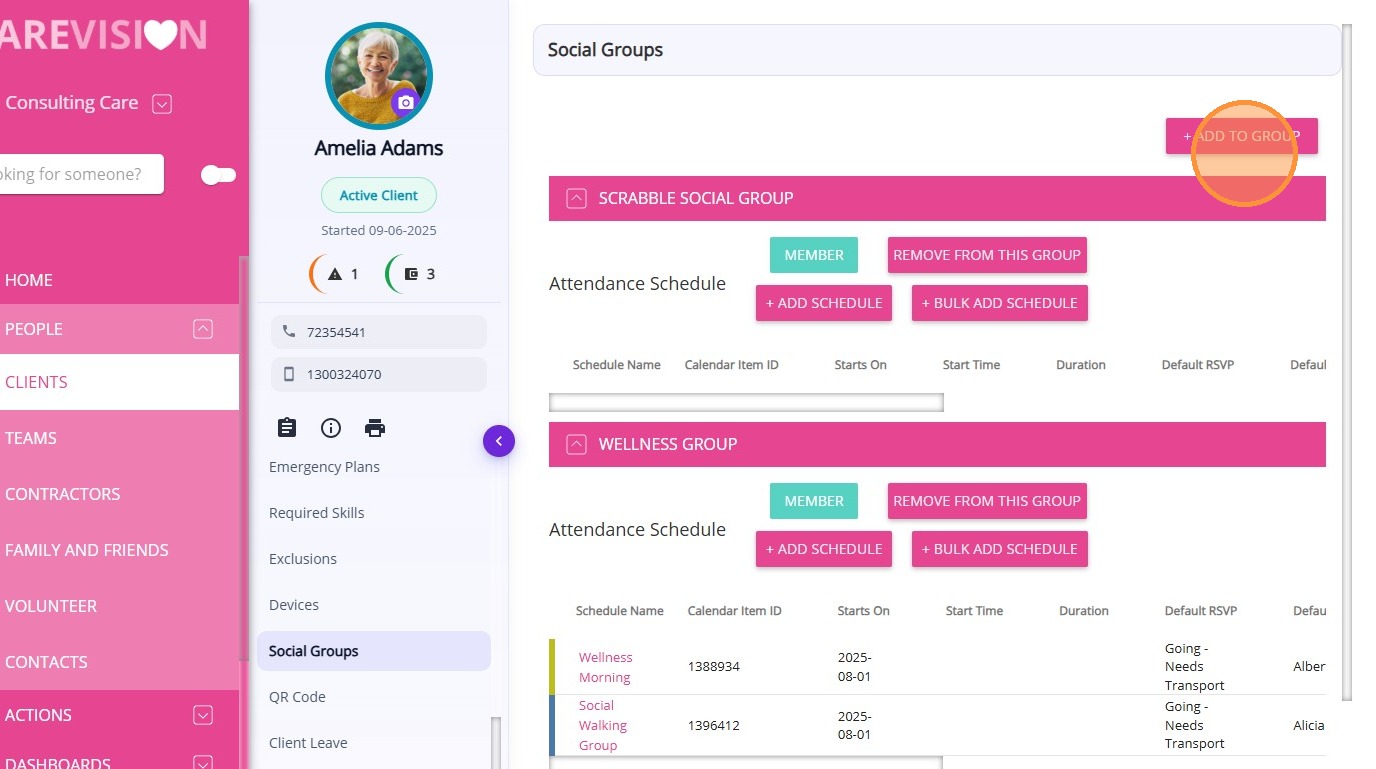
From this section, you can:
Add the client to a new social group
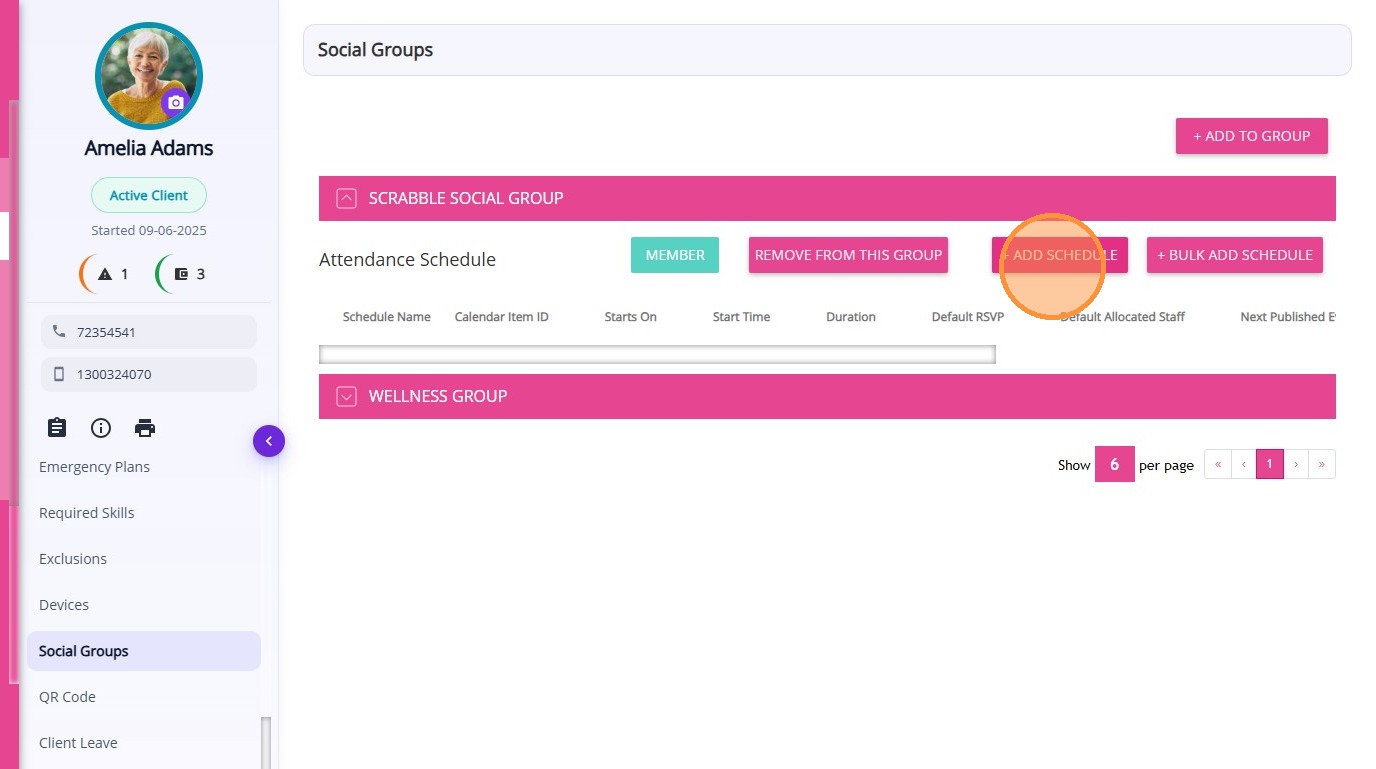
Set up Member Planned Attendance Schedule (MPAS)
Related Articles
Set Up the Client Groups Section in the Client Profile
Setting up this section is important for capturing information that will be included in relevant forms, such as Contractor Service Agreements. Keywords: client groups, client profile, living arrangements, client lives alone, client lives with, ...
Detailed Profile Section in Client Profile
The Detailed Profile section in the client profile provides an overview of each client, supporting personalized care and efficient communication. This topic describes the Detailed Profile section and explains how to complete client profile details. ...
Pausing Client Services & Client Leave
Client leave occurs when a client cannot receive services for a period of time due to reasons such as social leave, respite, hospital stays, transition care, or other circumstances. During client leave, services are suspended, which may affect ...
Devices Section in Client Profile
The Devices section in the Client Profile displays all device records associated with the client. This section records device preferences configured for the client. These settings control how supported devices, such as TVs or client-facing ...
Client Groups Section in Client Profile
The Client Groups section in the Client Profile is used to classify and manage important information about a client based on categories defined by your organisation. These classifications help organise clients based on their care needs, medical ...
Request an Article or Guide
We are keen to know what you want to know more about? Let us know on chat or raise a ticket for an article or topic you would like covered in more detail. We have a team of technical writers and learning content creators keen for your suggestions.