Tasks & Shopping Lists Section in Client Profile
The Tasks & Shopping Lists section in the Client Profile displays all client-related tasks and reminders associated with the client.
Keywords: client tasks management, client task tracking, care management tasks, client reminders, admin task allocation, client service tasks, care coordination tasks, client workflow management, client support tasks, task allocation system
The Tasks & Shopping Lists section allows users to create and manage tasks related to a specific client. These tasks help staff track reminders, administrative actions, and follow‑ups that need to be completed outside of scheduled services.
To view tasks from the Client Profile
- Open the Client Profile
- Select Tasks & Shopping lists
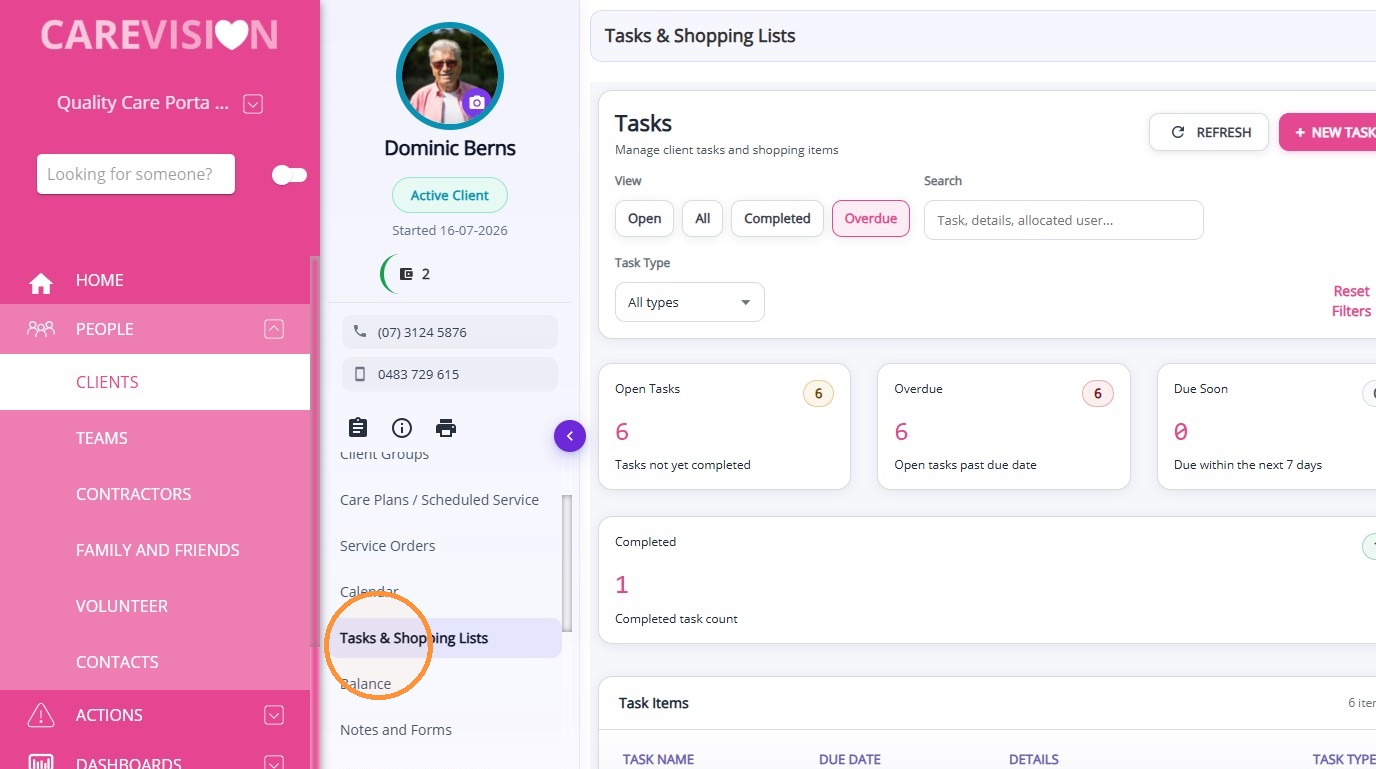
Manage Tasks
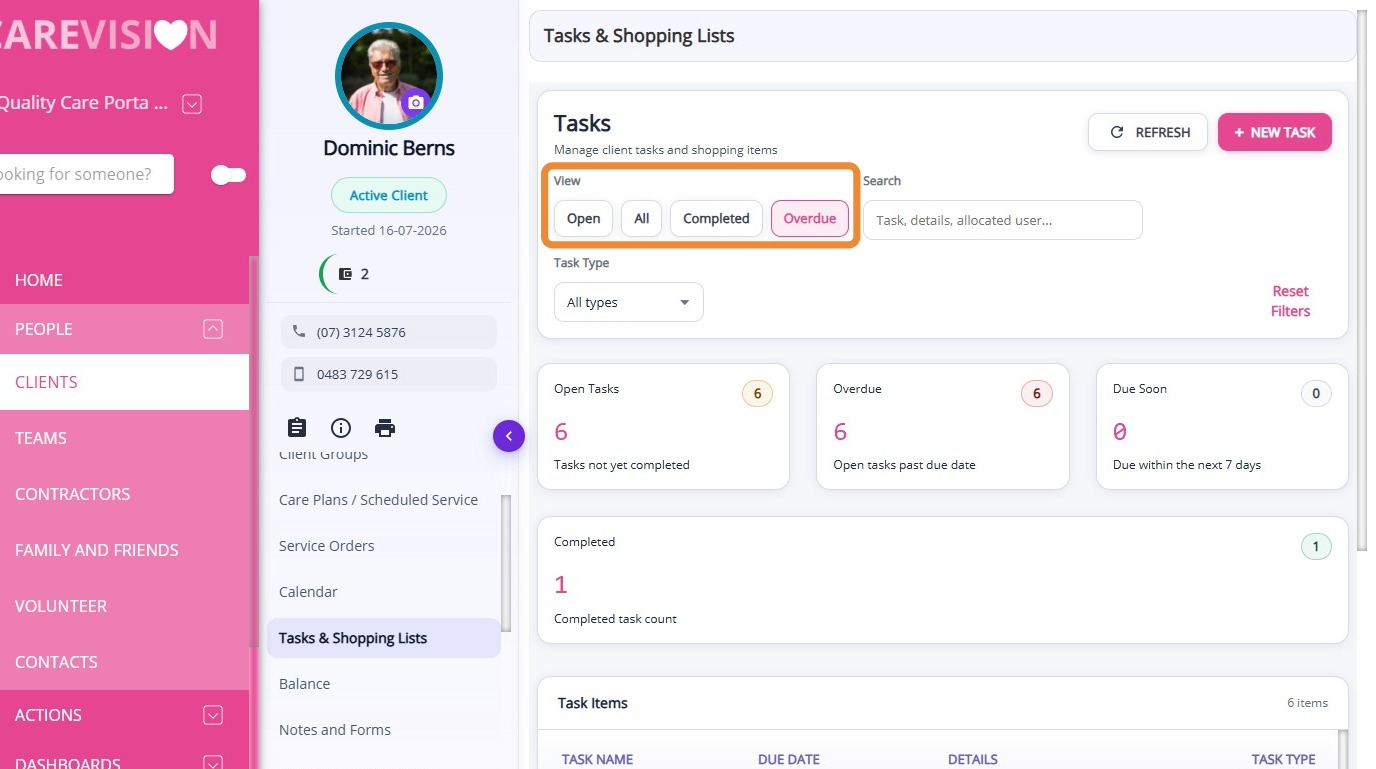
View Tasks
Use the filter options to view Open, Completed, Overdue, or All Tasks. This helps you quickly find and action relevant tasks.
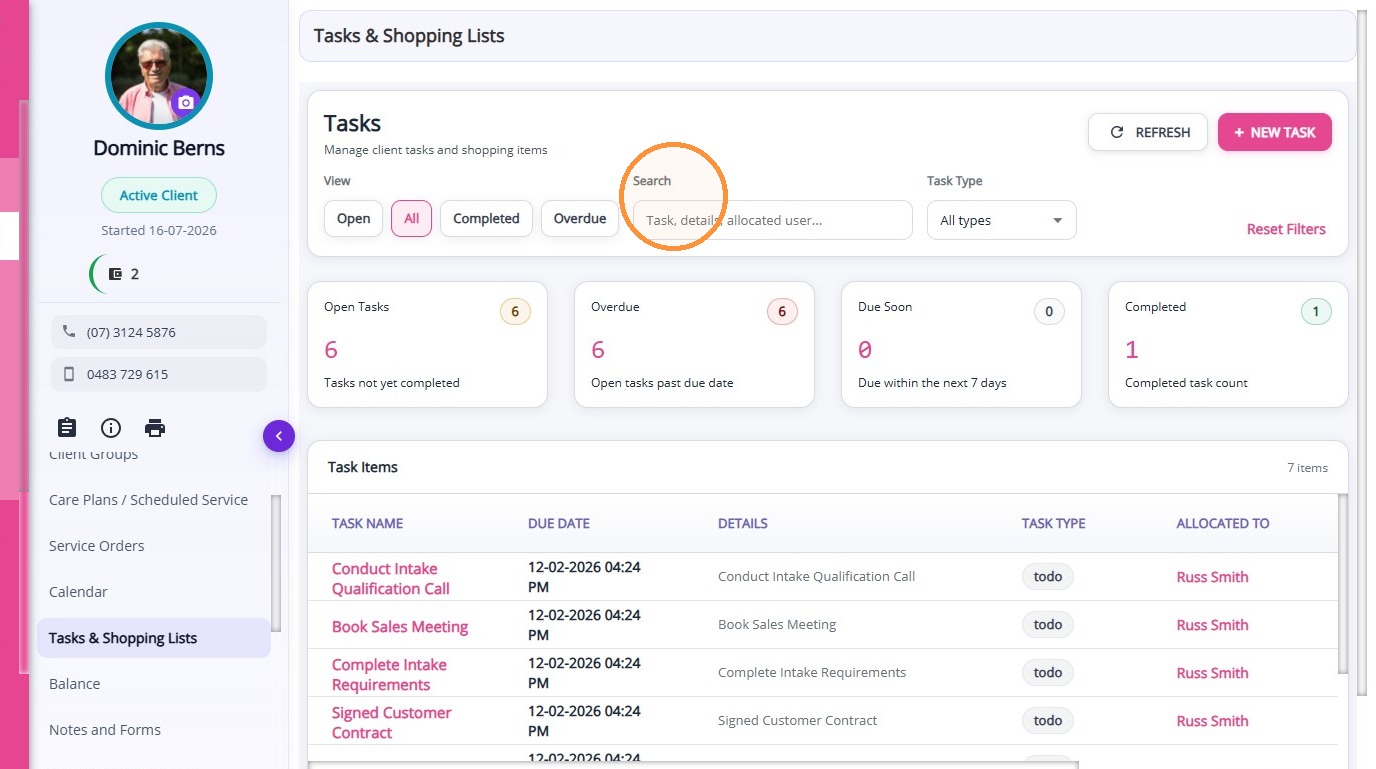
Search
Use the search bar to locate specific tasks linked to the client.
Use the search bar to locate specific tasks linked to the client.
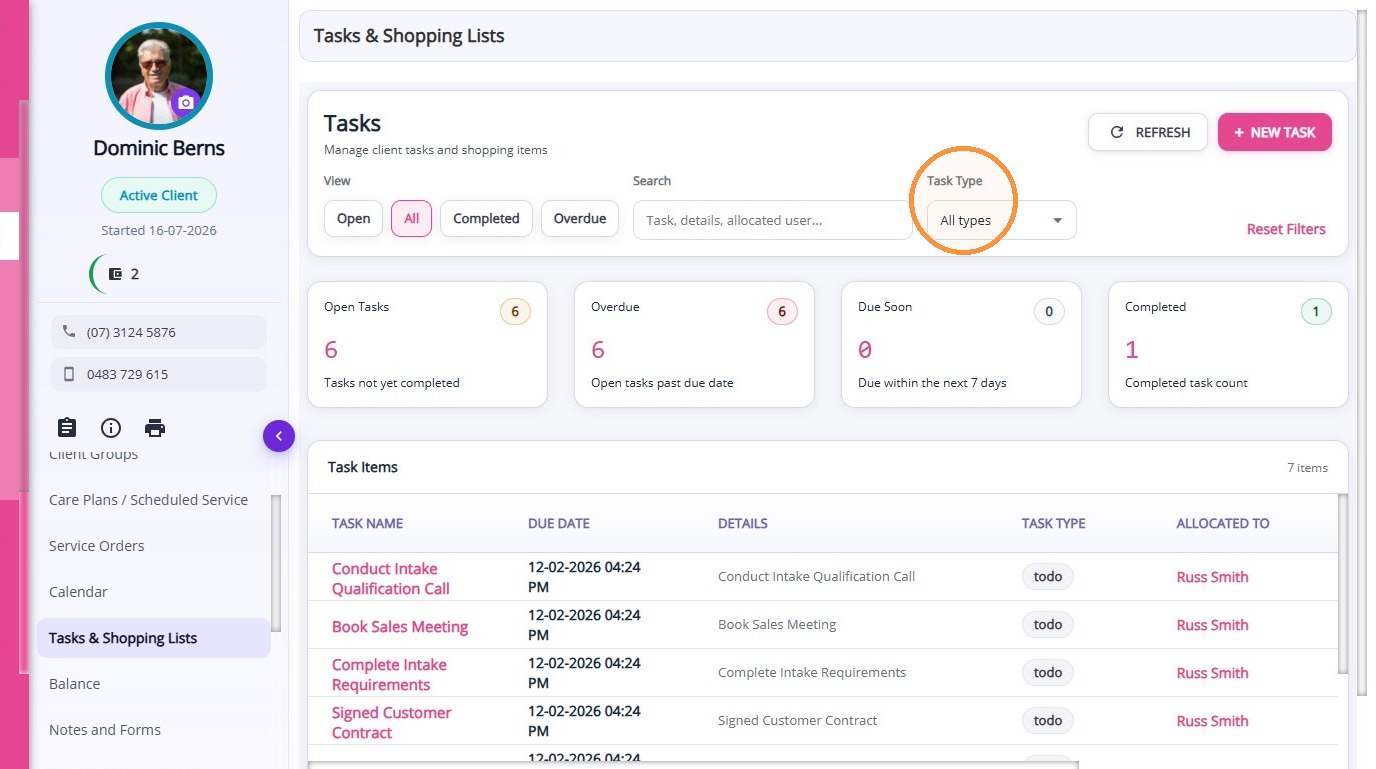
Task Type
Filter tasks by type to narrow down results and focus on specific categories.
Filter tasks by type to narrow down results and focus on specific categories.
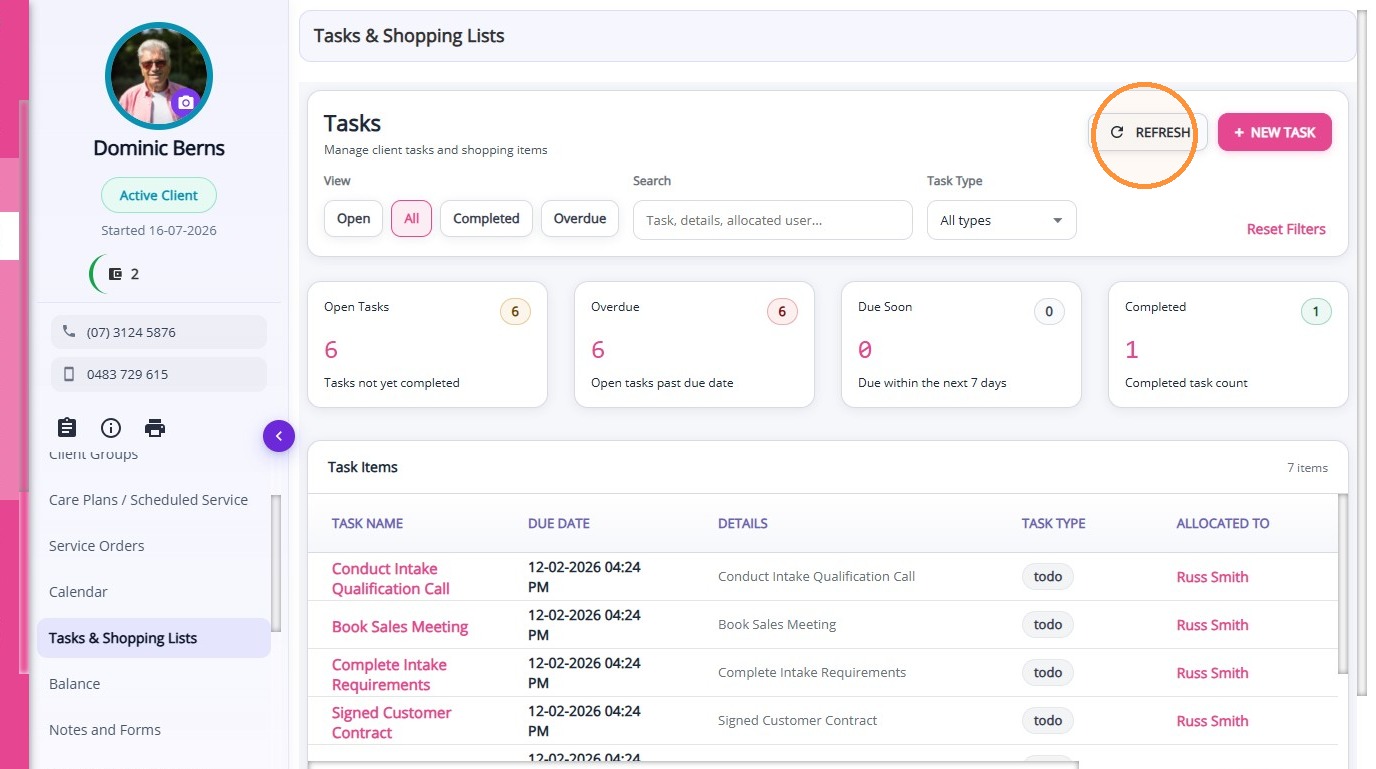
Refresh
Click the refresh button to update and display the latest data.
Click the refresh button to update and display the latest data.
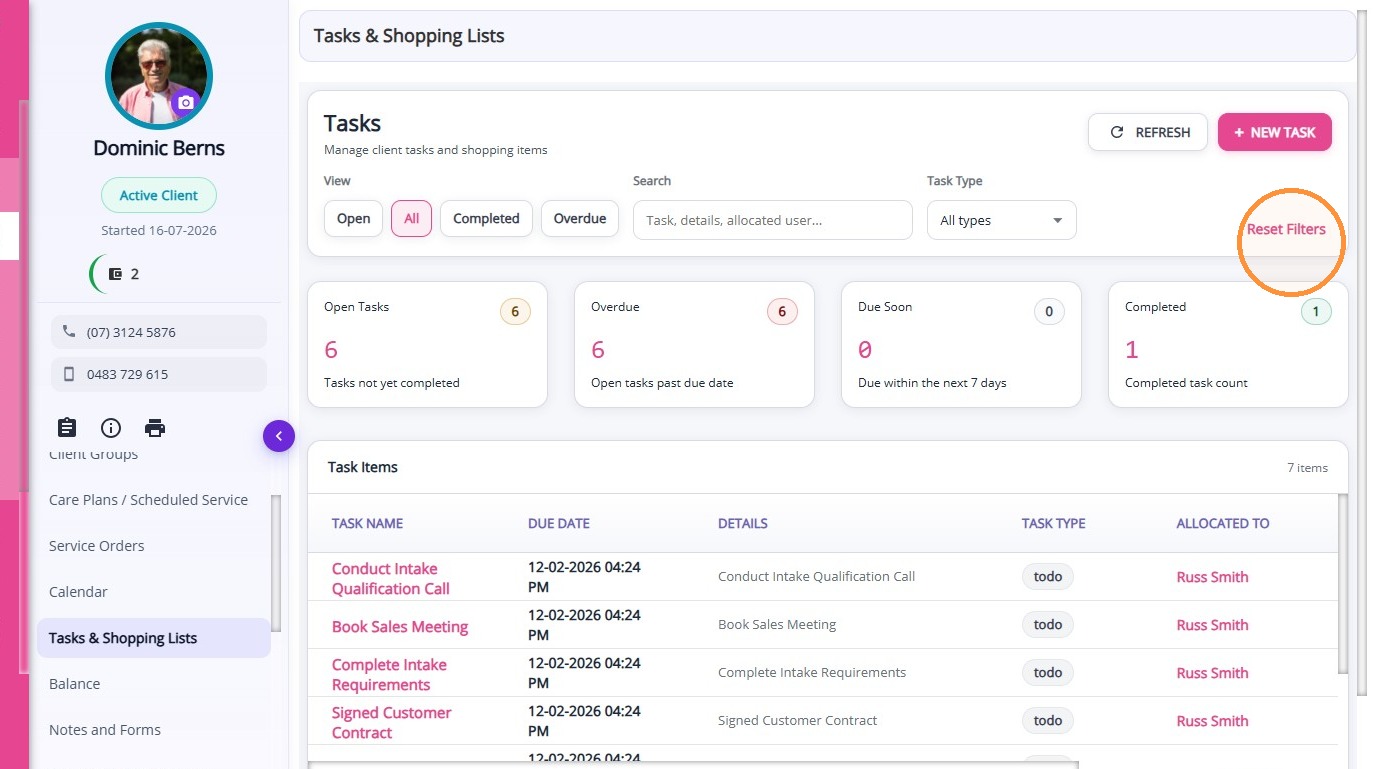
Reset Filter
Click Reset to clear all applied filters and return to the default view.
Click Reset to clear all applied filters and return to the default view.
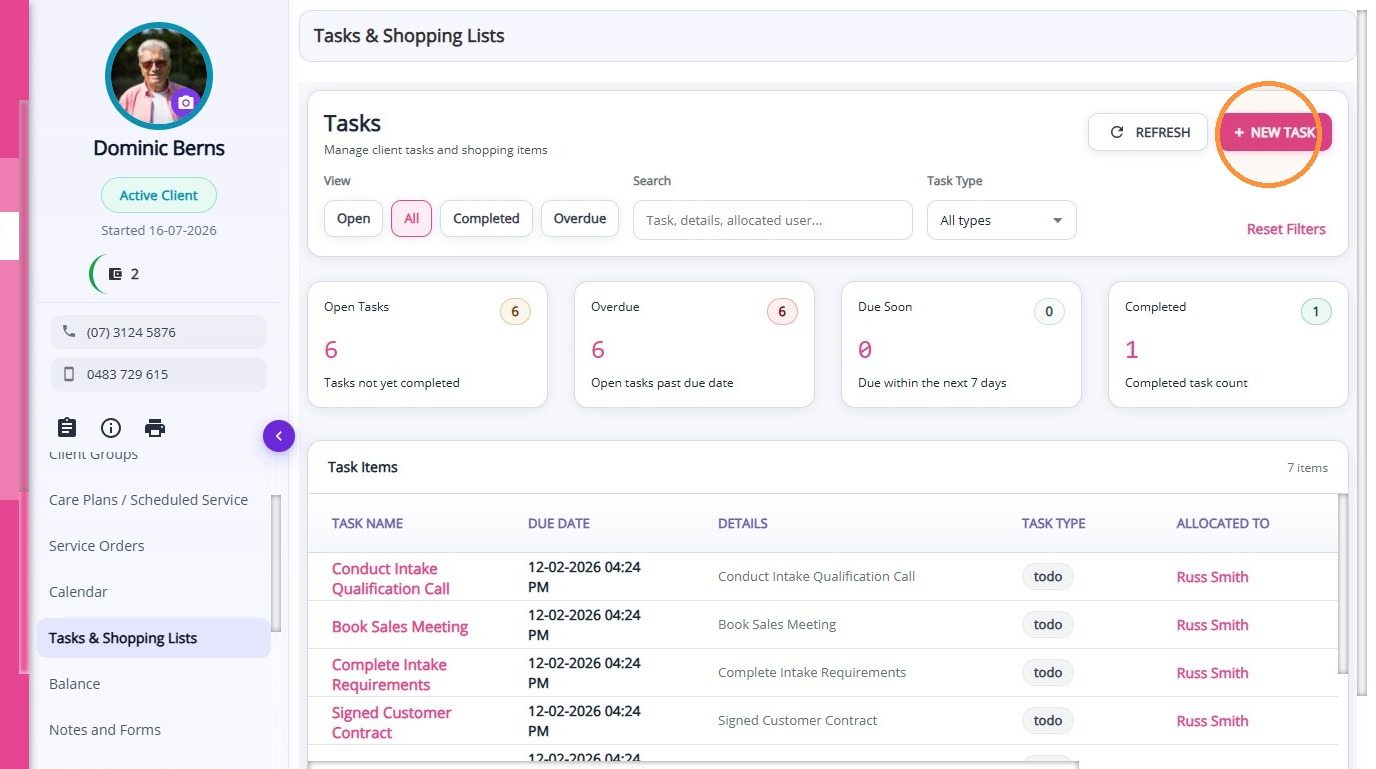
Create New Task
Create New Task
Click Create New Task to add a new task or shopping item.
Examples of tasks include:
- A reminder to call a client
- A task for someone in the team to complete
- A reminder to call back a family member
- A request for a report or document to be sent
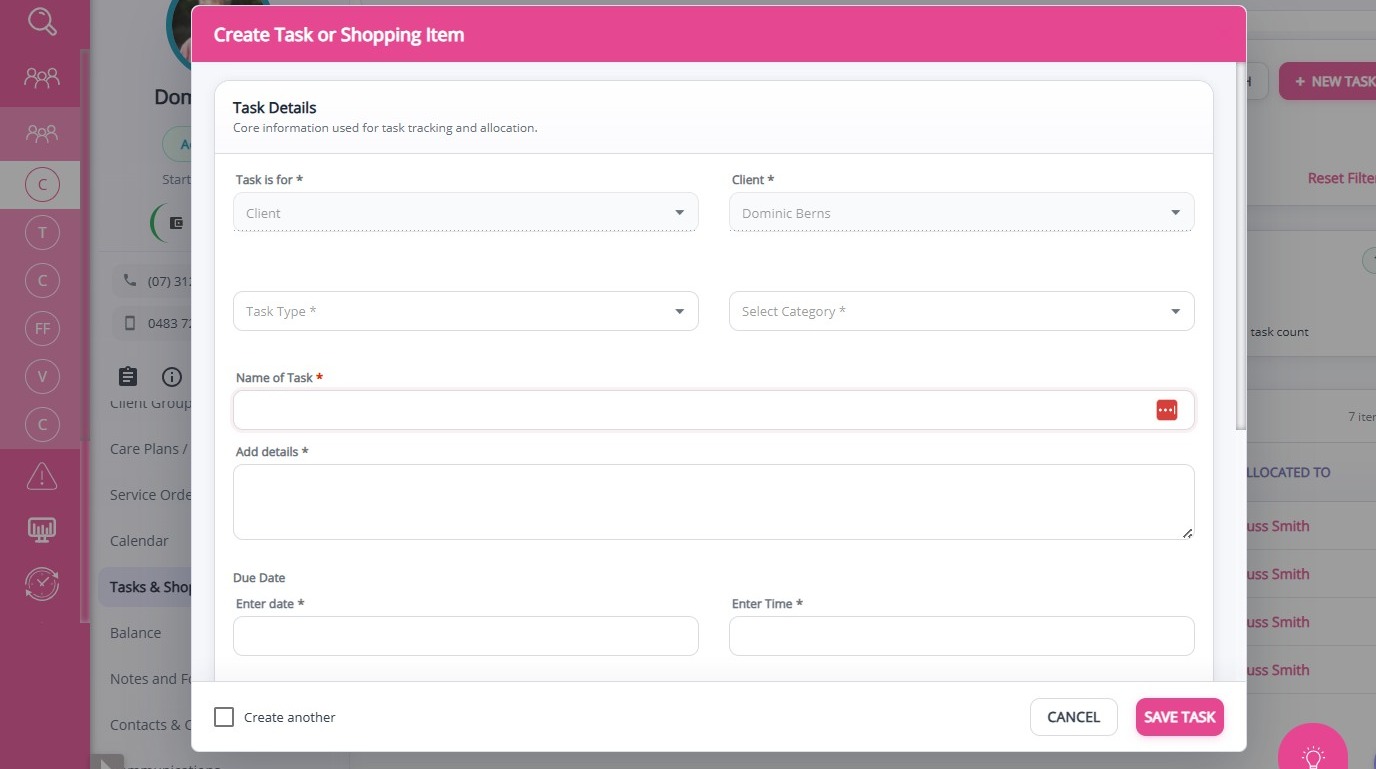
Complete the required fields, add relevant details, assign the task to a team member, and click Save Task.
Tasks Summary Cards
Summary cards provide a quick overview of task status:
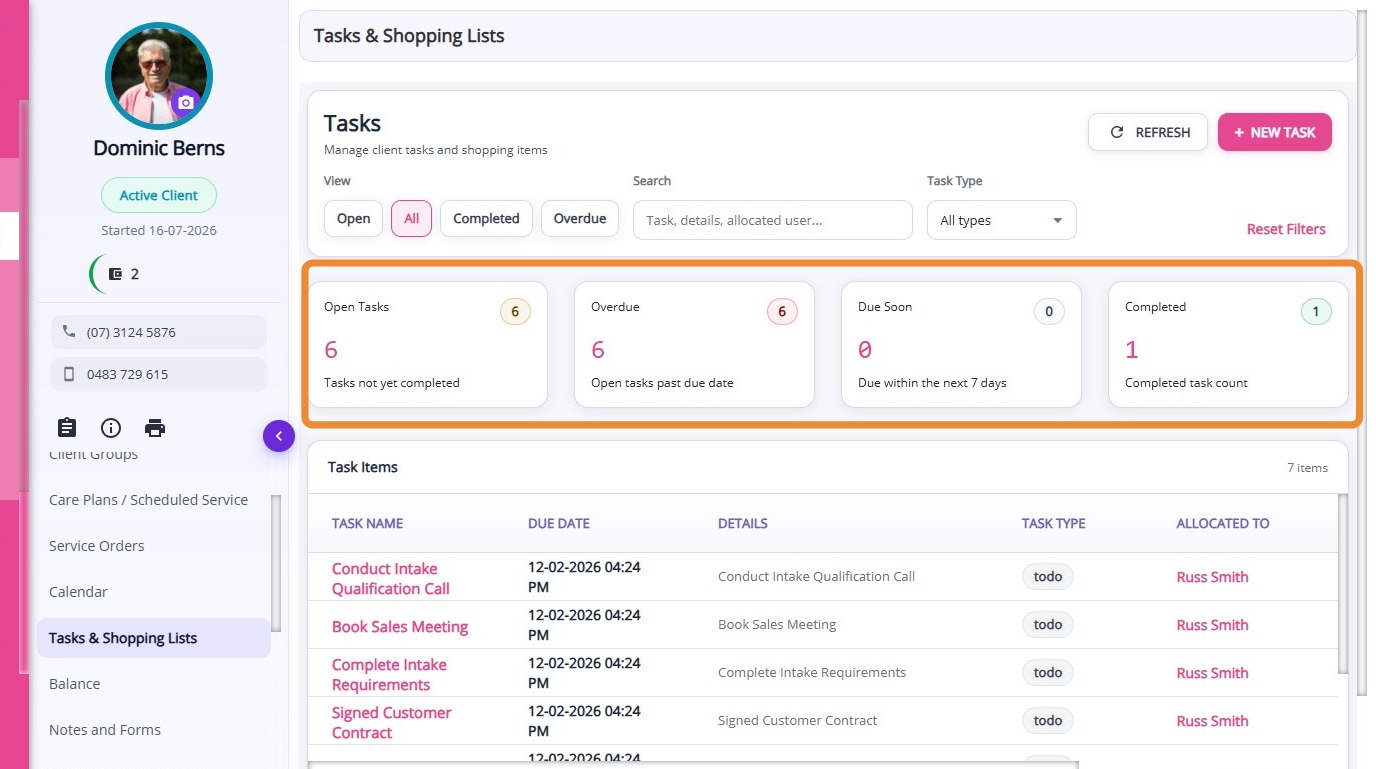
Open Tasks: Displays the total number of tasks that are currently active and not yet completed.
Overdue: Displays the number of tasks that have passed their due date and require immediate attention.
Due Soon: Displays the number of tasks due within the next 7 days.
Completed: Displays the number of tasks that have been completed.
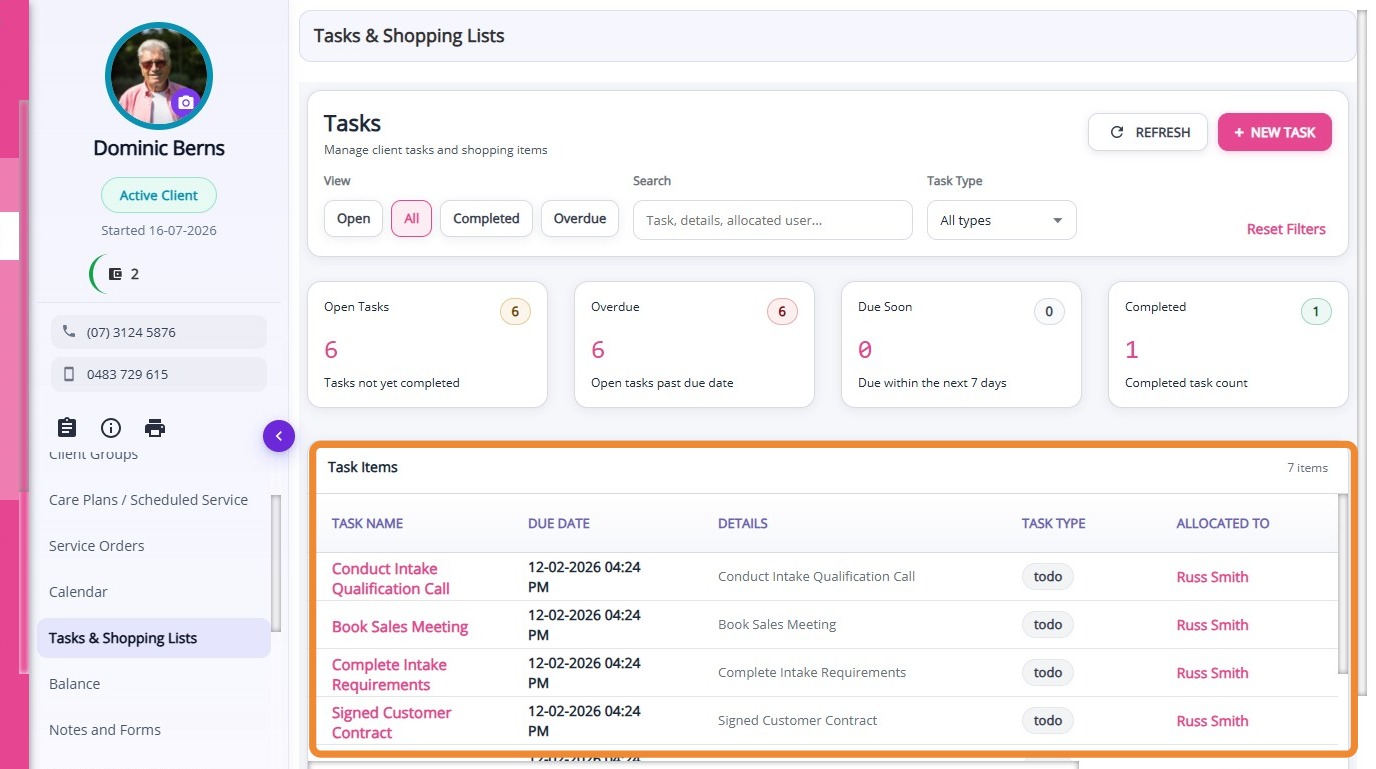
Task Items Section
This section displays all tasks in a table format, providing a detailed view of each task. It includes key information such as Task Name, Due Date, Details, Task Type, Allocated To, Allocated By, and Status.
This section is useful for tracking, managing, and reviewing tasks, allowing you to quickly see responsibilities, deadlines, and progress at a glance.
This topic explained how to use the Tasks & Shopping Lists section in the Client Profile. For more information, contact the CareVision Support Team.