Notes and Forms Section in Client Profile
The Notes and Forms section in the Client Profile displays all notes and submitted forms associated with the client.
Keywords: client notes management, client forms tracking, care management forms, client case notes, healthcare documentation forms, client intake forms, client assessment records, care coordination documentation, client support forms, carevision forms management
The Notes and Forms section allows organisations to record, manage, and track documentation related to a client. Staff and coordinators can create case notes, submit operational forms, and review previously submitted documentation related to client care and administration.
To view notes and forms from the Client Profile:
- Open the Client Profile.
- Select Notes and Forms.
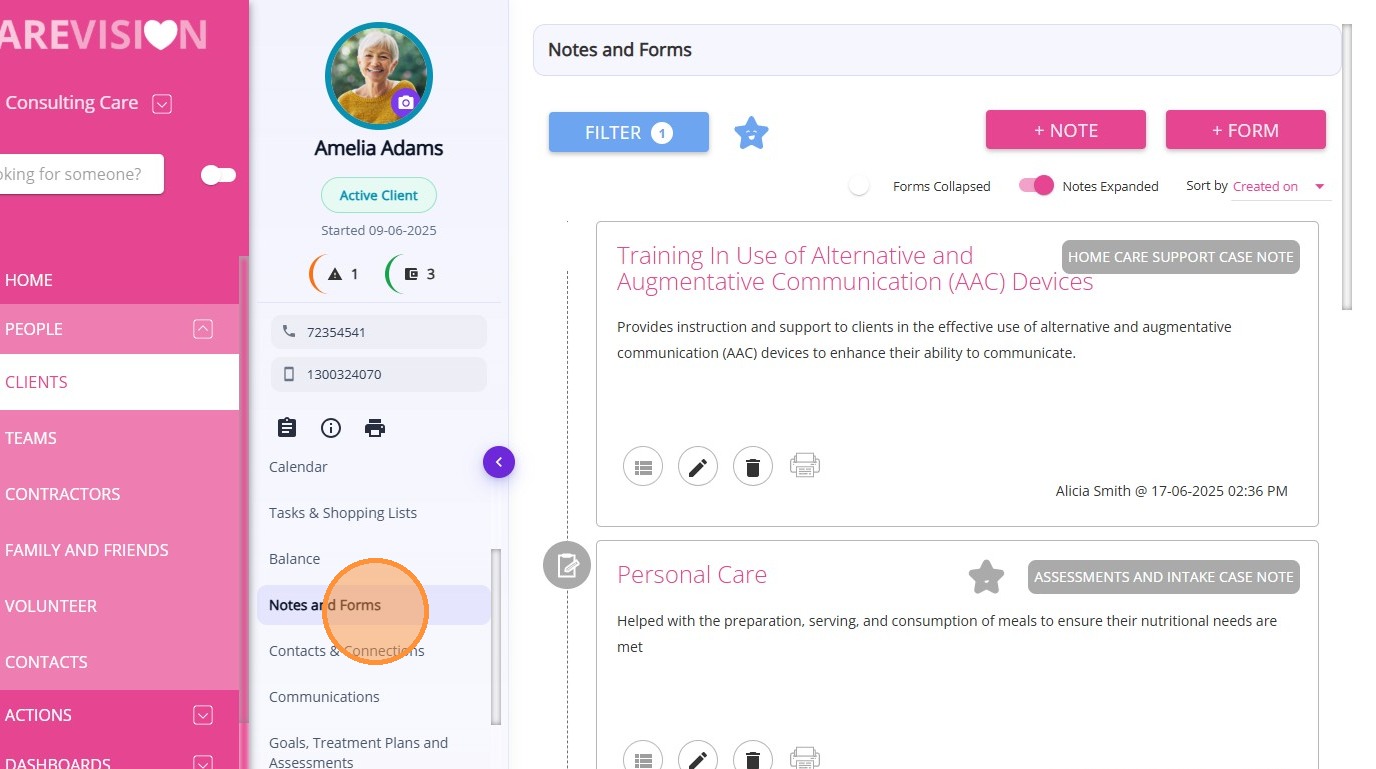
Notes and forms are client-related records used for documentation, assessments, and operational reporting. Notes typically capture observations, updates, or communications, while forms are structured documents used for assessments, consent, referrals, and other care management processes.
From this section, you can:
- View all existing notes and forms for the client
- Track notes and forms submitted by staff members
- Filter records by Notes, Forms, Case Note Type, or Form Categories
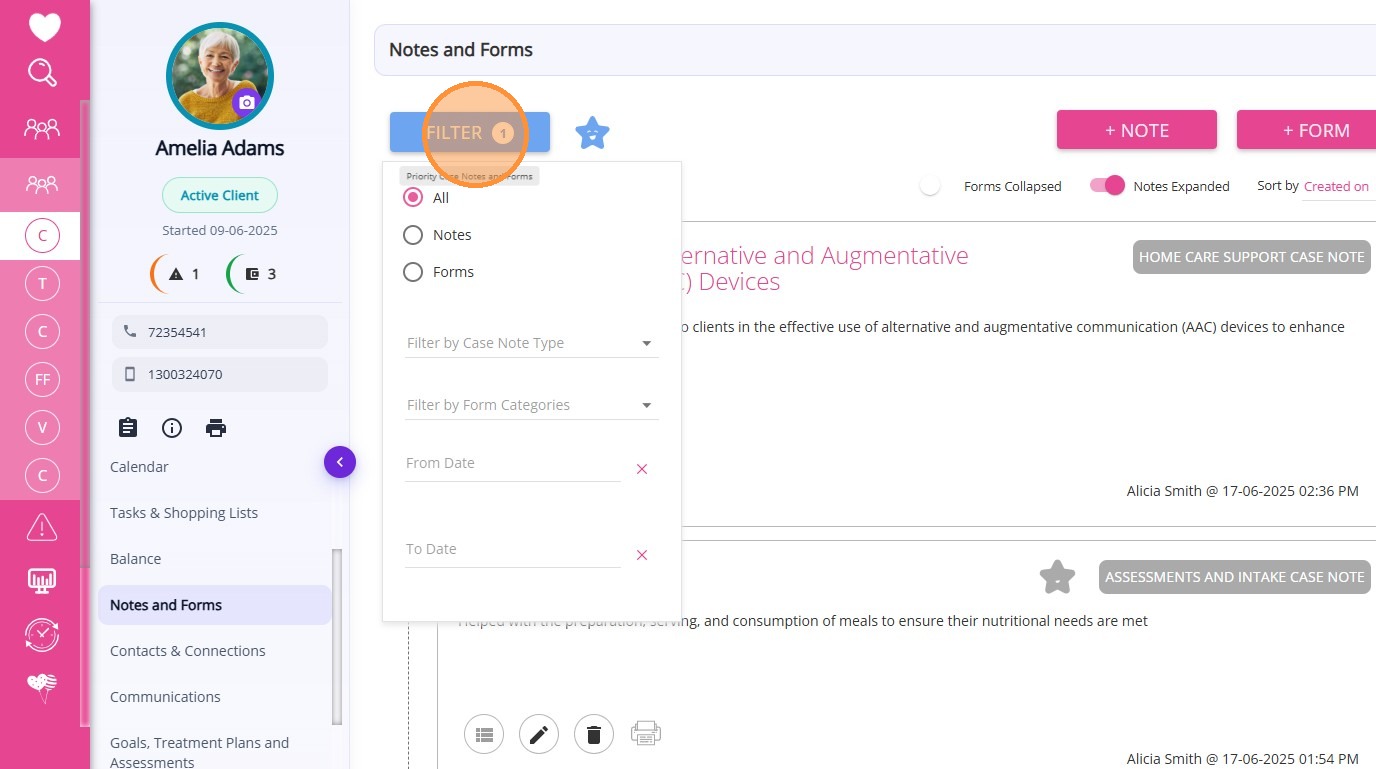
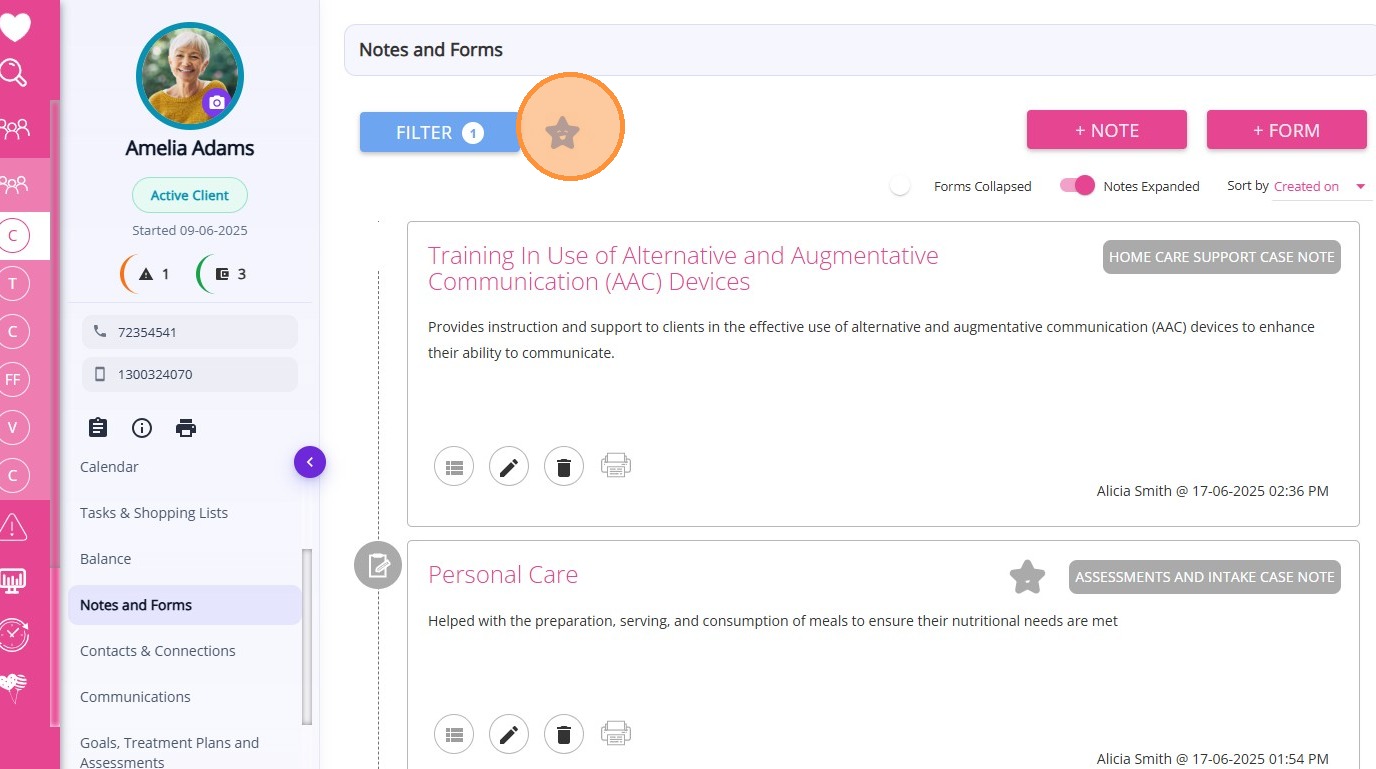
- Mark important notes and forms using the Star feature for quick reference
- Create new notes and forms using available templates
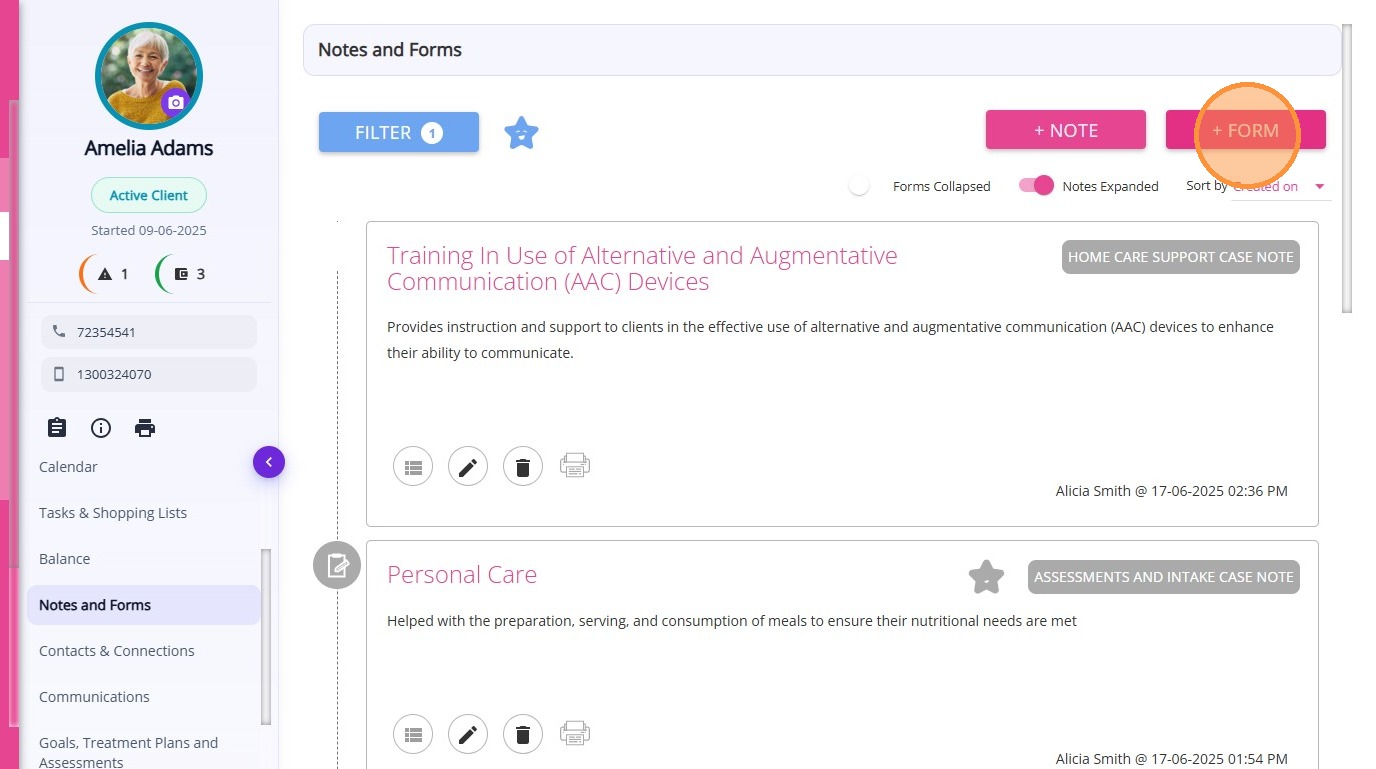
Staff members can also submit forms through the CareVision Plus mobile app, allowing forms to be completed anytime and anywhere.
Examples of forms and notes include:
- My Consent Form
- My Safety Assessment
- Medication Management Plan
- Assessment Summary Report
- Strength Based Assessment
- My Support Form
- Letter format for GP
- Service Referral form
