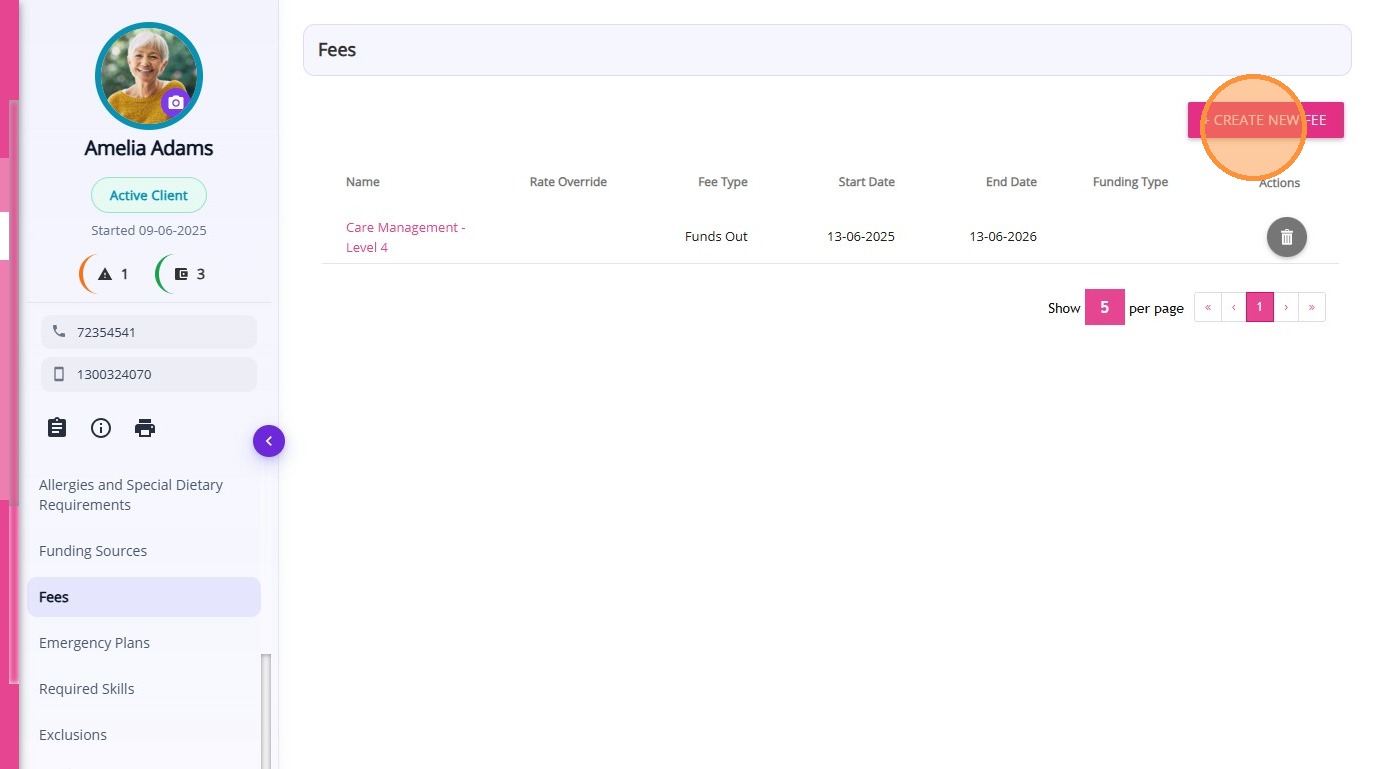
Fees Section in Client Profile
The Fees section in the Client Profile displays all fee records associated with the client. Fee items typically represent outgoing funds or charges to clients.
Keywords: client fees, aged care billing, care service fees, client contributions, funding deductions, carevision fees, aged care charges, service billing management, client billing records, healthcare service fees
To view fees from the Client Profile:
- Open the Client Profile.
- Select Fees.
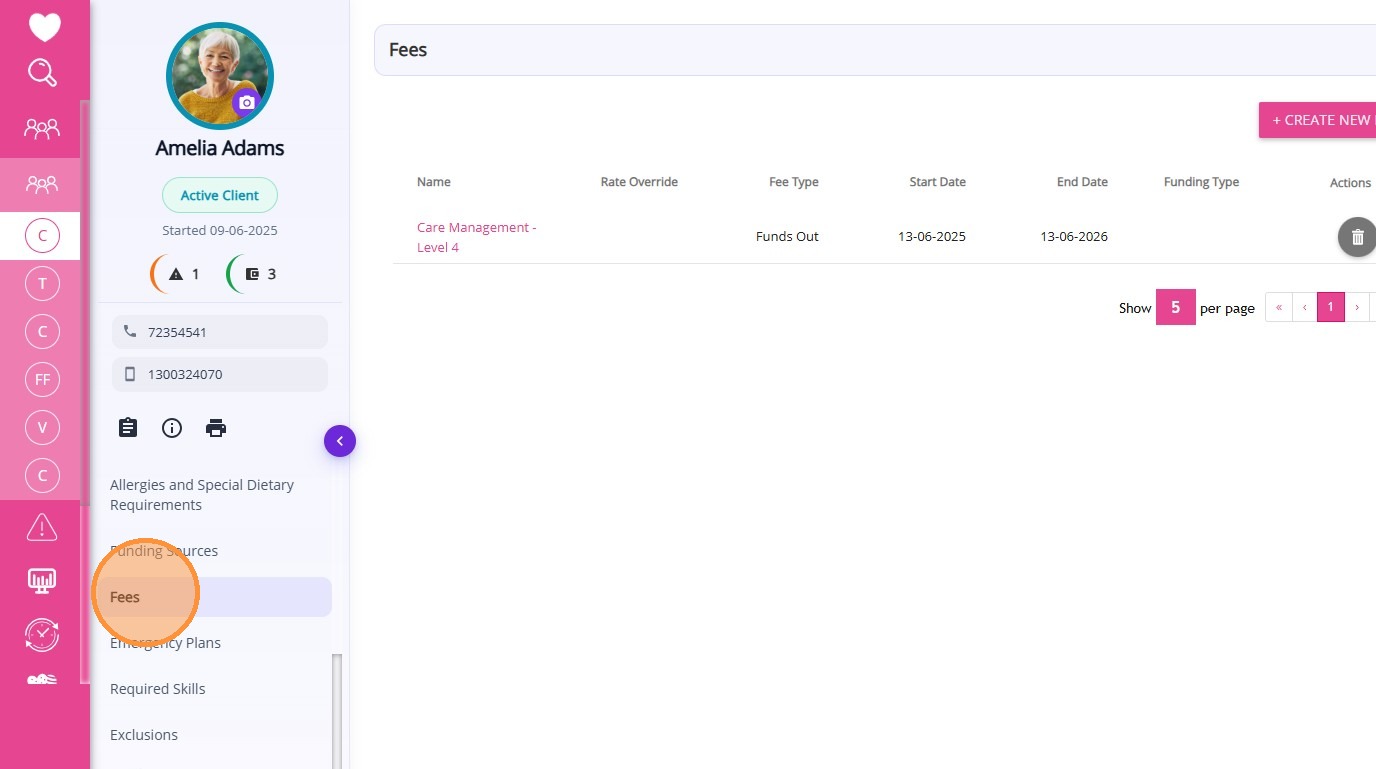
From this section, you can:
- View all existing fee records assigned to the client
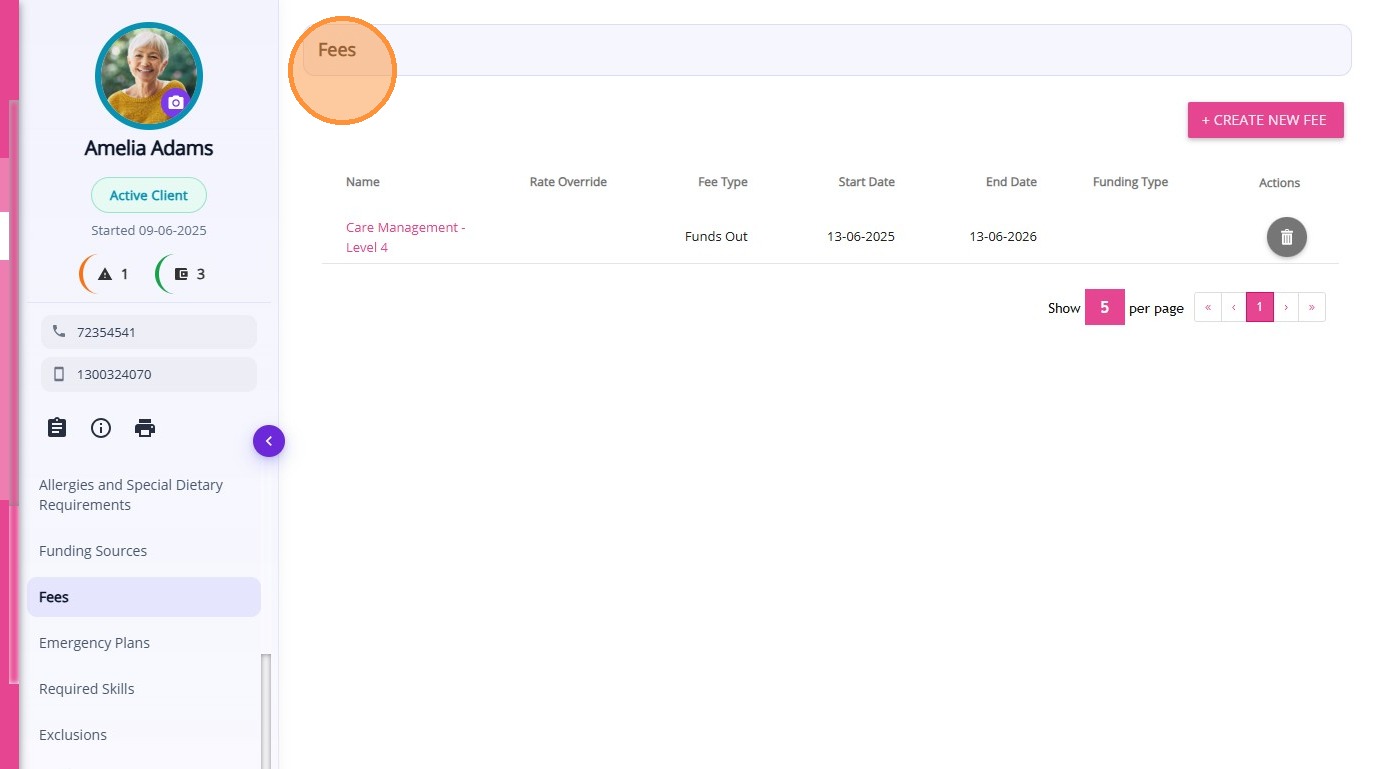

- Access key details related to each fee item
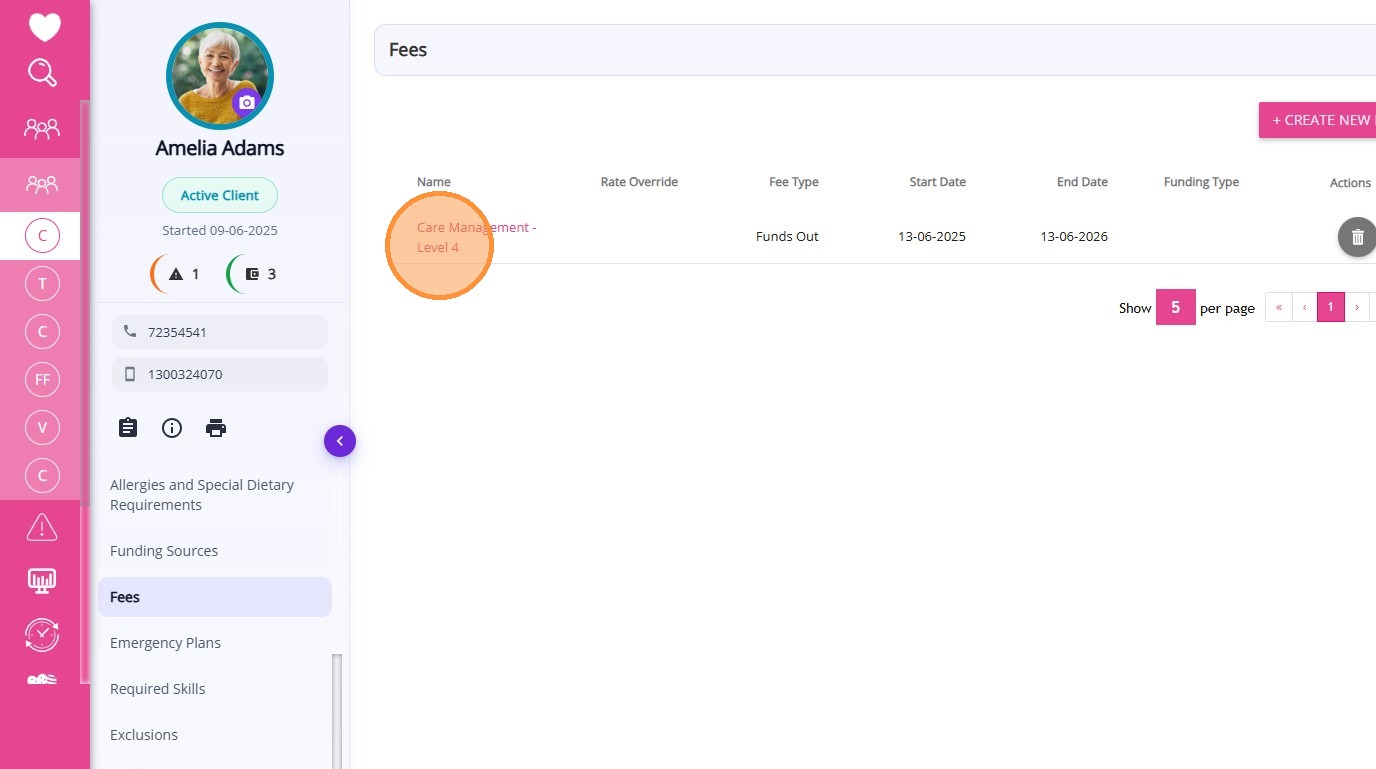
Examples of fees include:
Basic Daily Care Fee
Income Tested Fee
Care Management Fee
Package Management Fee
Note: Under Support at Home, most organisations will no longer include fees such as package management, as these are generally not charged under this model.
Related Articles
Funding Sources Section in Client Profile
The Funding Sources section in the Client Profile displays all funding records associated with the client. Keywords: client funding sources, ndis funding, support at home funding, care funding management, client funding records, healthcare funding ...
Care Plans/Scheduled Service Section in Client Profile
After a quote is accepted, a draft Client Care Plan is automatically created in the Care Plans/Scheduled Service section of the Client Profile. This section is used to set up and manage the client’s service schedule, which is later used for rostering ...
Notes and Forms Section in Client Profile
The Notes and Forms section in the Client Profile displays all notes and submitted forms associated with the client. Keywords: client notes management, client forms tracking, care management forms, client case notes, healthcare documentation forms, ...
Detailed Profile Section in Client Profile
The Detailed Profile section in the client profile provides an overview of each client, supporting personalized care and efficient communication. This topic describes the Detailed Profile section and explains how to complete client profile details. ...
Emergency Plans Section in Client Profile
The Emergency Plans section in the Client Profile displays all emergency plan records associated with the client. These plans provide clear guidance to staff on how to respond to different emergency situations involving the client, helping ensure the ...
Request an Article or Guide
We are keen to know what you want to know more about? Let us know on chat or raise a ticket for an article or topic you would like covered in more detail. We have a team of technical writers and learning content creators keen for your suggestions.