Emergency Plans Section in Client Profile

Emergency Plans Section in Client Profile

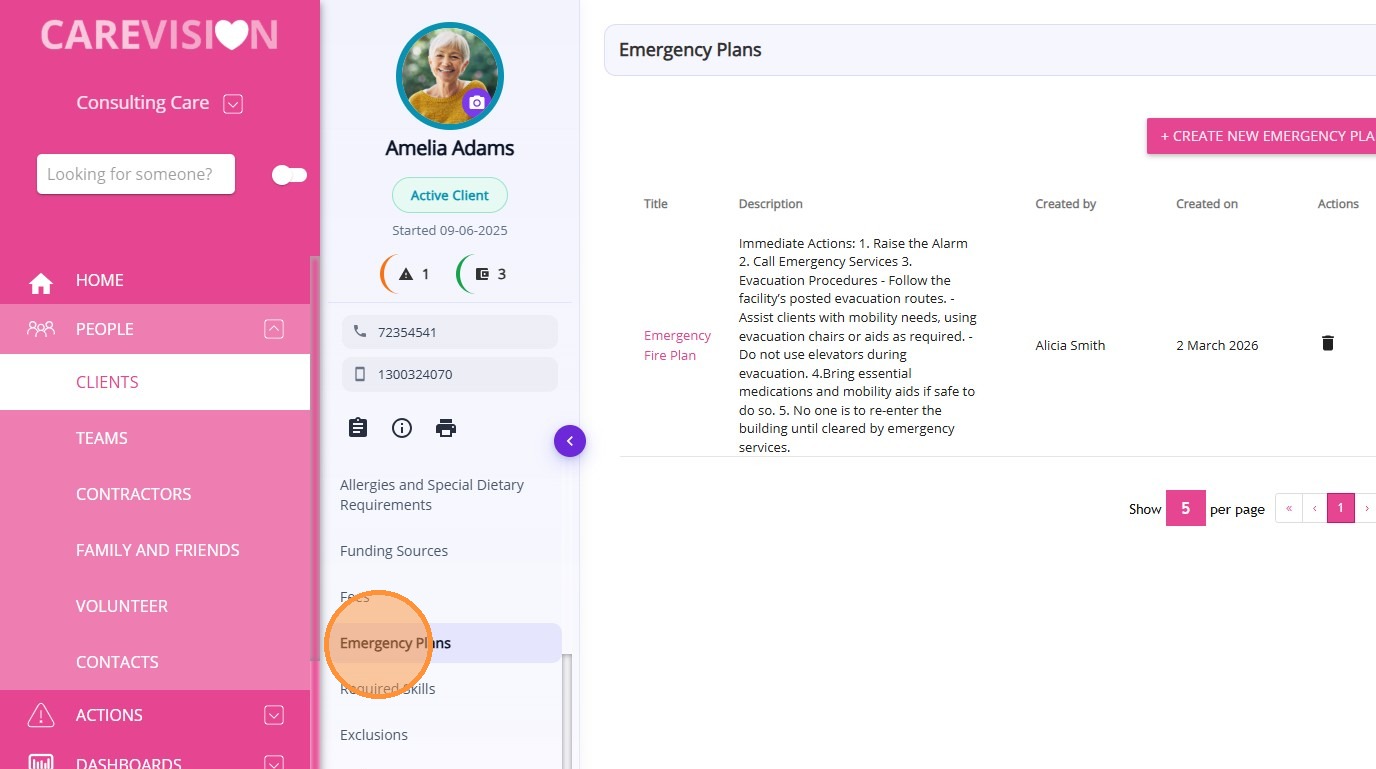
The Emergency Plans section in the Client Profile displays all emergency plan records associated with the client. These plans provide clear guidance to staff on how to respond to different emergency situations involving the client, helping ensure the client’s safety and wellbeing during unexpected events.

Keywords: client emergency plan, care emergency procedures, client safety plan, aged care emergency response, client risk management, healthcare emergency planning, client profile emergency plan, carevision emergency plans, emergency response documentation, client safety protocols
An Emergency Plan is a documented set of instructions outlining how staff should respond in a specific emergency situation involving a client. Emergency plans focus specifically on urgent scenarios and outline the agreed response actions discussed with the client.

To view emergency plans from the Client Profile:
  1. Open the Client Profile.
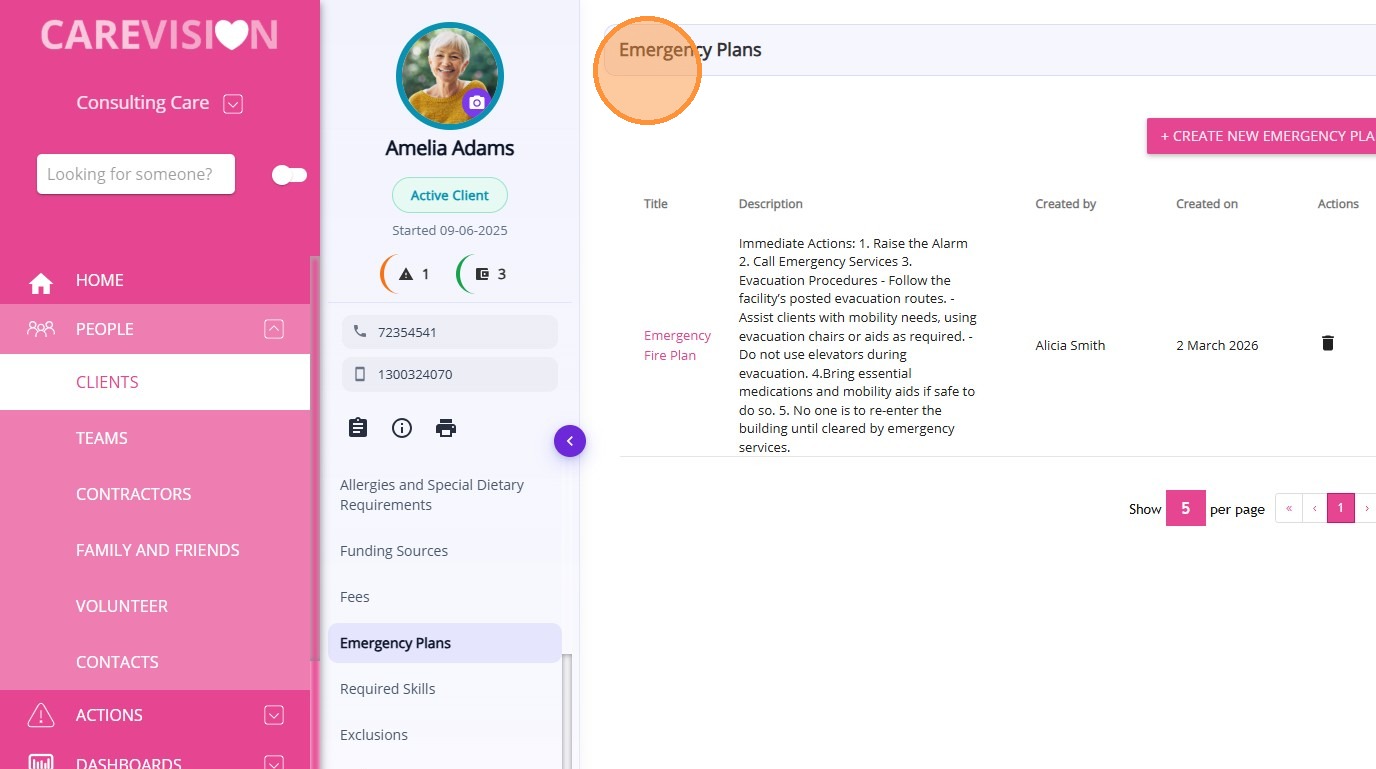
  2. Select Emergency Plans.

From this section, you can:
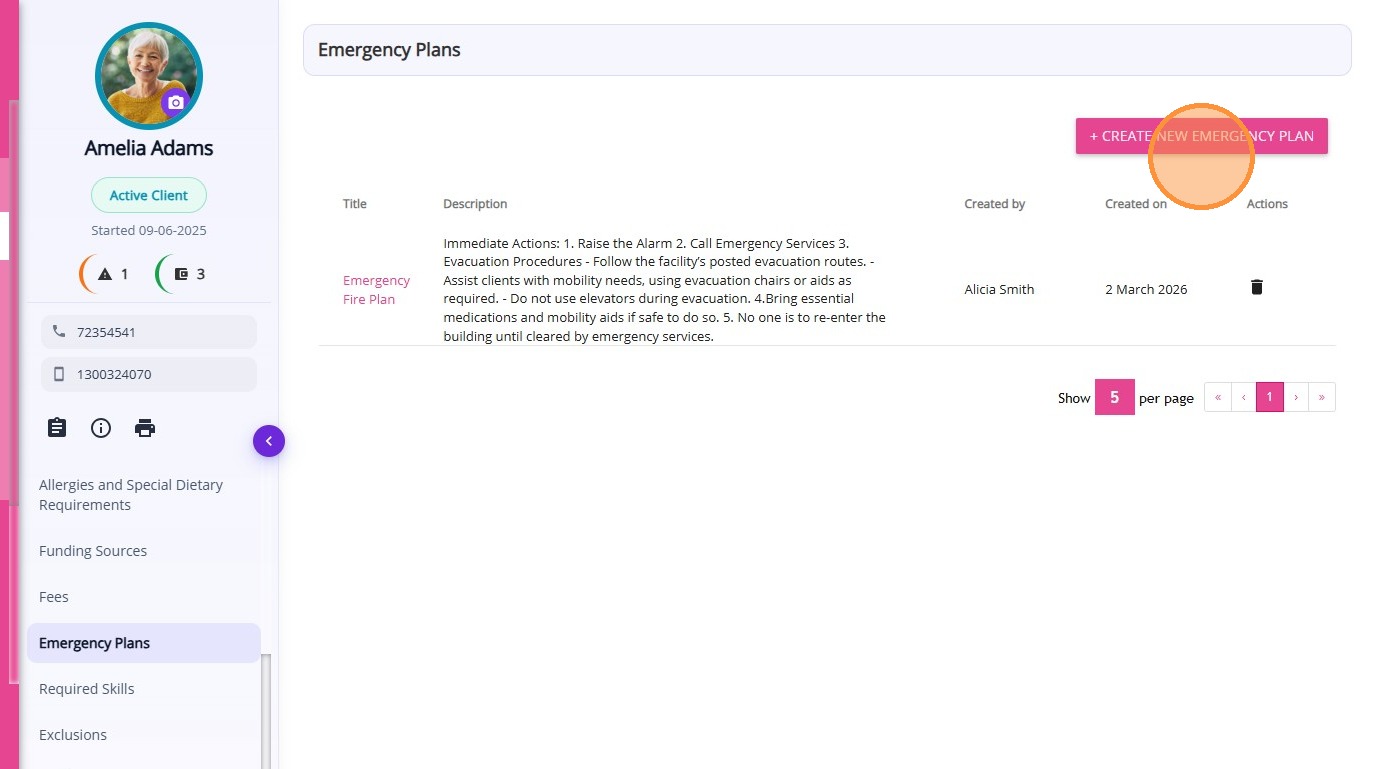
  1. View all existing emergency plans for the client
  1. Create a new emergency plan
  1. Access key details related to each emergency plan
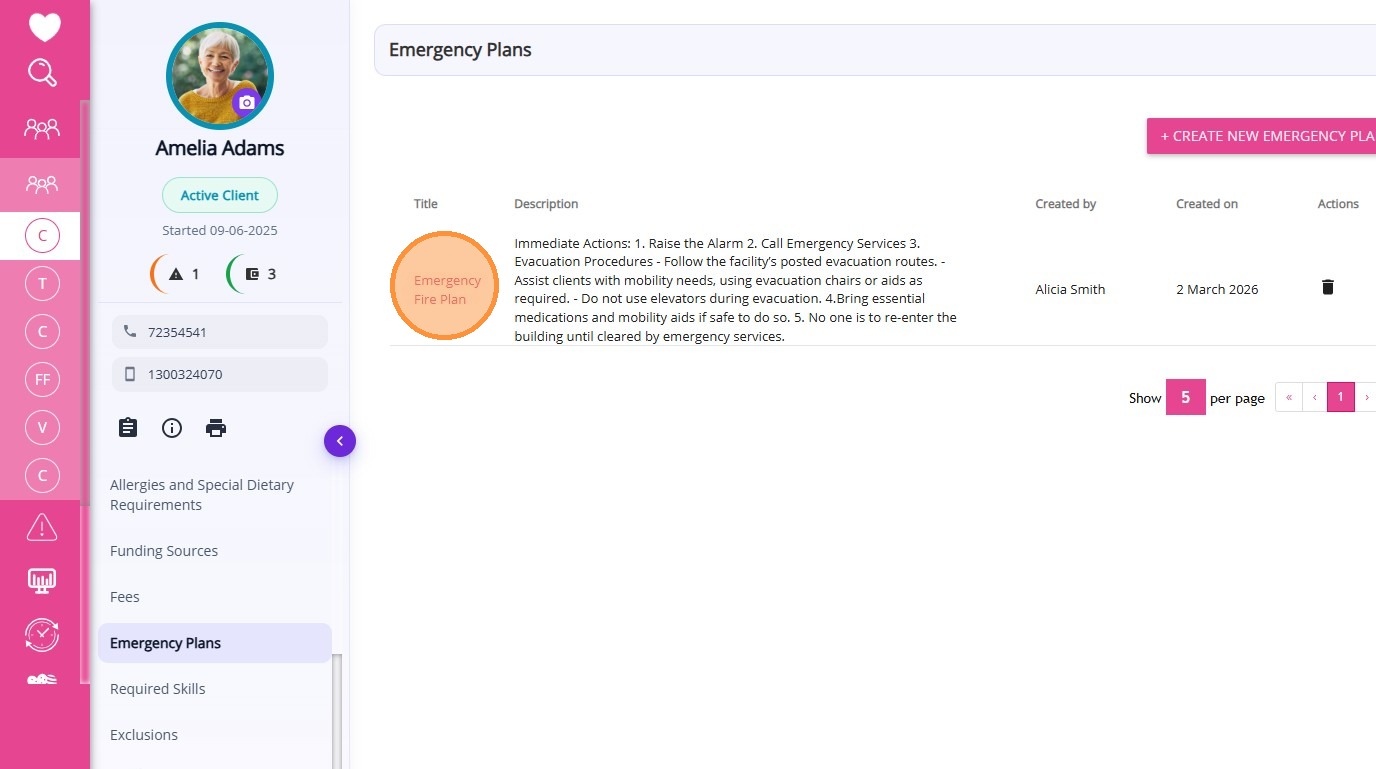
A table is displayed showing the details of each emergency plan recorded for the client.
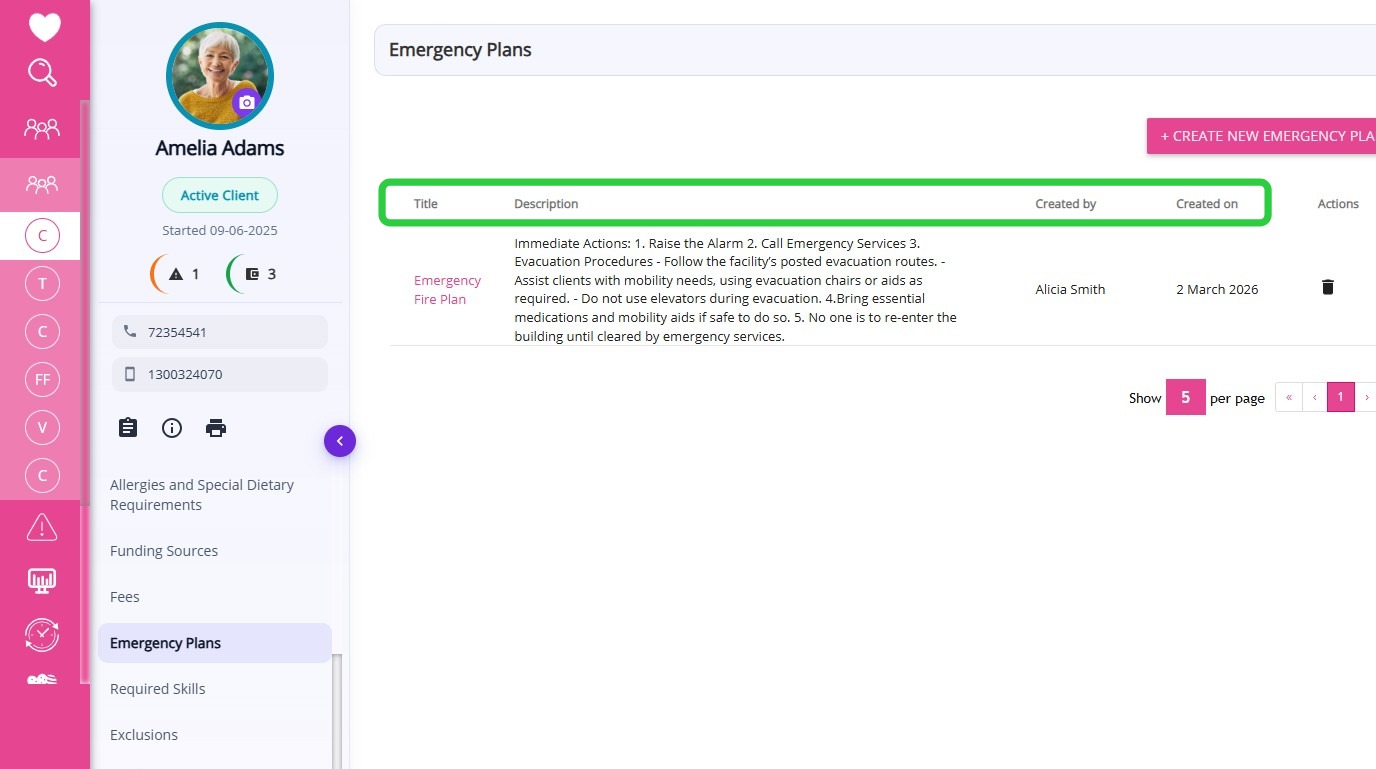
The table includes the following information:

Column

Description

Title

Displays the name of the emergency plan, describing the type of emergency scenario it covers.

Description

Provides details about the emergency response instructions or actions to follow during the situation.

Created By

Shows the name of the user who created the emergency plan record.

Created On

Displays the date when the emergency plan was created in the client profile.


    • Related Articles

    • Care Plans/Scheduled Service Section in Client Profile

      After a quote is accepted, a draft Client Care Plan is automatically created in the Care Plans/Scheduled Service section of the Client Profile. This section is used to set up and manage the client’s service schedule, which is later used for rostering ...
    • Goals, Treatment Plans and Assessments Section in Client Profile

      The Goals, Treatment Plans and Assessments section in the Client Profile displays all care goals, treatment plans, and assessment records associated with the client. Keywords: client goals management, treatment plans carevision, client assessments ...
    • Allergies and Special Dietary Requirements Section in Client Profile

      The Allergies and Special Dietary Requirements section in the Client Profile displays all allergy and dietary requirement records associated with the client. Keywords: client allergies, dietary requirements, allergy records, special diet information, ...
    • How to Create Client Goals, Treatment Plans, and Assessments

      Documenting goals, treatment plans, and assessments ensures services match each client’s needs and helps care teams provide the right support. By integrating goals, treatment plans, and assessments, care teams can monitor progress, adapt ...
    • Notes and Forms Section in Client Profile

      The Notes and Forms section in the Client Profile displays all notes and submitted forms associated with the client. Keywords: client notes management, client forms tracking, care management forms, client case notes, healthcare documentation forms, ...

    Request an Article or Guide

    We are keen to know what you want to know more about? Let us know on chat or raise a ticket for an article or topic you would like covered in more detail. We have a team of technical writers and learning content creators keen for your suggestions.