Contacts & Connections Section in Client Profile
The Contacts & Connections section in the Client Profile displays all contact records associated with the client.
Keywords: client contacts management, client emergency contacts, care management contacts, client support contacts, client next of kin records, healthcare contact directory, client care network contacts, support coordinator contacts, client medical contacts, carevision contact management
The Contacts & Connections section allows organisations to record and manage important people connected to the client. This allows staff to quickly access contact details for individuals involved in the client’s care, support, administration, or decision‑making.
To view contacts from the Client Profile:
- Open the Client Profile.
- Select Contacts & Connections.
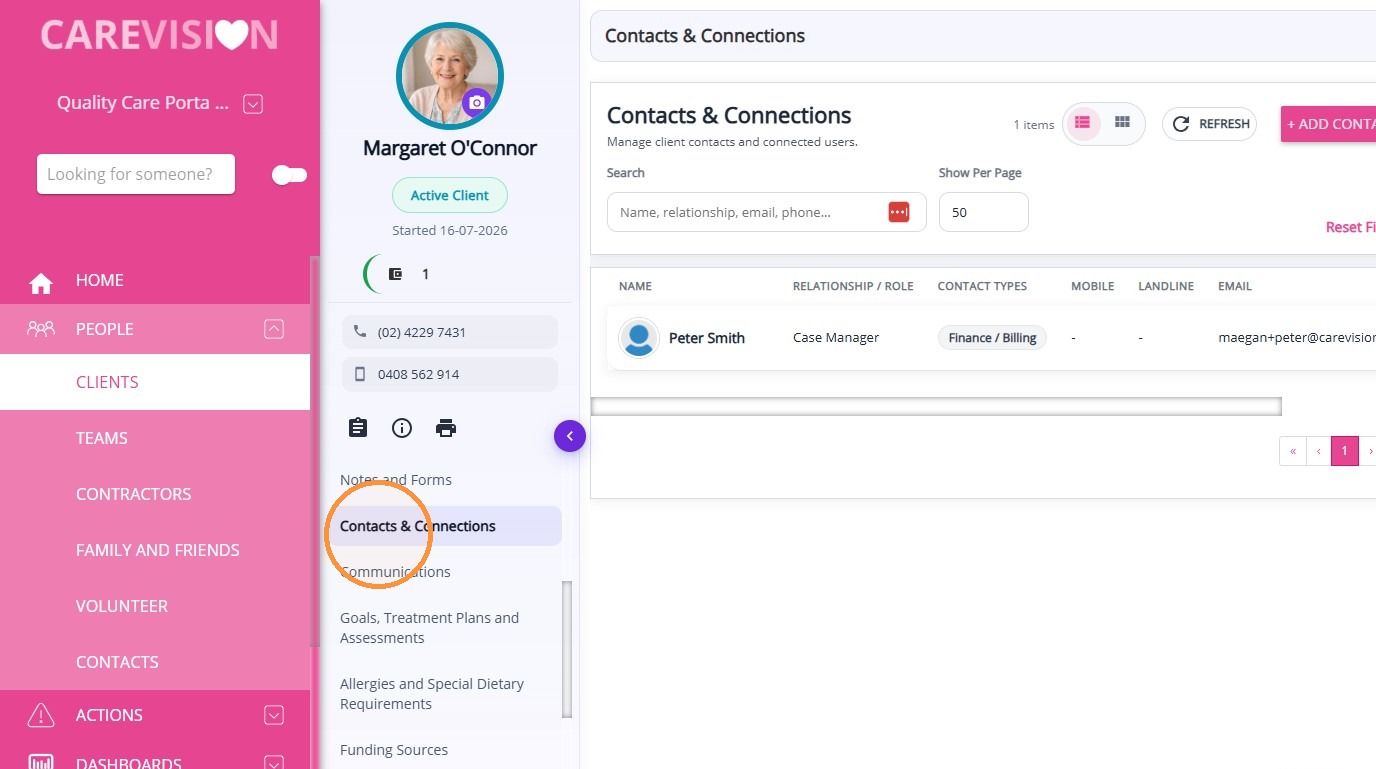
Manage Contacts & Connections
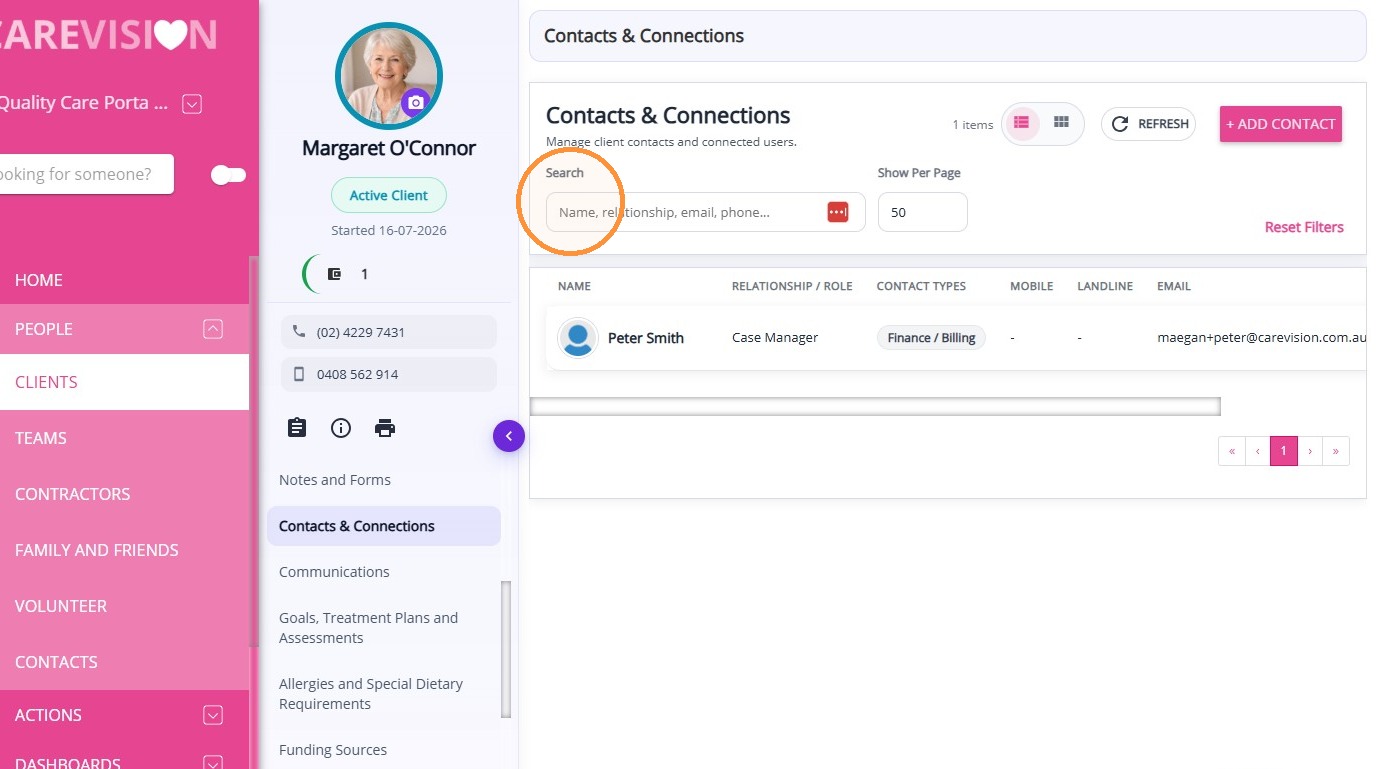
Search Bar
Allows you to quickly locate specific contacts by entering a name. This is useful for finding contact records without manually scanning the list.
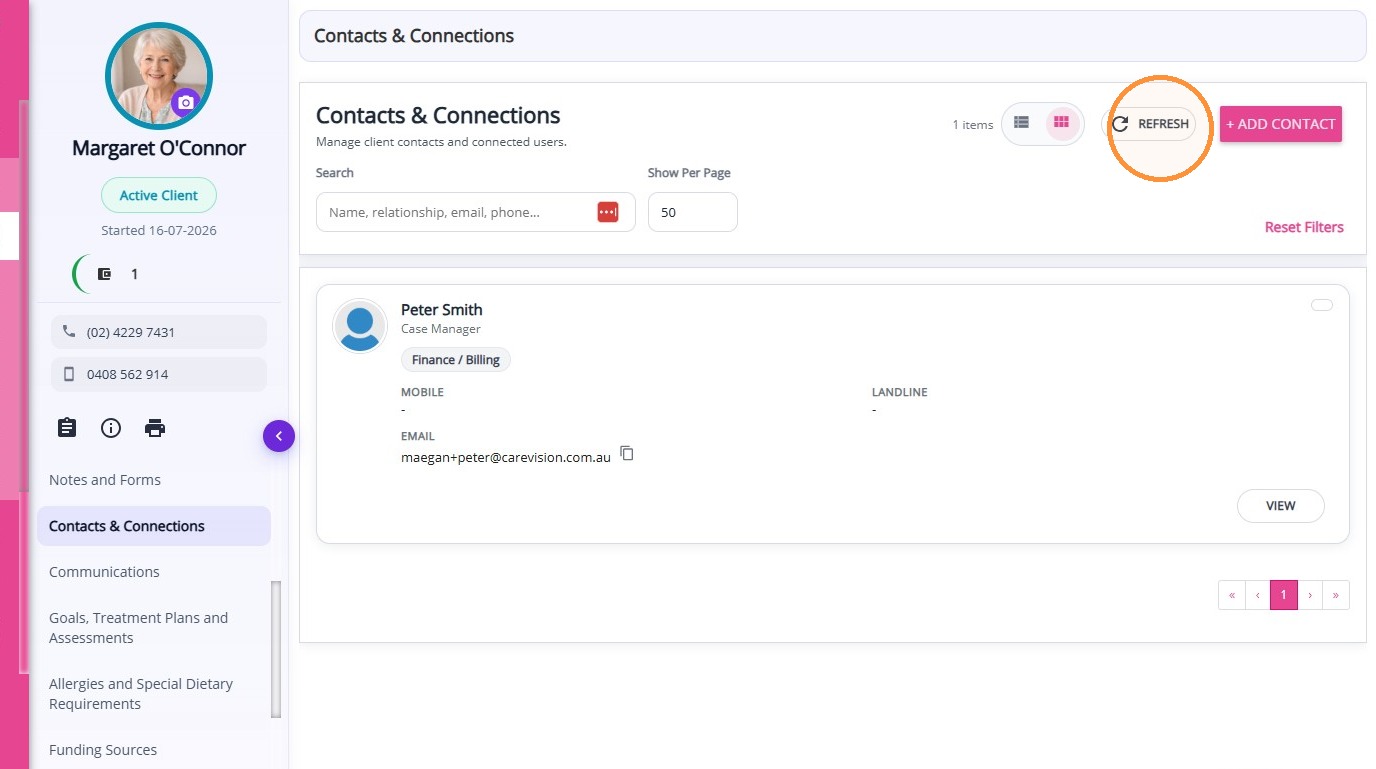
Refresh
Updates the list to display the most current contact information. This is helpful after making changes or when ensuring the latest data is visible.
Updates the list to display the most current contact information. This is helpful after making changes or when ensuring the latest data is visible.
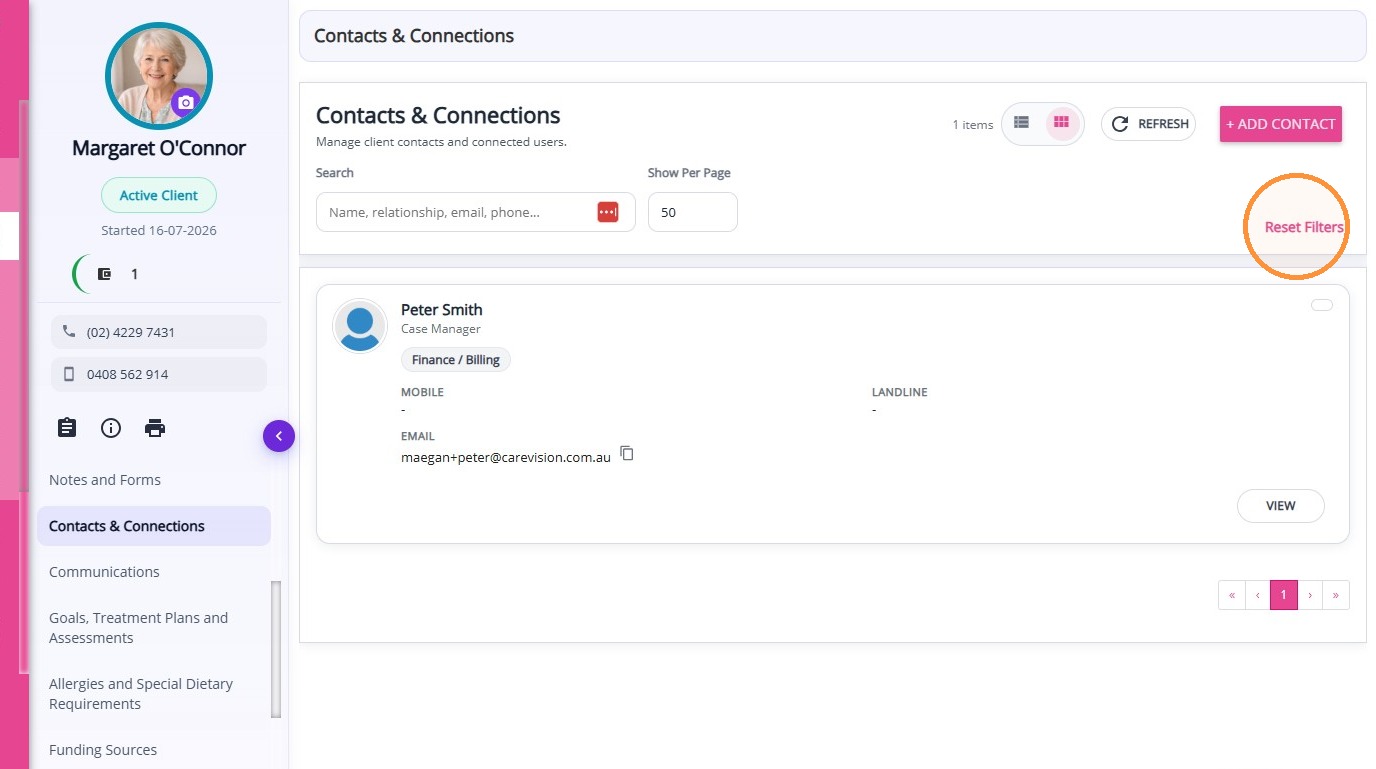
Reset Filters
Clears any applied filters and returns the view to the default settings.
Clears any applied filters and returns the view to the default settings.
View Options
View Options
- Table View: Displays contacts in a table format with columns for Name, Relationship/Role, Contact Types, Mobile, Landline, Email, and Actions. This view is ideal for reviewing detailed information and comparing multiple contacts at a glance.
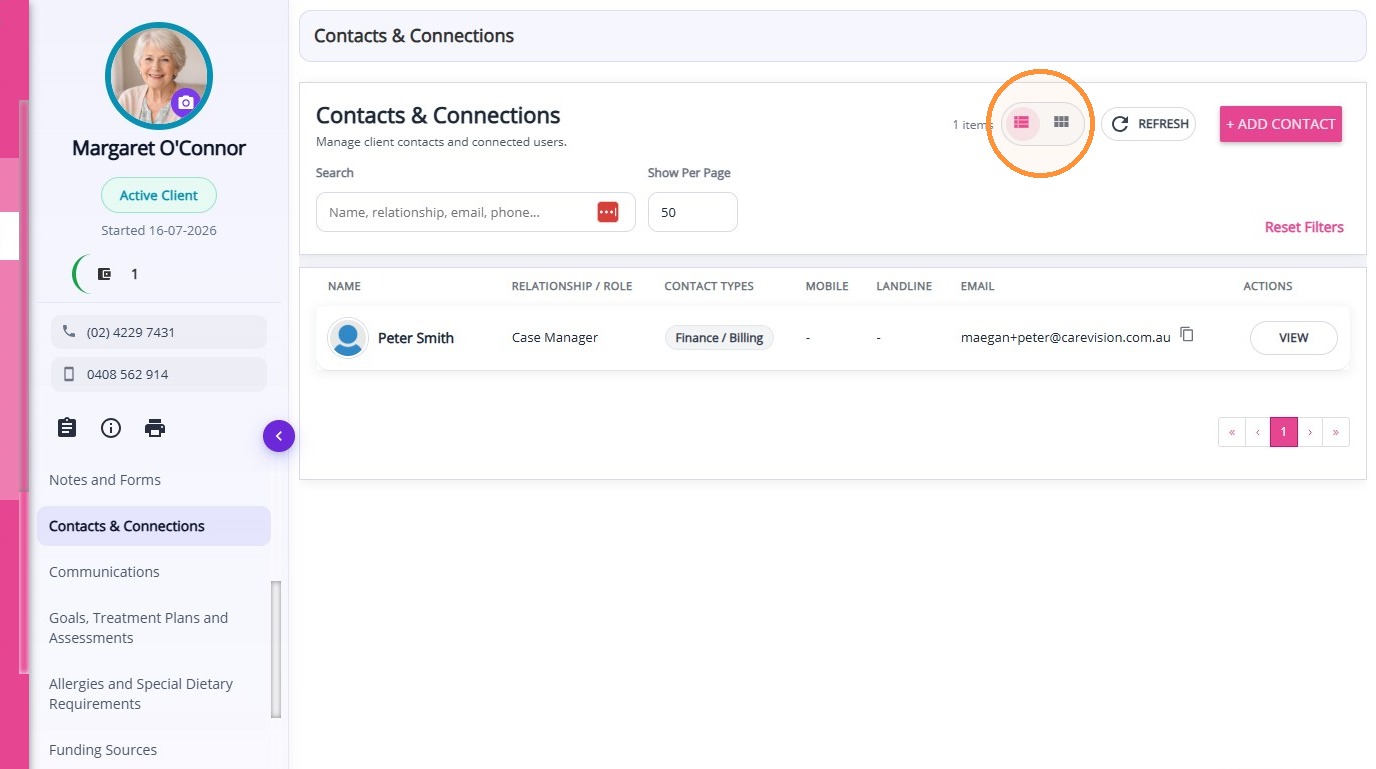
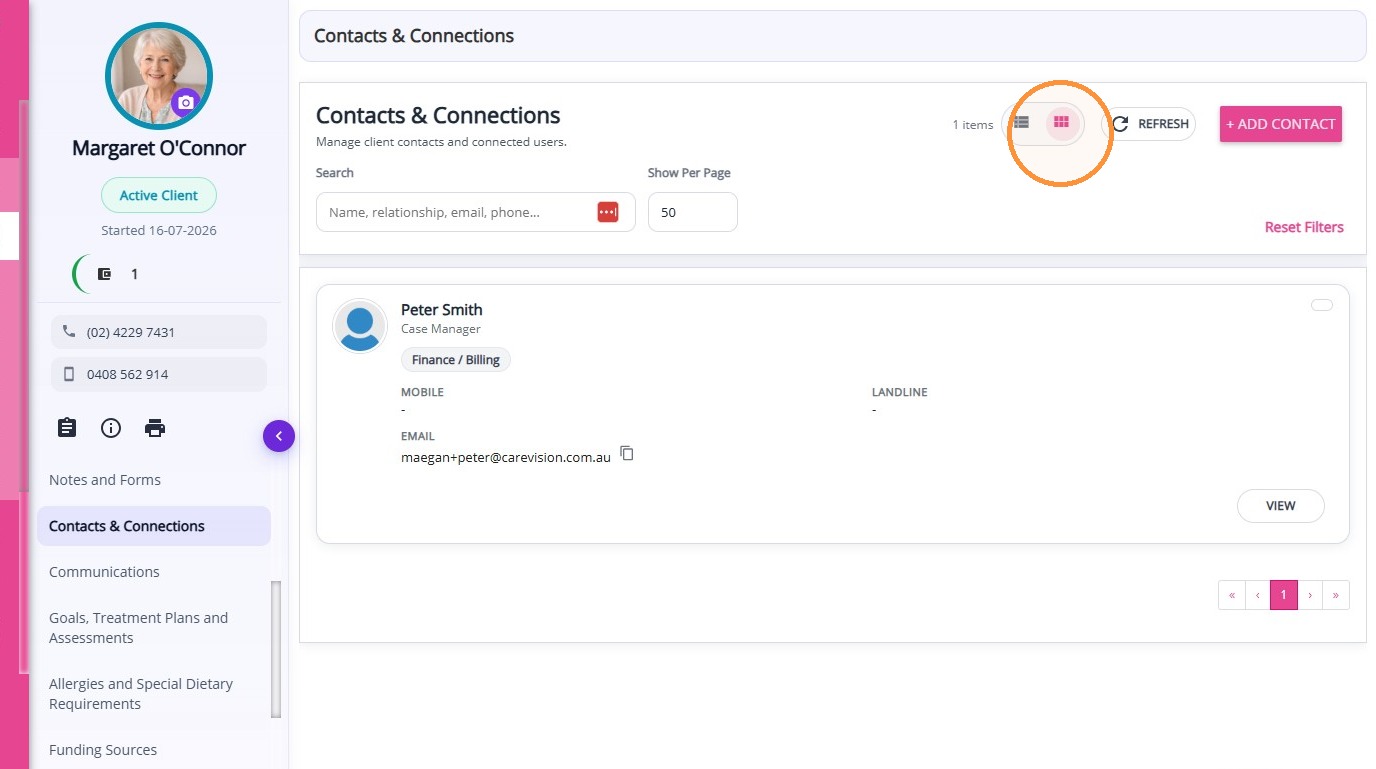
- Card View: Displays contacts in a visual card format, showing key contact details in a more compact layout. This view is useful for quickly browsing and identifying contacts.
Add Contacts
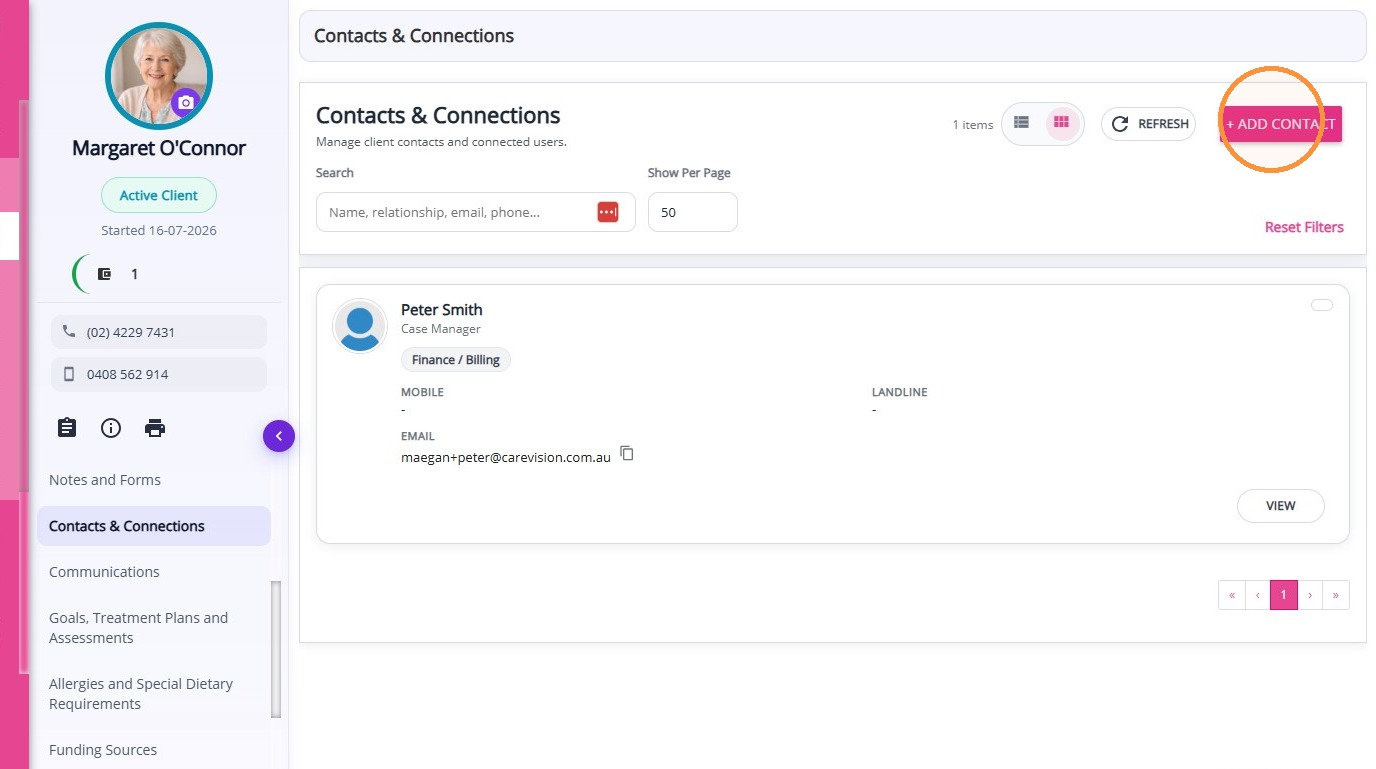
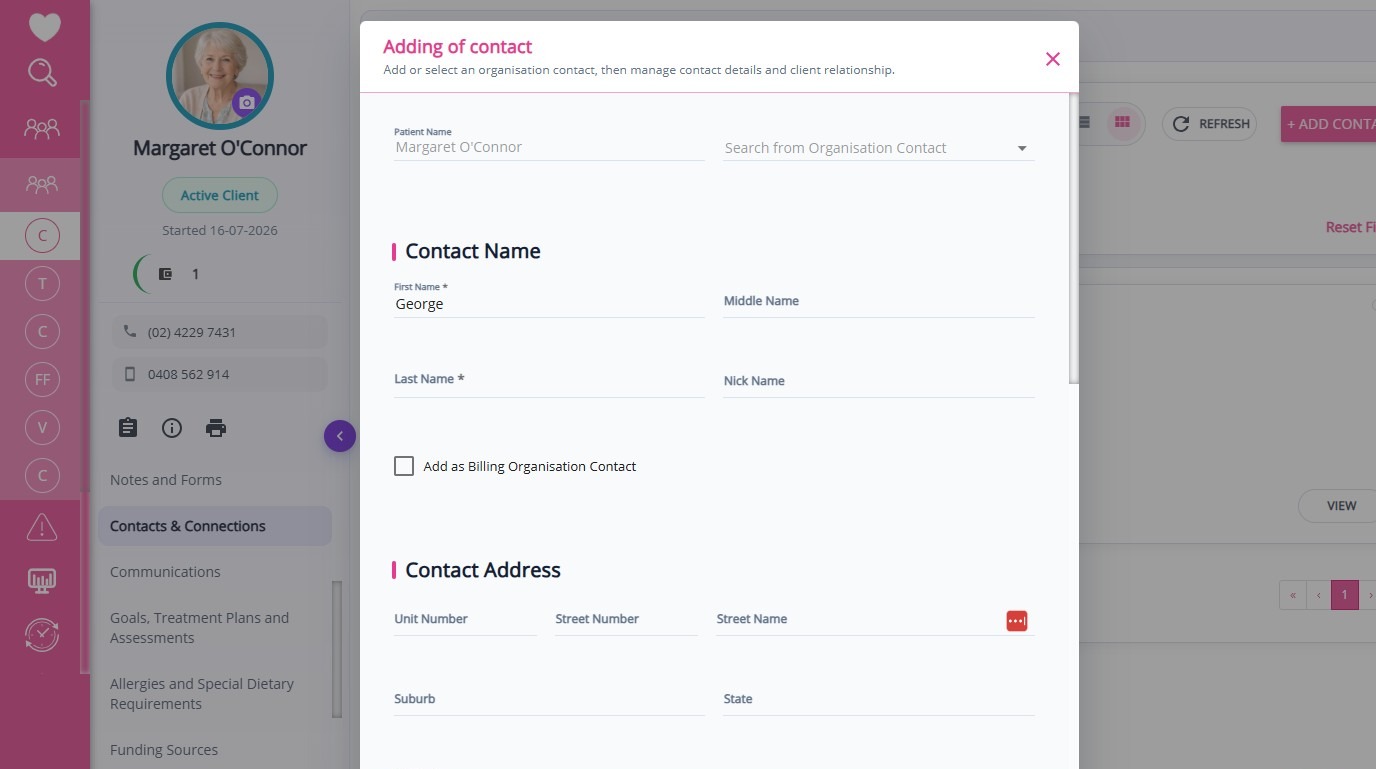
Click + Add Contact.
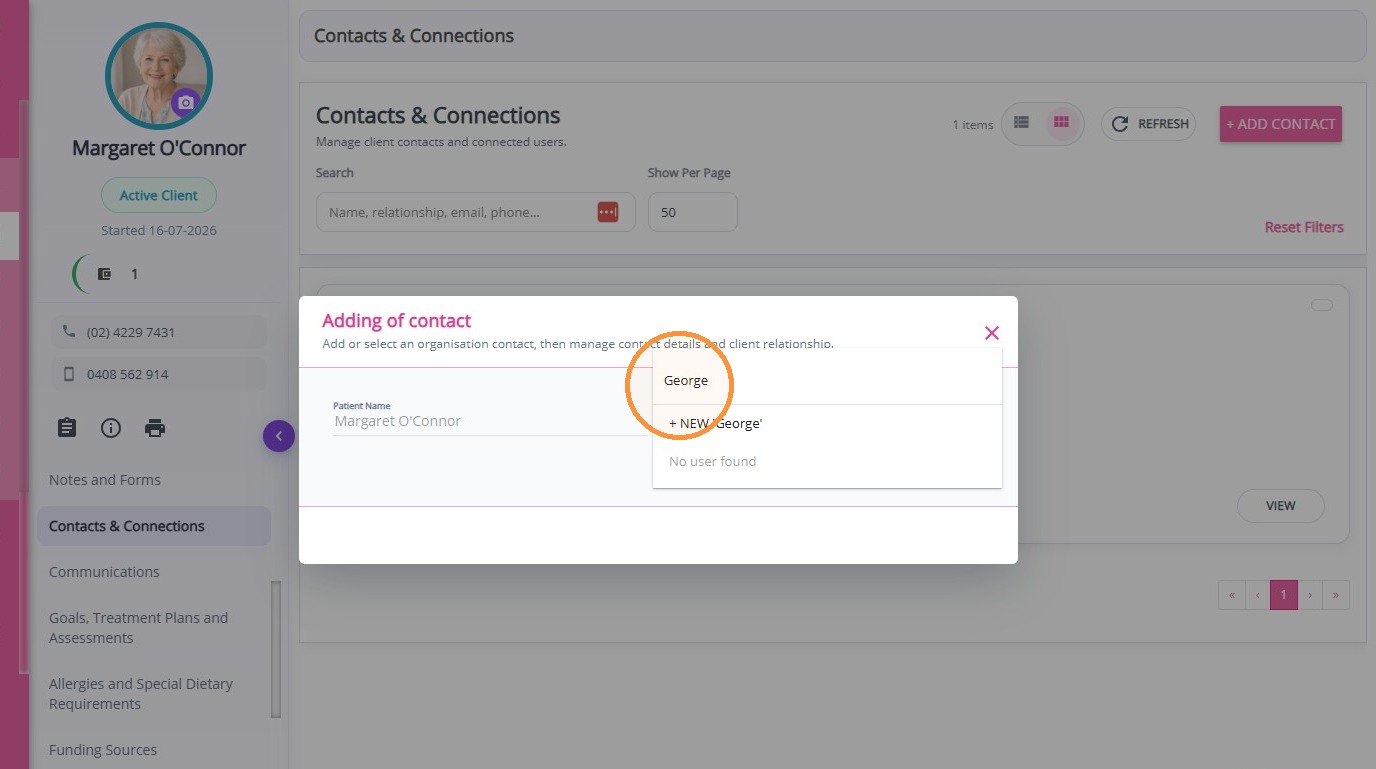
In the search field, type the name of the contact. If the contact does not appear, click + New.
Complete the required fields in the form, ensuring all important details are filled then click Save Contact.
The newly created contact will appear in the section.
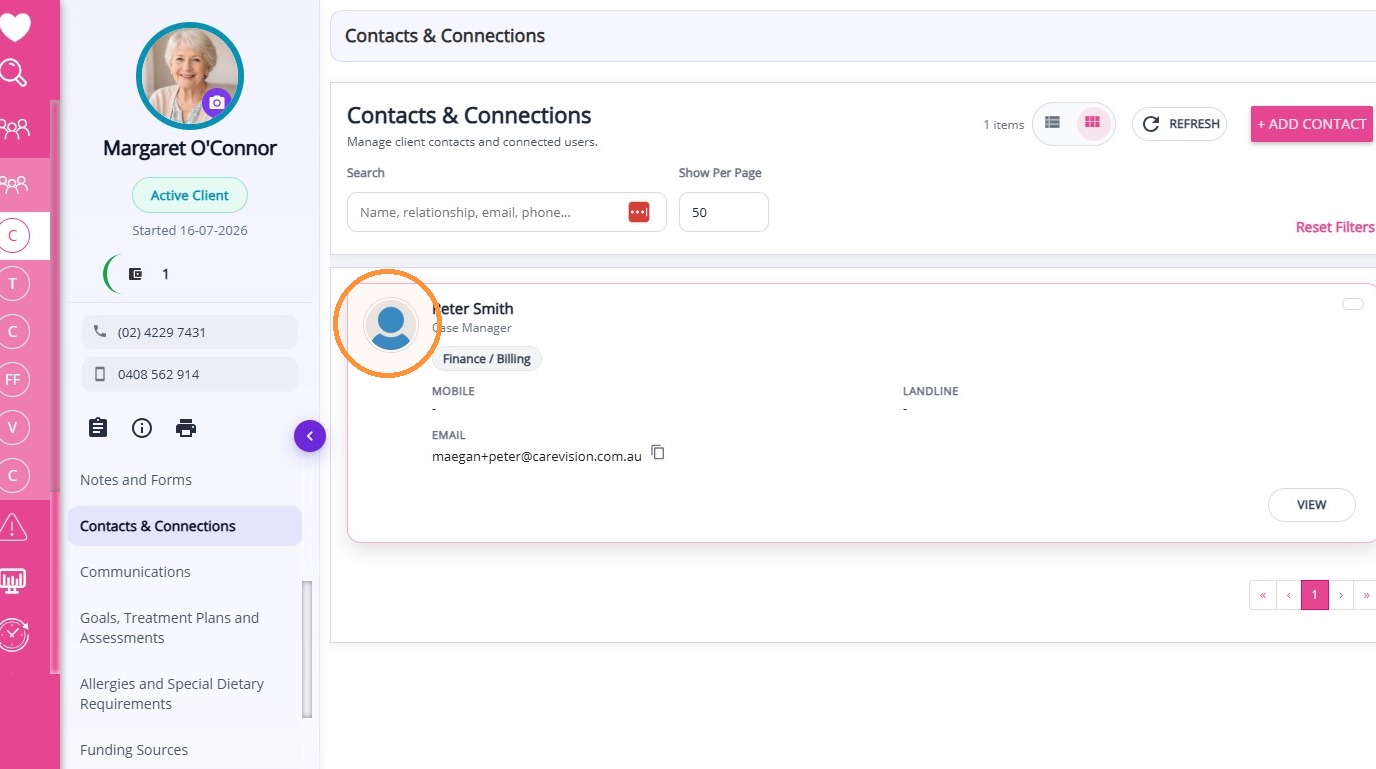
Examples of client contacts include:
- Emergency contacts
- Enduring Power of Attorney (if applicable)
- Billing contacts or plan managers
- Doctors, GPs, clinical contacts, or pharmacies
- Religious contacts or next of kin
- Support coordinators
- Other important contacts involved in the client’s care
Emergency contacts
Enduring Power of Attorney (if applicable)
Billing contacts or plan managers
Doctors, GPs, clinical contacts, or pharmacies
Religious contacts or next of kin
Support coordinators
Other important contacts involved in the client’s care
