Allergies and Special Dietary Requirements Section in Client Profile

Allergies and Special Dietary Requirements Section in Client Profile

The Allergies and Special Dietary Requirements section in the Client Profile displays all allergy and dietary requirement records associated with the client.

Keywords: client allergies, dietary requirements, allergy records, special diet information, client safety alerts, care planning details, healthcare client profile, allergy documentation, dietary restrictions management, client medical information
This section records and displays important information about a client’s allergies and special dietary requirements. Documenting this information helps ensure staff are aware of any health risks or dietary restrictions and can respond appropriately during service delivery.

To view allergies and special dietary requirements from the Client Profile:
  1. Open the Client Profile.
  2. Select Allergies and Special Dietary Requirements.
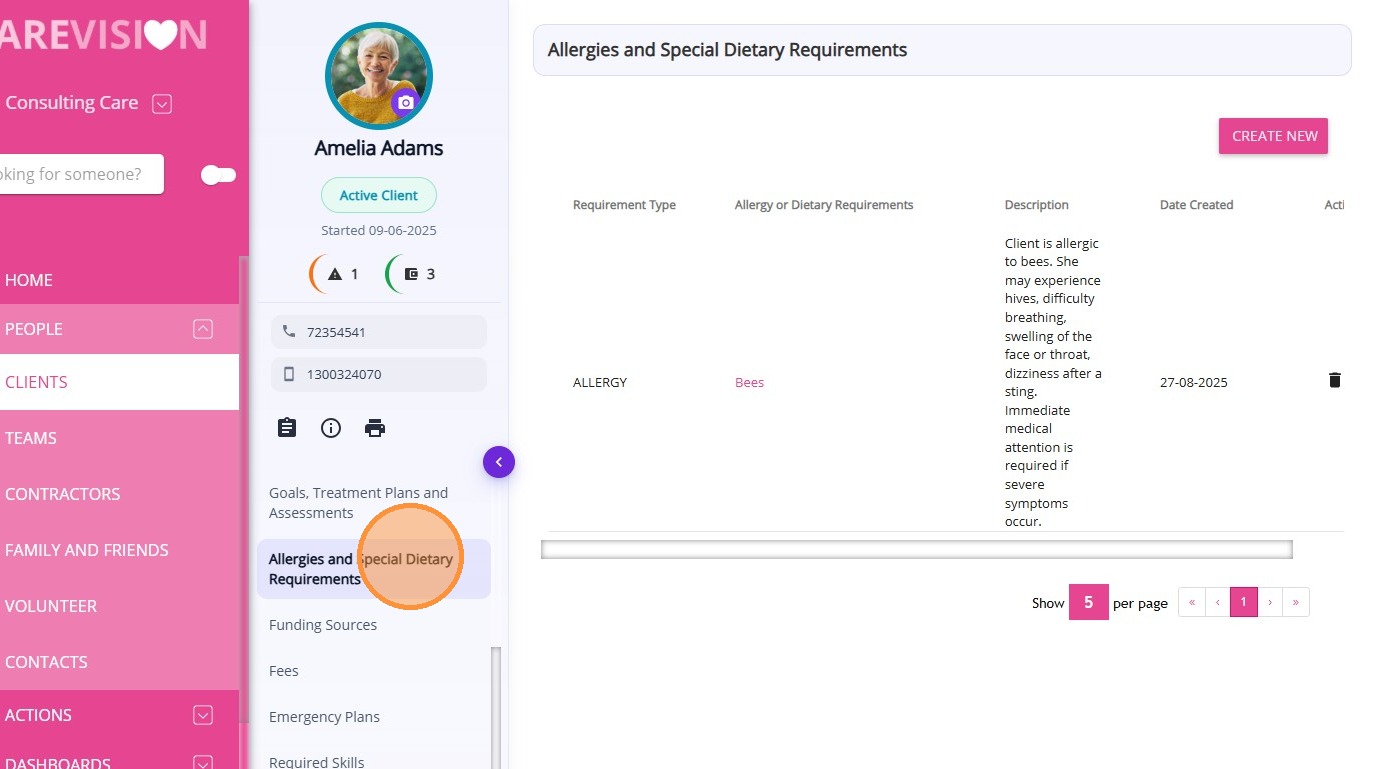
Allergies and Special Dietary Requirements refer to documented conditions where a client must avoid certain foods, substances, or ingredients due to medical, health, or personal requirements. These records differ from general notes or care plans because they specifically highlight potential health risks or dietary restrictions that must be considered by staff providing care or preparing food.
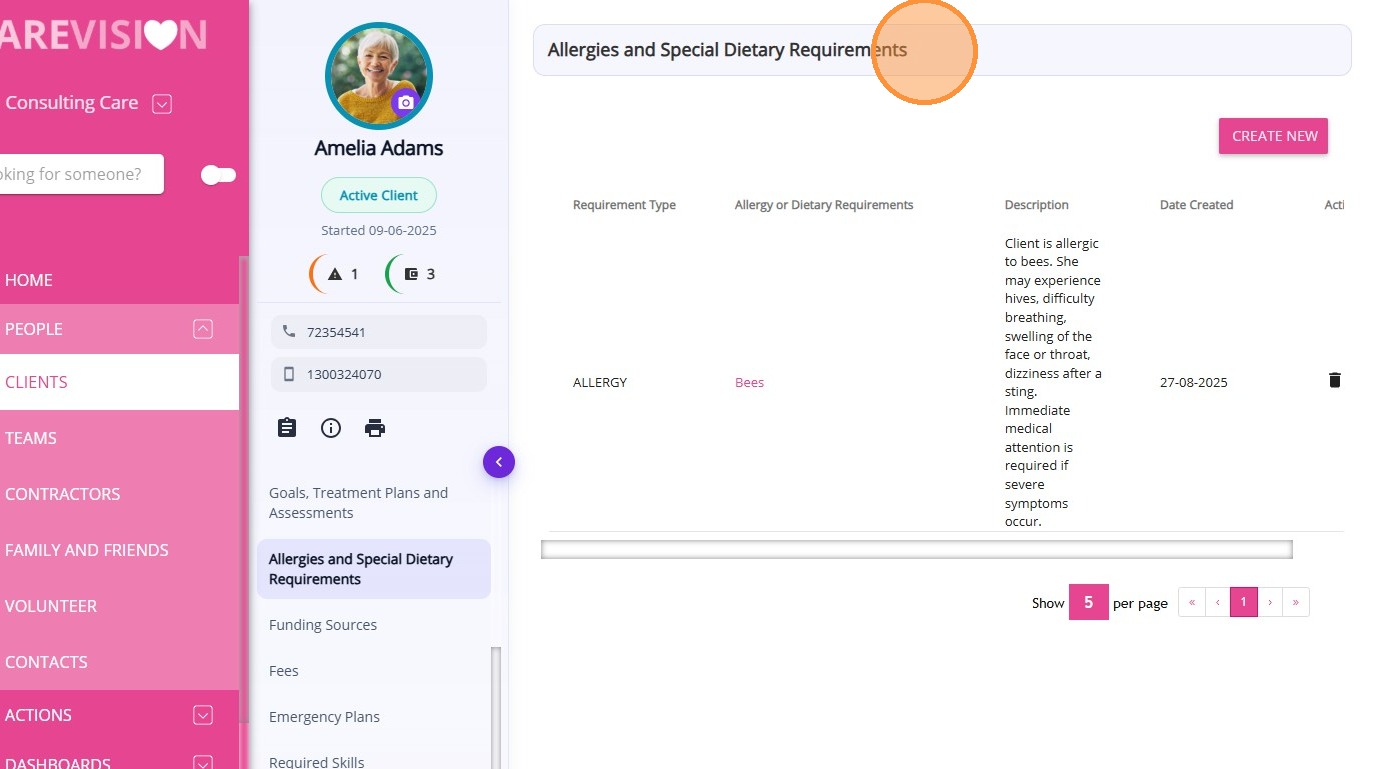
From this section, you can:
  1. Create a new allergy or dietary requirement record if needed
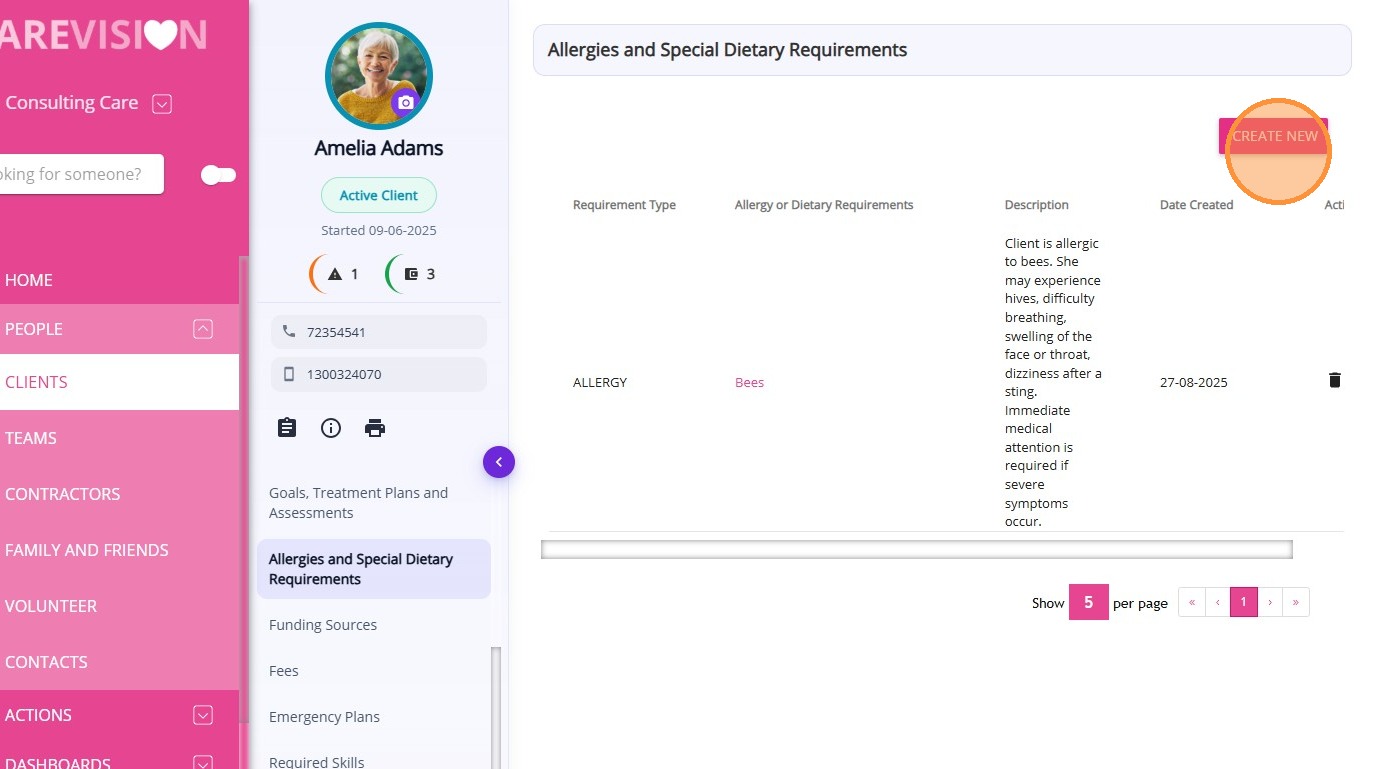
  1. View all existing allergy or dietary requirement records for the client
  2. Access key details related to each record, including descriptions and when the record was created
A table is displayed showing the details of each allergy or dietary requirement recorded for the client
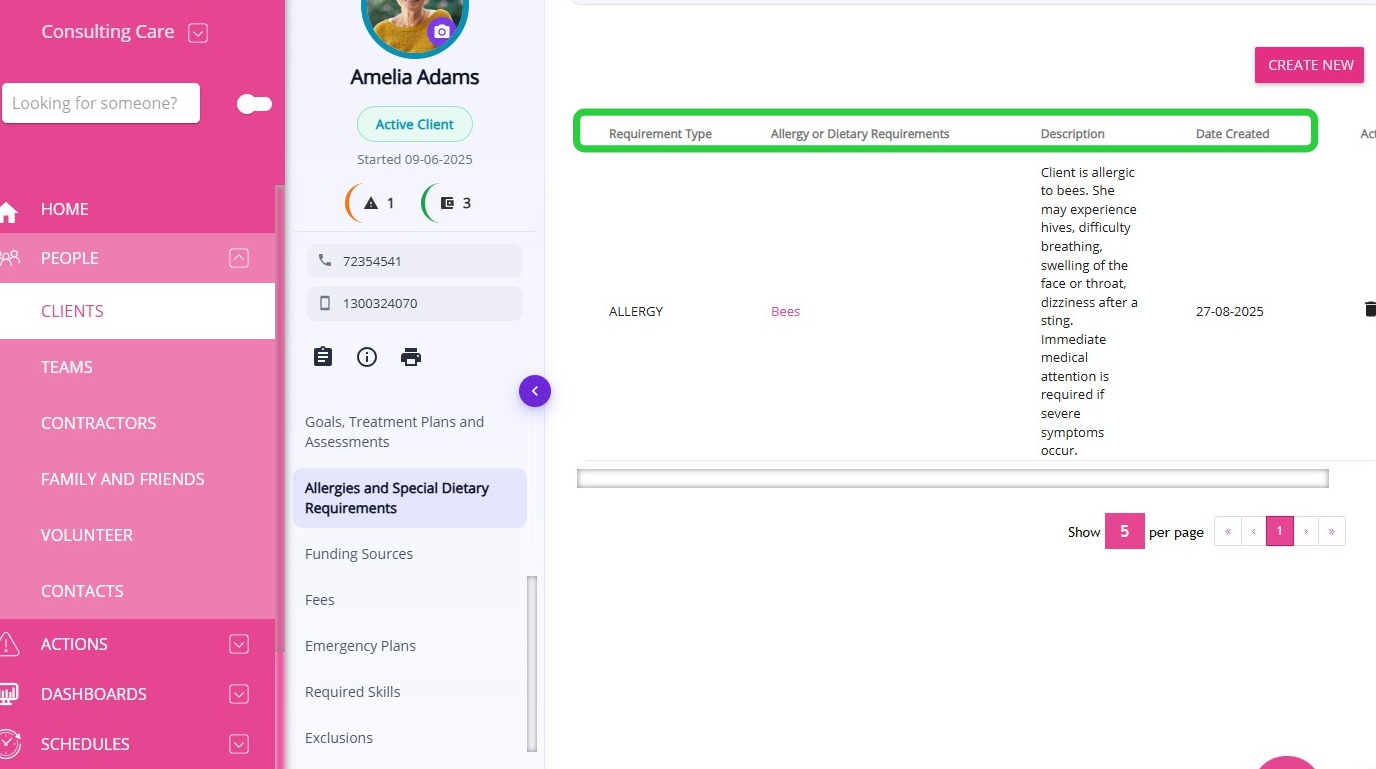
The table includes the following information:
ColumnDescription
Requirement Type

Indicates whether the record is an Allergy or a Dietary Requirement.
Allergy or Dietary RequirementsDisplays the name of the allergy or dietary restriction recorded for the client.
DescriptionProvides additional details about the allergy or dietary requirement, including symptoms, precautions, or response instructions.
Date CreatedShows the date the allergy or dietary requirement record was added to the client profile.
ActionsProvides options to view or manage the record.

    • Related Articles

    • Adding and Updating client Allergies and Dietary Requirements

      Knowing a client allergies and dietary requirements is important for all care workers no matter the service delivered to ensure the clients' safety.  Adding them to the Client’s Profile is considerably straight forward, just add a name and a ...
    • Detailed Profile Section in Client Profile

      The Detailed Profile section in the client profile provides an overview of each client, supporting personalized care and efficient communication. This topic describes the Detailed Profile section and explains how to complete client profile details. ...
    • Contacts & Connections Section in Client Profile

      The Contacts & Connections section in the Client Profile displays all contact records associated with the client. Keywords: client contacts management, client emergency contacts, care management contacts, client support contacts, client next of kin ...
    • Care Plans/Scheduled Service Section in Client Profile

      After a quote is accepted, a draft Client Care Plan is automatically created in the Care Plans/Scheduled Service section of the Client Profile. This section is used to set up and manage the client’s service schedule, which is later used for rostering ...
    • Notes and Forms Section in Client Profile

      The Notes and Forms section in the Client Profile displays all notes and submitted forms associated with the client. Keywords: client notes management, client forms tracking, care management forms, client case notes, healthcare documentation forms, ...

    Request an Article or Guide

    We are keen to know what you want to know more about? Let us know on chat or raise a ticket for an article or topic you would like covered in more detail. We have a team of technical writers and learning content creators keen for your suggestions.