FAQ: How to resolve "Invalid_Grant" error in Xero Billing (Direct Export)
Overview
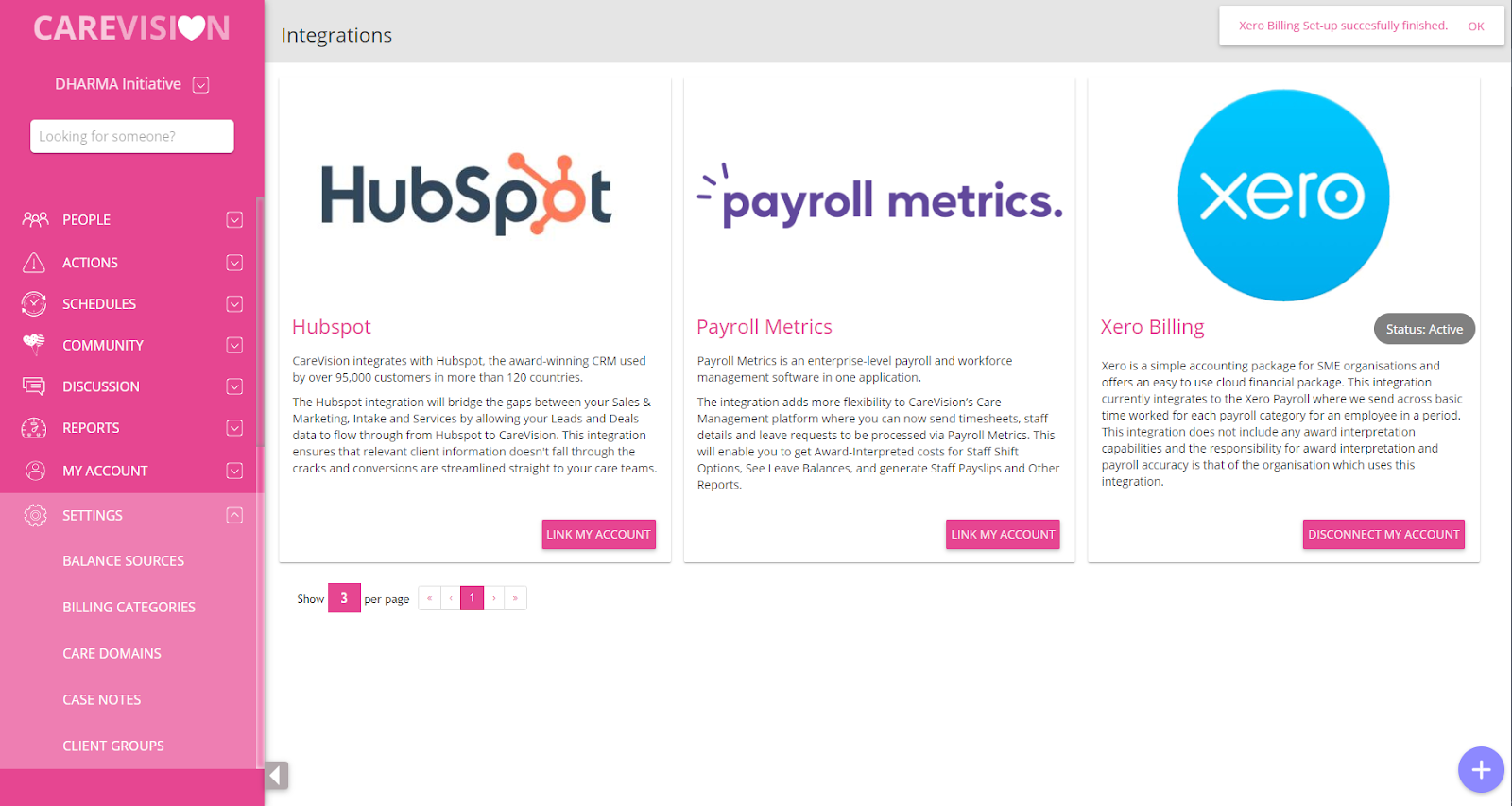
Xero Integration to the Care Vision Portal has token needed to be able to link them limited to 30 days when being inactive or not-in-use. Invalid_Grant error is encountered when the token needed for the integration of Xero Billing is already expired. Best way to resolve this error is reconnect the Xero account to the Care Vision Integration. Follow these steps to reintegrate the Xero Billing:
Disconnecting Xero Account
Click on the button labeled with DISCONNECT MY ACCOUNT.
A dialog will appear which should ask you to confirm your disconnection. If you want to proceed choose YES, and if you do not want to continue, choose NO
A dialog will appear which should ask you to confirm your disconnection. Click YES to proceed on disconnecting the account.
Once the confirmation that the disconnection of account is successful, you may now proceed on setting up the Xero Billing again.
Similar to the steps taken in the initial set up of the Xero Billing, you may follow the steps in here: