How to Reactivate a Staff Member
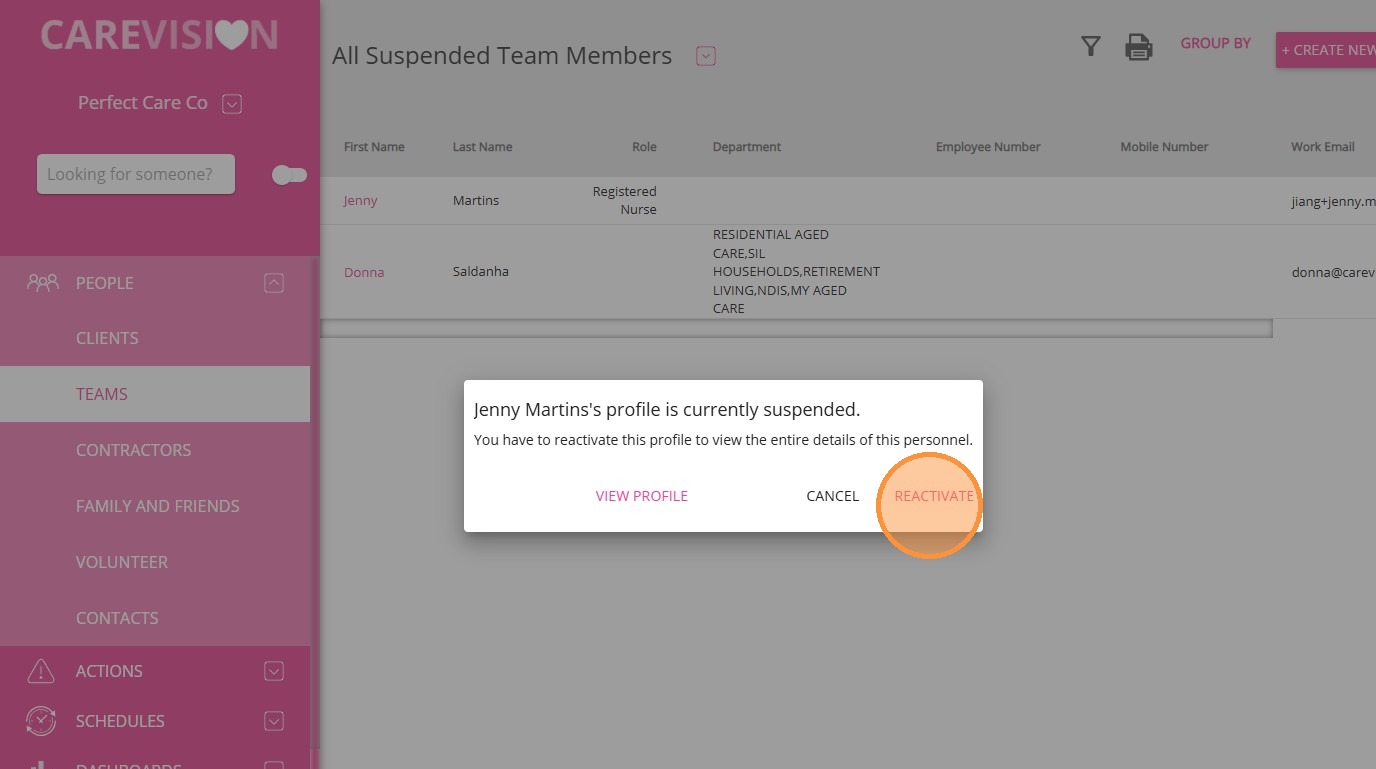
If a staff member returns after leaving the organization (see “Staff Exit”), you can reactivate their suspended profile. Reactivation restores their access and places them back on the scheduling board.
Keywords: reactivate staff member, suspended staff profile, restore staff access, staff reactivation process, team management, active team members, staff scheduling, staff exit, reactivating employee
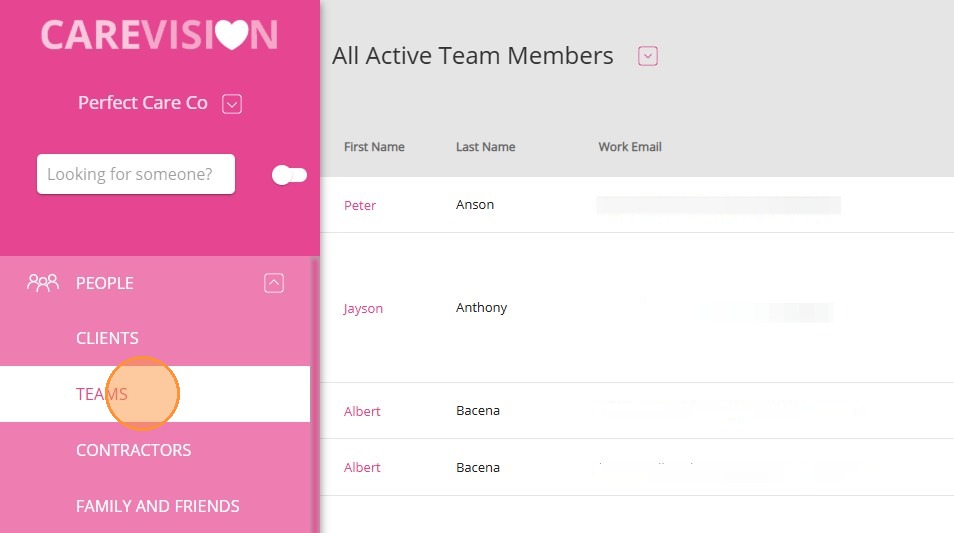
1. Go to the side menu and click People > Teams.
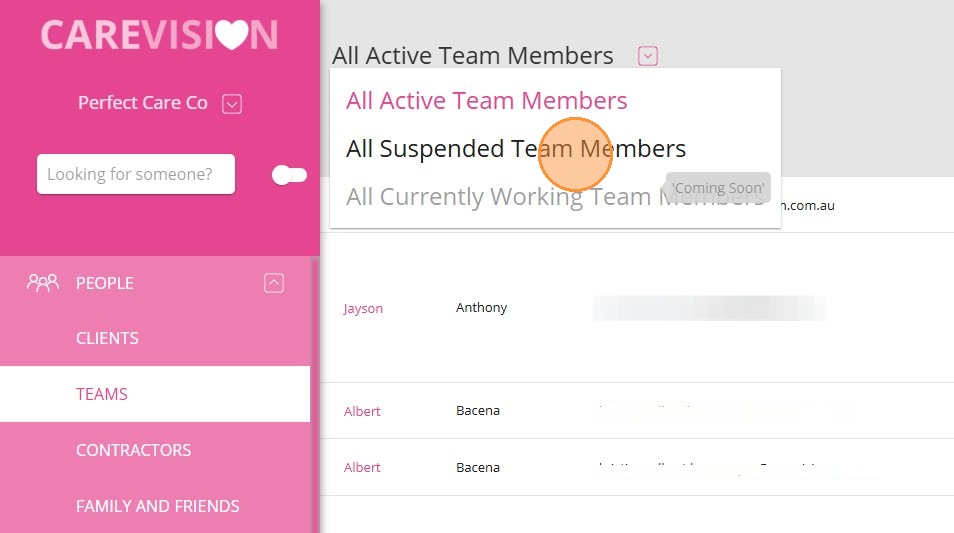
2. At the top of the Teams page, open the dropdown and select All Suspended Team Members.
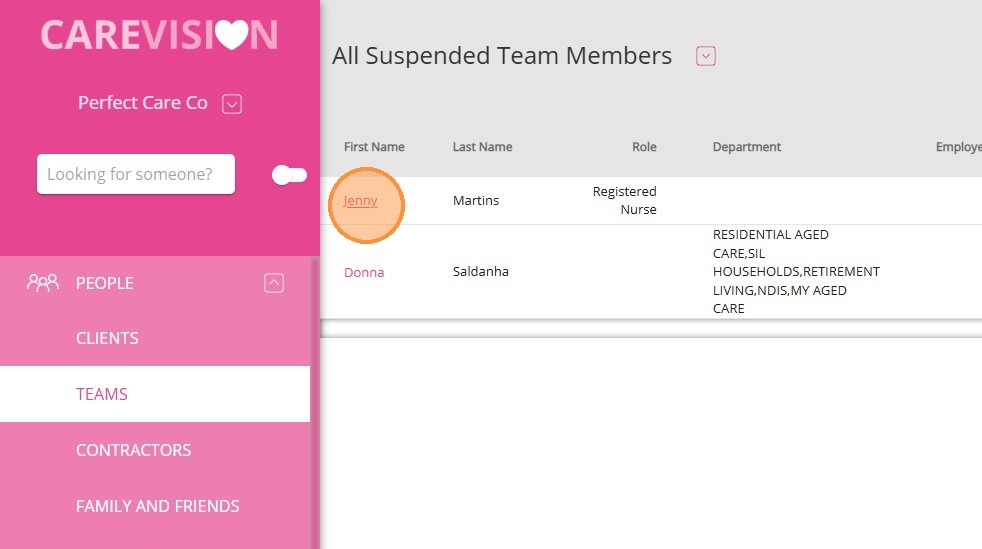
3. Find and select the staff member’s first name. In this example, Jenny is selected.

5. A confirmation message will appear if the staff member is successfully reactivated. Click OK.
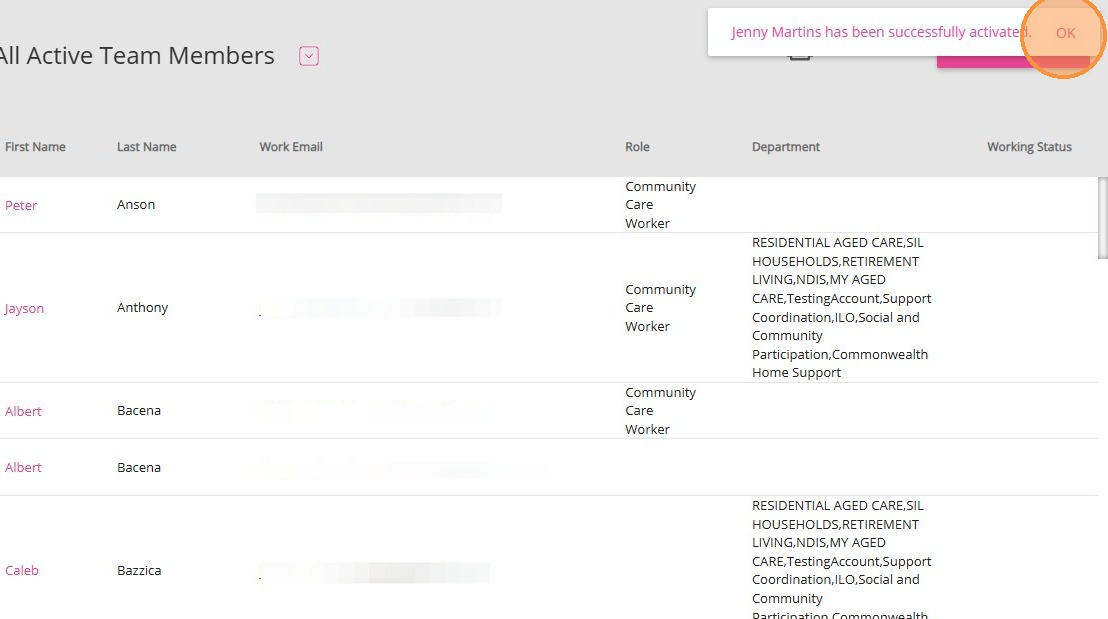
6. Confirm that the staff member now appears under All Active Members. In this example, Jenny is listed under All Active Members.
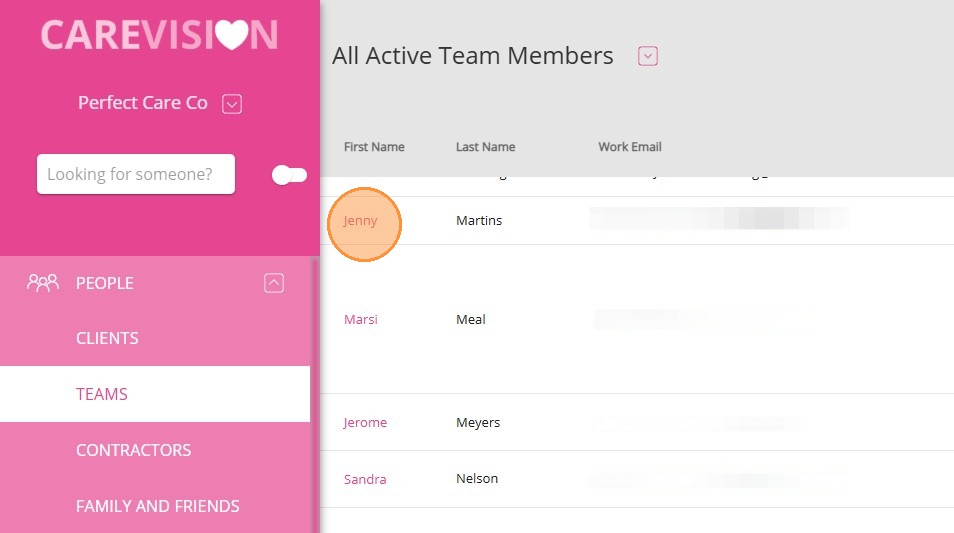
7. Go to the staff member’s profile and remove the employment end date.
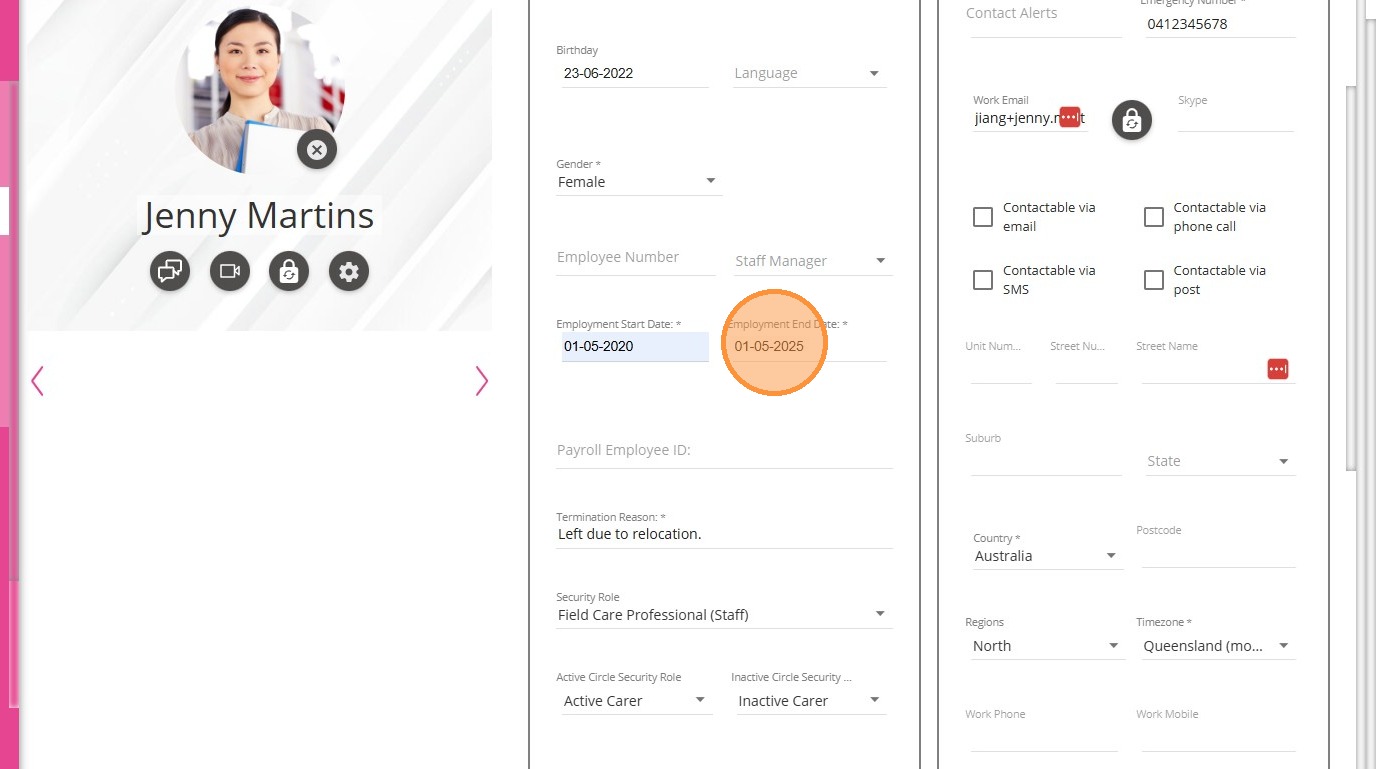
8. Then, remove the termination reason.
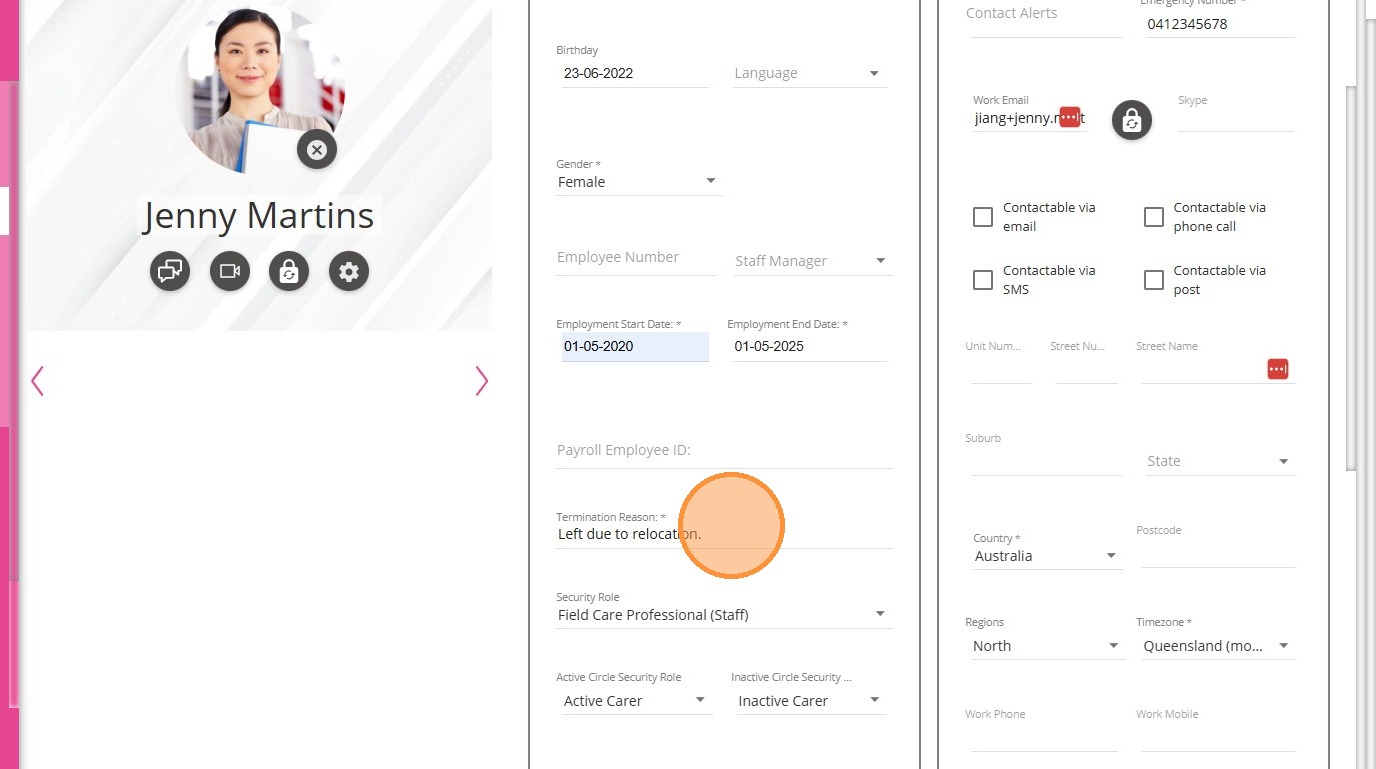
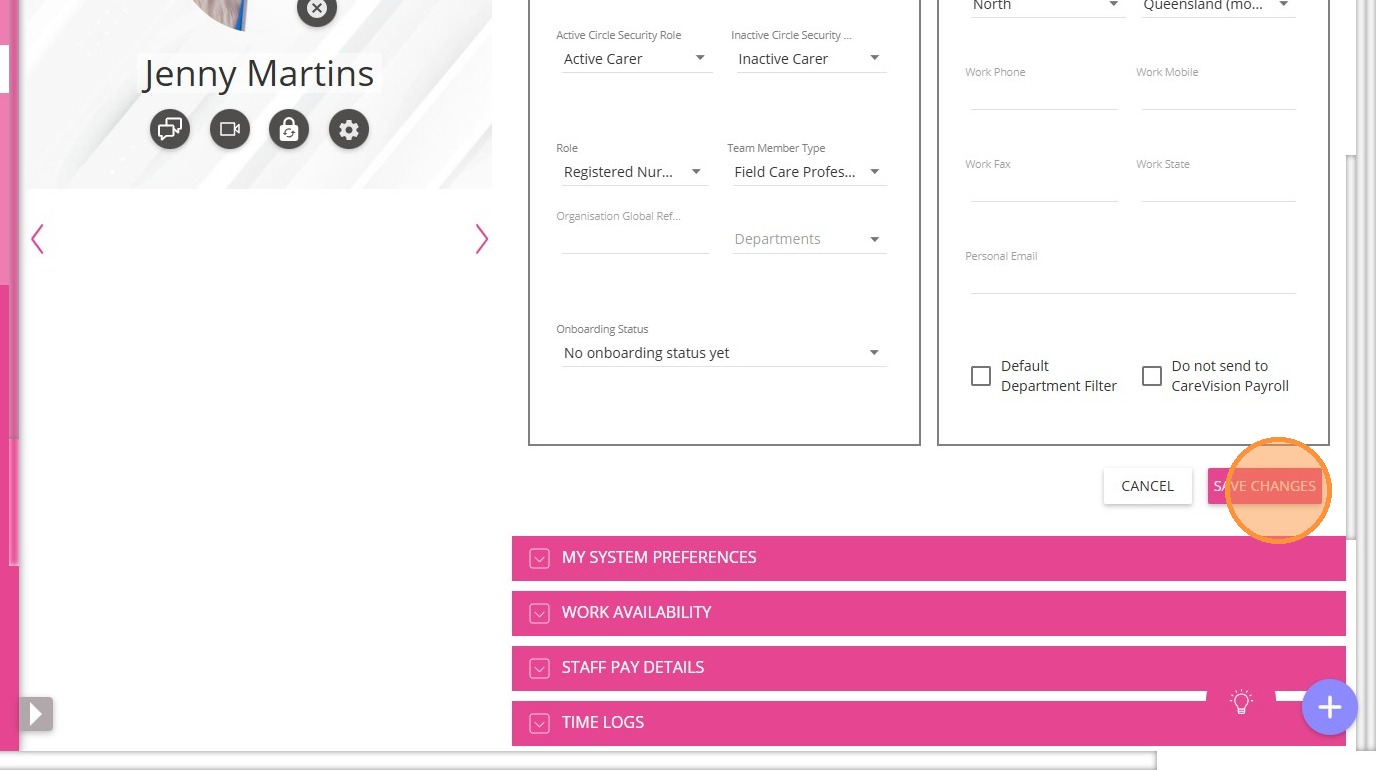
9. Update other relevant staff member details as needed and click Save Changes.
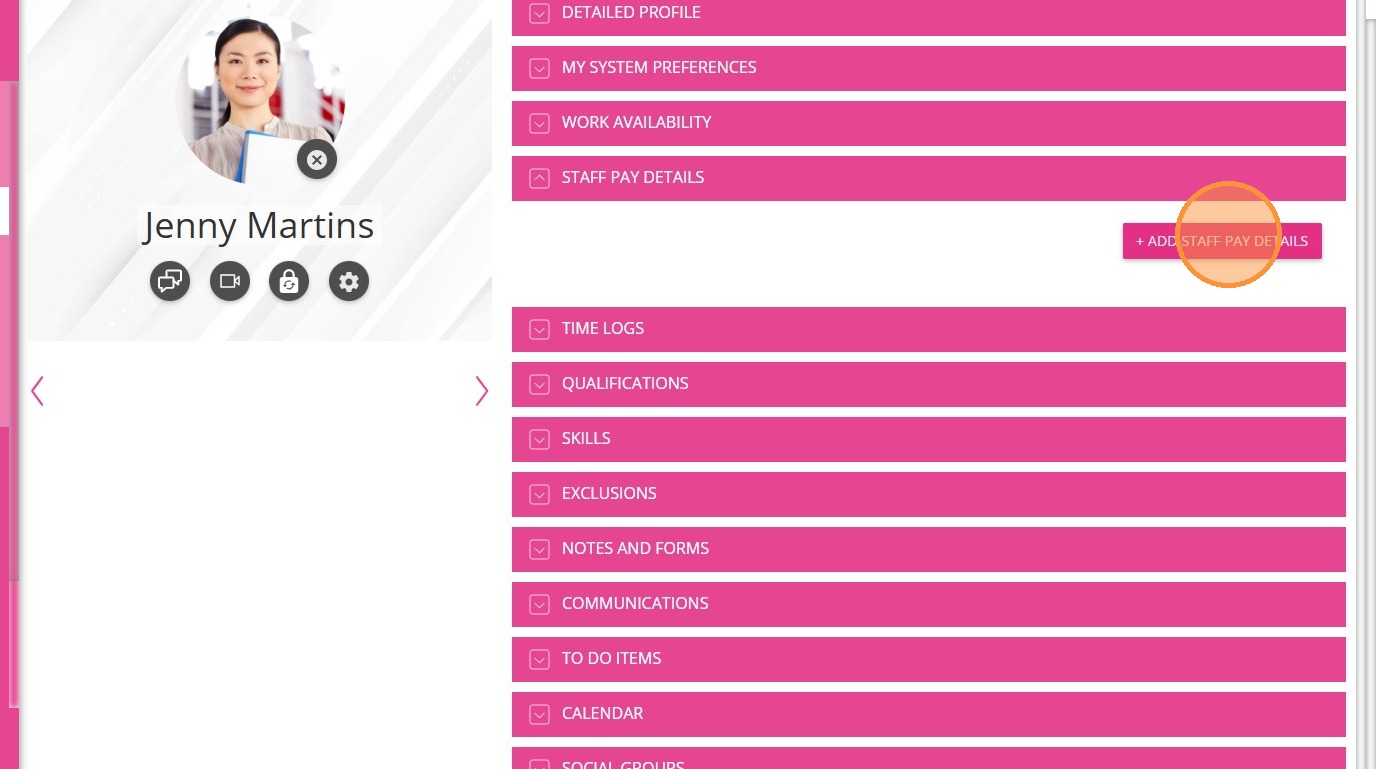
10. Go to the staff member’s Staff Pay Details section and add new pay details. For detailed steps, see the guide: Set Up Staff Pay Details.
This topic described how to reactivate a staff member’s profile and restore their access. For more information about reactivating staff members, contact the
CareVision Support Team.
Related Articles
Set Up Staff Member's Detailed Profile
Accurate and complete staff profiles are essential for effective team management and quality care delivery. After creating a staff profile, you may need to update it with additional details to ensure all information is current. This documentation ...
How to Create a New Staff Member in CareVision
Staff members form the foundation of your organisation’s success and play an important role in delivering quality care to clients. Whether you are new to CareVision or expanding your team, smooth onboarding helps ensure everyone is well-prepared to ...
Staff Exits
Managing staff member exits keeps operations efficient and maintains service continuity for clients. When a staff member leaves an organisation, it is important to ensure that loose ends are addressed and every step is well documented to comply with ...
Adding Staff and Their Detailed Profile
Overview In this article, we will discuss the details of creating a new staff member profile, a person who can create a new staff member profile, the fields in the creation form that need to fill in, and the explanation about the detailed profile of ...
Set Up Staff Member's Skills
Set up staff member's skills to ensure that each employee is matched with roles and bookings that align with their qualifications and expertise. Proper skill setup helps maintain service quality, supports compliance with industry standards, and ...
Request an Article or Guide
We are keen to know what you want to know more about? Let us know on chat or raise a ticket for an article or topic you would like covered in more detail. We have a team of technical writers and learning content creators keen for your suggestions.