How to Create Quotes with Call-Out Distance Fee
Set up a Callout Fee Billing Category
1. In the left navigation pane, go to Settings > Billing Categories.
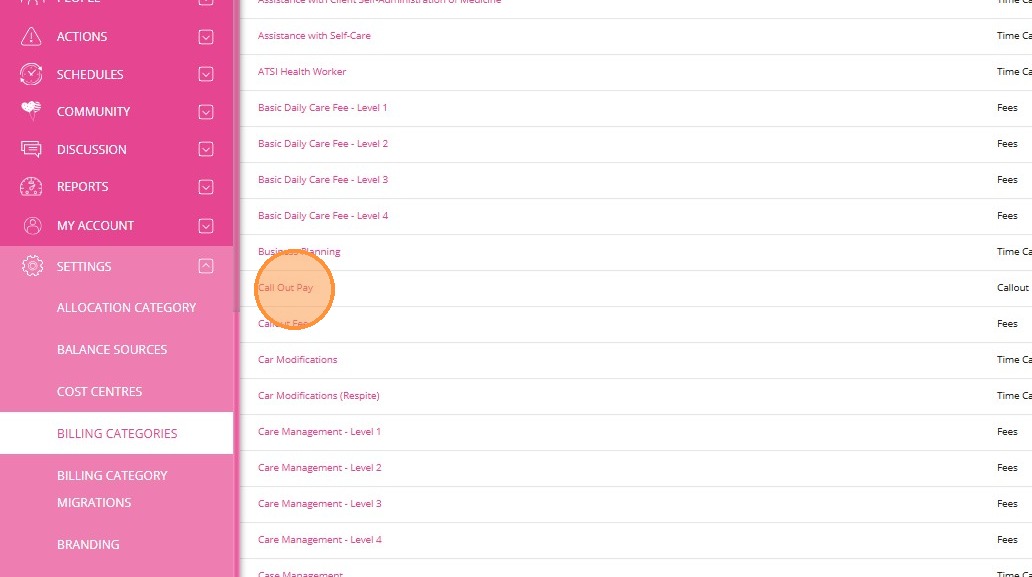
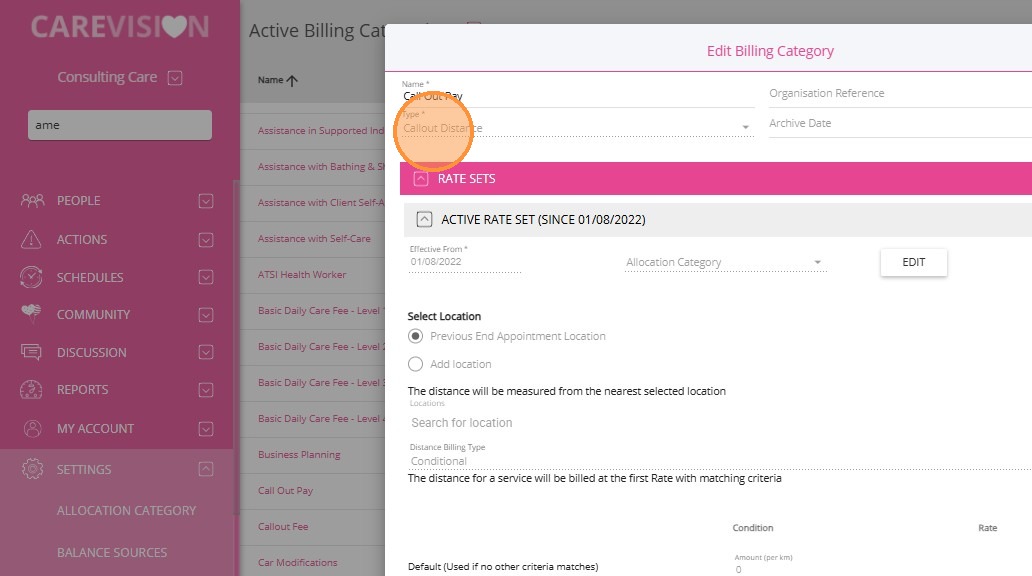
2. Make sure you have a billing category with the Type set to Callout Distance. In this example, the billing category named Callout Pay is used. If one does not exist, you can create a new billing category with this type and set the rates based on your business requirements.
Link the Billing Category to a Service
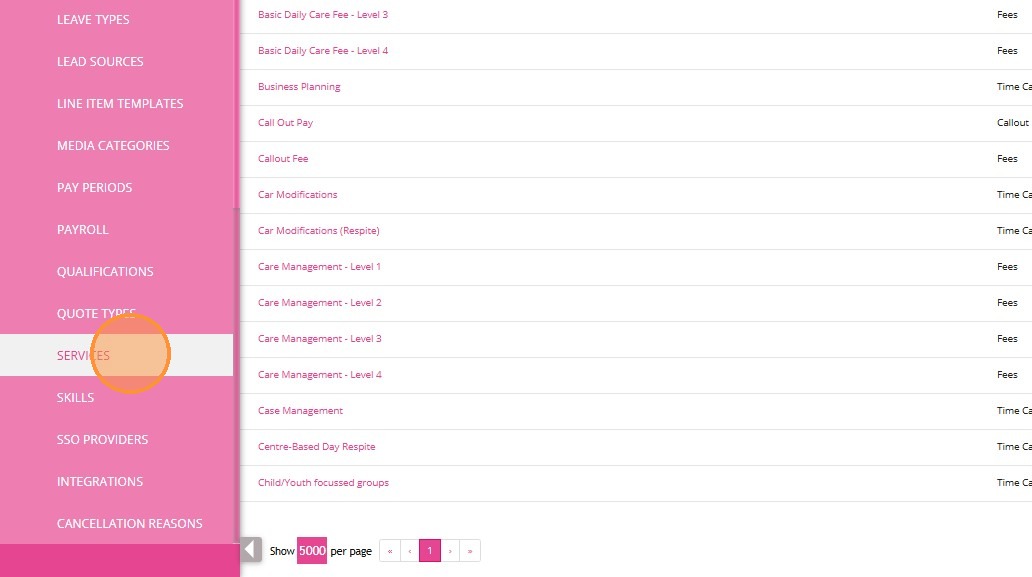
2. Find the relevant service to which you want to link the Callout Distance billing category. In this example, 0120-Household Tasks service is selected.
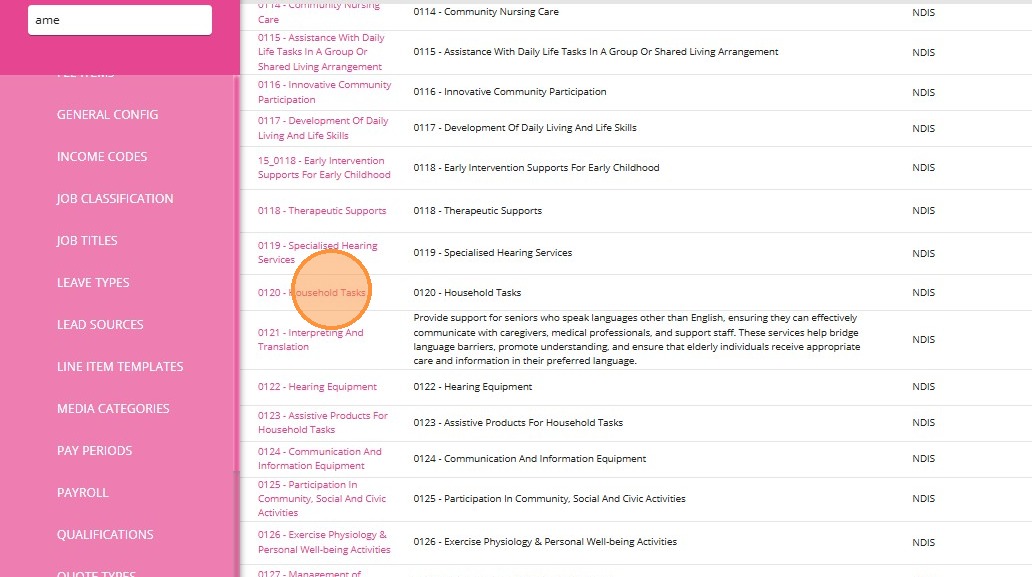
3. Click Add Billing Category.
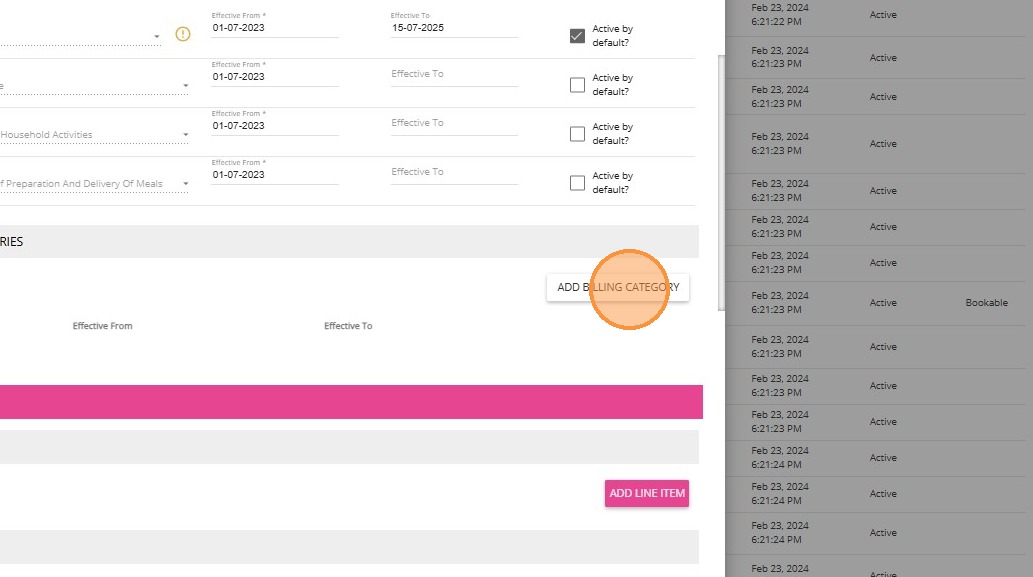
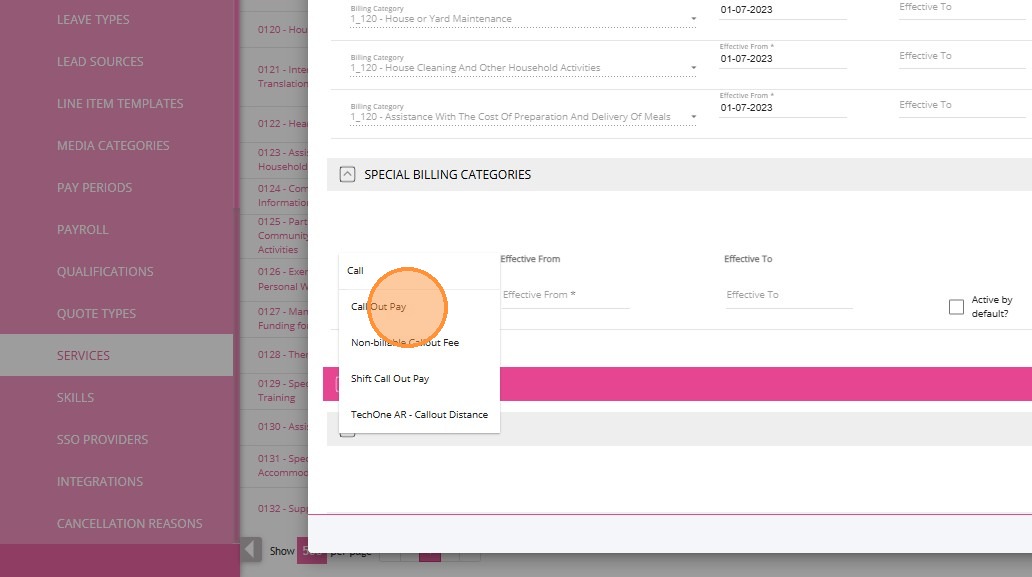
4. In this example, the billing category named Callout Pay is linked to the service.
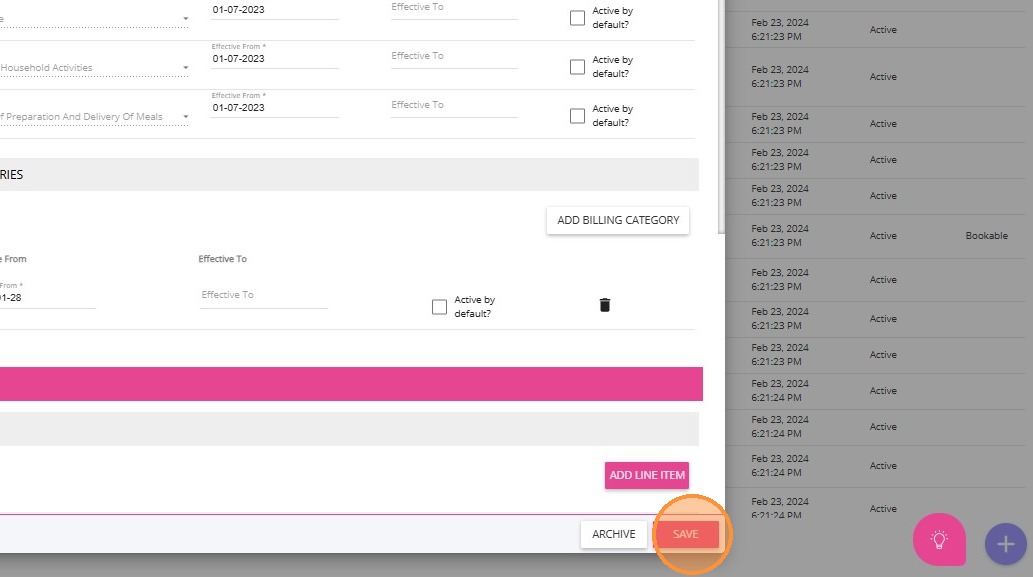
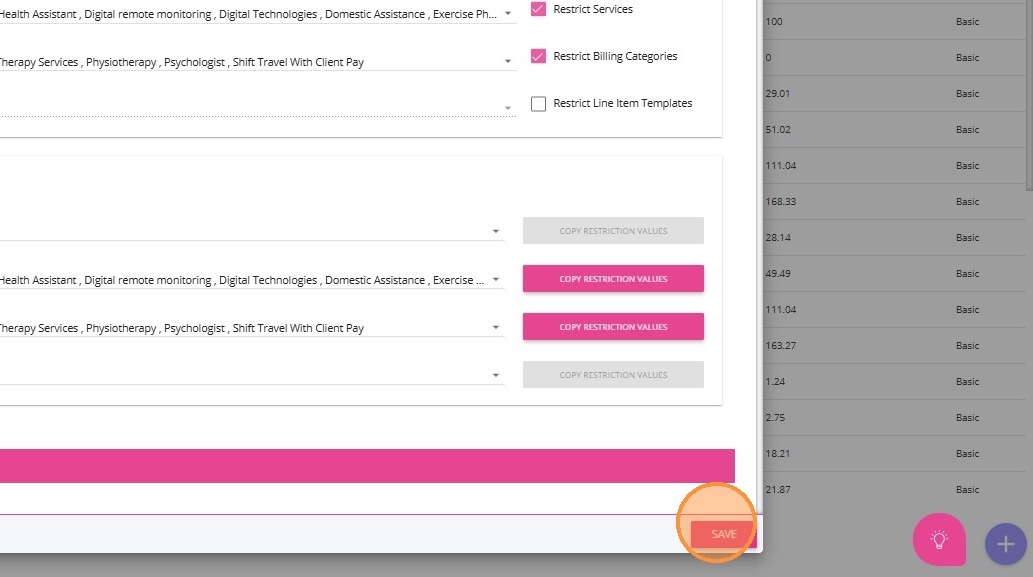
5. Click Save.
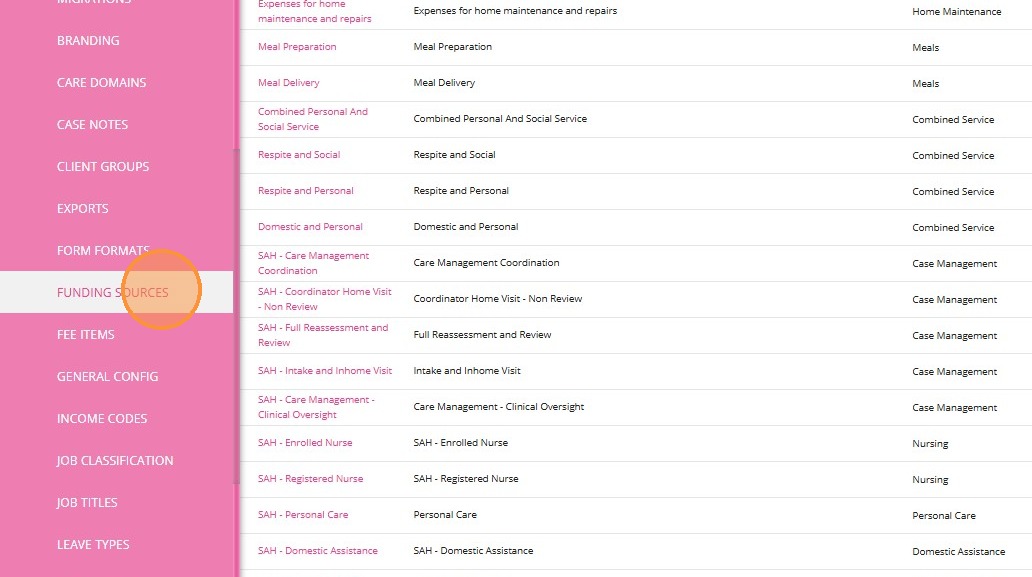
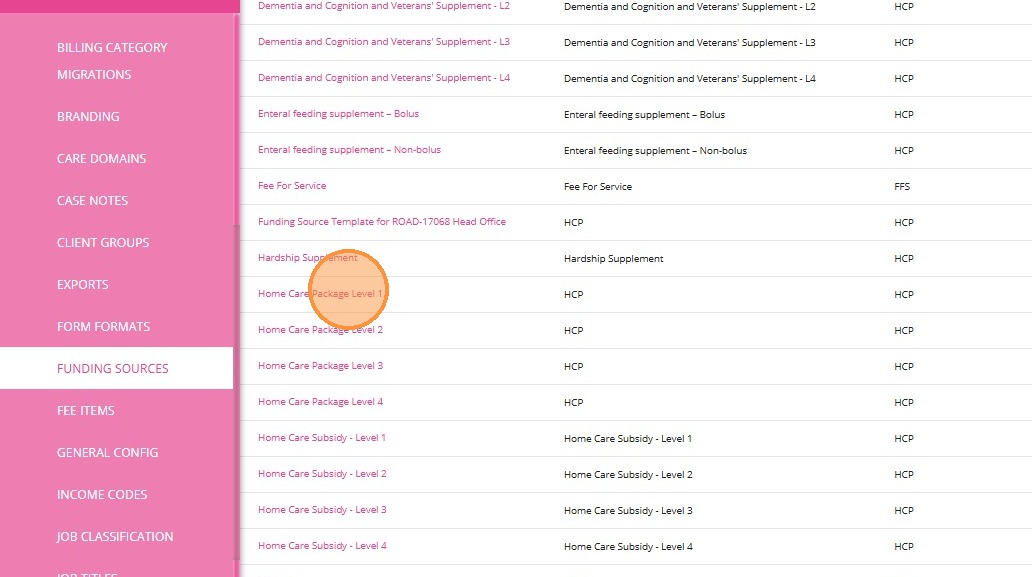
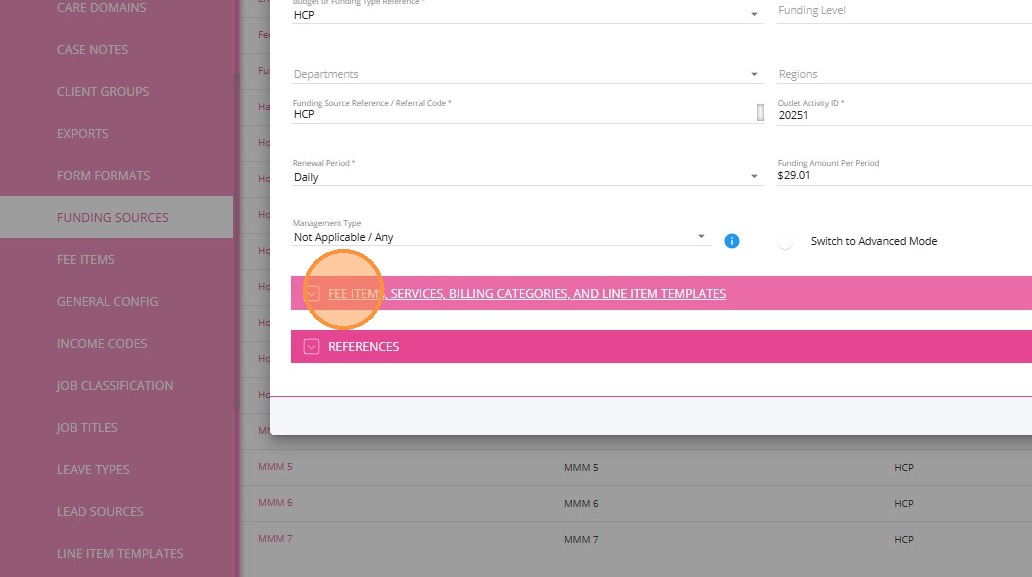
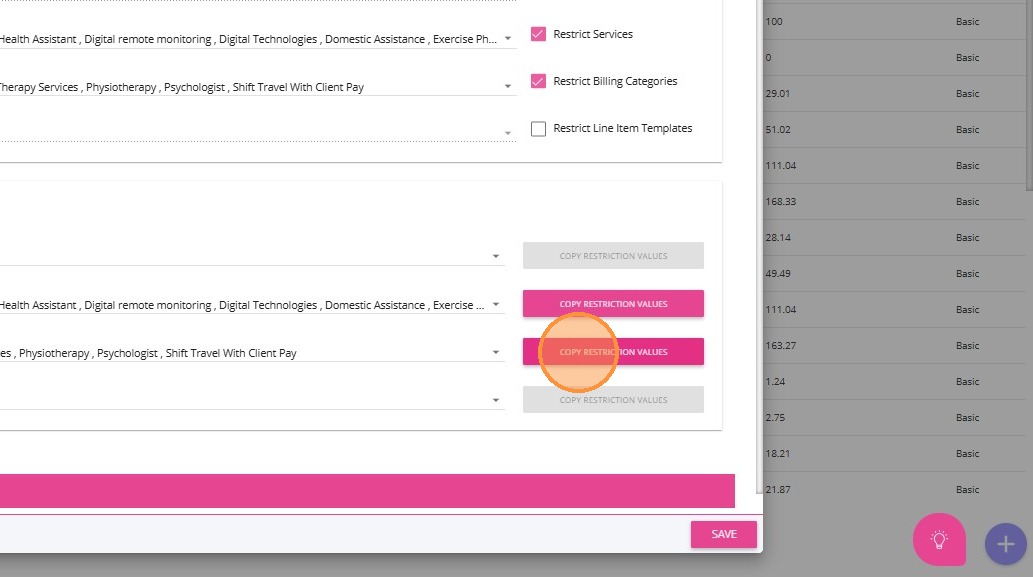
- Under Services, link the 0120-Household Tasks service. Click the Restrict Services box to ensure that only the services you selected will be available under the funding source.
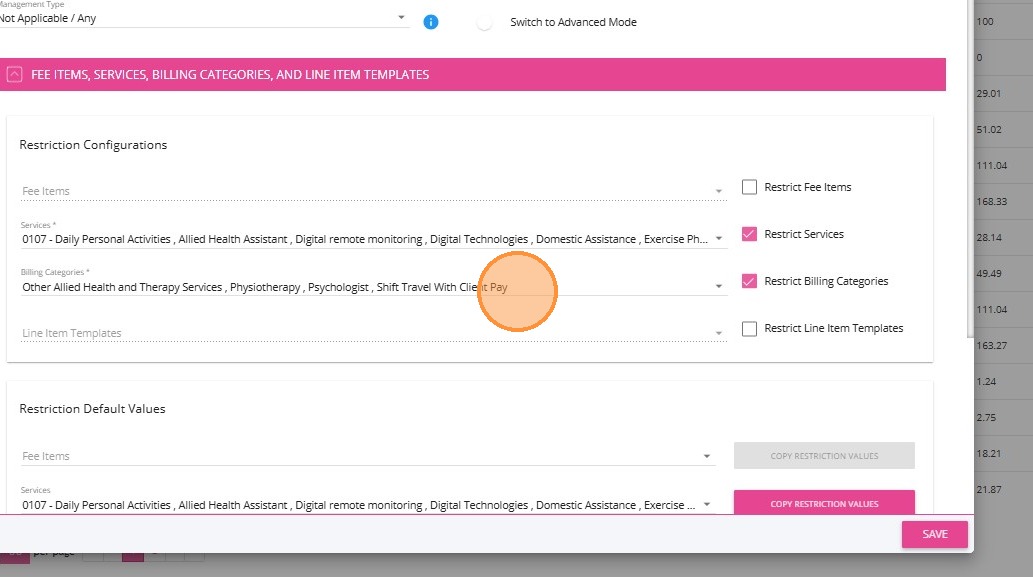
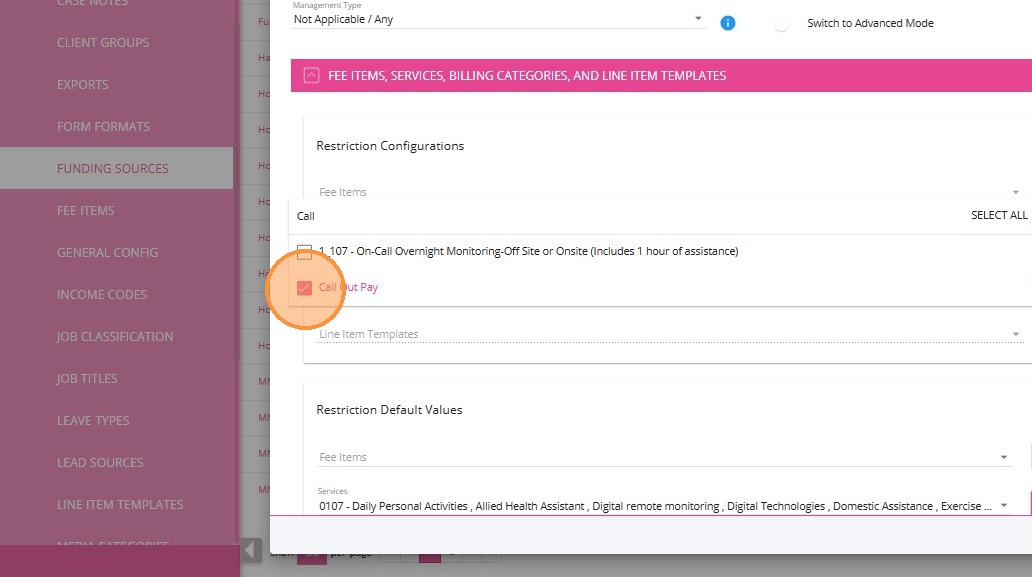
- Under Billing Categories, link the Callout Pay billing category. Click the Restrict Billing Categories box to ensure that only the billing categories you selected will be available under the funding source.
Quoting
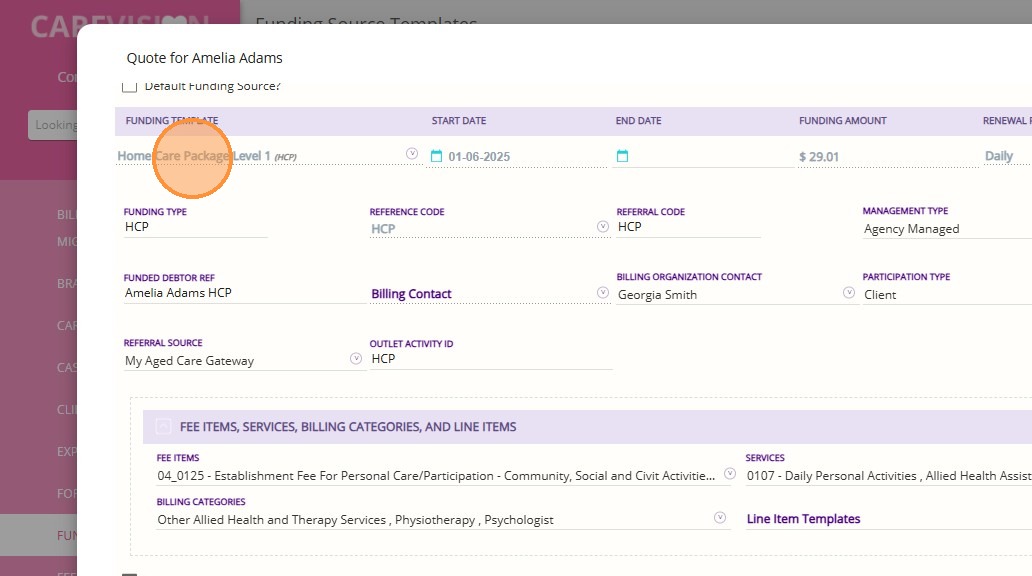
2. Expand the Funding Template section and navigate to the Fee Items, Services, Billing Categories, and Line Item Templates section.
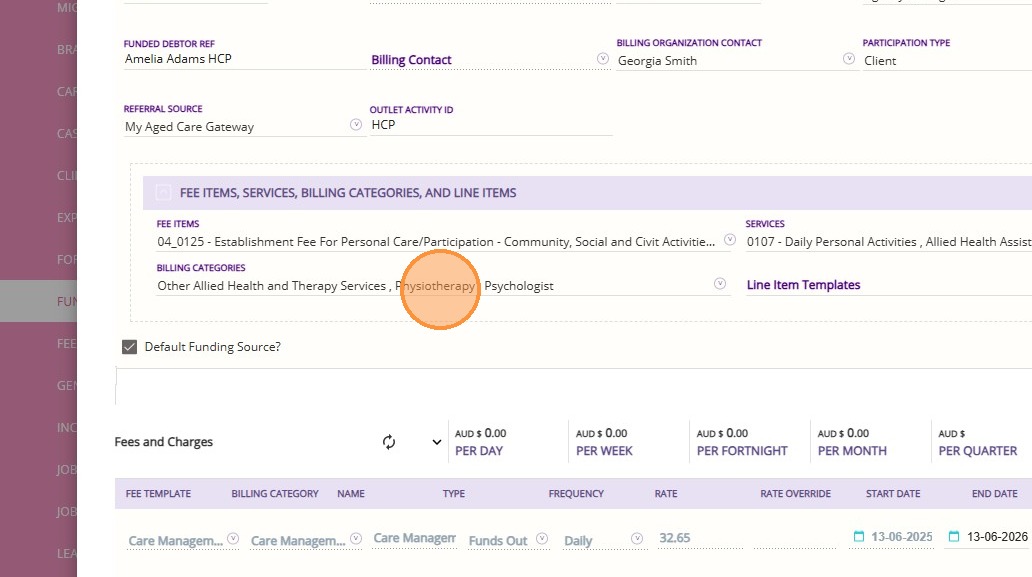
3. In the Services and Billing Categories sections, make sure that the billing category and services you have set up are added accordingly.
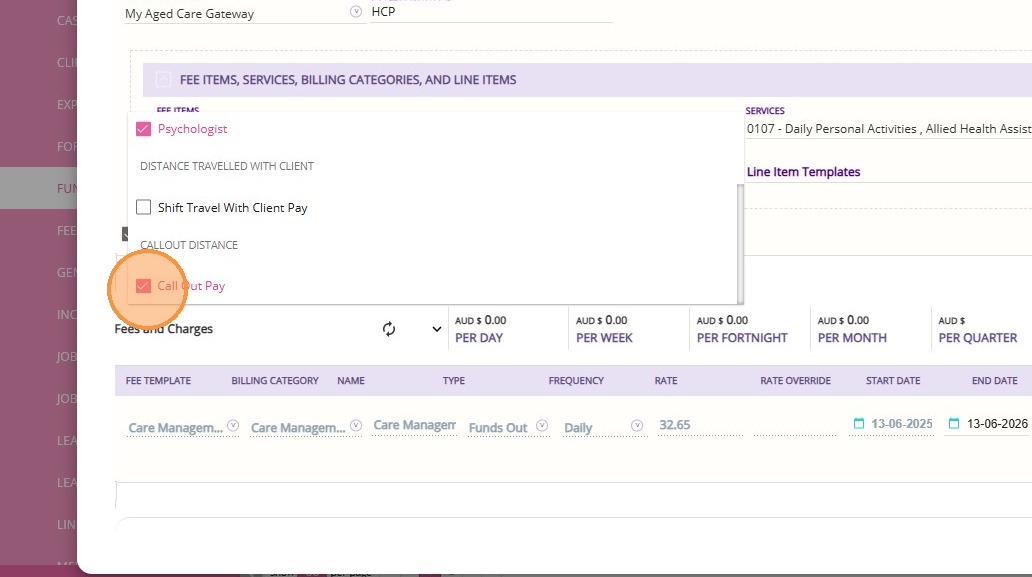
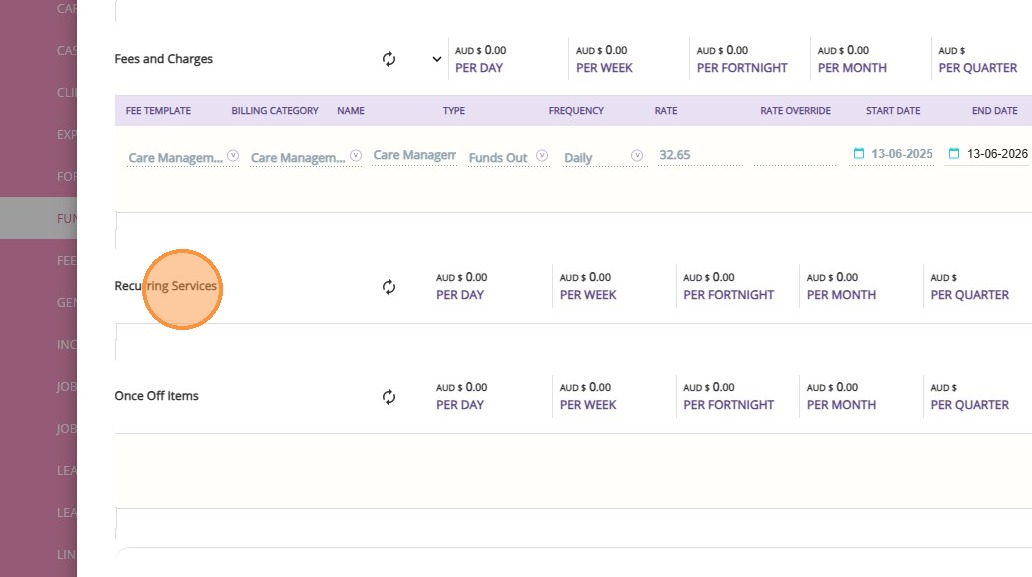
4. Go to the Recurring Services section.
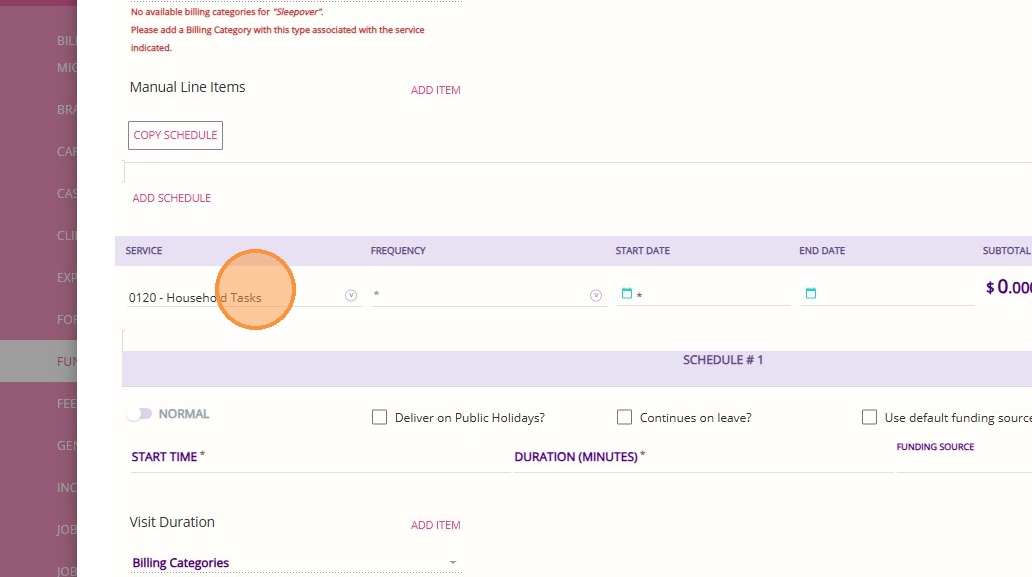
5. In this example, the 0120-Household Tasks service will be added. Enter all required details for the service.
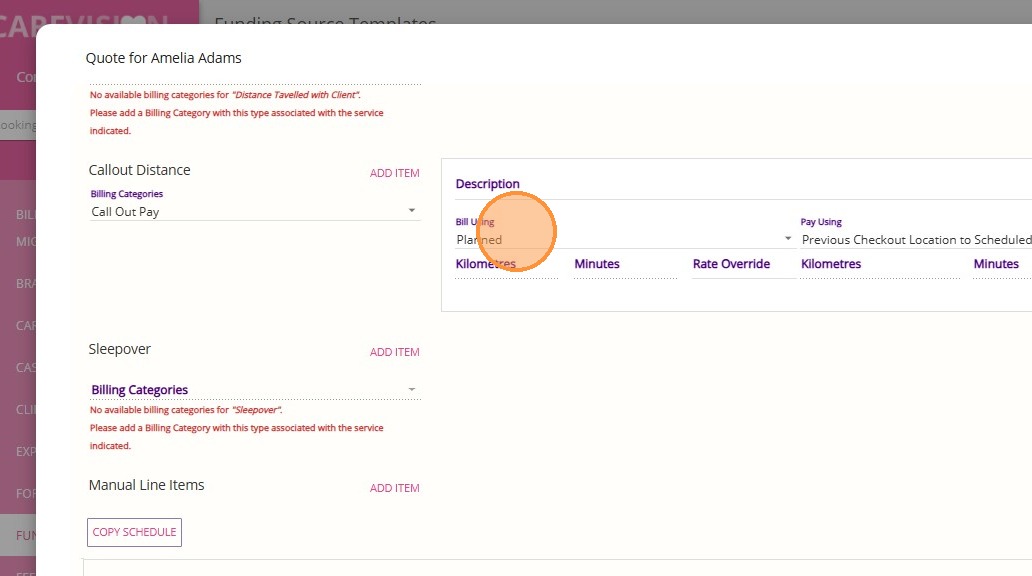
6. Scroll down to the Callout Distance section.
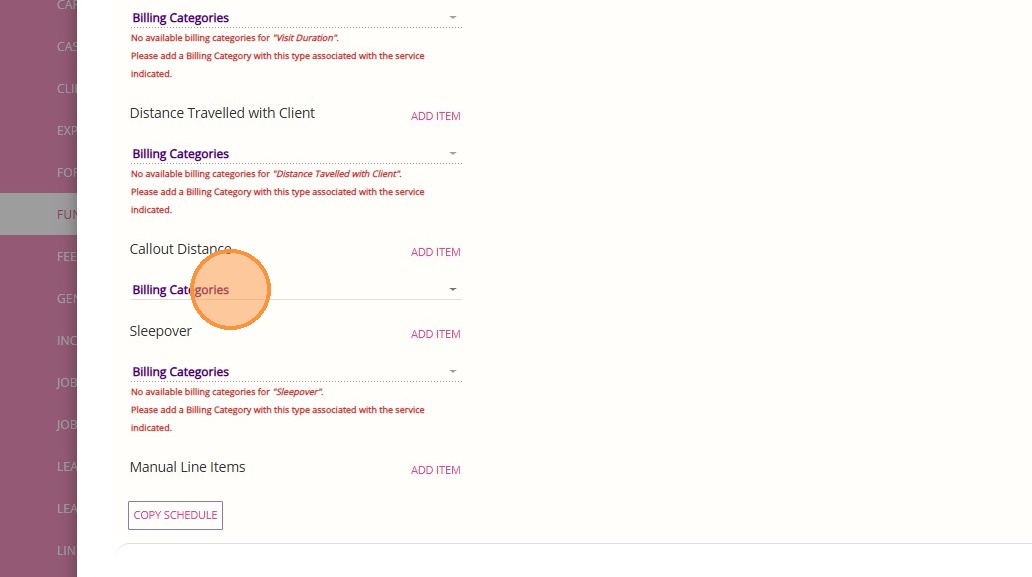
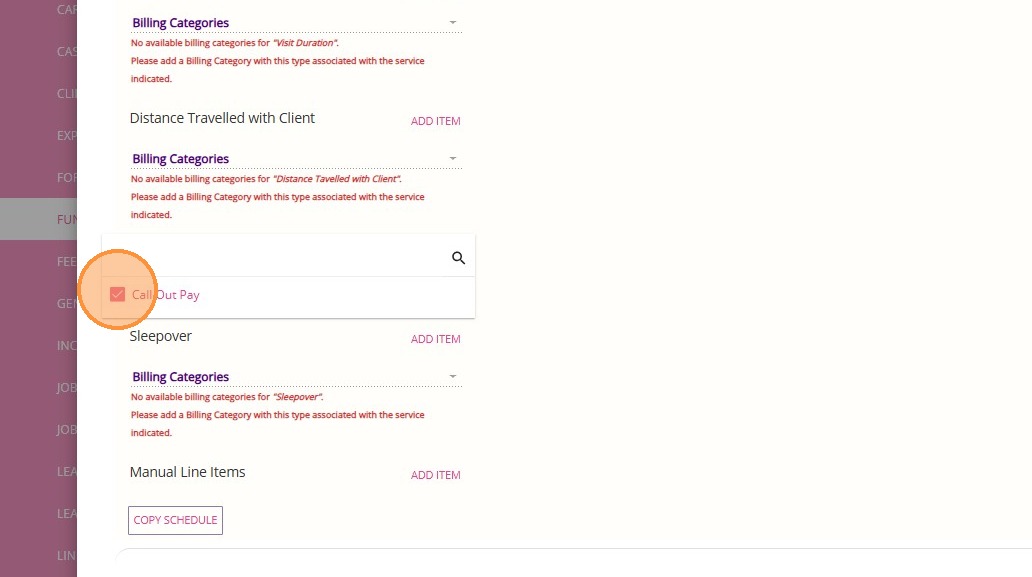
7. Select the Callout Fee billing category and click Add Item.
8. Set the Bill Using field to Custom
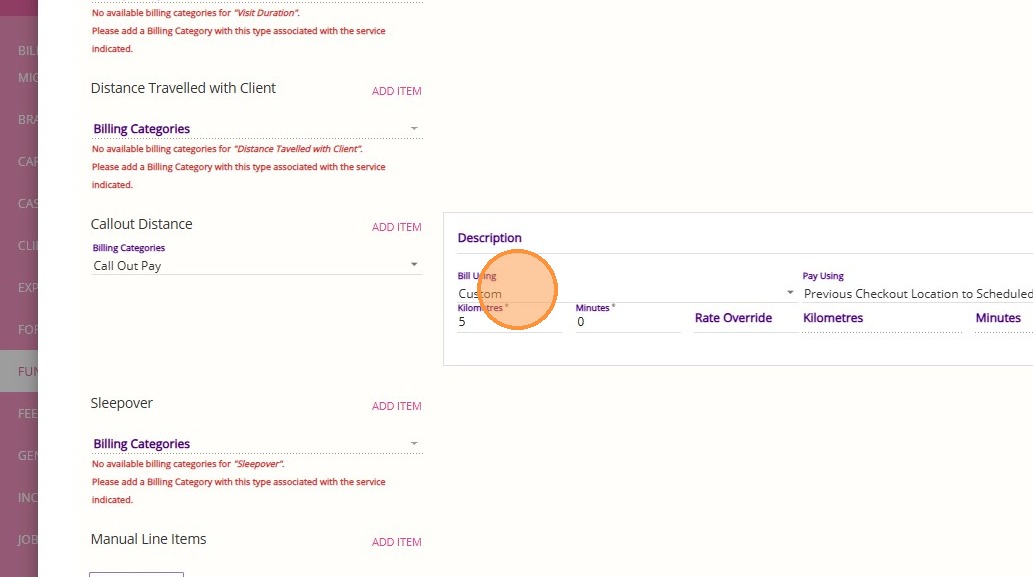
9. Before accepting the quote, change the Bill Using field to Planned.