Funding and Budget Management Dashboard

Funding and Budget Management Dashboard

The Funding and Budget Management Dashboard shows a clear view of client funding, budgets, and planned spending to help track how funds are allocated and used over a selected period. It helps make better budgeting decisions, improve forecasting accuracy, and use funds effectively before they expire.


This topic provides an overview of the Funding and Budget Management Dashboard.


Keywords: funding and budget management dashboard, budget management, client funding, care management funding, funding allocation, budget tracking, financial forecasting, aged care funding, rollover funds, funding reporting

How to Access

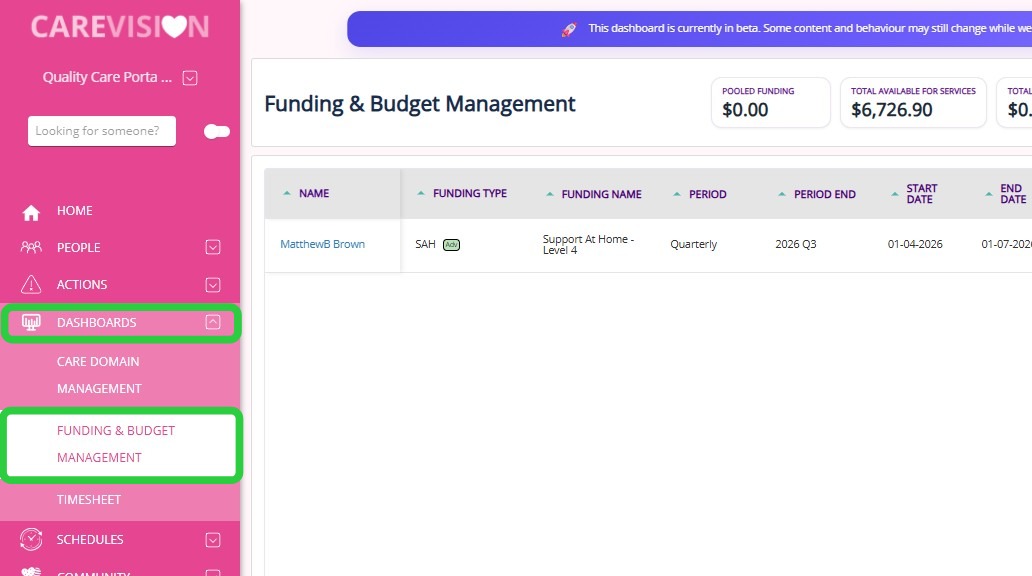
In the left navigation pane, click Dashboards > Funding & Budget Management.

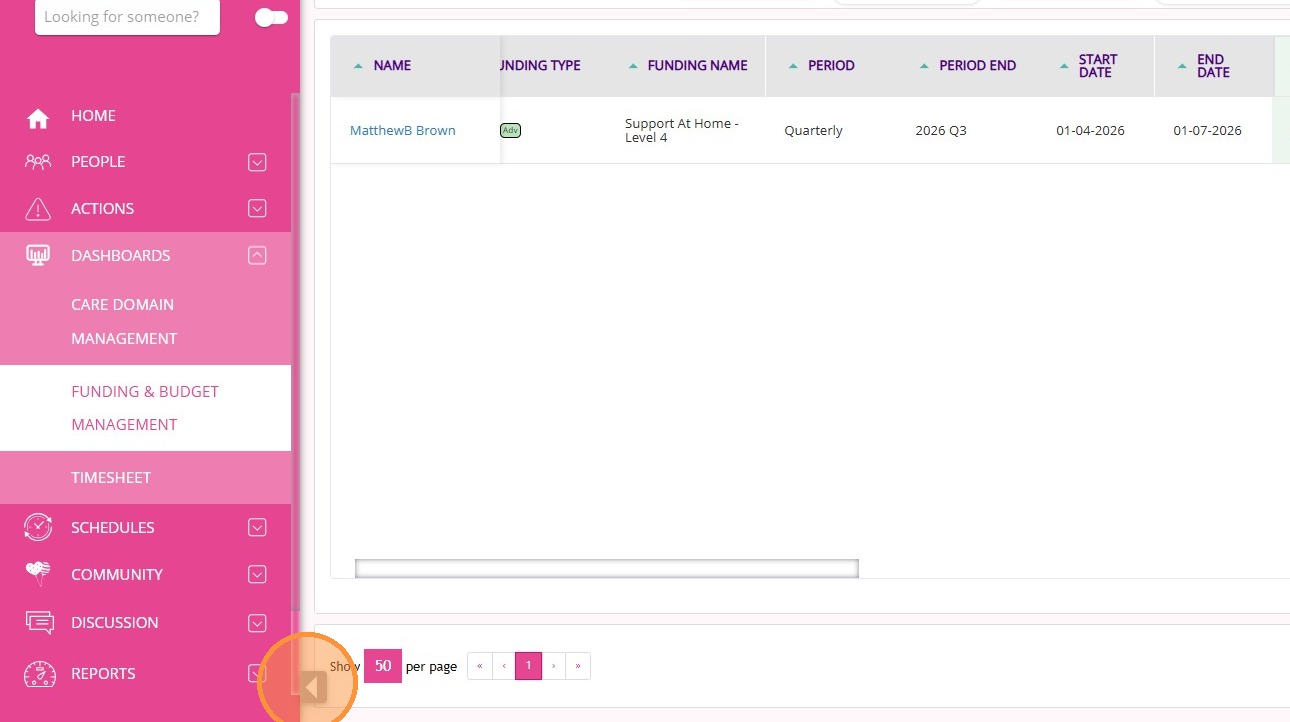
To expand the dashboard to full screen, click the gray arrow in the lower-left corner of the screen.

Summary Cards

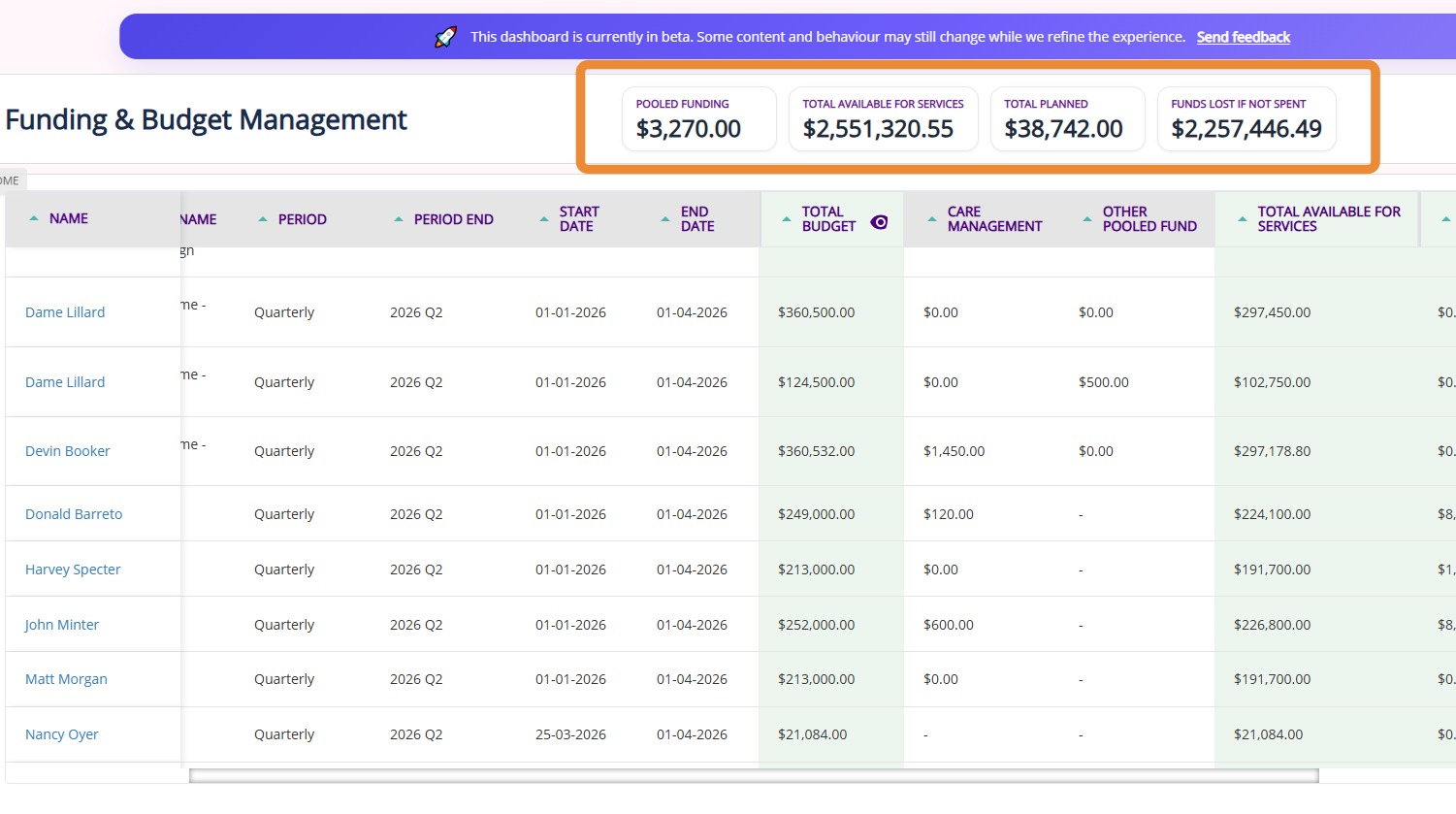
The dashboard displays summary cards for pooled funding, total available for services, total planned, and funds lost if not spent. It provides a clear overview to support budgeting decisions and effective use of funds.

CardDescription
Pooled FundingThe total amount of all pooled allocations deducted from individual client budgets and combined into a single shared funding pool. 

For more information, see Pooled Funding.
Total Available for ServicesThe total amount of funding available to pay for services (excluding Care Management) for the selected period.
Total PlannedThe total value of planned amounts representing the estimated cost of future services that are included in the care plan but not yet delivered. This value is used for forecasting and assessing budget sufficiency, not for payments.
Funds Lost if Not SpentThe amount of funding that will expire or be forfeited if it is not used within the selected period.

Key Columns

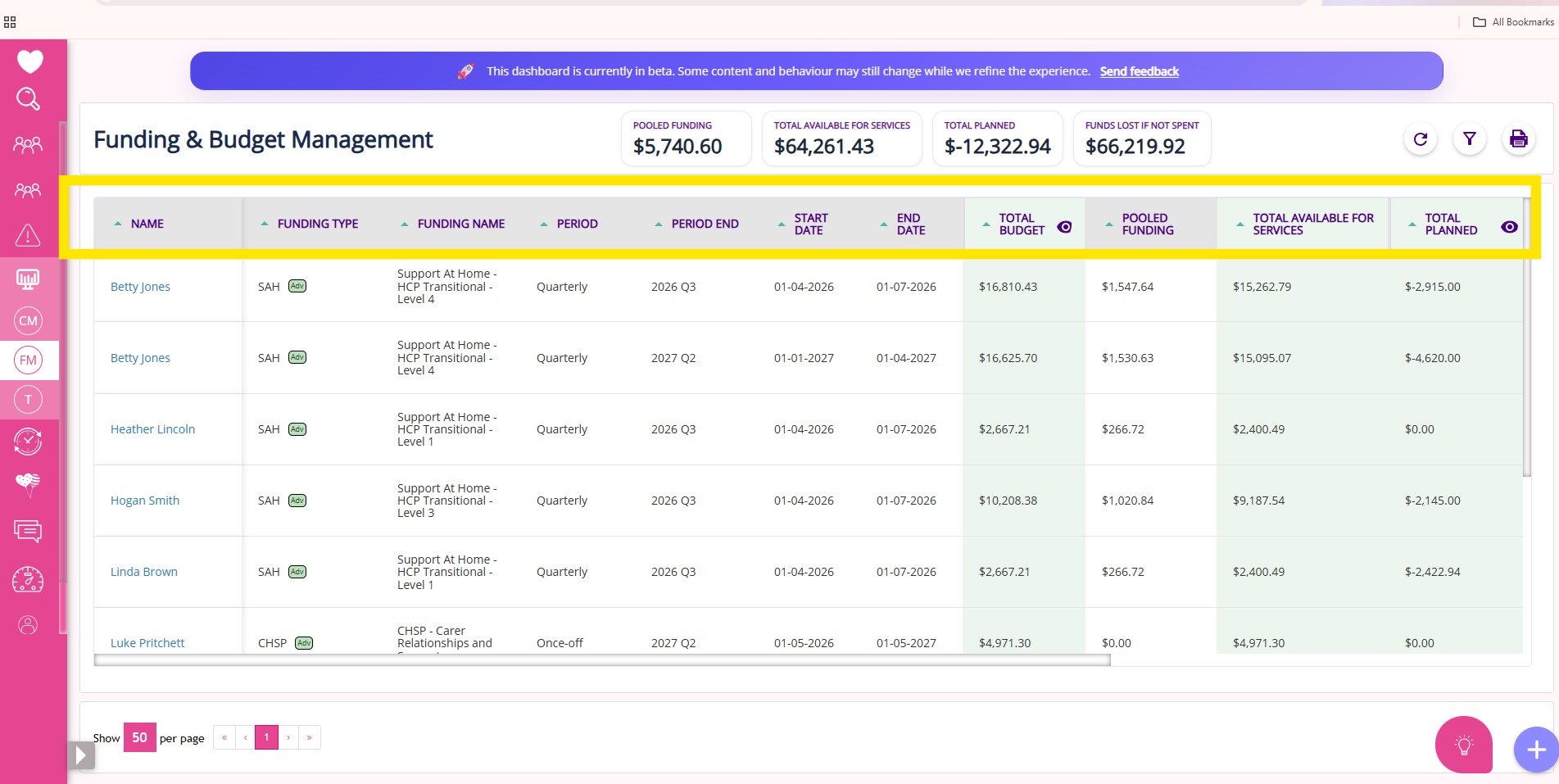
The dashboard displays the following columns. Refer to the table for a description of each column.

ColumnDescription
NameName of the client.
Funding TypeType based on the funding source, such as SAH, CHSP, or NDIS.
Funding NameSpecific name of the funding source.
PeriodThe defined funding period grouping (monthly, quarterly, annually).
Period EndThe end of the defined funding period.
Start DateFor basic funding, the funding source start date.
For advanced funding, the funding period start date.
End DateFor basic funding, the funding source end date.
For advanced funding, the funding period end date.
Total BudgetTotal of all funding fee items grouped by subsidy type.

Total Budget = Primary Subsidy + Supplements + Others
Primary SubsidyBase funding determined by the participant’s package classification.
SupplementsAdditional funds provided on top of the primary subsidy.
OtherAny remaining funding amounts not classified as primary subsidy or supplements.
Case ManagementPortion allocated for care management.

Care Management = 10% of Primary Subsidy
Total Available for ServicesFunds available to pay for services excluding care management.

Total Available for Services = Total Budget - Case Management
Total PlannedEstimated cost of future services included in the care plan but not yet delivered; used for forecasting, not payments.
Balance ExpectedRemaining funds after planned spending.

Balance Expected = Total Available for Services - Total Planned
Amount of Rollover At EndAllowable rollover amount.

Amount of Rollover At End = max(10% of Total Available for Services) or 1000, whichever is higher
Funds Lost If Not SpentFunds that will not carry over.

Funds Lost If Not Spent = Balance Expected - Amount of Rollover At End
Rollover FundsTotal value of funds carried over into the next period

Key Actions

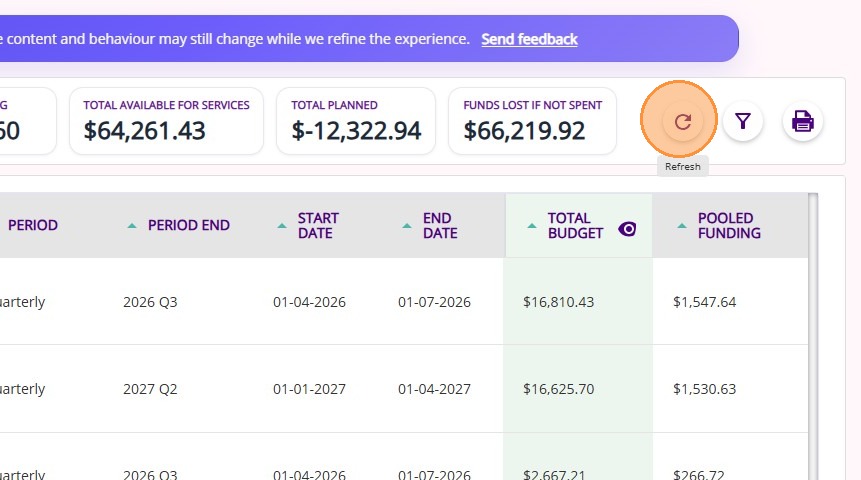
Refresh: Click the refresh icon to update the dashboard.

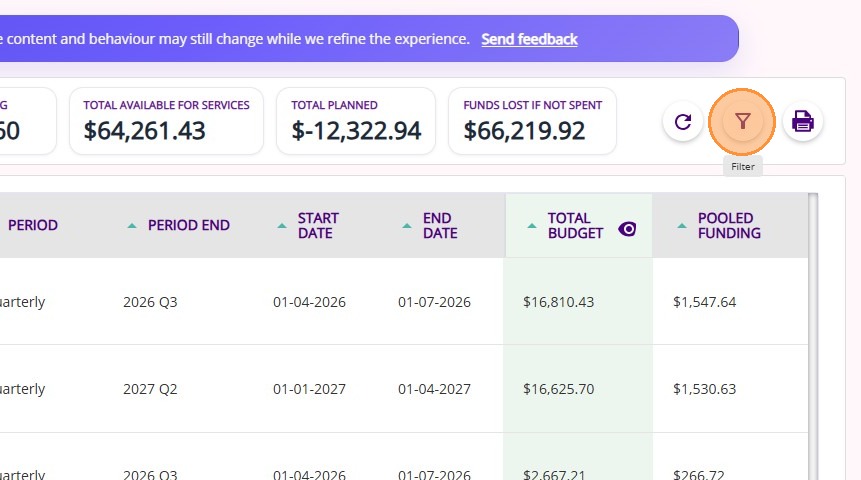
Filter: Click the filter icon to apply filters based on your preferences.

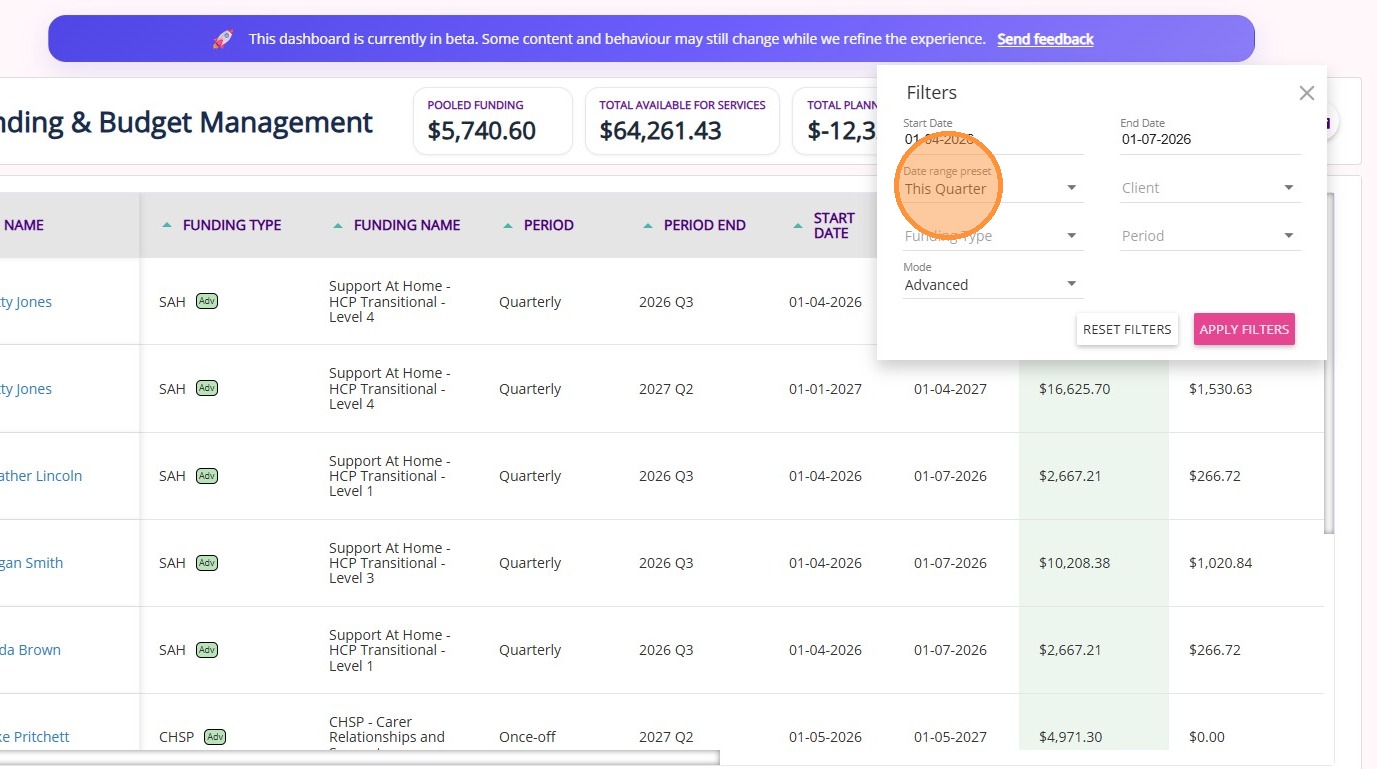
You can select filters based on your preferences to control what is displayed on the dashboard. The Date Range Preset defaults to This Quarter.

FilterDescription
Start DateFor basic funding, filters by the funding source start date.
For advanced funding, filters by the funding period start date.
End DateFor basic funding, filters by the funding source end date.
For advanced funding, filters by the funding period end date.
Date Range PresetQuick selection of predefined date ranges; default is This Quarter, with options including Last Week, Last Month, Last Quarter, This Week, This Month, Next Week, Next Month, and Next Quarter
Funding TypeFilter results by the type of funding source (such as SAH, CHSP, NDIS)
ModeFilter by funding configuration:
Basic: for standard funding sources
Advanced: for Support at Home funding sources
All: to include both
ClientSelect one or more clients using the checkbox to filter results
PeriodFilter by funding period frequency, such as annually, daily, monthly, once off, quarterly, quarterly date, or weekly

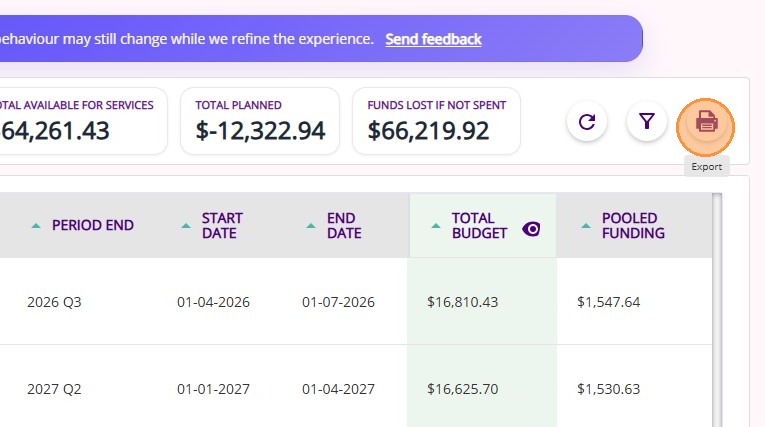
Export: Click the export icon to download the Funding & Budget Management data as a CSV file.


This topic introduced the Funding and Budget Management Dashboard to help track funding usage clearly and support more informed financial planning.

For information or feedback, contact the CareVision Support Team.


    • Related Articles

    • Care Domain Management Dashboard

      The Care Domain Management Dashboard allows organisations to track and manage care domain reviews across clients from a single dashboard. A care domain refers to a specific area of care, such as mobility, nutrition, or hygiene relevant to a client’s ...
    • Payroll Timesheet Dashboard

      This topic introduces the Payroll Timesheet Dashboard on the CareVision portal. Learn how to navigate the dashboard to review timesheet and allowance data in compliance with Australian award interpretation rules. Keywords: payroll timesheet ...

    Request an Article or Guide

    We are keen to know what you want to know more about? Let us know on chat or raise a ticket for an article or topic you would like covered in more detail. We have a team of technical writers and learning content creators keen for your suggestions.