Care Domain Management Dashboard
The Care Domain Management Dashboard allows organisations to track and manage care domain reviews across clients from a single dashboard.
A care domain refers to a specific area of care, such as mobility, nutrition, or hygiene relevant to a client’s needs. The available domains may vary depending on the organisation’s service focus (for example, aged care, disability support, or home care), ensuring that goals, treatment plans, and assessments are aligned with each client’s context.
This topic introduces the Care Domain Management Dashboard.
Keywords: are domain management dashboard, care domain reviews, care management dashboard, client care review tracking, healthcare dashboard software, aged care review management, disability support care planning, care domain monitoring, client care compliance tracking, care plan review dashboard
 Note: The Care Domain Management Dashboard is currently in beta. Some behavior may still change as we continue refining it. Please try out this feature and share your feedback with us by emailing hello@carevision.com with the subject Dashboard Demo.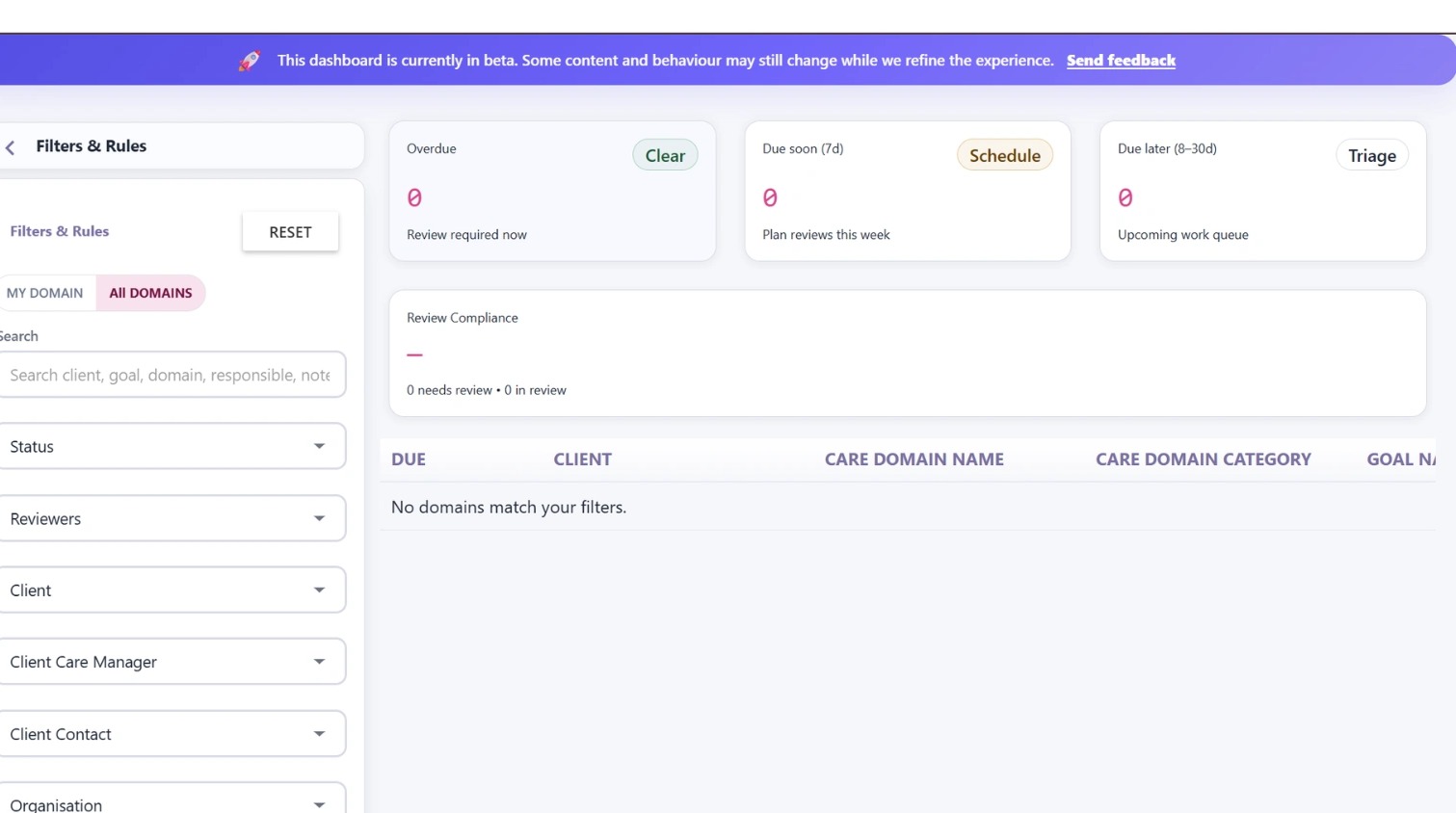
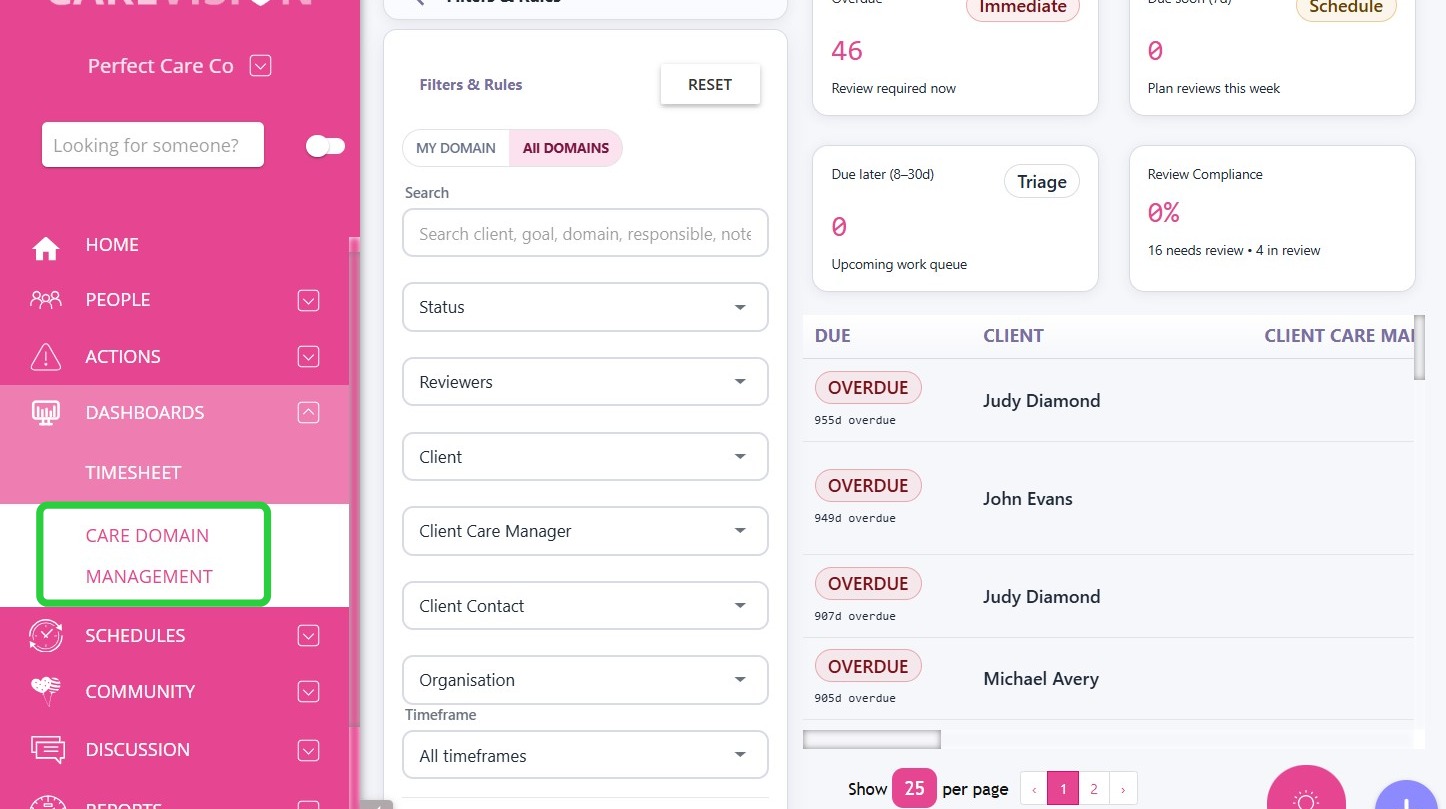
Navigate to Dashboards > Care Domain Management to access the dashboard.
 Tip: Click the left-pointing arrow at the bottom to expand the view.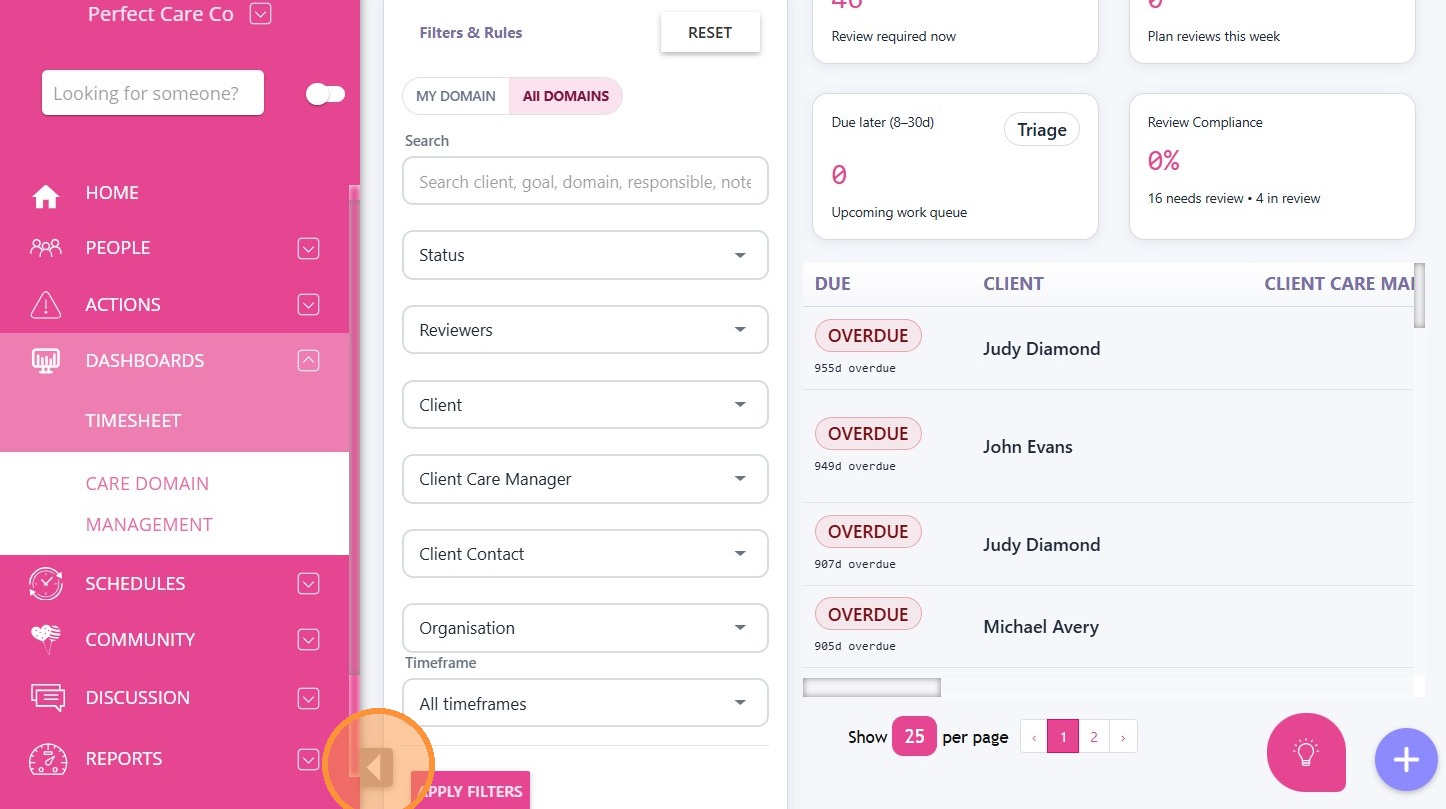
I. Scope Toggle
You can switch between two viewing scopes to control which care domains are displayed on the dashboard.
- My Domains: Shows only the care domains where the logged-in user is assigned as the Reviewer.
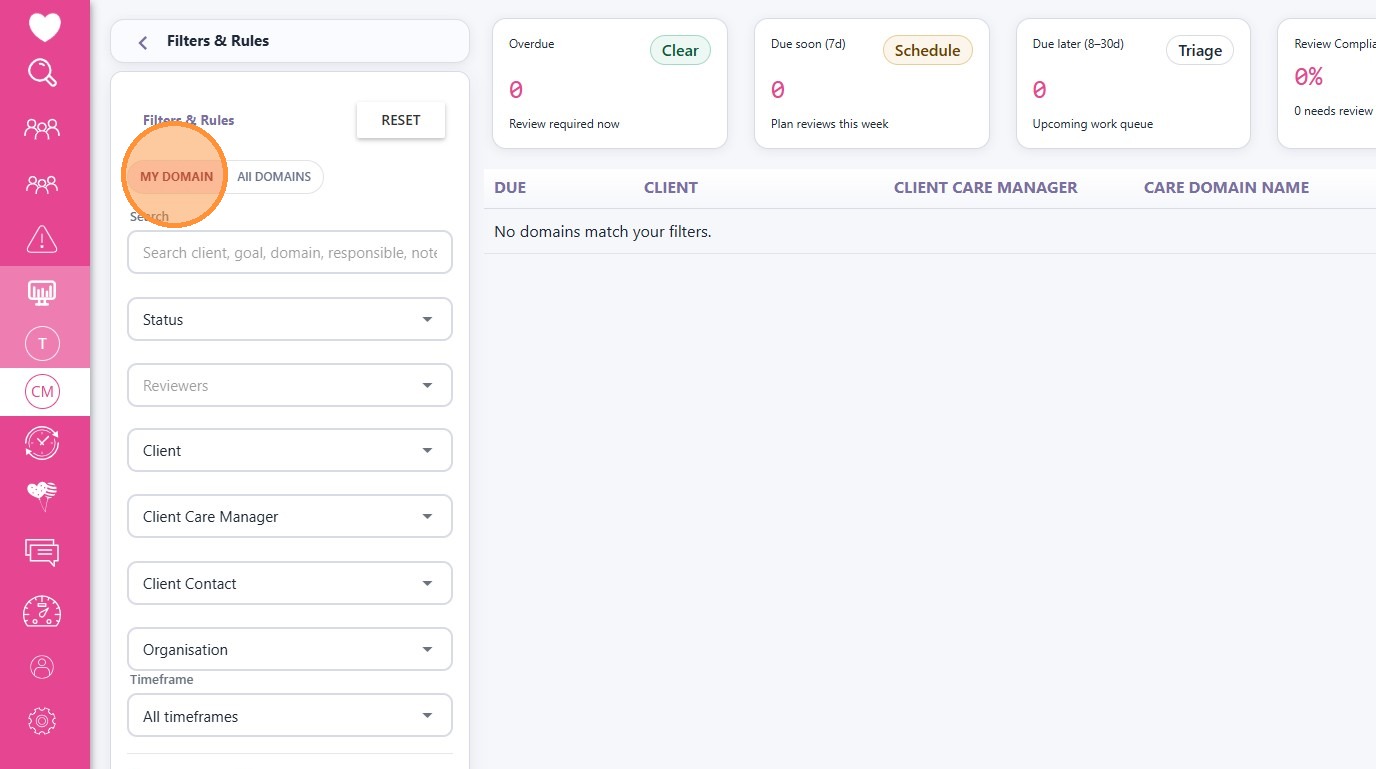
- All Domains: Displays all care domains the user has permission to access across the organisation.
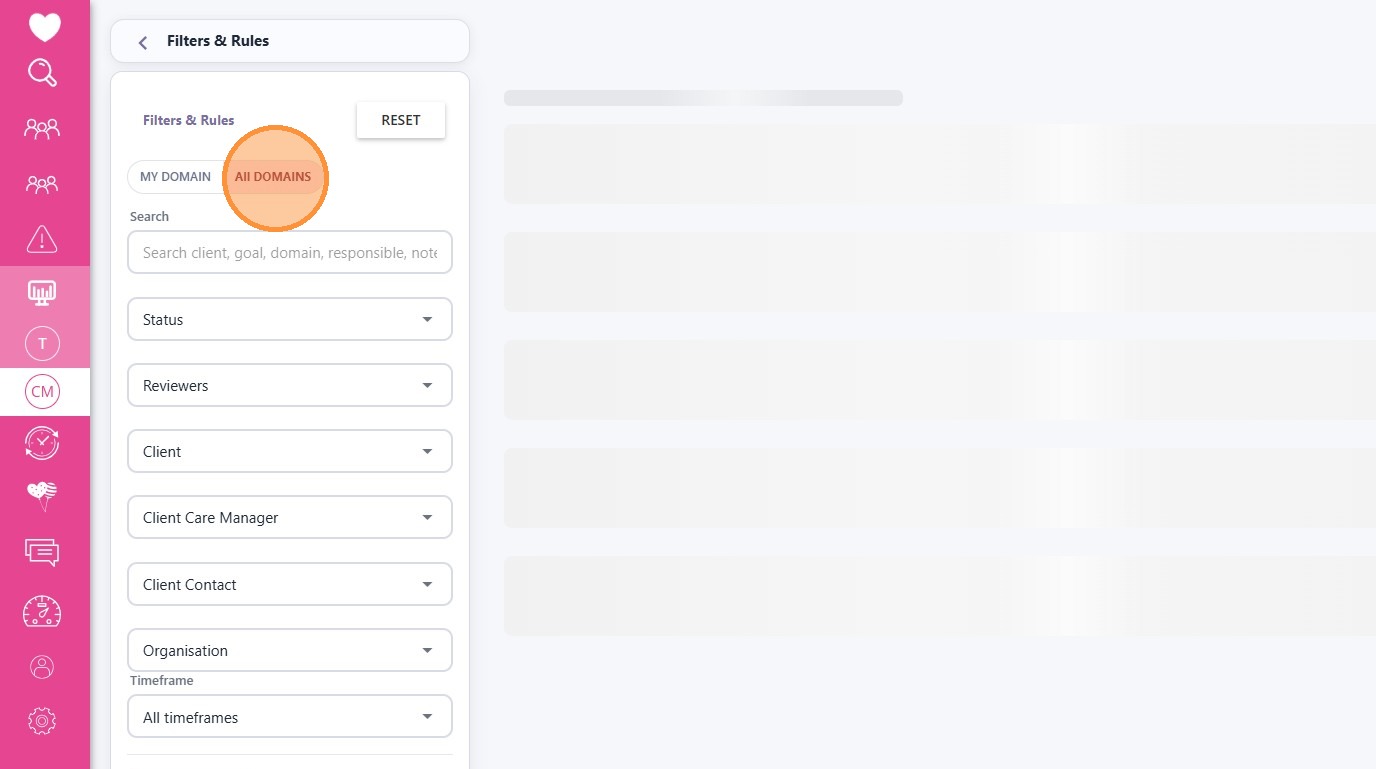
II. Filters and Rules
The Filters and Rules panel allows you to refine the results displayed on the dashboard. By applying filters, you can quickly locate specific care domains, clients, or review items that require attention.
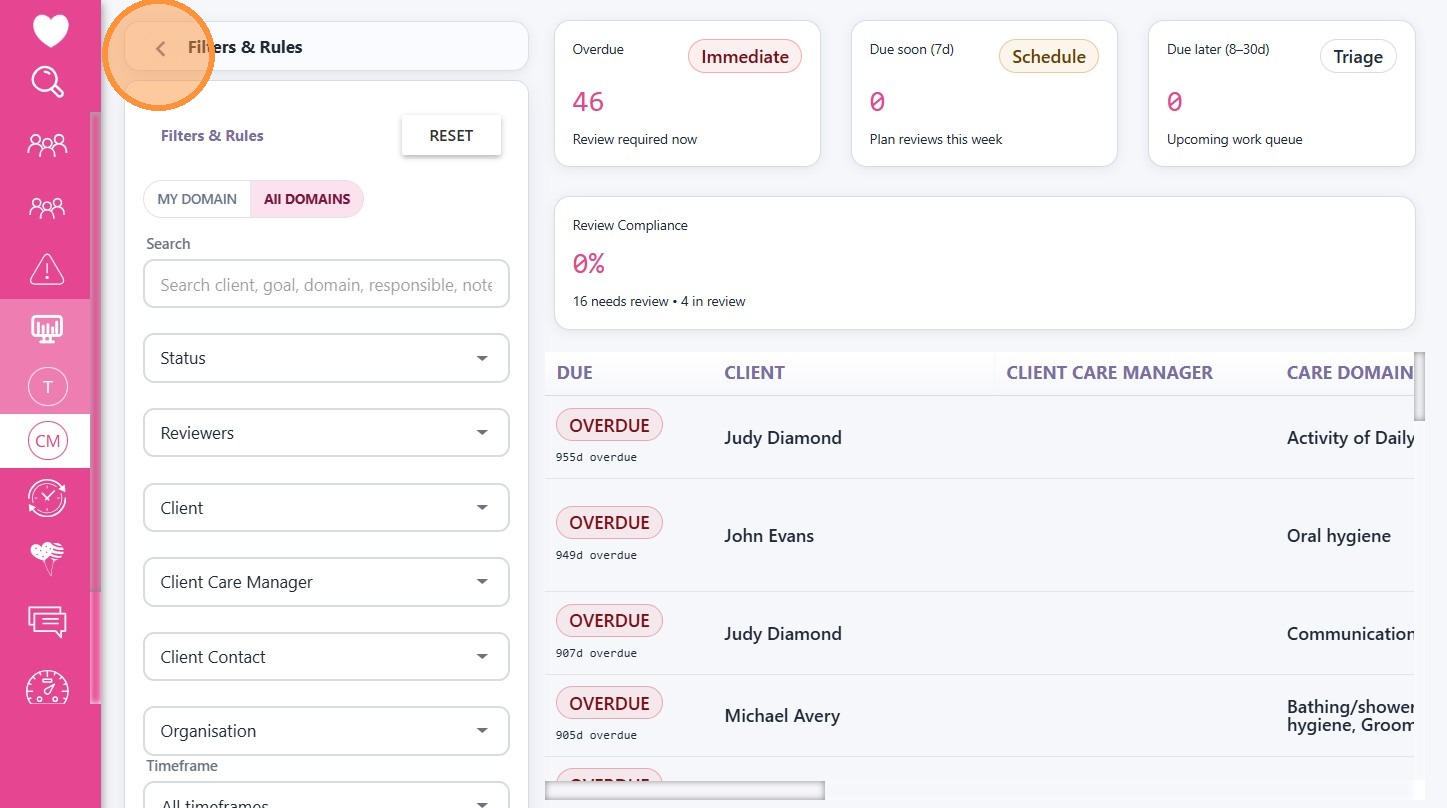
Tip: Click the left-pointing arrow in the Filters & Rules section to hide the filters and view the dashboard in full screen.
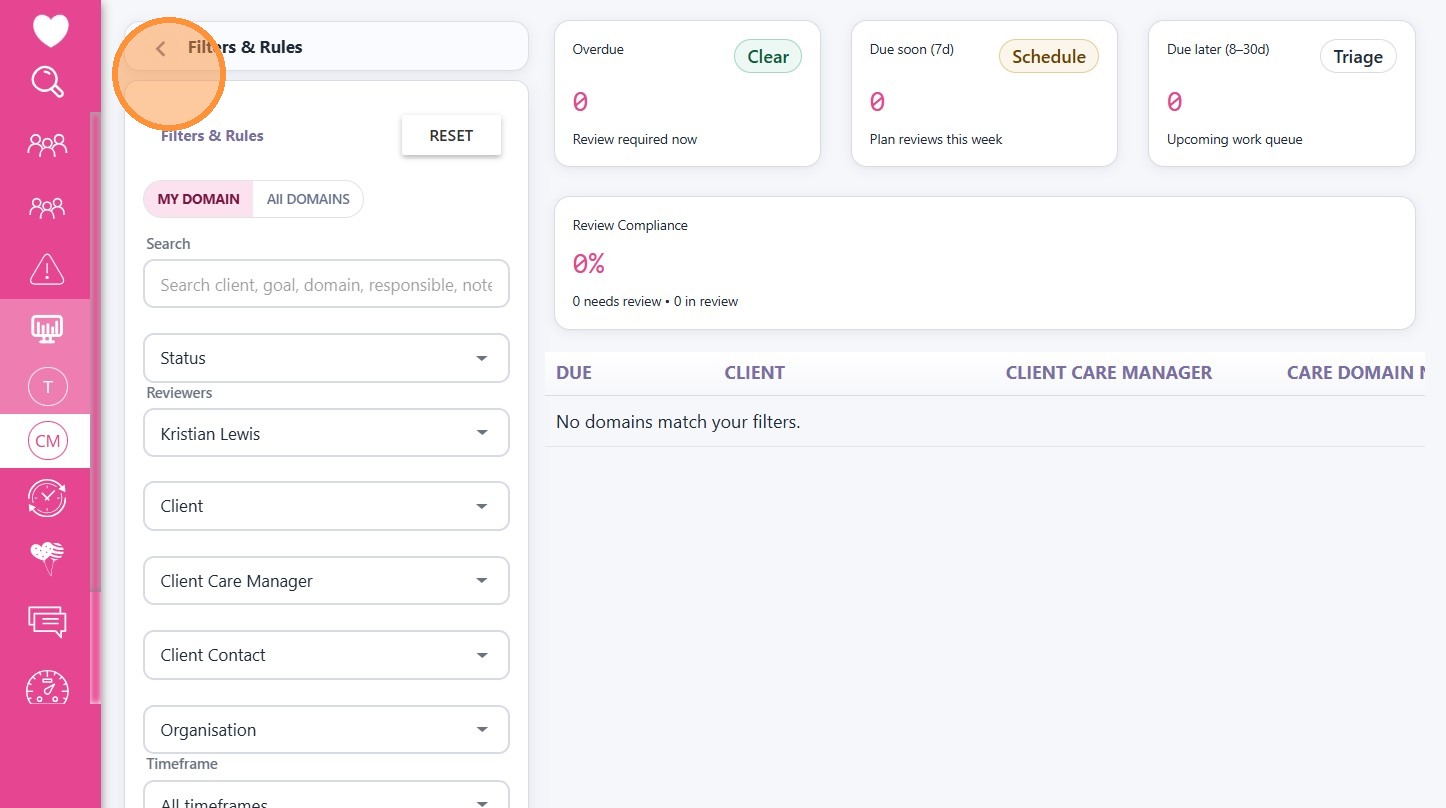
III. Summary Cards
The upper section of the dashboard displays summary cards that highlight key review metrics. Each card shows a count or summary value related to care domain reviews. Selecting a card opens the detailed section with records automatically filtered for review.
A. Overdue
Displays the number of care domain reviews that have passed their scheduled review date and require immediate attention.
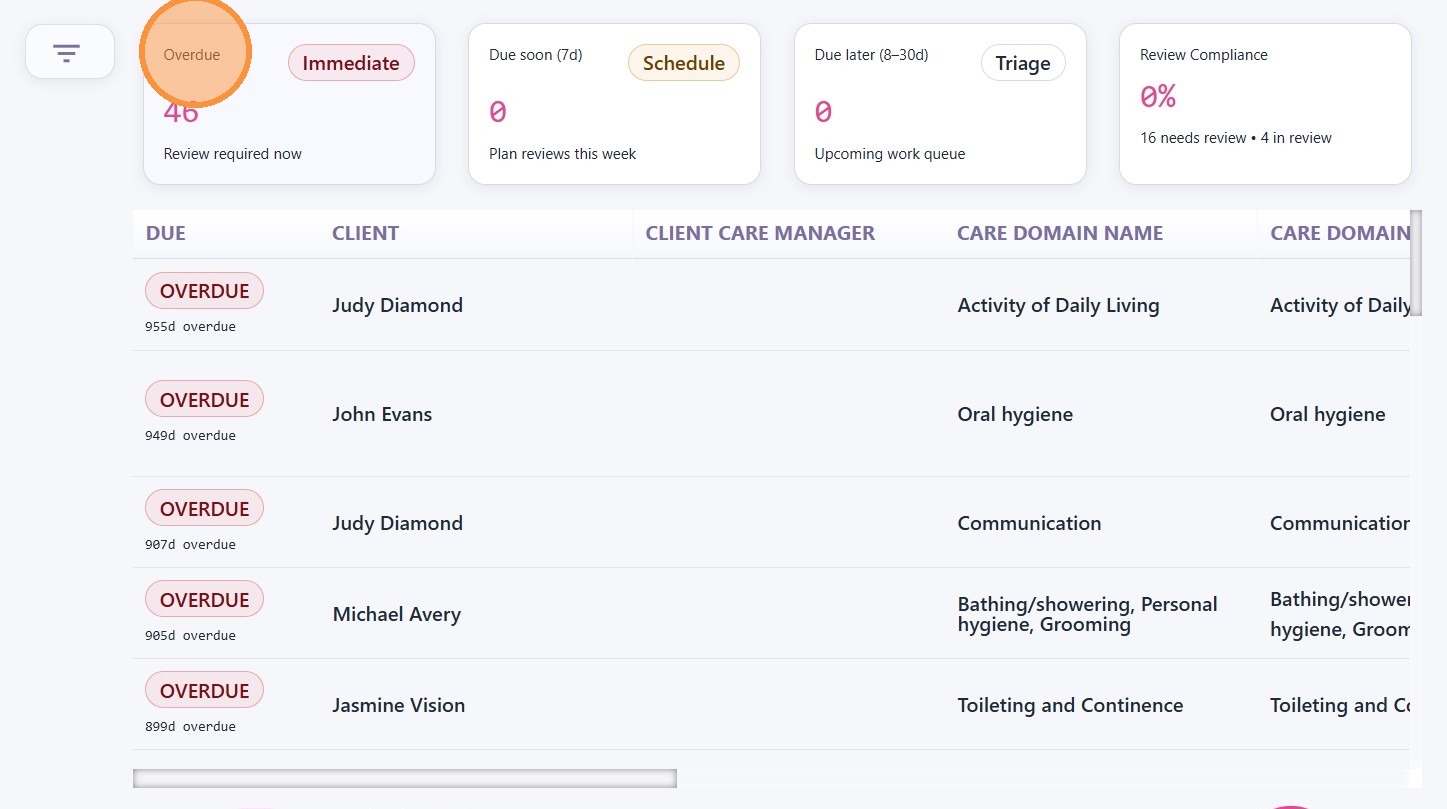
B. Due Soon – 7 Days
Shows reviews scheduled within the next 7 days. These reviews should be scheduled to help prevent them from becoming overdue.
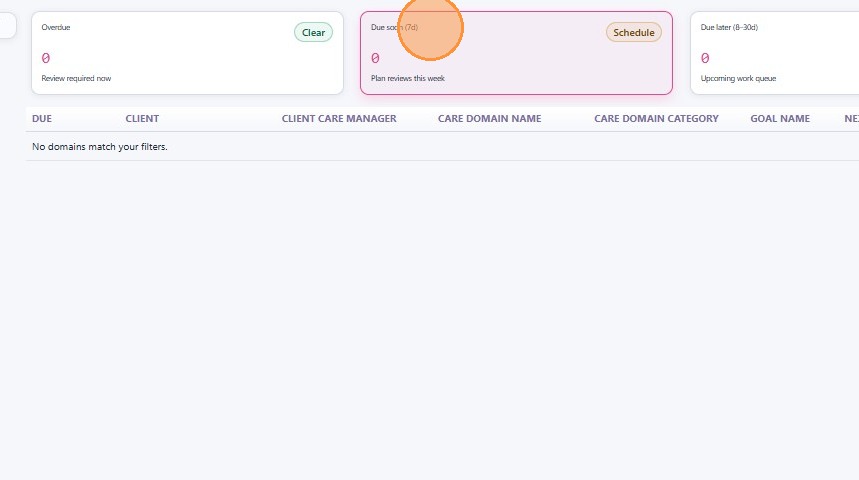
C. Due Later – 8 to 30 Days
Displays reviews scheduled within the next 8 to 30 days. This allows teams to triage and plan upcoming reviews in advance.
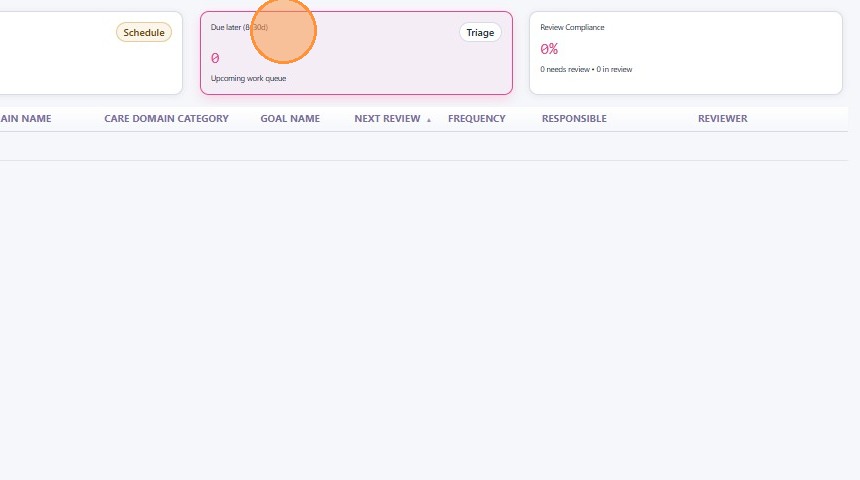
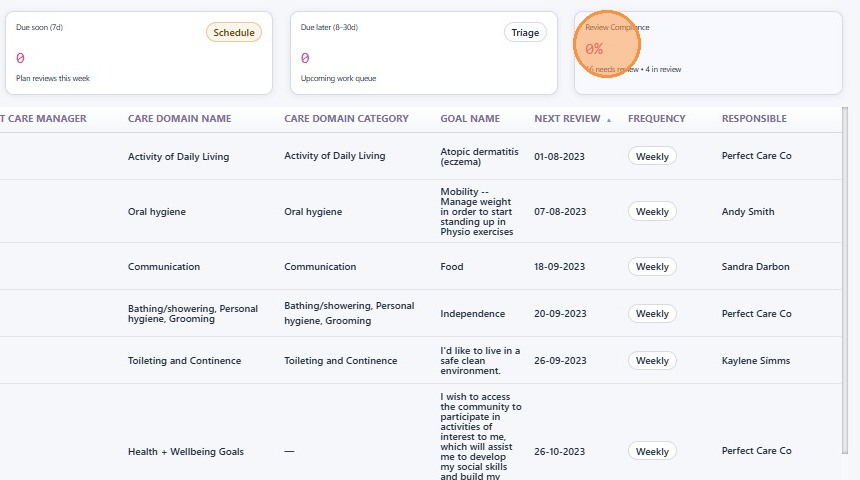
D. Review Compliance
Shows the percentage of care domain reviews completed on time compared with the total number of scheduled reviews.
This topic introduced the key sections of the Care Domain Management Dashboard. Please try out this feature and share your feedback with us by emailing hello@carevision.com with the subject Dashboard Demo.