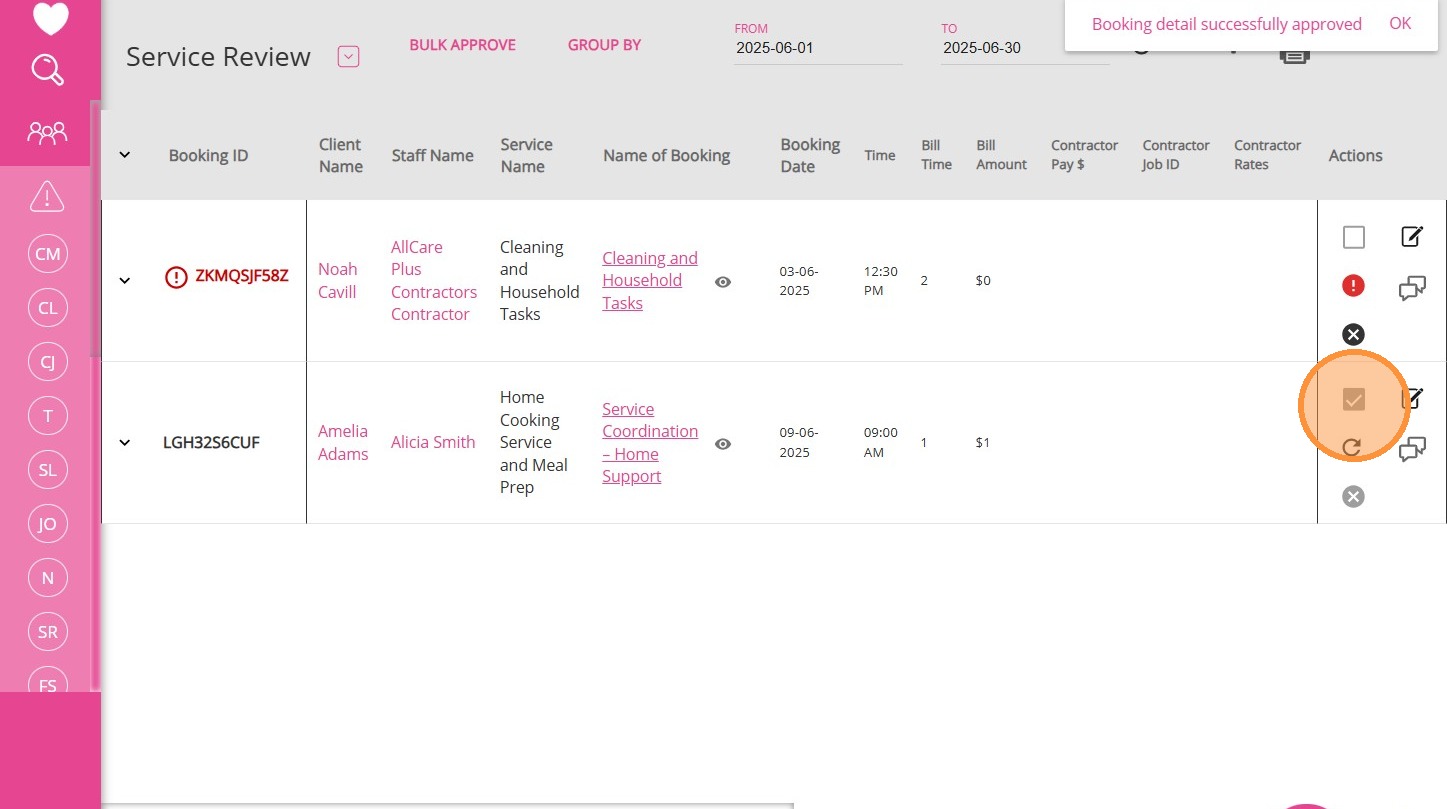
FAQ: What does the "Alert" filter mean on the Service Review Board?
Question: What does it mean when I filter for "Alert" on the Service Review Board? Some bookings show up as alerts, but they don't have any service warnings. What should I do?
Answer: The "Alert" filter identifies bookings where an approved version exists, but someone has made changes and the new version has not yet been approved. This could include changes to financial details or other information, such as the booking name. Until the new version is approved, only the previously approved version will be included in exports.
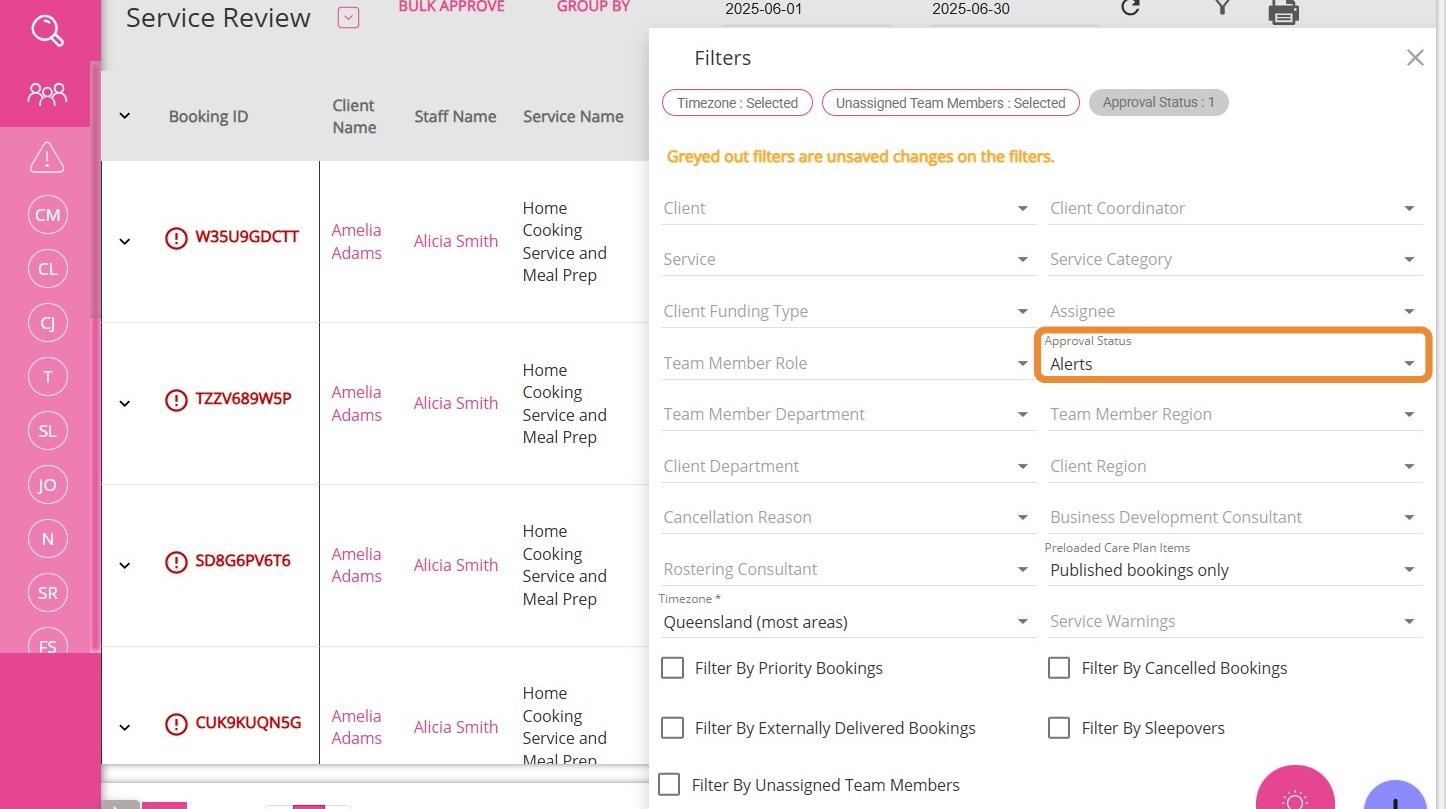
What to do:
1. Locate the booking with the alert icon (red exclamation mark) on the Service Review Board.
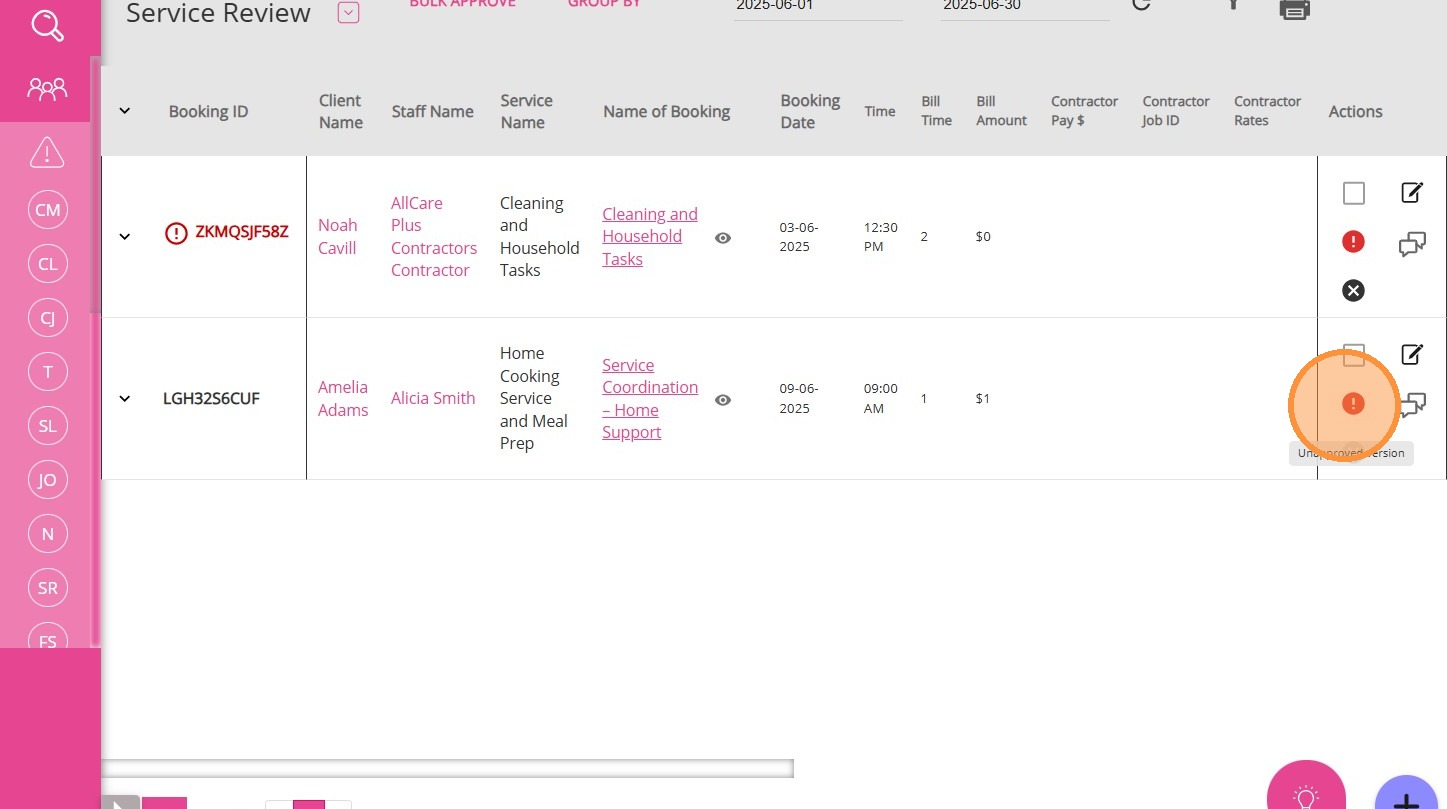
2. Review the changes made to the booking.
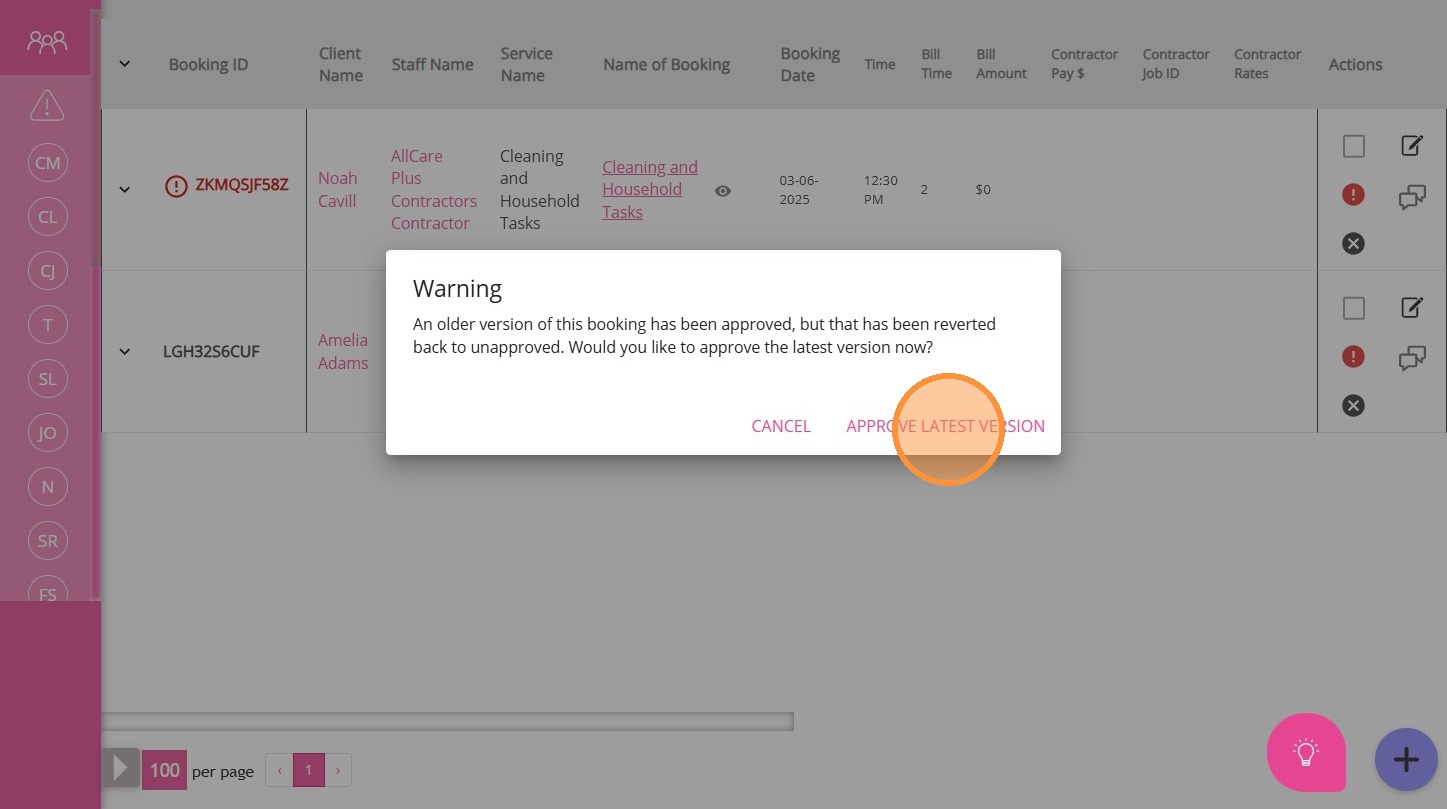
3. Approve the new version to ensure the latest details are used for statements and billing.
You can approve the new version directly from the Service Review Board by clicking the alert icon and then clicking Approve Latest Version.
Alternatively, you can open the booking and approve it from there.
4. Once approved, the alert will be cleared and the updated version will be used in future outputs.