Exclusions Section in Client Profile

Exclusions Section in Client Profile

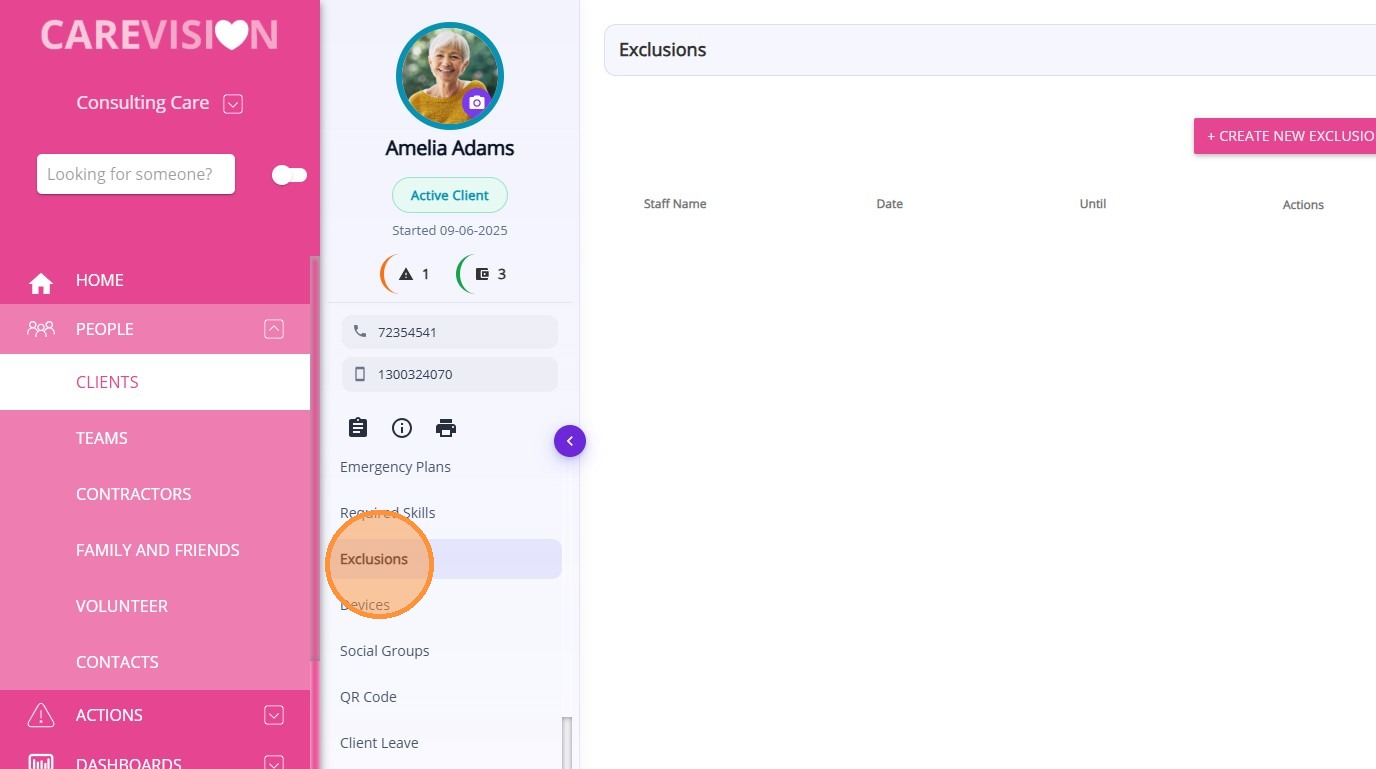
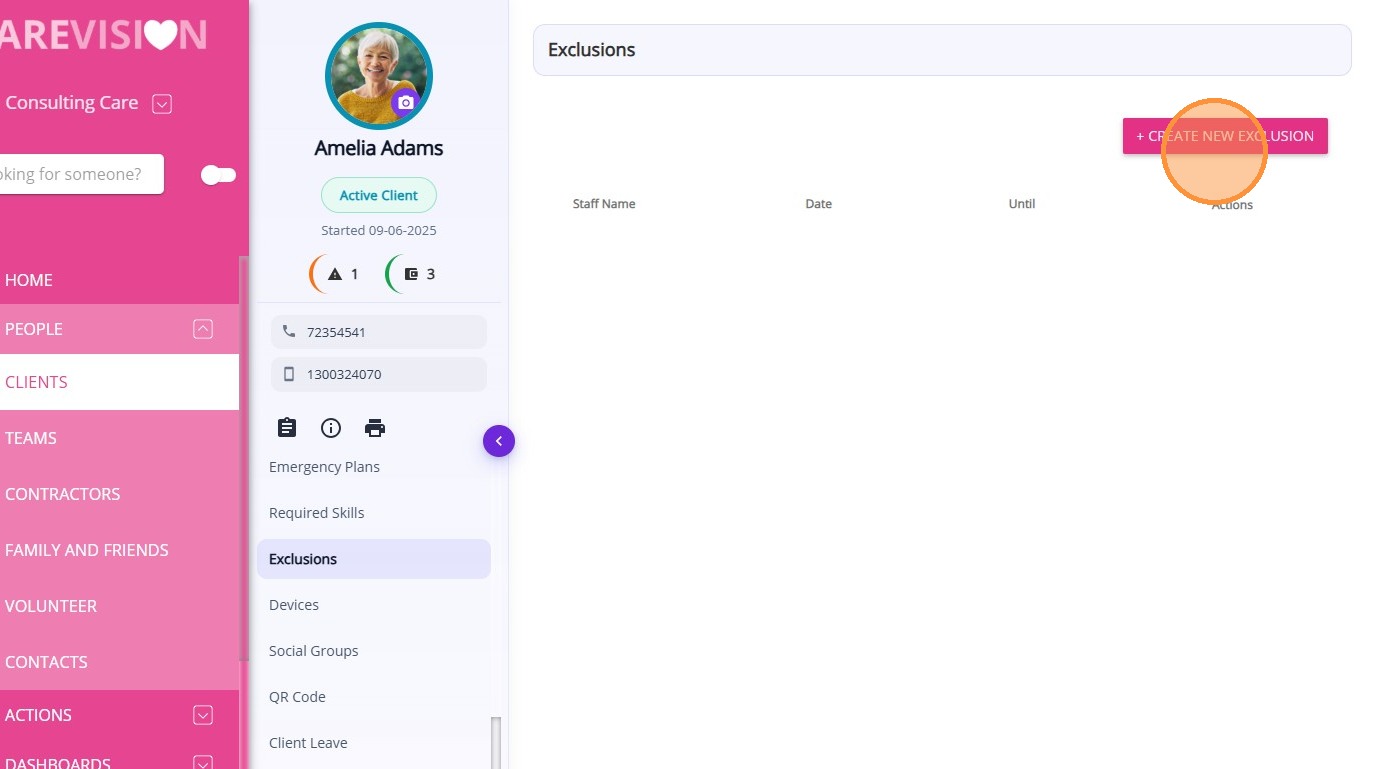
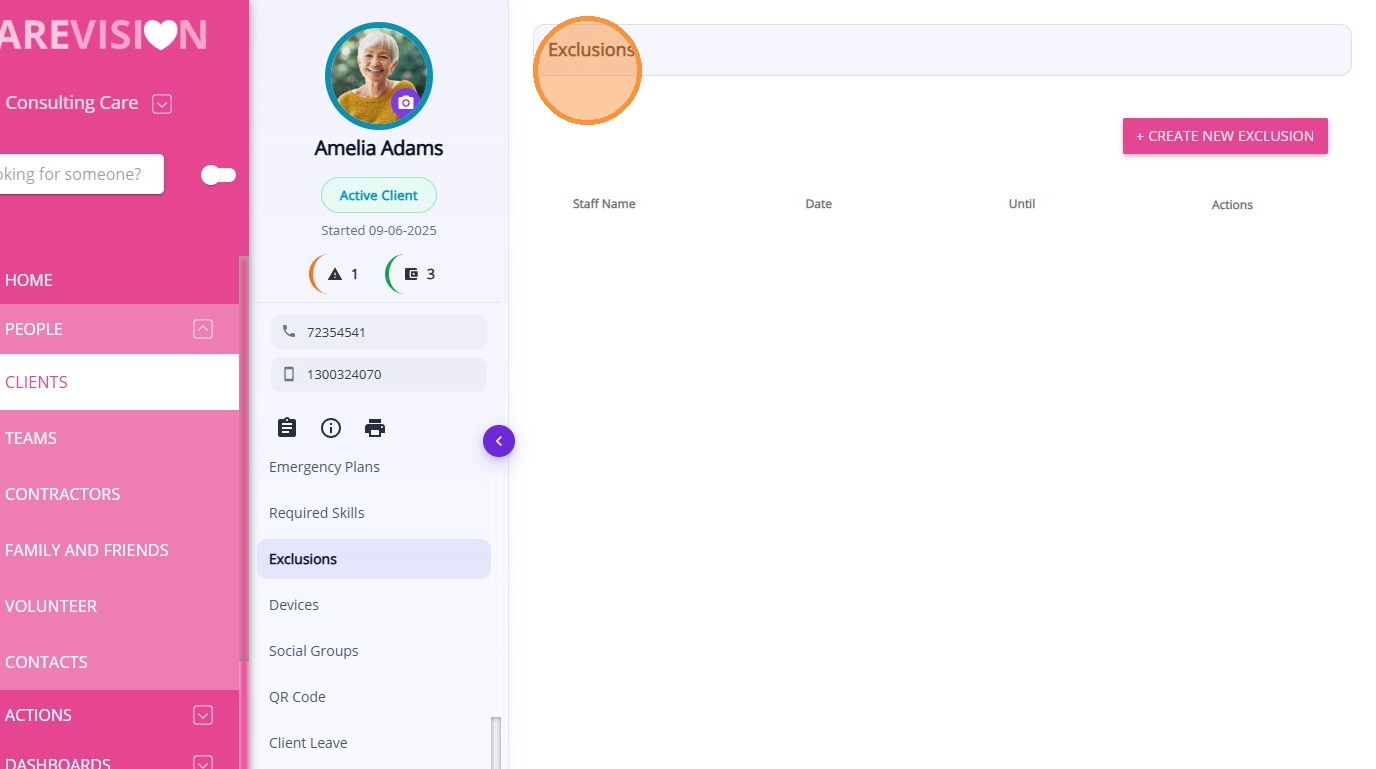
The Exclusions section in the Client Profile displays all staff exclusion records associated with the client. This section records staff members that a client has requested not to receive services from.

Maintaining this information helps scheduling and service delivery respect the client’s preferences and maintain a safe and comfortable care environment.

Keywords: client staff exclusions, staff restriction list, client preferences staff, care staff exclusions, client safety preferences, carevision exclusions, staff assignment restrictions, client care preferences, support worker exclusions, client profile restrictions


 To view exclusions from the Client Profile:
  • Open the Client Profile.
  • Select Exclusions.

From this section, you can:

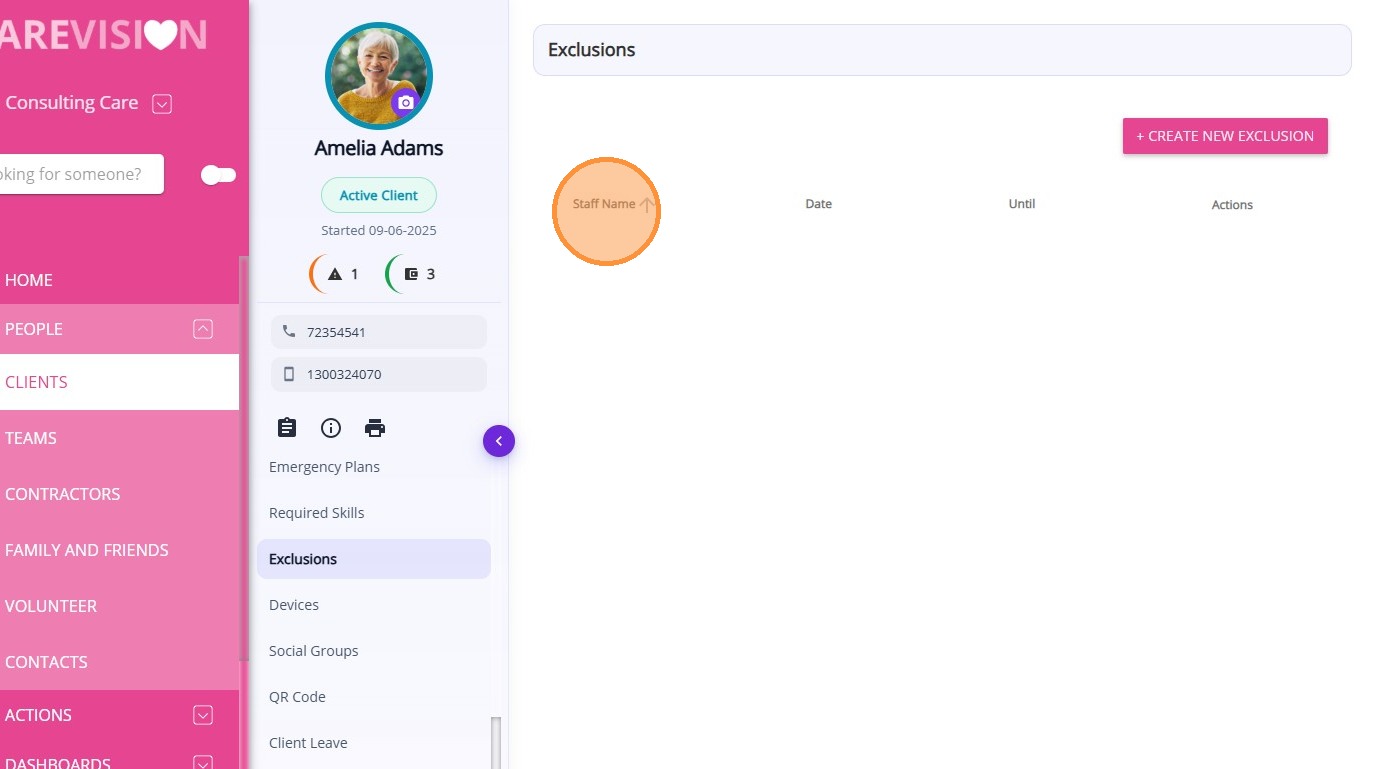
  • View all existing staff exclusion records for the client
  1. Create a new exclusion record

  1. Access key details related to each exclusion
Examples of exclusions include:

  1. A client requesting not to be supported by a specific staff member
  2. A restriction due to a past incident between staff and client
  3. Cultural or personal preference for certain support workers
  4. Temporary exclusion during a complaint investigation


    • Related Articles

    • Care Plans/Scheduled Service Section in Client Profile

      After a quote is accepted, a draft Client Care Plan is automatically created in the Care Plans/Scheduled Service section of the Client Profile. This section is used to set up and manage the client’s service schedule, which is later used for rostering ...
    • Adding Staff and Their Detailed Profile

      Overview In this article, we will discuss the details of creating a new staff member profile, a person who can create a new staff member profile, the fields in the creation form that need to fill in, and the explanation about the detailed profile of ...
    • Required Skills Section in Client Profile

      The Required Skills section in the Client Profile displays all skills required for staff who deliver services to the client. This allows organisations to specify special skills or attributes that staff must have when delivering services to a ...
    • Detailed Profile Section in Client Profile

      The Detailed Profile section in the client profile provides an overview of each client, supporting personalized care and efficient communication. This topic describes the Detailed Profile section and explains how to complete client profile details. ...
    • Devices Section in Client Profile

      The Devices section in the Client Profile displays all device records associated with the client. This section records device preferences configured for the client. These settings control how supported devices, such as TVs or client-facing ...

    Request an Article or Guide

    We are keen to know what you want to know more about? Let us know on chat or raise a ticket for an article or topic you would like covered in more detail. We have a team of technical writers and learning content creators keen for your suggestions.