Communications Section in Client Profile
The Communications section in the Client Profile displays all communication records associated with the client.
Keywords: client communication records, care management communications, client email tracking, client call records, healthcare communication logs, client interaction history, carevision communications module, client contact history, communication tracking system, care coordination communication
The Communications section allows organisations to track and review all inbound and outbound communications between staff and clients. It provides a central place to monitor email correspondence and phone call records related to the client.
To view communication records from the Client Profile:
- Open the Client Profile.
- Select Communications
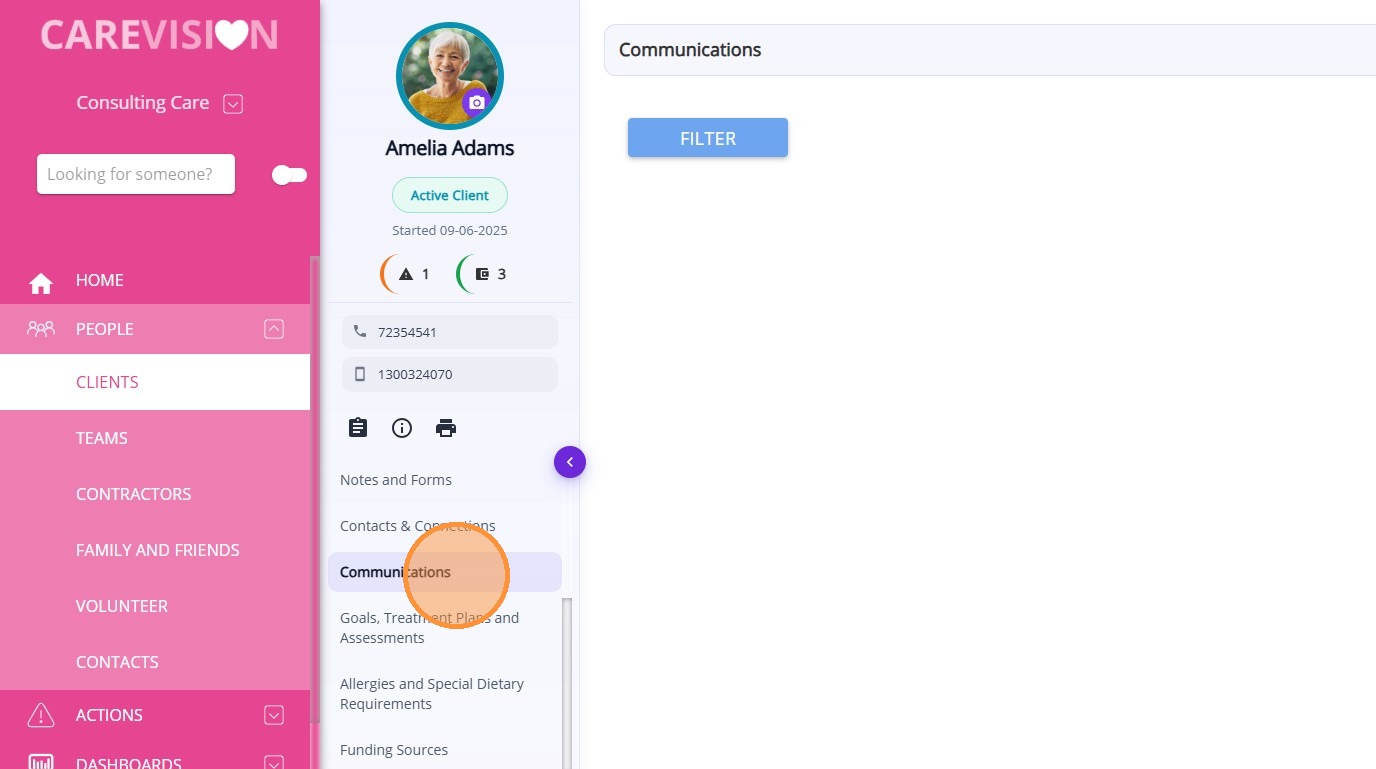
Communication records capture interactions between staff members and clients through supported communication platforms such as email and phone calls. These records help maintain a clear communication history and support care coordination and documentation requirements.
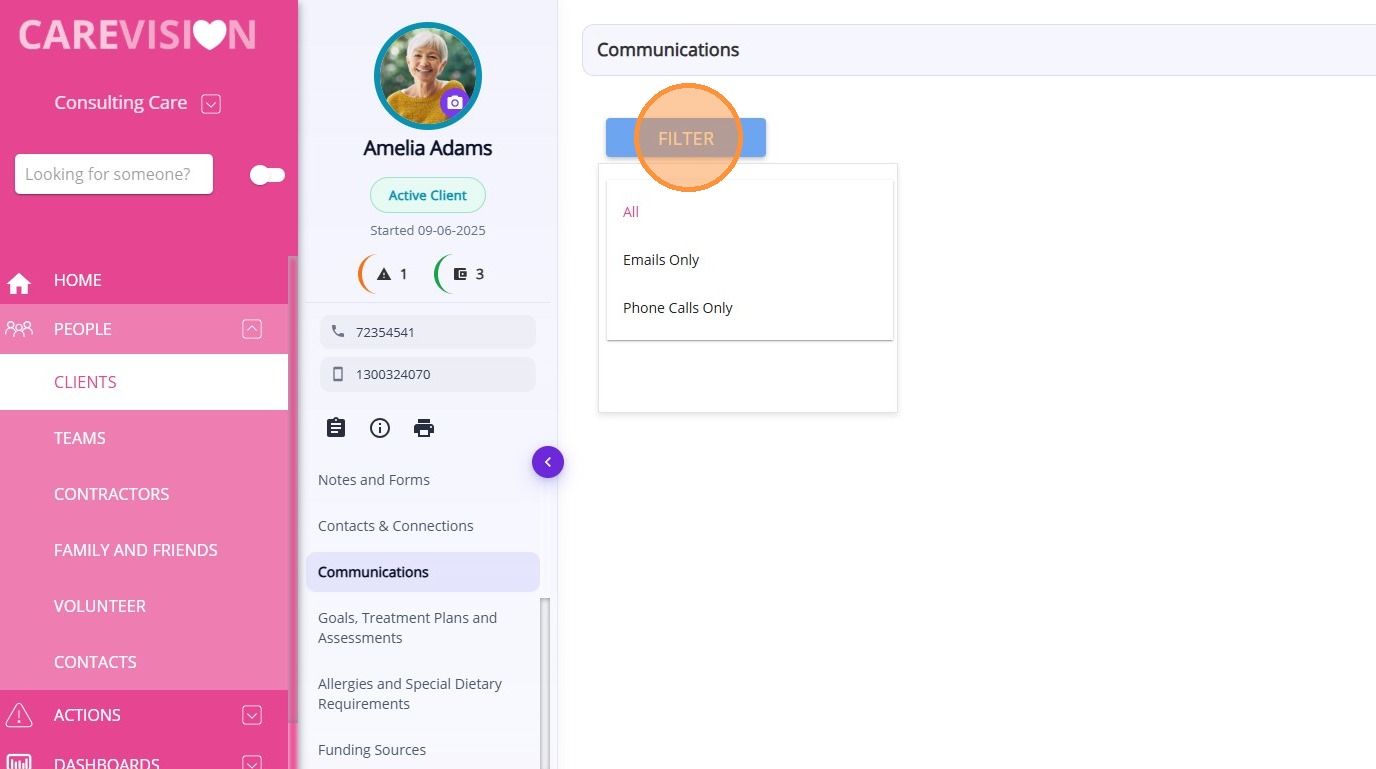
From this section, you can:
- View all communication records related to the client
- Track both inbound and outbound communications
- Access details of email messages and phone call records
- Review communication history for coordination and reference

Access to communication records is controlled by permissions to ensure confidential information is only available to authorized staff.
Examples of communication records include:
- Email correspondence between staff and the client
- Email messages copied into the system from connected email platforms
- Phone call records captured through supported phone systems
- Communication notes related to client discussions
 For more information, see Communications Module - How it works.