CareVision Academy
CareVision Academy is the central learning hub for CareVision users, designed to support onboarding and continuous skill development. It provides a repository of training resources, including introductory system guides, major learning series such as Support at Home, and Lunch and Learn sessions. All content is available on demand, allowing users to learn at their own pace and revisit materials whenever needed.
This topic describes how to access and use the CareVision Academy, including login steps and available learning resources.
Keywords: carevision academy, carevision training, carevision login, carevision onboarding, carevision learning hub, carevision tutorials, carevision support at home, carevision videos, carevision user training, my classes, knowledgebase
Upon onboarding, you will be provided access to the CareVision Academy.
Steps
1. Open the CareVision Academy using this link: www.carevision.academy
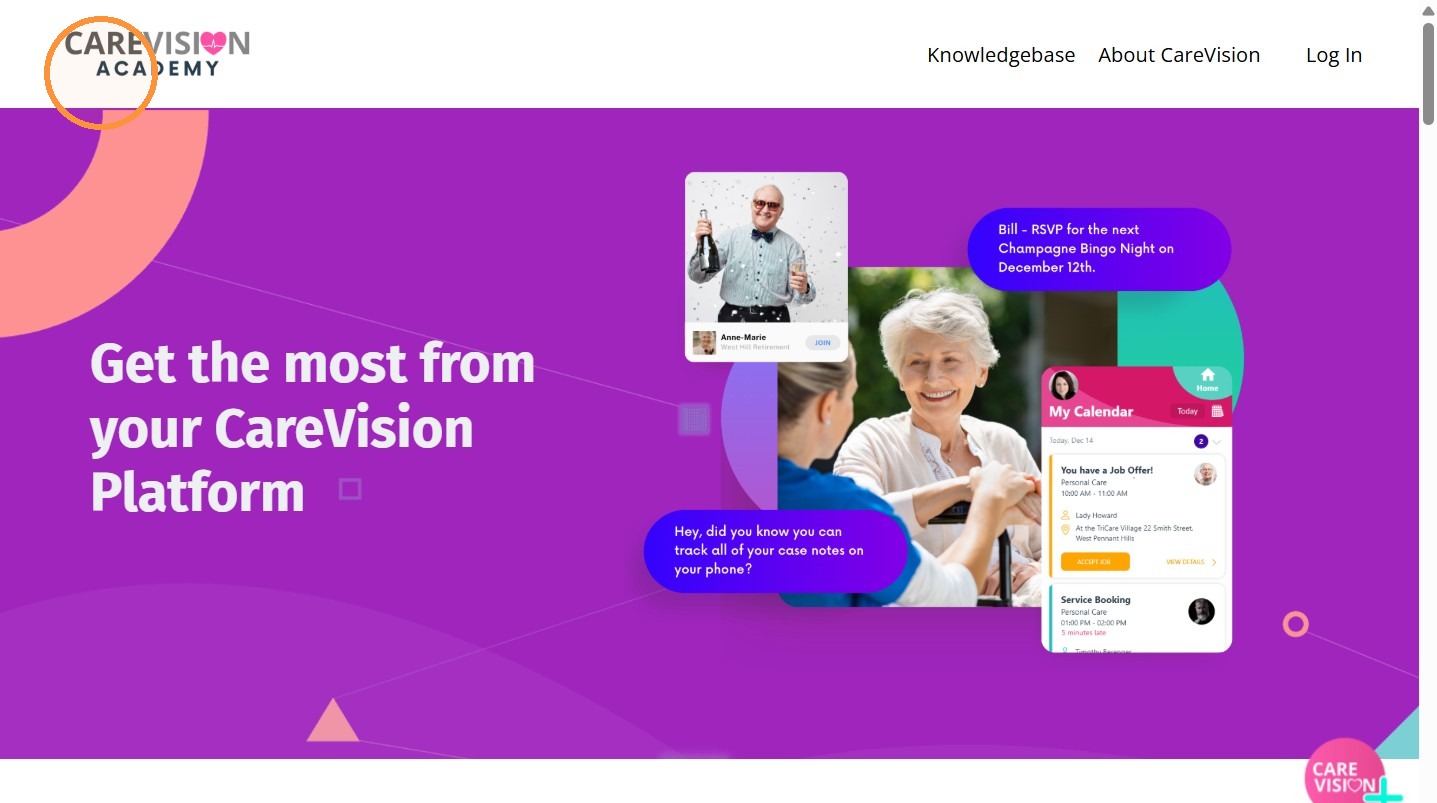
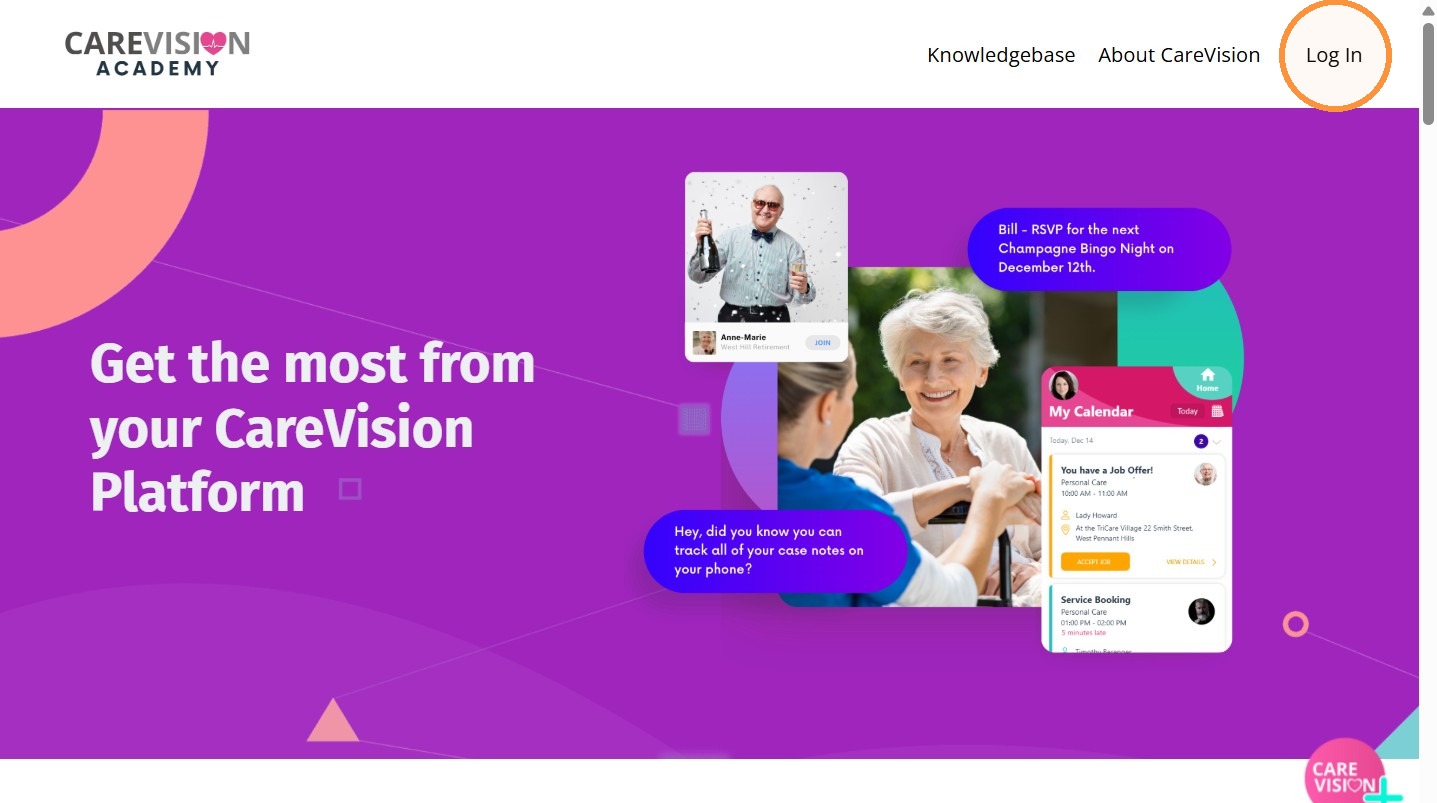
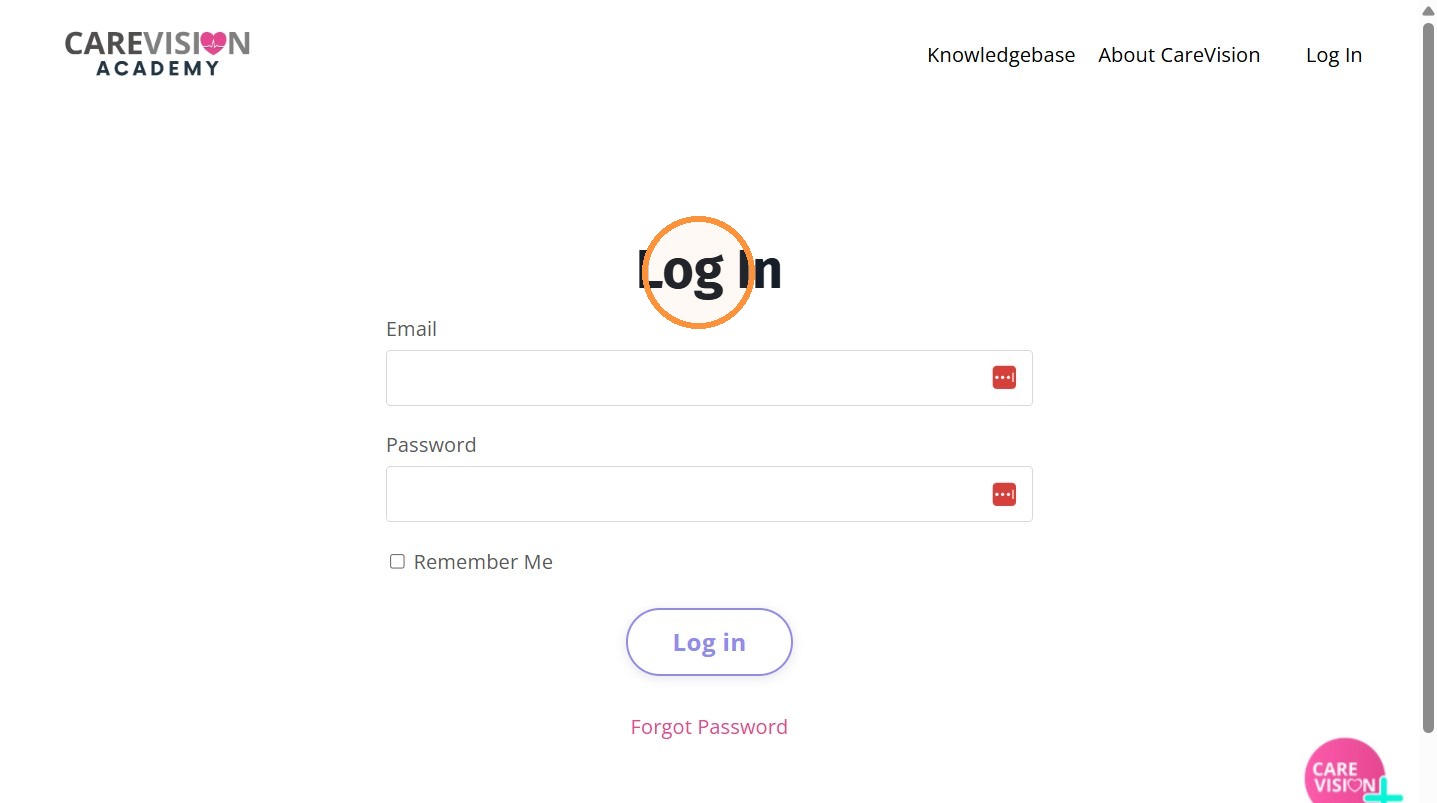
2. Click Log in.
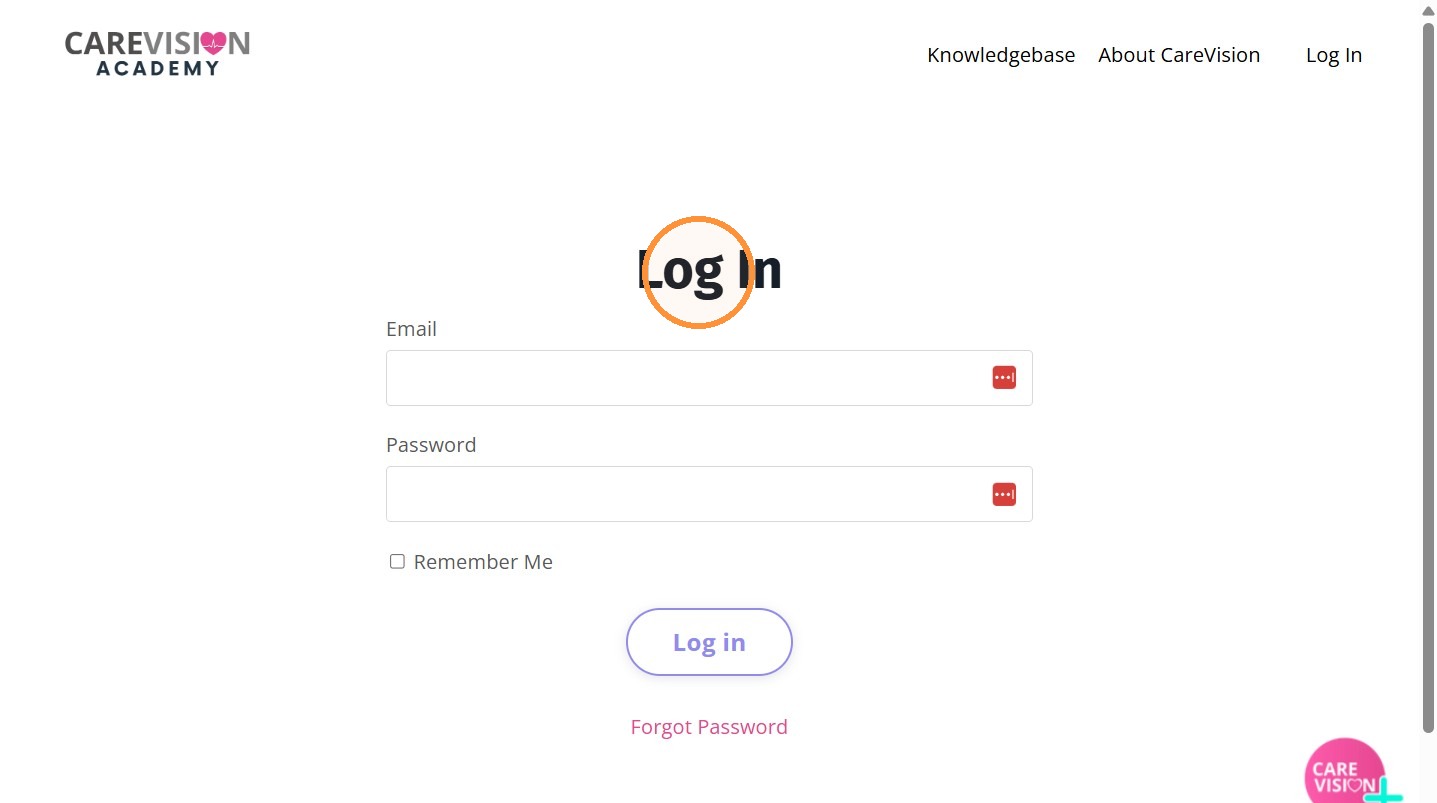
3. Enter your CareVision email address and password.
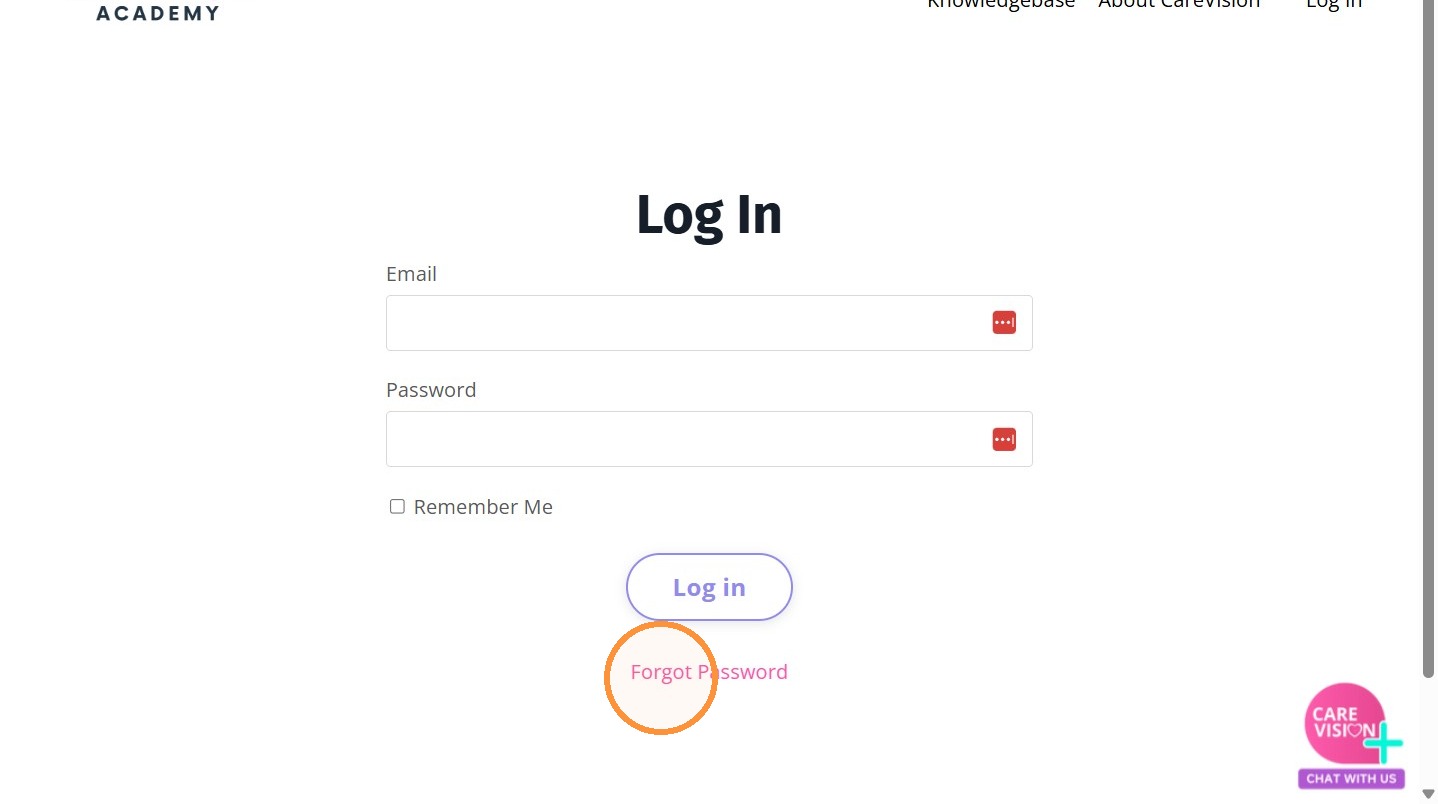
4. If this is your first time logging in, select Forgot Password to create your own secure password.
5. Enter your CareVision email address.
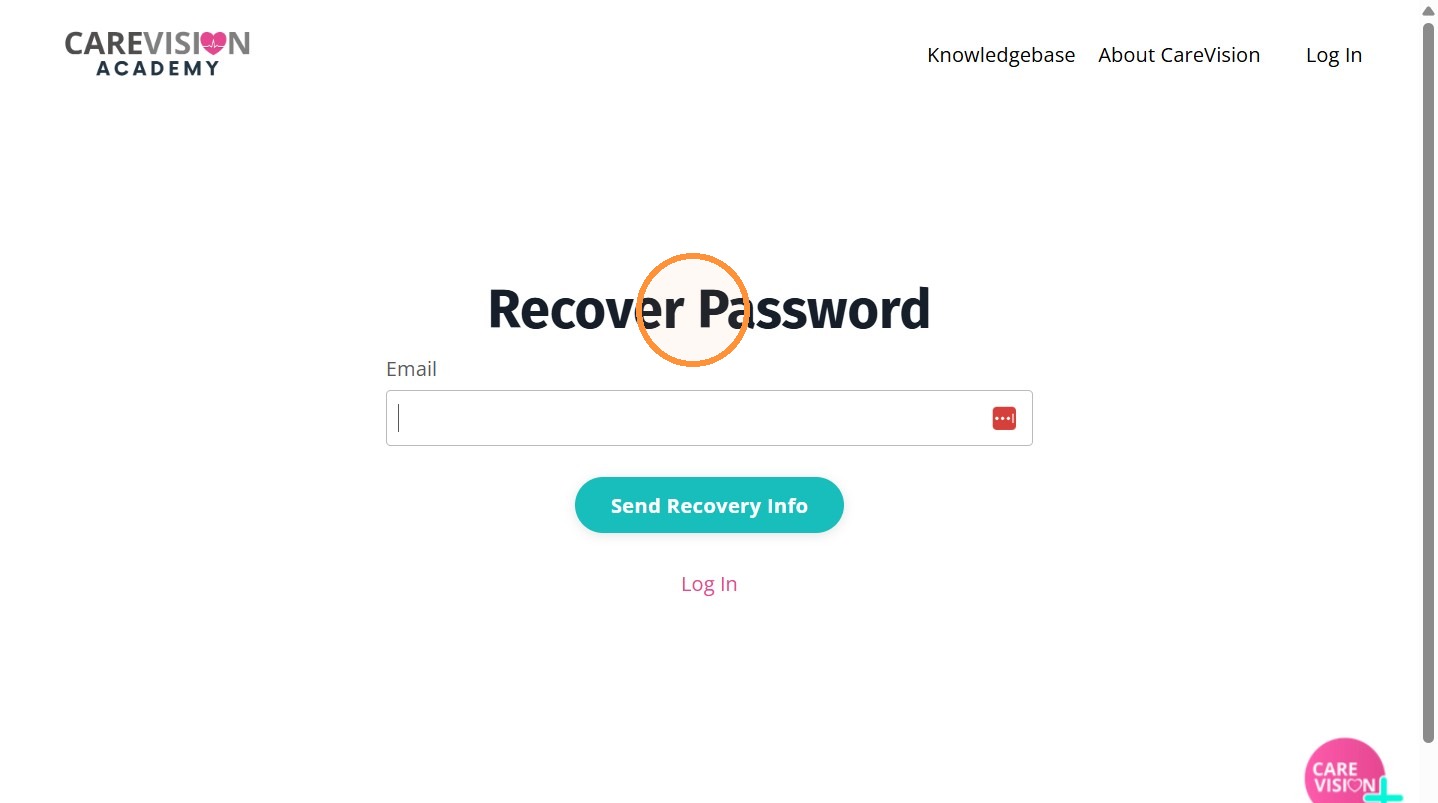
6. Then click Send Recovery Info.
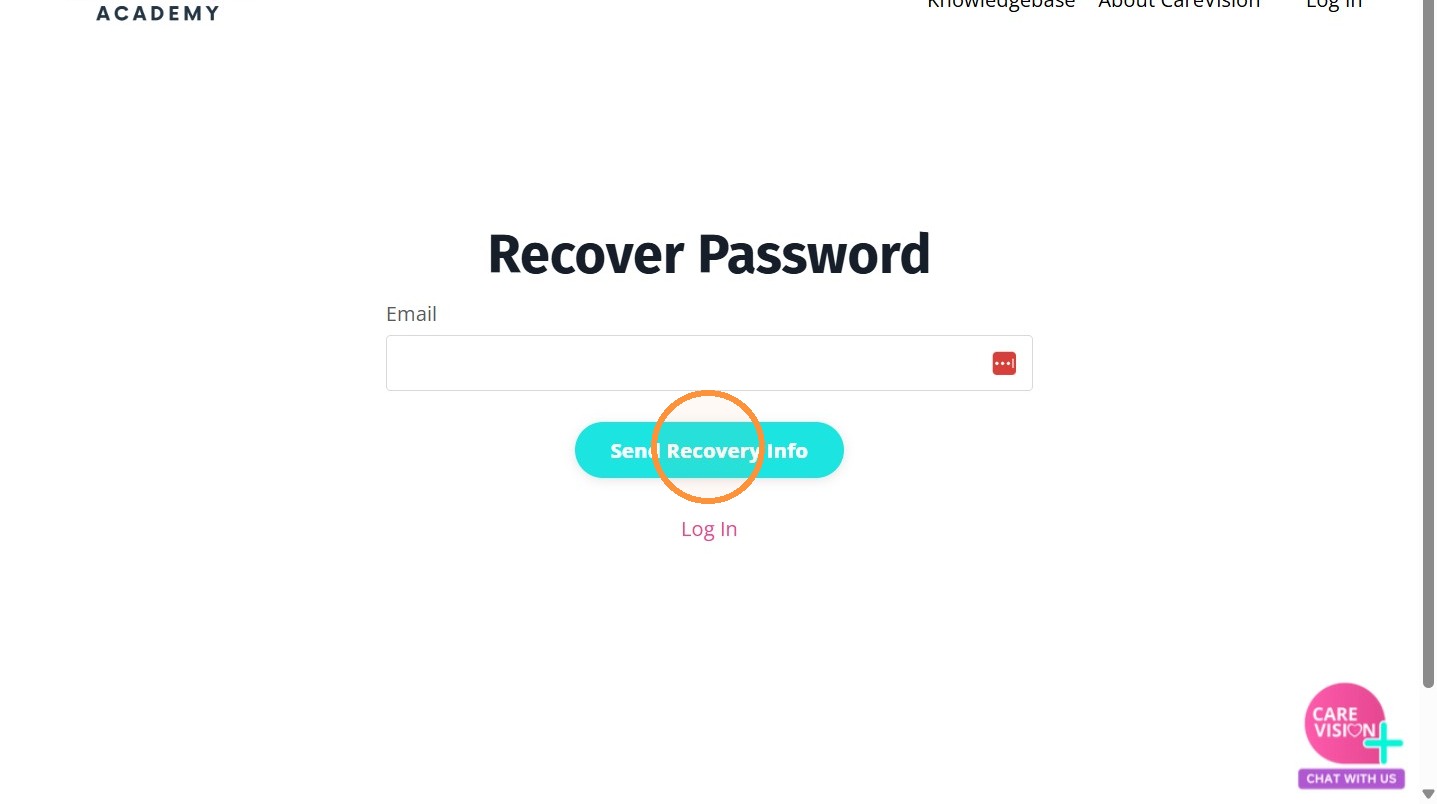
7. Follow the password reset instructions sent to your CareVision email.
8. Create your new password and return to the login page.
9. Log in using your CareVision email and newly created password.
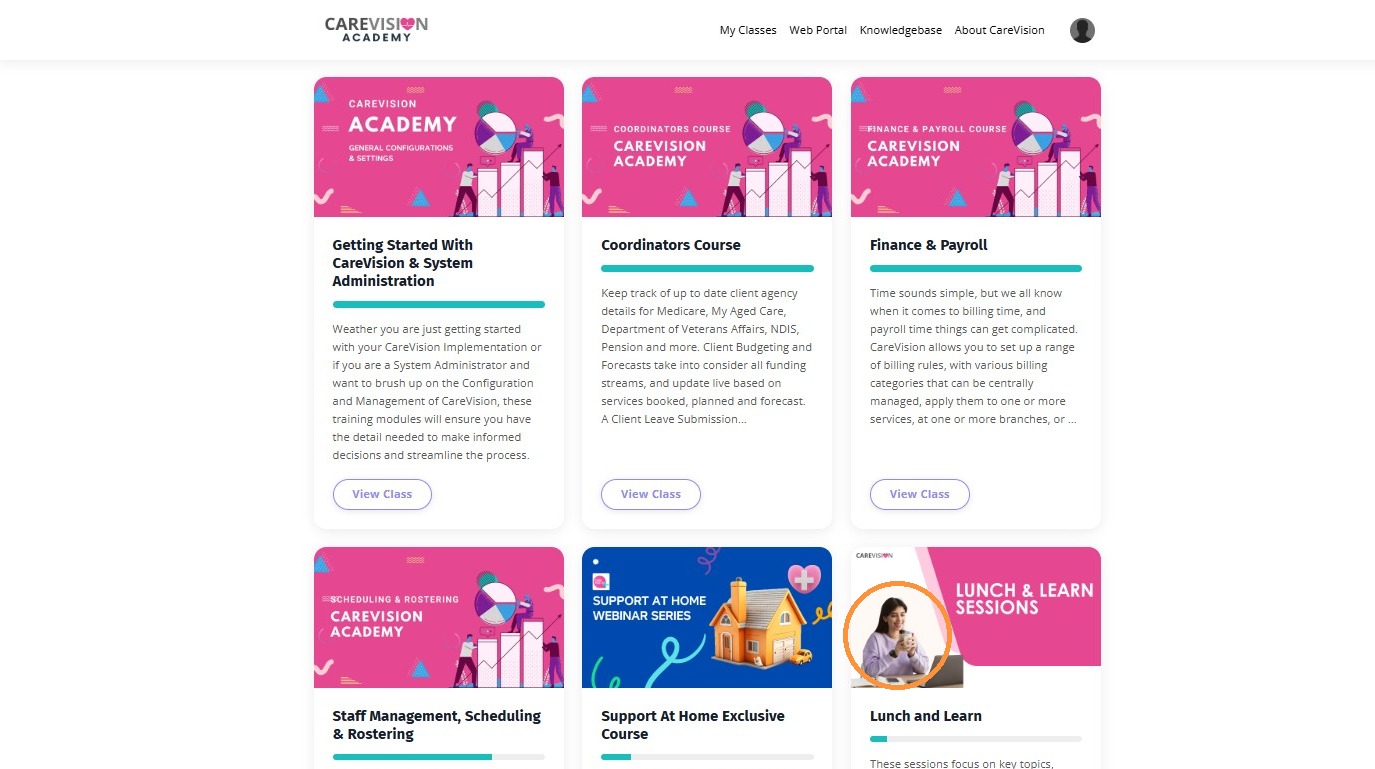
10. Once logged in, you can access several pages within the platform:
My Classes : Watch recorded training videos at your own pace.
Web Portal : Redirects you to the CareVision online management platform.
Knowledge Base : Access helpful articles and guides.
About CareVision : Learn more about the CareVision platform and its services.
This topic walked you through how to access the CareVision Academy, log in securely, and begin using its training resources. For more information about CareVision Academy or to request login access, contact the CareVision Support Team.