Manage Your Branch Offices on Mobile

Manage Your Branch Offices on Mobile

This topic describes how to manage your branch offices on mobile. Easily switch between locations, access key information, and stay on top of client, staff, and scheduling tasks, all from the convenience of your mobile device.


Keywords: branch offices, mobile app, coordinator access, switch branches, client details, staff management, calendar access


Branch Office Access
If you are a coordinator (admin) logged in at head office, you can view and manage all branch offices directly from the mobile app. 

Tap the More button in the upper right corner of the app, then go to Settings to see a list of branch offices.
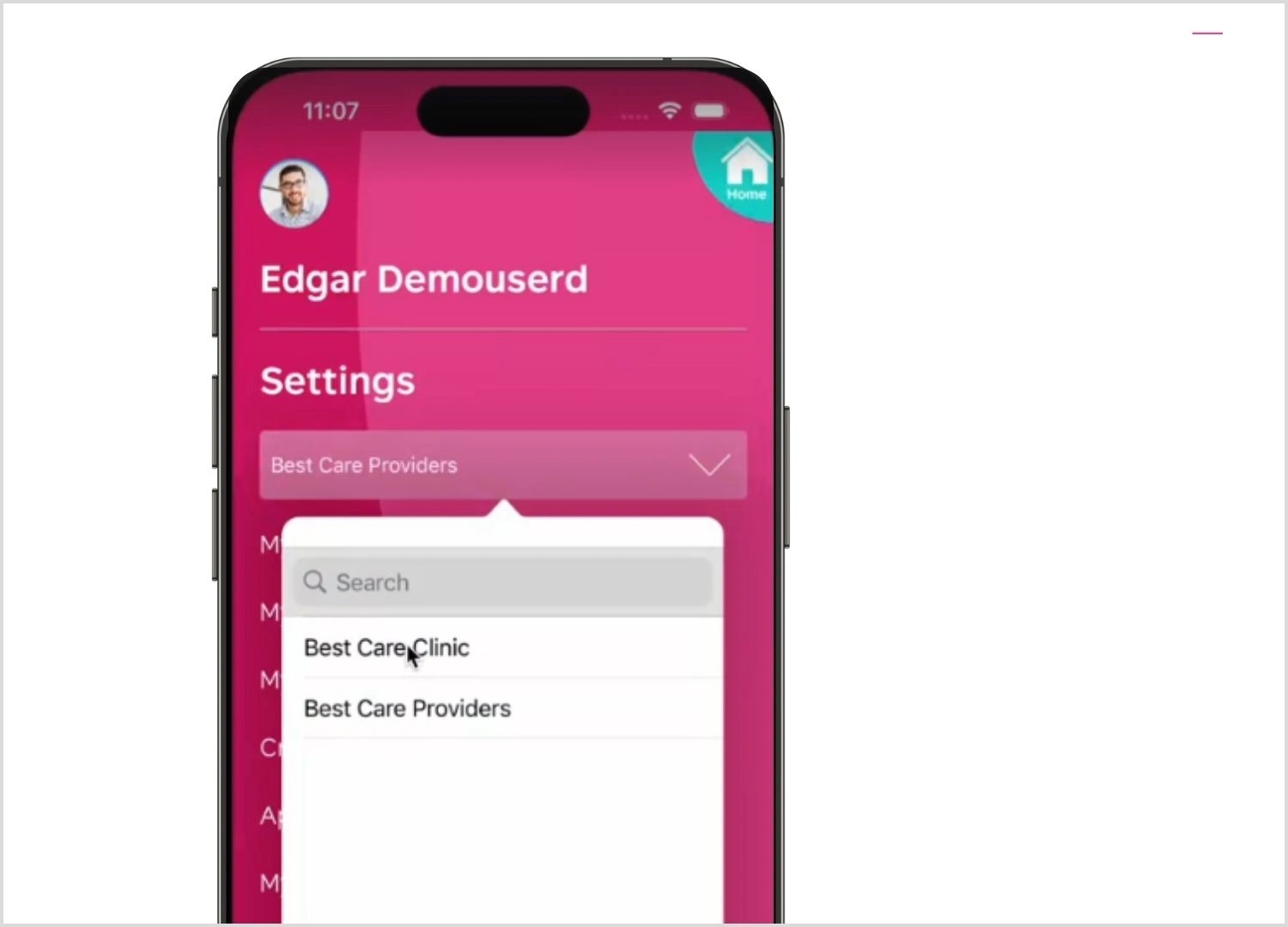
Switch Between Branches
Select a branch office to instantly refresh the app. You will be taken to the home screen for that branch, where you can manage the branch.
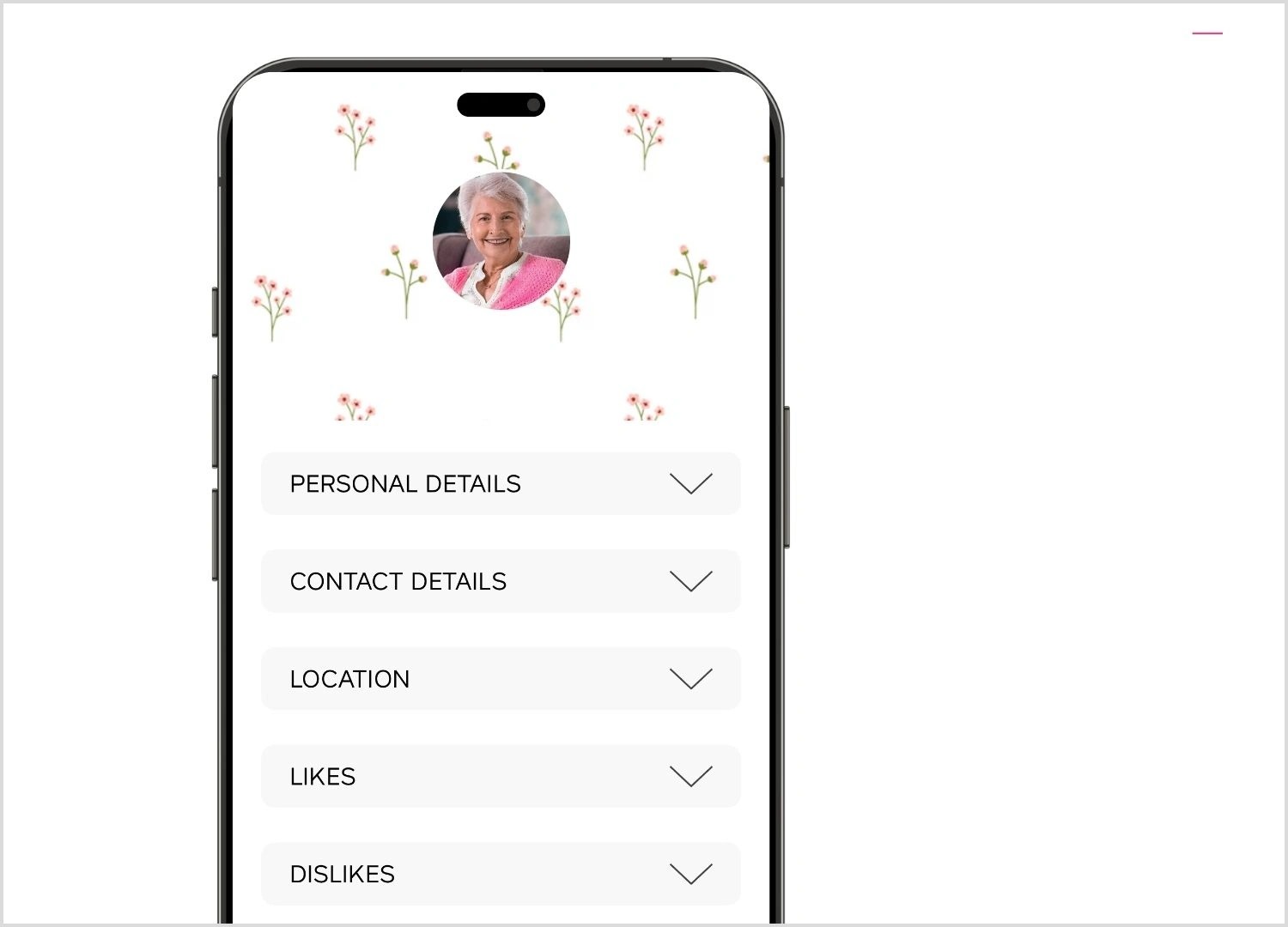
View Client Details
View clients of the selected branch, including personal and contact details, active quotes, case notes. and more.
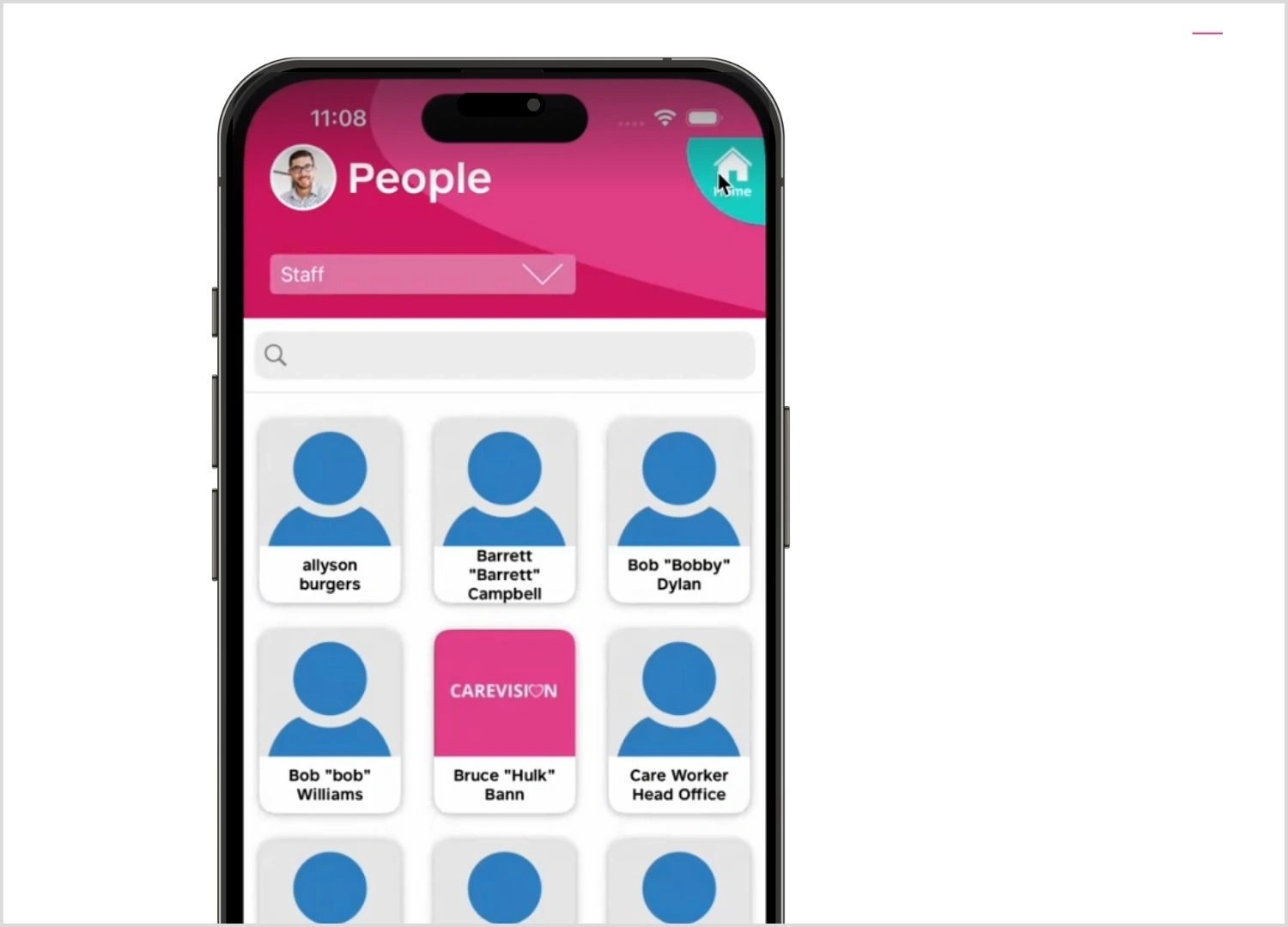
Staff Management
See staff members assigned to each branch office, view their detailed profiles, and manage their bookings.
Calendar Module Access
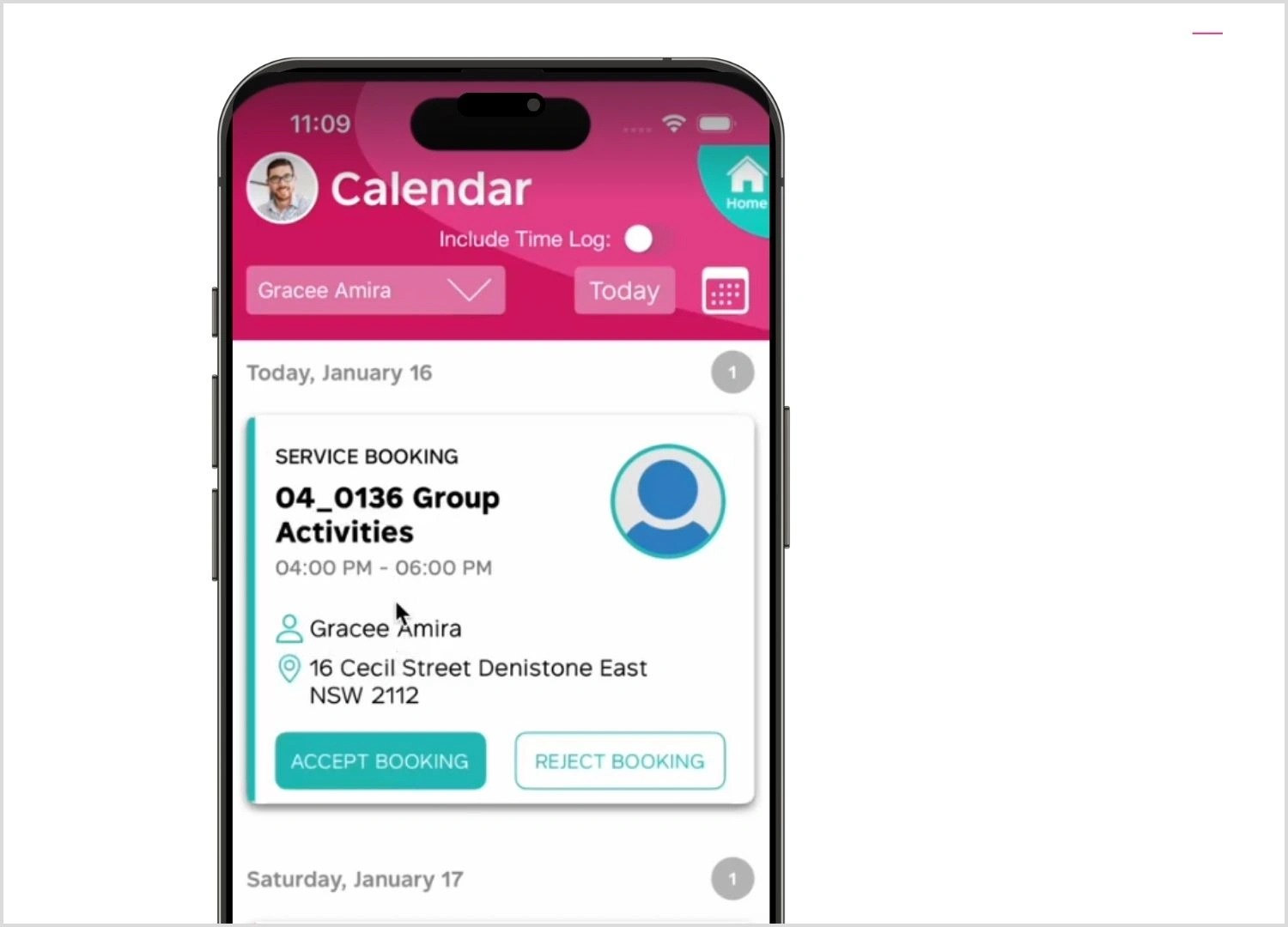
Access staff and client calendars, review related bookings, and assign staff or add attendees for social group events within the relevant organisation.

    • Related Articles

    • Client Details on a Booking

      Overview Bookings carry details about the service that a client requires an Organisation staff to do. This also includes some of the client's details since these are needed information for the staff. Bookings can be seen on the mobile app and on the ...
    • Detail available on a booking on mobile

      Overview CareVision Plus, a mobile application available on App Store and Google Play Store made by CareVision, allows staff to manage their assigned bookings. Managing assigned bookings is made easy by CareVision Plus. A staff can accept or reject ...
    • How to Log Time for Aged Care Coordinators on the Mobile App

      You can log time on the CareVision Plus mobile app to ensure accurate tracking of the care services you have delivered. CareVision provides tools to help organisations adapt as the Support at Home (SAH) program shifts to a shared pool of case ...
    • View Social Group Attendees on Mobile

      Staff assigned as Event Managers for social group bookings can now view the full attendance list on the CareVision Mobile Plus app for iOS and Android. This update allows Event Managers to monitor social group participation, enhancing event ...
    • How To Upload Qualifications on Mobile App as Field Staff

      Uploading your qualifications on the CareVision Mobile Plus App as field staff makes it easy to keep your professional credentials organized and up to date. Accurate records of your certifications are important for meeting compliance requirements and ...

    Request an Article or Guide

    We are keen to know what you want to know more about? Let us know on chat or raise a ticket for an article or topic you would like covered in more detail. We have a team of technical writers and learning content creators keen for your suggestions.