Configure Client Groups
Group Sets are categories that organise related Client Groups under a single classification type. For example, the Household Composition Group Set records a client’s living arrangement.
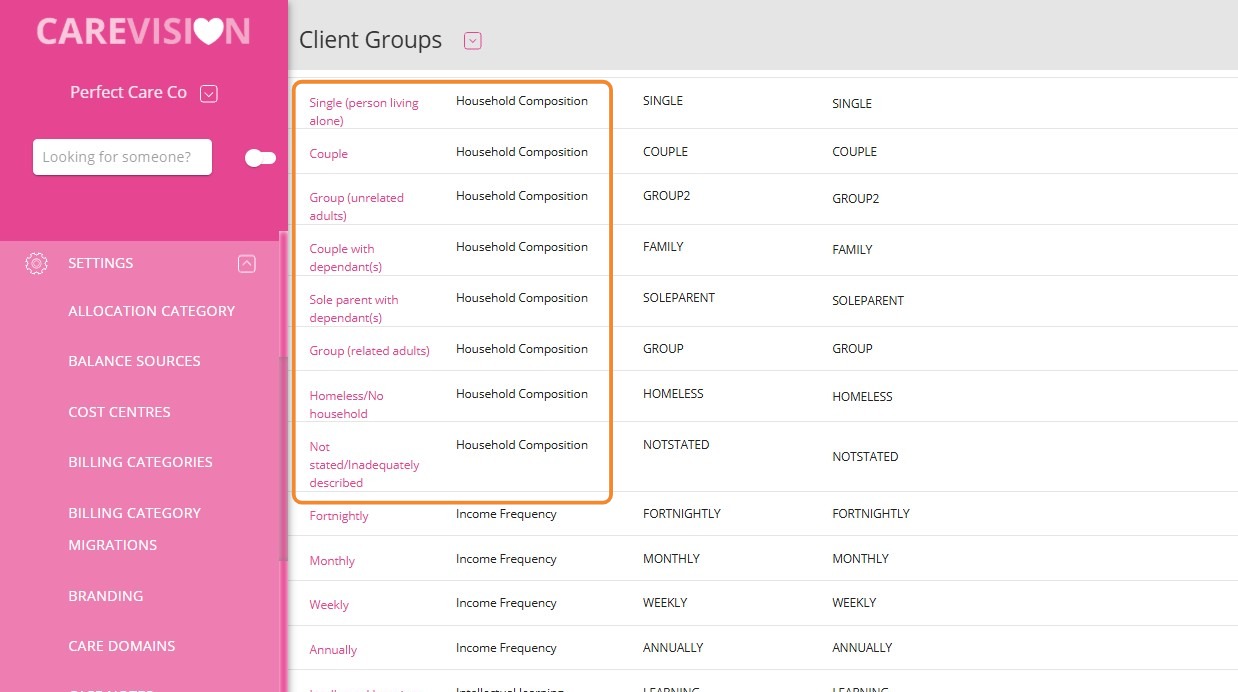
Client Groups are the individual classification options within a Group Set. Each option is created as a separate Client Group. For example, Household Composition may include Single (Person Living Alone), Sole Parent with Dependant(s), Couple, or Homeless/No Household.
This topic describes how to create a Group Set, add its Client Groups and assign the appropriate Client Group to a client profile.
Create a Group Set
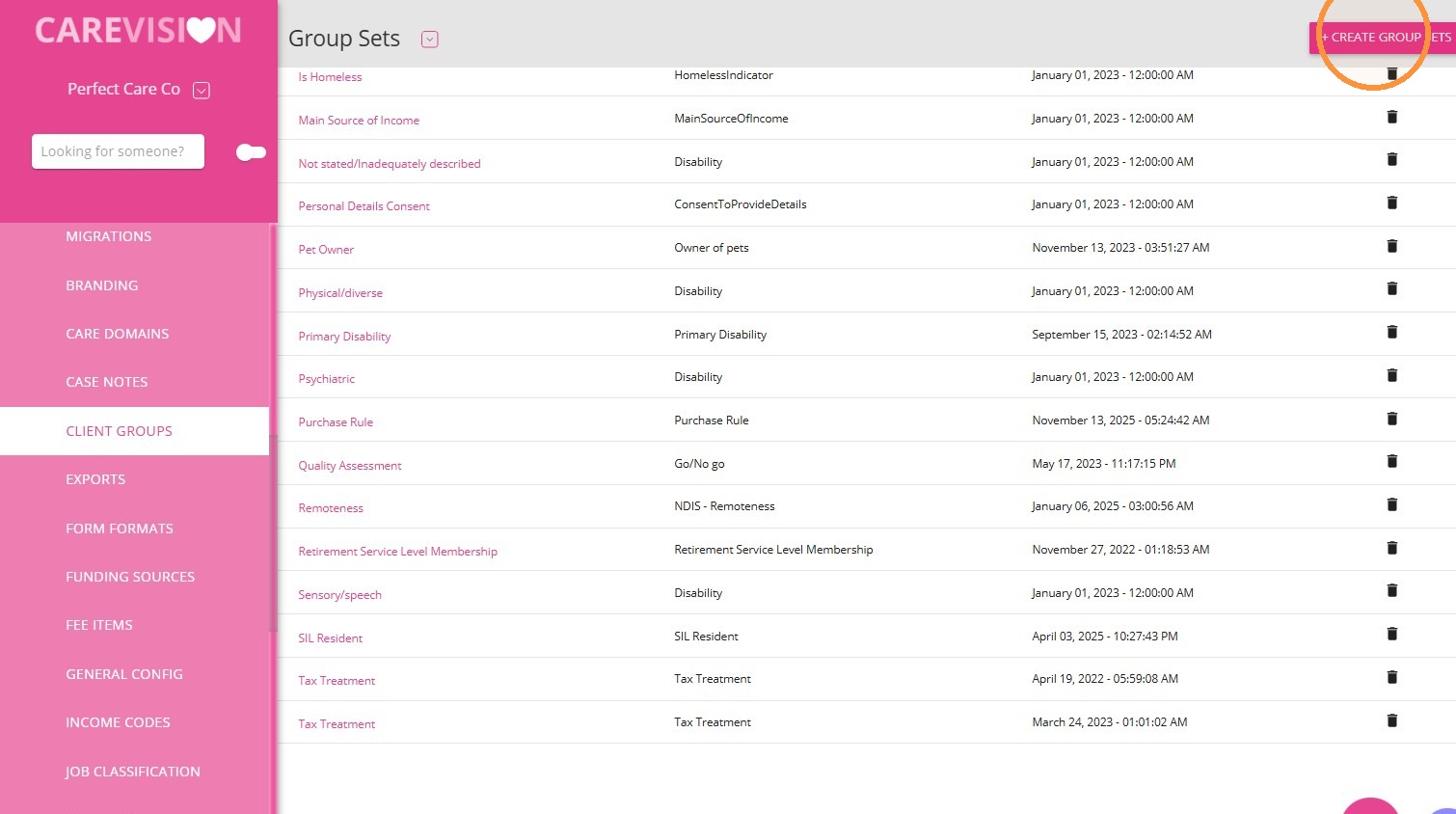
1. Go to Settings > Client Groups and click +Create Group Set.
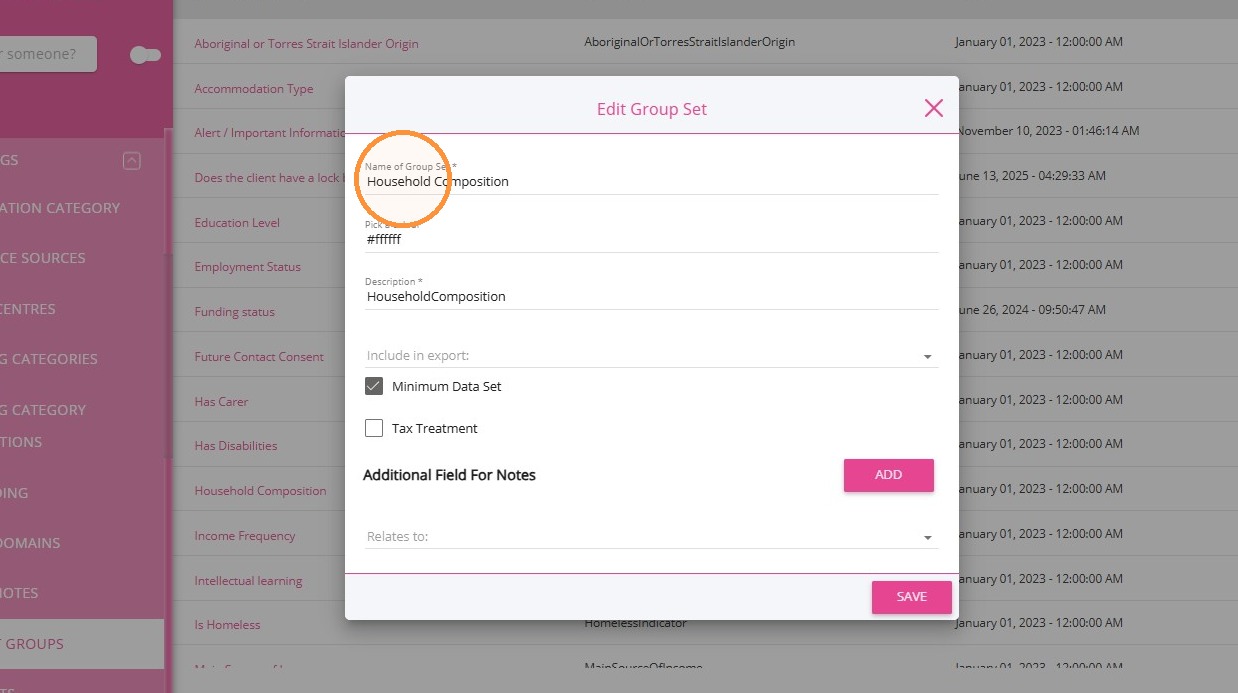
2. Enter a name and short description.
Example: Household Composition
Example: Household Composition
Select Minimum Data Set if this information is required for all clients.
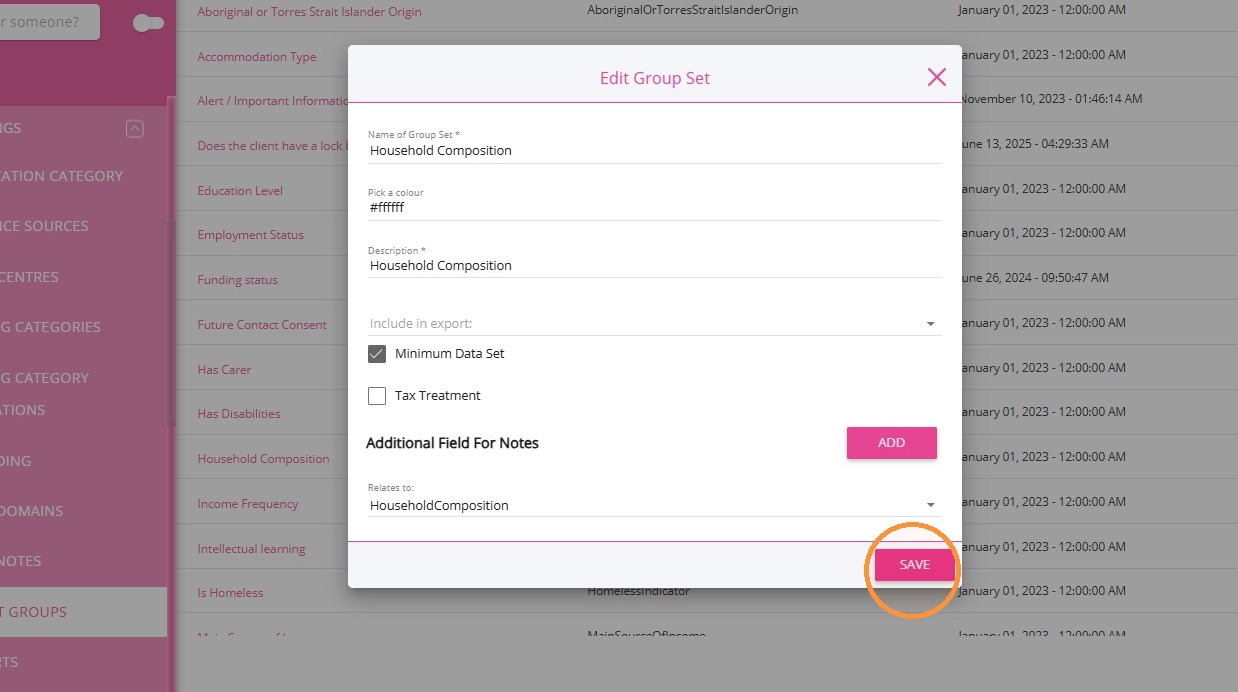
3. Click Save.
Create Client Groups
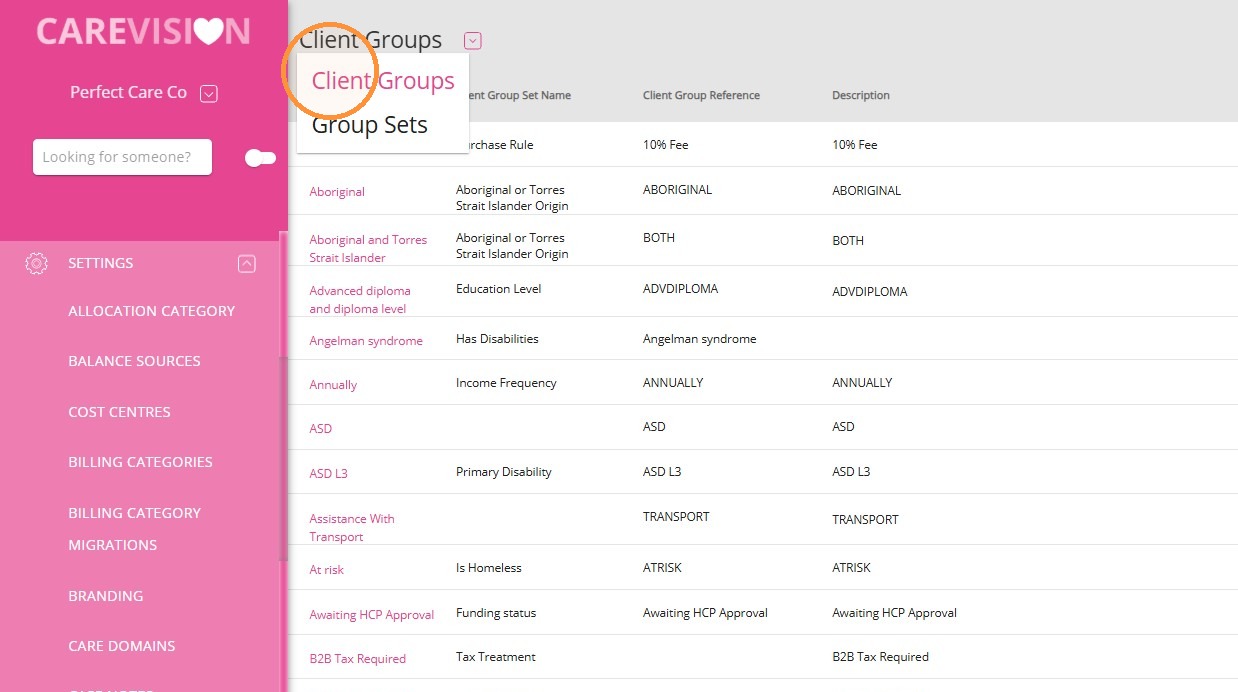
1. Go to Client Groups.
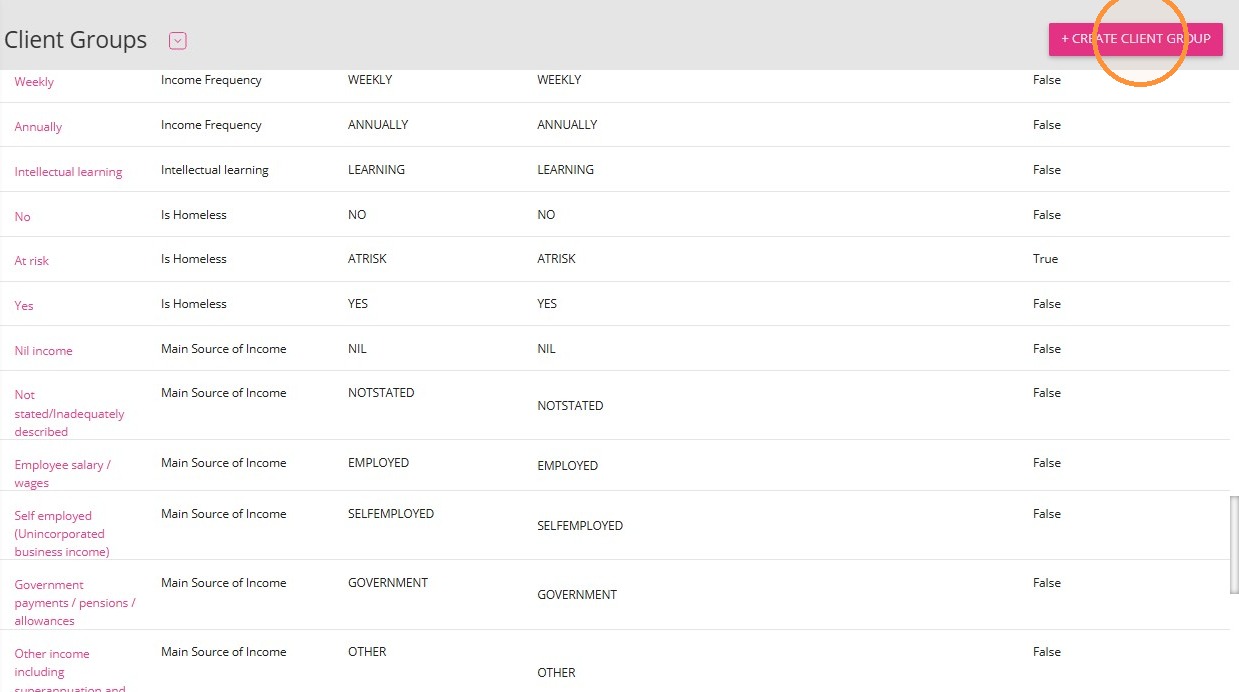
2. Click +Create Client Group.
3. Select the relevant Group Set. Example: Household Composition
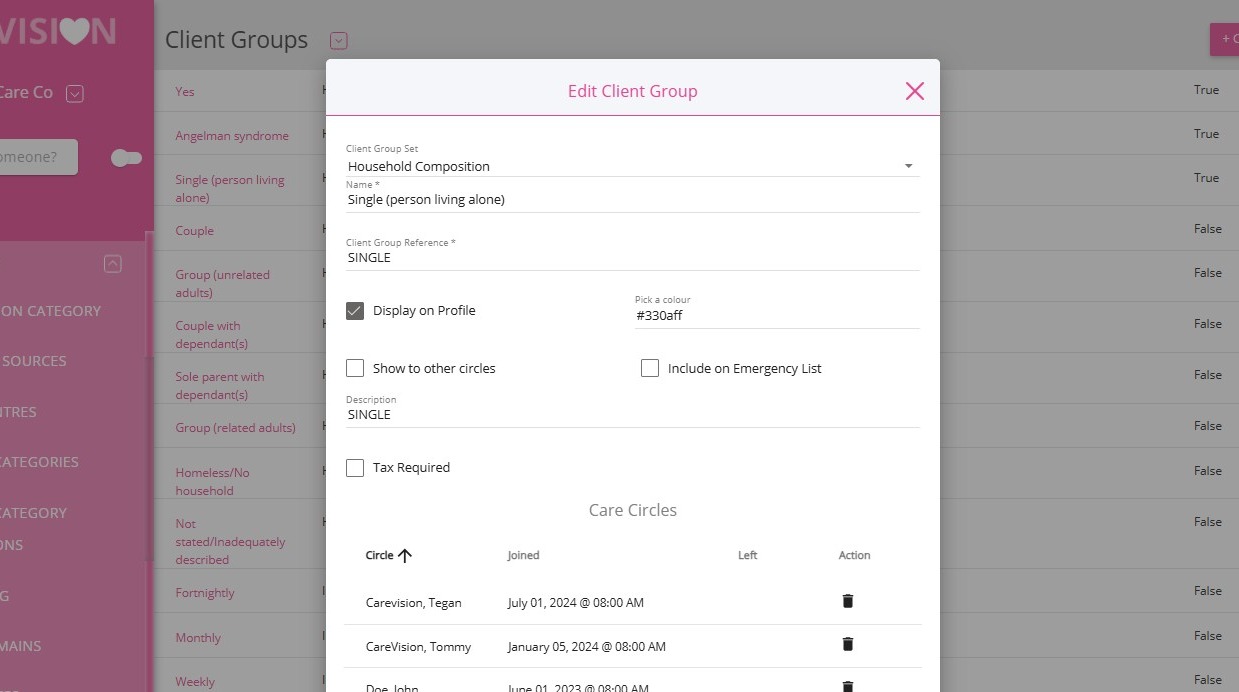
4. Enter the Client Group name. Example: Single (Person Living Alone)
- Add the relevant Client Group Reference.
- Select the applicable profile display options.
- Click Save.
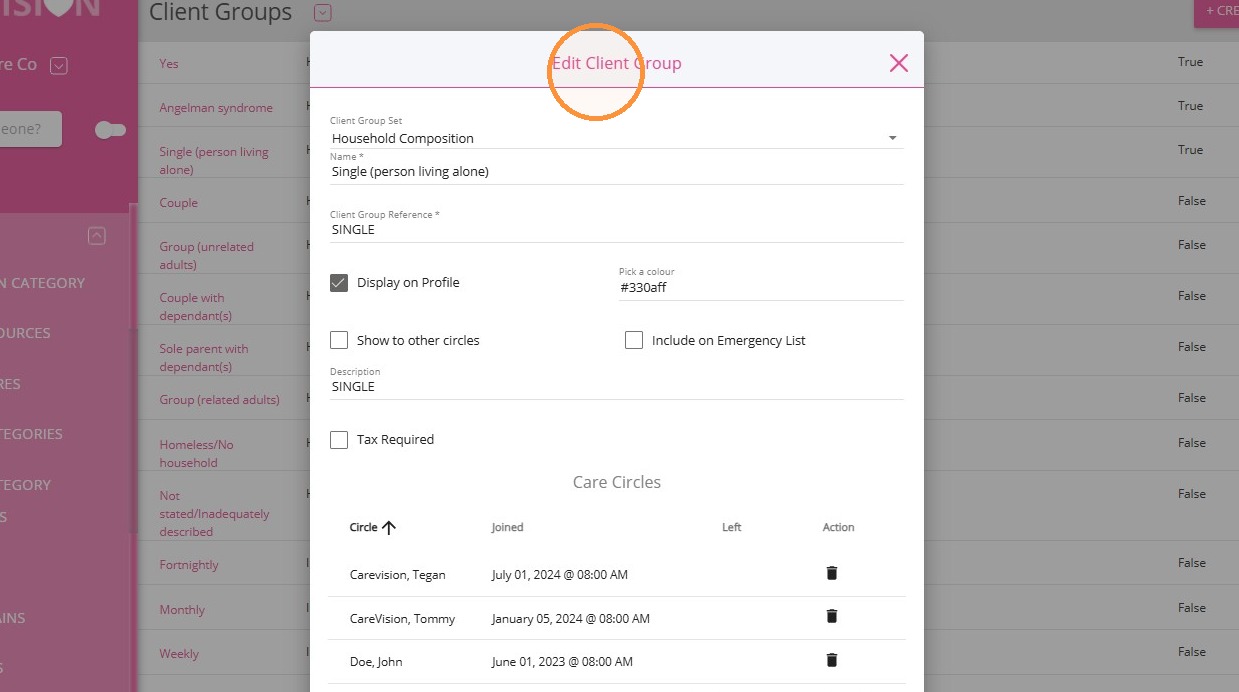
5. Example: The Household Composition Group Set contains the following Client Groups:
Single (Person Living Alone)
Sole Parent with Dependant(s)
Couple, Couple with Dependant(s)
Group (Related Adults), Group (Unrelated Adults)
Homeless/No Household
Add a Client to a Client Group
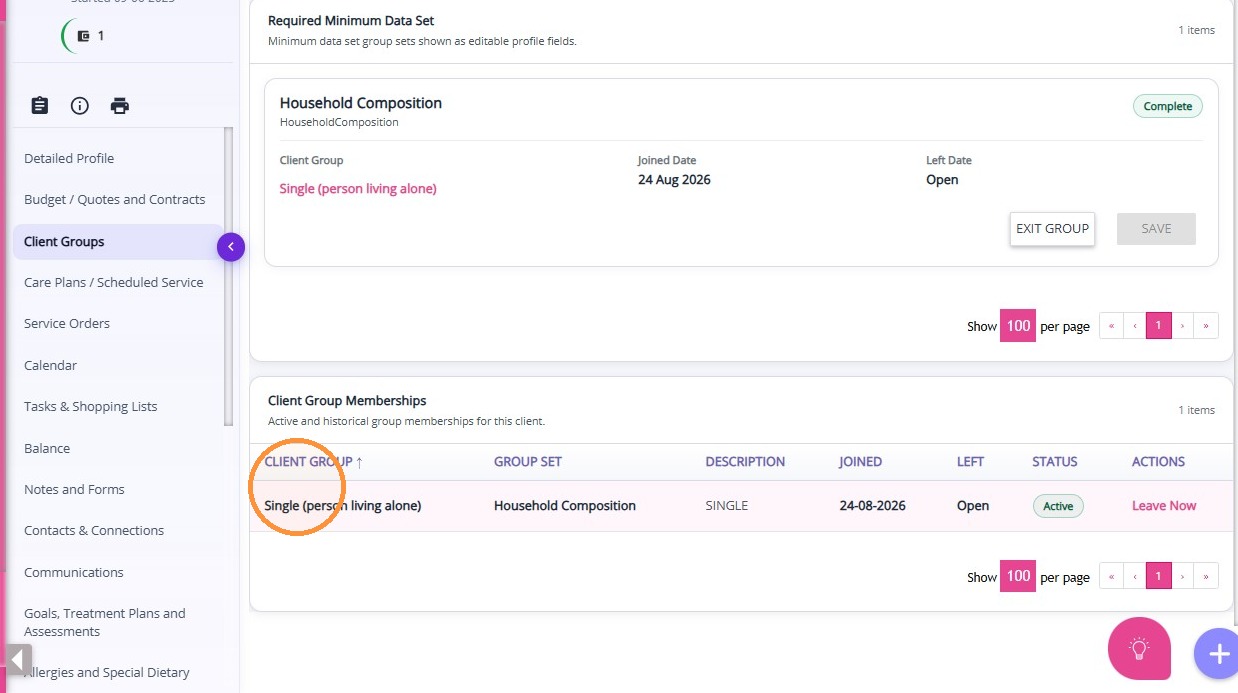
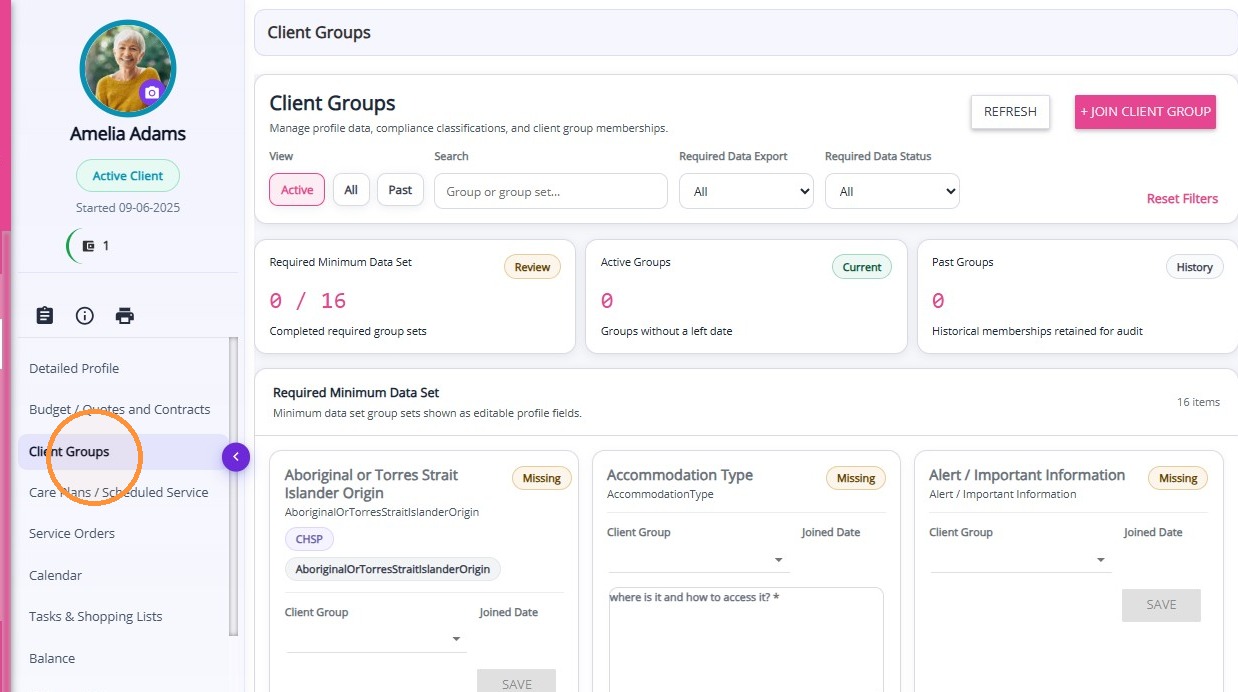
1. Open the client profile and go to Client Groups.
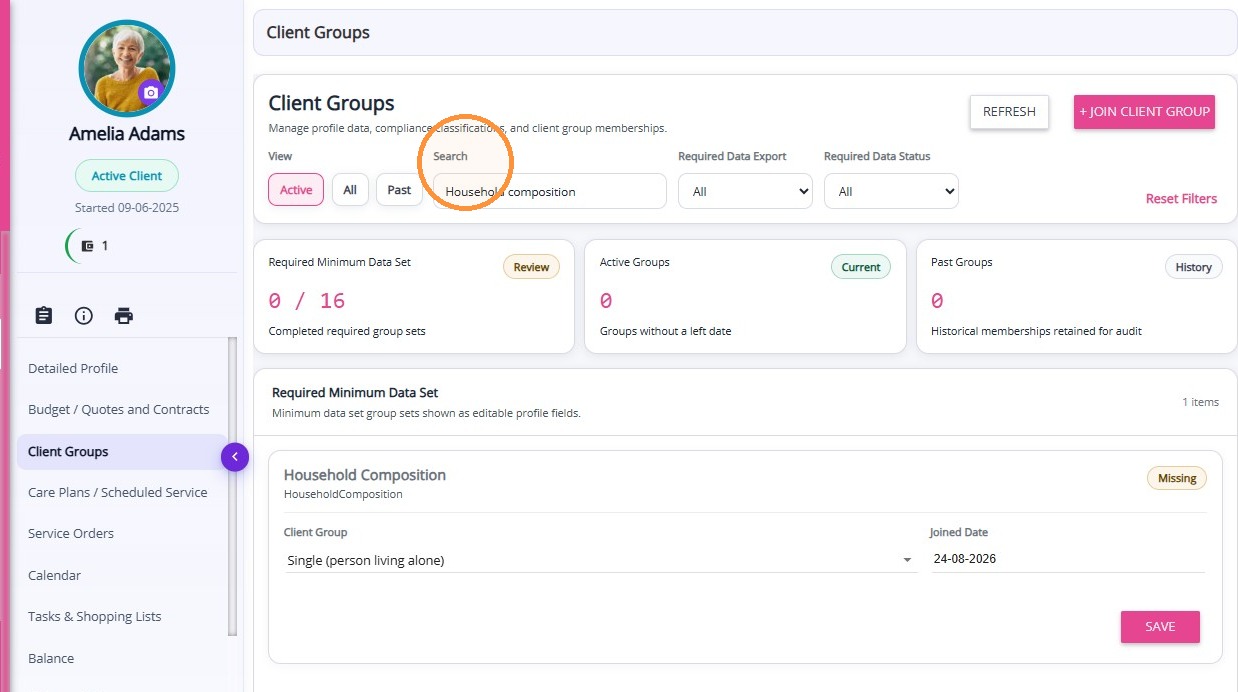
2. Search for the relevant Group Set.
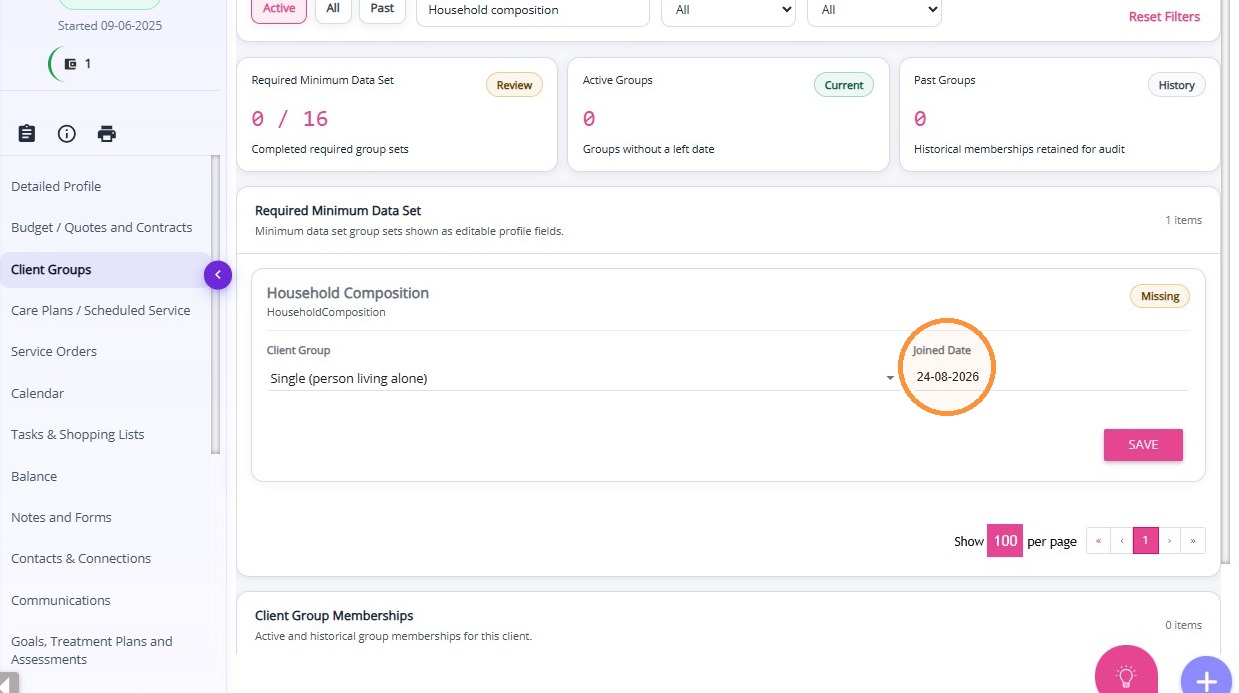
3. Select the relevant group. Example: Single (Person Living Alone)
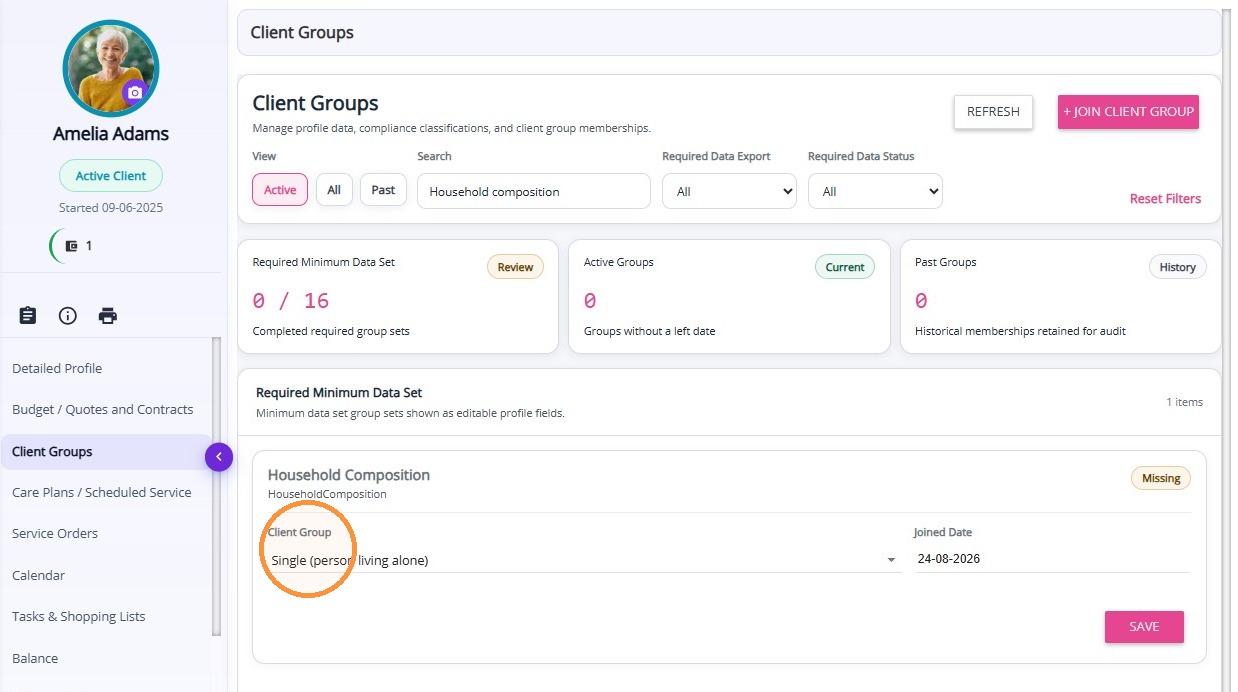
4. Enter the Joined Date.
5. Click Save.
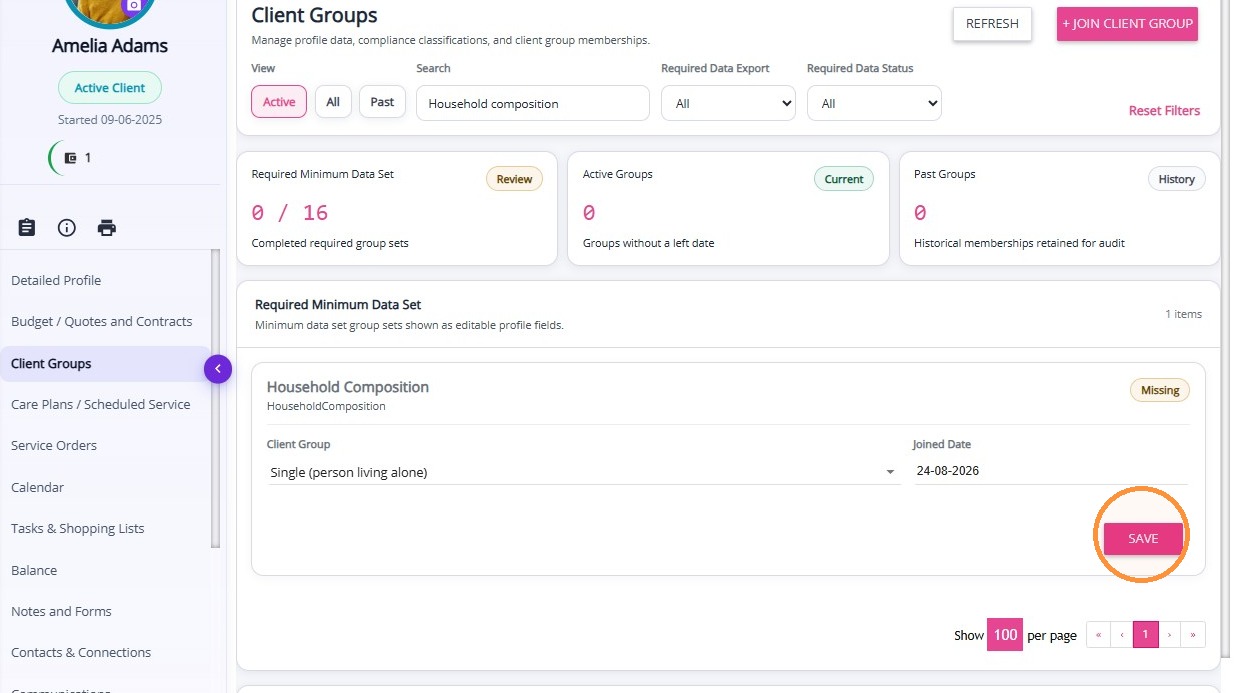
The Client Group will appear on the client profile.